 小影邮箱
小影邮箱邮件遮罩怎么做?Text Over a Photo
Key Takeaways
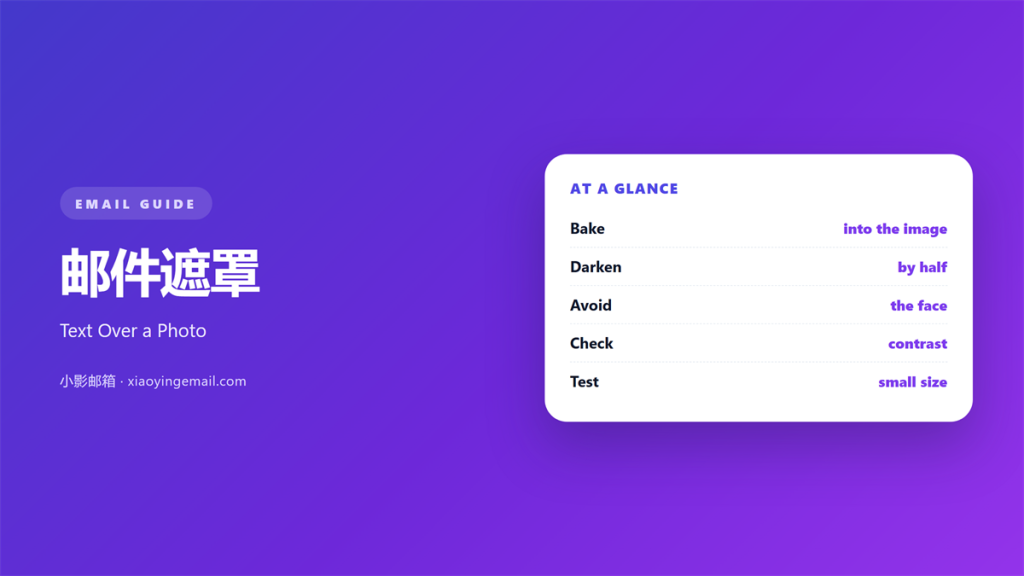
- 邮件遮罩 is a dark layer placed over a photo.
- Text sits on top of that layer.
- Bake the layer into the image file.
- Start at 50 percent black and check contrast.
- Keep the words away from faces.
What 邮件遮罩 means
邮件遮罩 is a dark layer placed over a photo.
Text sits on top of that layer.
The layer lowers the brightness of the image.
White text then holds its shape.
The overlay is part of the picture file.
It is not a CSS layer in the mail.
Most mail clients ignore those layers.
So the dark shape must be baked in.
That means editing the image before export.
A 50 percent black layer is a common start.
The text sits in the quietest part of the photo.
Nothing about it should look like a filter.
Why 邮件遮罩 matters
A photo carries its own light and detail.
Text on top has to fight all of it.
A 邮件遮罩 settles that fight before it starts.
It creates a known background for the words.
Then the type does not depend on the photo.
That matters on a bright phone screen.
It also matters in a dim room.
Contrast that works at noon may fail at night.
A fixed layer narrows that range.
It keeps a series of covers looking related.
The result is a cover that reads in one glance.
A quiet layer
The best overlay is barely noticed.
Readers see a photo with text on it.
They do not see a grey rectangle.
A visible edge means the layer is too strong.
When 邮件遮罩 helps
It helps when the photo has a busy middle.
A crowd or a street needs help.
It helps when the text is white.
White needs a darker field behind it.
A 邮件遮罩 helps a short cover line.
Fewer words need less protection.
It helps when the headline is one short line.
It helps when the same layout repeats monthly.
One recipe keeps the series consistent.
When a photo is already dark
A dark photo may need no layer at all.
Check the contrast before adding one.
Extra darkness turns the image to mud.
Let the photo do the work.
When 邮件遮罩 hurts
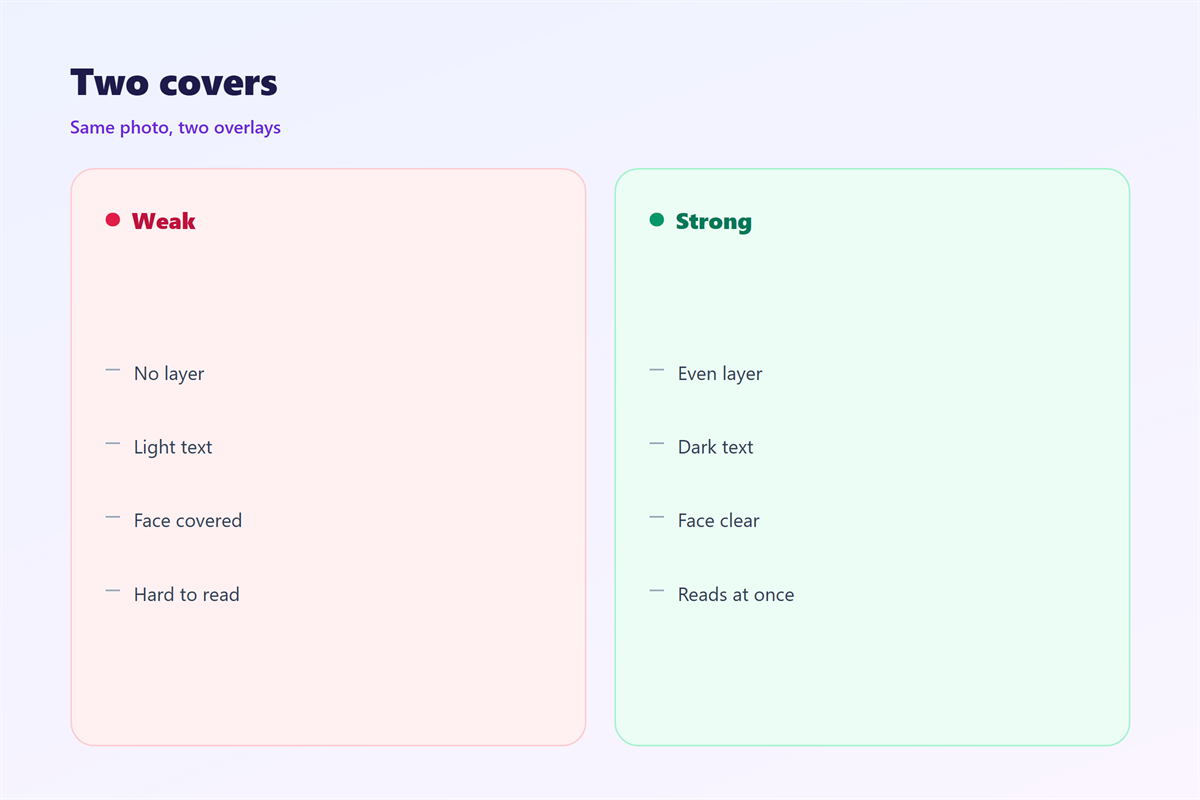
A 邮件遮罩 hurts when it covers the whole image.
Flat grey kills the reason for the photo.
It hurts when the layer is uneven.
A bright corner next to dark text fails.
It hurts when the text crosses a face.
Eyes and mouths are where readers look first.
A word over an eye ruins both.
It hurts when the layer sits at 20 percent.
That is not enough for white type.
It hurts when the text is small and thin.
A thin stroke disappears into the photo.
A layer that hides the product defeats the send.
邮件遮罩 and contrast
A 邮件遮罩 is a contrast tool.
Contrast is the difference between text and background.
Aim for a clear gap, not a subtle one.
White on 50 percent black usually passes.
White on a pale sky does not.
Test the worst pixel under the text.
That pixel sets the real contrast.
A gradient layer can fix one bright corner.
Then the rest of the photo stays visible.
Measure it, do not guess
Sample the background colour under the text.
Compare it with the text colour.
A checker tool gives a number.
Dark grey text on grey is the weakest pair.
Aim well above the minimum ratio.
Then the cover survives a poor screen.
How to build 邮件遮罩
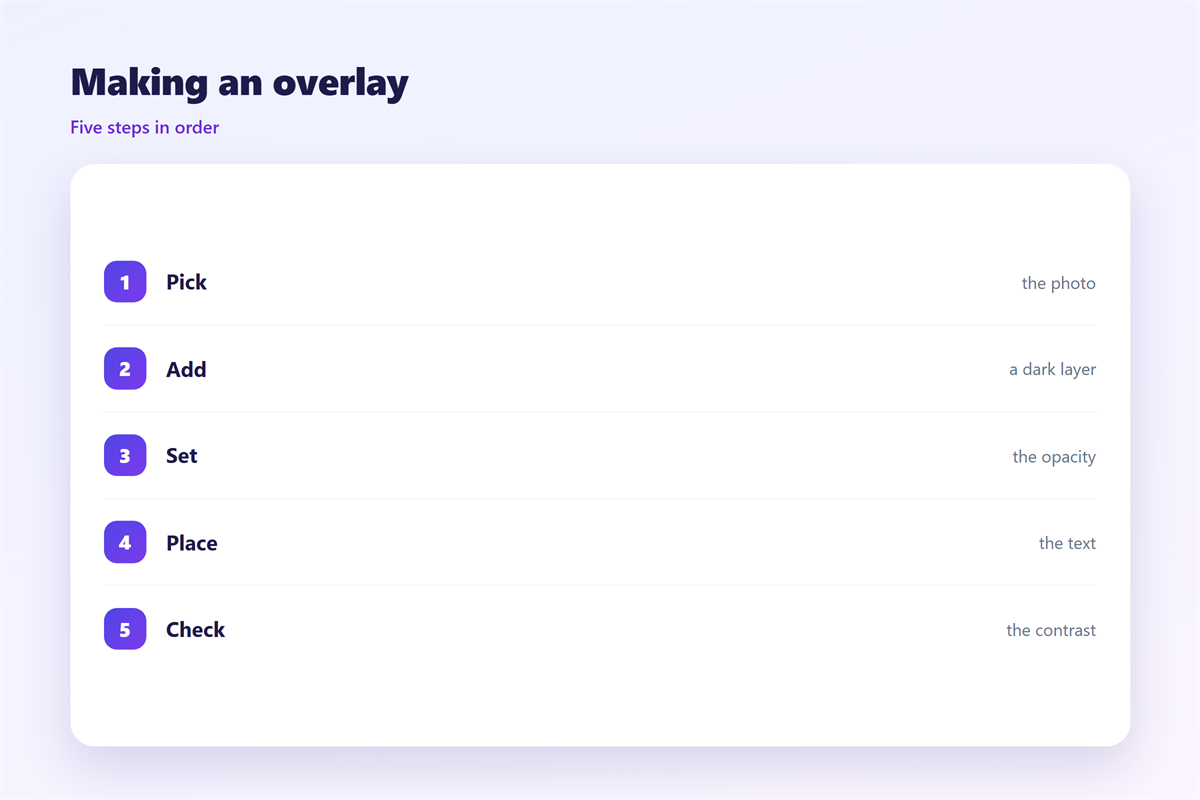
Choose the photo for the space it leaves.
Pick the area where text will sit.
That area should be calm and empty.
Add a black layer at 50 percent.
Set the layer to cover the text area only.
Feather the edge so it does not show.
Place the text inside the layer.
Export the image at the column width.
Keep a layered working file for each cover.
Check the file size before you upload.
Bake it into the file
Do not rely on a CSS overlay.
Outlook and others will drop it.
The text would land on the raw photo.
Build the layer in the image editor instead.
Then every client shows the same picture.
The next cover then takes minutes, not hours.
The alt text still describes the photo.
邮件遮罩 on a phone
A cover is often the first thing seen on a phone.
The crop changes with the screen width.
A layer sized for desktop may miss the text.
Build the image at the phone crop first.
Keep the text inside the central area.
Then a wider screen only adds photo.
A 邮件遮罩 that follows the text still works.
Check the crop at 360 pixels wide.
Text near the top may sit under the subject line.
Long cover lines will wrap there.
Shorten the line before you strengthen the layer.
Faces and crops
A face near the edge will be cut.
Keep faces in the middle third.
Then the phone crop keeps them whole.
Test the actual crop, not a guess.
Keeping 邮件遮罩 honest
An overlay should not hide the product.
If the photo sells something, keep it visible.
A dark layer over the whole frame is a waste.
Background photos have their own rules in 邮件背景图.
The first image is covered in 邮件封面.
Contrast measurement is explained in 邮件对比度.
Reading comfort is discussed in 邮件可读性.
Keep one overlay recipe for the campaign.
Write the percentage next to the template.
Then a 邮件遮罩 never becomes an excuse for weak type.
FAQ
What percentage should a 邮件遮罩 use?
Start at 50 percent black and check the contrast.
Can I add the overlay with CSS?
No. Most mail clients ignore it, so bake it in.
Where should the text sit?
In the calmest area, away from faces and bright edges.
Does a dark photo need an overlay?
Usually not. Test the contrast before adding one.
评论
还没有评论,来说两句吧。
评论功能已关闭。