 小影邮箱
小影邮箱邮件圆图怎么裁?Round Images That Fit
Key Takeaways
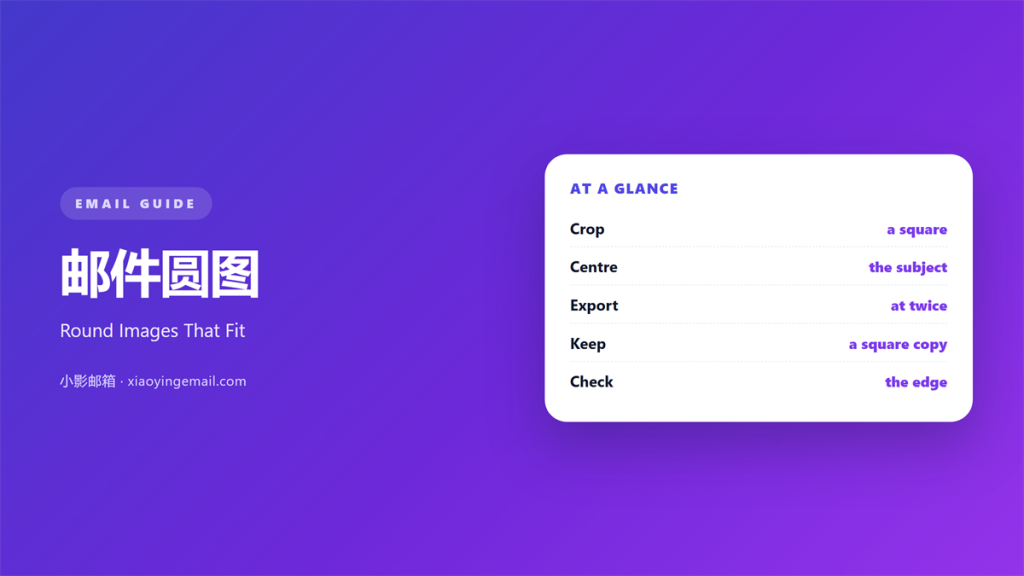
- 邮件圆图 is a square image cropped into a circle.
- Centre the subject before you crop.
- Export at twice the display size.
- Keep a square version for old clients.
- A circle is not the same as a rounded corner.
What 邮件圆图 means
邮件圆图 is a square image cropped into a circle.
The file itself is still a square.
The corners hold transparency or the page colour.
That is how the circle appears.
Most avatars and small logos use this shape.
The crop starts with a square frame.
Then a circle mask trims the four corners.
The subject has to sit in the middle.
An off-centre subject loses an ear or a letter.
A circle leaves less room than a square.
That makes the crop a decision, not a step.
The circle is a shape, not a border.
Keep the face or symbol large inside the circle.
Why 邮件圆图 matters
A circle looks like a person.
Mail apps use round avatars everywhere.
A 邮件圆图 borrows that familiarity.
Readers trust a face more than a logo.
A round logo also feels friendly.
The shape separates a sender from a wall of text.
It gives the eye a starting point.
That point is usually near the top.
It tells the reader who is speaking.
A face is harder to ignore than a line of type.
Circles also survive scaling well.
A circle at 40 pixels still reads as a circle.
Smaller than it looks
A circle hides about a fifth of a square.
The corners are simply gone.
So the subject must fill the middle.
A wide logo will lose its ends.
When 邮件圆图 helps
It helps when the mail comes from a person.
A founder’s face works well.
It helps beside a signature.
The avatar and the name belong together.
A 邮件圆图 helps a small logo look softer.
A round mark fits a friendly brand.
It helps in a testimonial block.
A round portrait reads faster than a square one.
It helps in a reply to a customer.
The same face builds a small habit.
Where the shape fits
Use it at 40 to 80 pixels.
Larger circles dominate a column.
Keep one circle per block.
Two circles side by side invite comparison.
When 邮件圆图 hurts
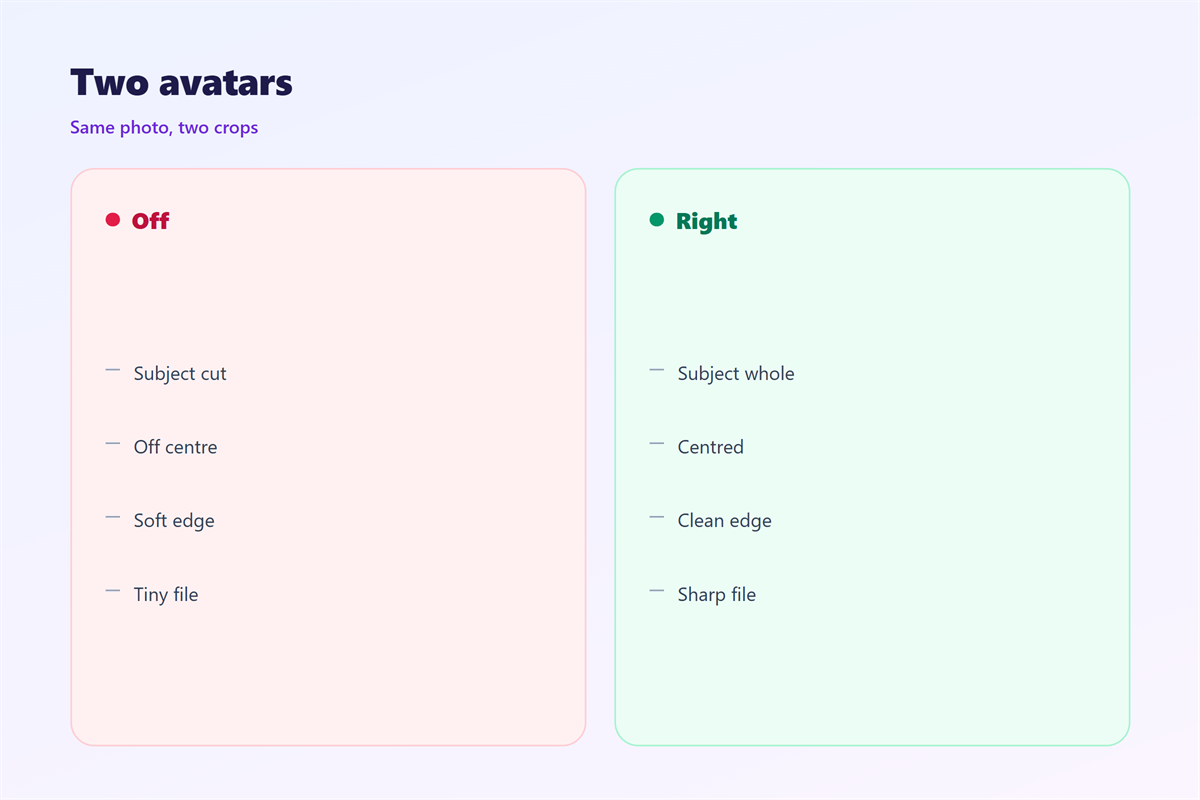
A 邮件圆图 hurts when the subject is off-centre.
A cropped chin looks like a mistake.
It hurts when the logo is wordy.
A wide wordmark cannot fit a circle.
It hurts when the circle is stretched.
An oval reads as a broken file.
It hurts when the image is low resolution.
A blurry circle looks worse than no image.
It hurts when every sender uses one.
A wall of circles has no focal point.
It hurts when the crop cuts the eyes.
Eyes carry most of a portrait.
邮件圆图 and rounded corners
A 邮件圆图 and a rounded block are different tools.
The circle is a crop of the image itself.
The rounded block is a frame around content.
A photo in a rounded frame keeps its corners.
Only the outer edge is softened.
A circle removes the corners entirely.
That difference matters at small sizes.
A circle reads as an identity mark.
A rounded block reads as a container.
A circle can also hold an initial.
One letter is enough for a small mark.
Pick one language
Use circles for people and marks.
Use rounded blocks for cards and panels.
Mixing both in one block looks noisy.
Keep the radius consistent across blocks.
Readers notice the mix before they name it.
Then the shape language feels deliberate.
How to crop 邮件圆图
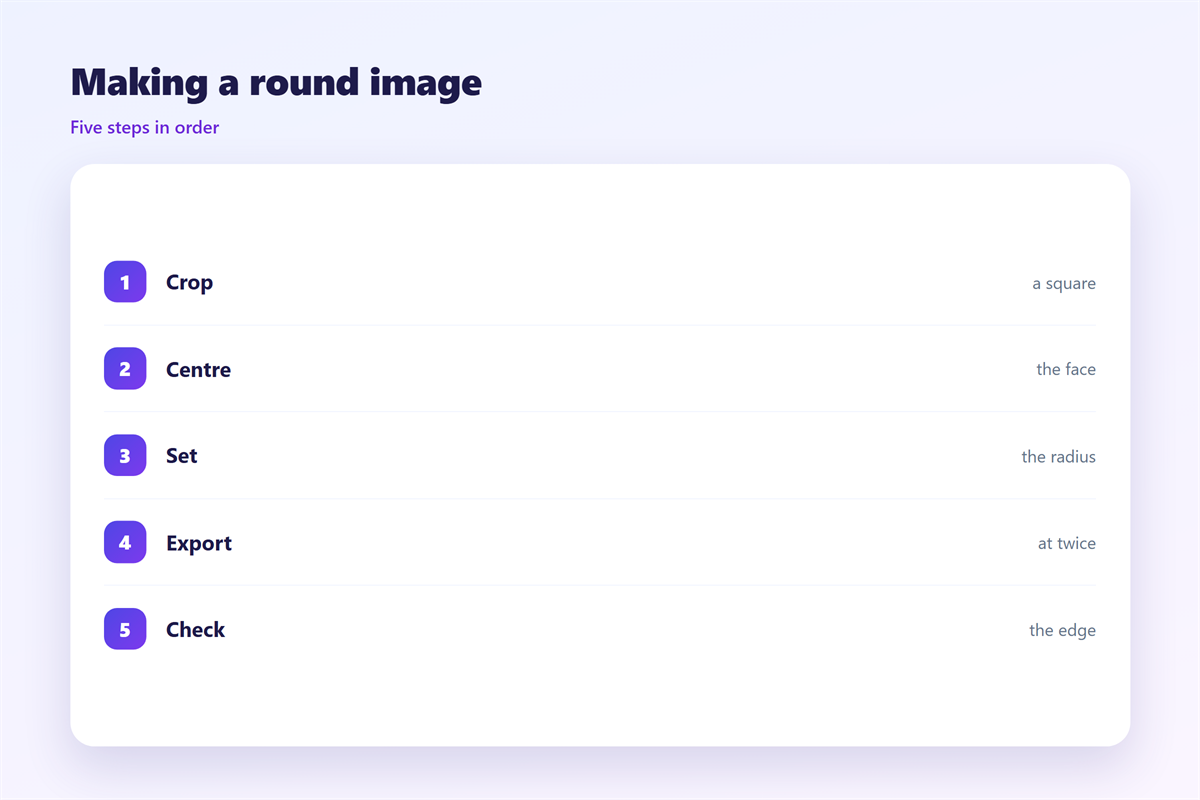
Start with a square crop of the photo.
Move the face to the centre.
Leave a little air above the head.
Then apply the circle mask.
Export at twice the display size.
A 40 pixel avatar exports at 80 pixels.
Keep the background simple.
A plain backdrop makes the circle clean.
Save as PNG if you need transparency.
Keep the original file somewhere safe.
You will need it for the next size.
Then check the file at the real size.
The square fallback
Some old clients show only a square.
So the square crop must work alone.
Keep the subject centred in that square.
Then the fallback still looks right.
The same photo can serve every block.
Never rely on the circle alone.
邮件圆图 on a phone
A circle gets smaller on a phone.
A 40 pixel avatar becomes 30 pixels.
Fine detail disappears at that size.
Use a tight crop with one clear subject.
A face should fill most of the circle.
A logo needs thick strokes.
Test with the mail’s own font size.
Thin lines vanish on a small screen.
Keep the circle away from the text edge.
A little space protects the shape.
A larger circle is not the answer.
Then check it on a real handset.
The fallback again
The square version appears when images fail.
Its alt text carries the name.
Write the name, not the file name.
Then the fallback still identifies the sender.
Keeping 邮件圆图 honest
A round crop should not flatter a fake face.
Use a real photo of a real person.
A stock portrait misleads the reader.
Avatar guidance lives in 邮箱头像.
File sizes are covered in 邮件图片尺寸.
The first image rules sit in 邮件封面.
Corner choices appear in 邮件圆角.
Ask each sender for a fresh photo.
Then keep one crop for the whole list.
Then a 邮件圆图 stays a portrait, not a badge.
A consistent avatar is a small signature.
FAQ
How large should a 邮件圆图 be?
Display it at 40 to 80 pixels and export at double.
Can I just round the corners instead?
No. A circle removes the corners; a radius only softens them.
What if the logo is wide?
Use the square version or a compact mark instead.
Why does my circle look oval?
The image was stretched. Crop a square first.
评论
还没有评论,来说两句吧。
评论功能已关闭。