 小影邮箱
小影邮箱邮件TLS 是什么?Encrypt the Whole Trip
Key Takeaways
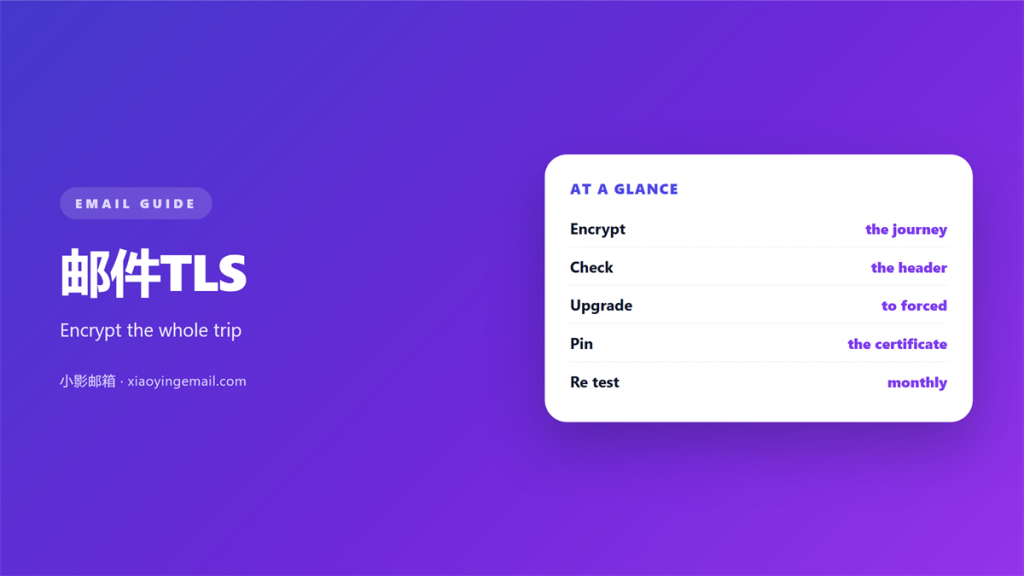
- 邮件TLS encrypts mail while it moves between two servers.
- It does not protect a message once a server stores it.
- Most large providers now enable it by default.
- A published policy blocks a silent downgrade attack.
- You can confirm it by reading the message headers.
What 邮件TLS means
邮件TLS is the encryption that guards a message while it travels.
It protects the link between one mail server and the next. The letters stand for Transport Layer Security. The software scrambles the traffic, so a stranger on the wire cannot read it.
That shield opens when a server starts a link. It closes when the link ends. The stored copy on each side sits outside this shield.
So 邮件TLS hides the trip, not the inbox. This is the one idea most people miss.
A message may cross several servers before it lands. Every hop needs its own protected link. One weak hop leaves the whole path exposed.
That is why big providers push for encryption on every step. A single clear gap is enough to read the mail.
Why 邮件TLS matters
Mail crosses networks you do not control. Without encryption, each hop is a chance to read or change it.
邮件TLS removes the easiest kind of snooping. It stops a passive reader who copies traffic on a shared network.
It also hides the body and the files. The subject line and the content stay private on the wire.
A published 邮件TLS policy tells senders what you expect. That small file does a lot of quiet work.
Regulators and clients now treat it as a baseline. A missing link can raise a flag in an audit.
What 邮件TLS does not cover
It does not encrypt mail at rest. Once a server stores the message, the link is gone.
It does not protect the inbox from the account owner. Anyone who signs in can still read everything.
It does not replace end to end encryption. Only the keys held by the sender and the reader can do that.
A clear view of these limits keeps your claims honest.
How 邮件TLS works in practice
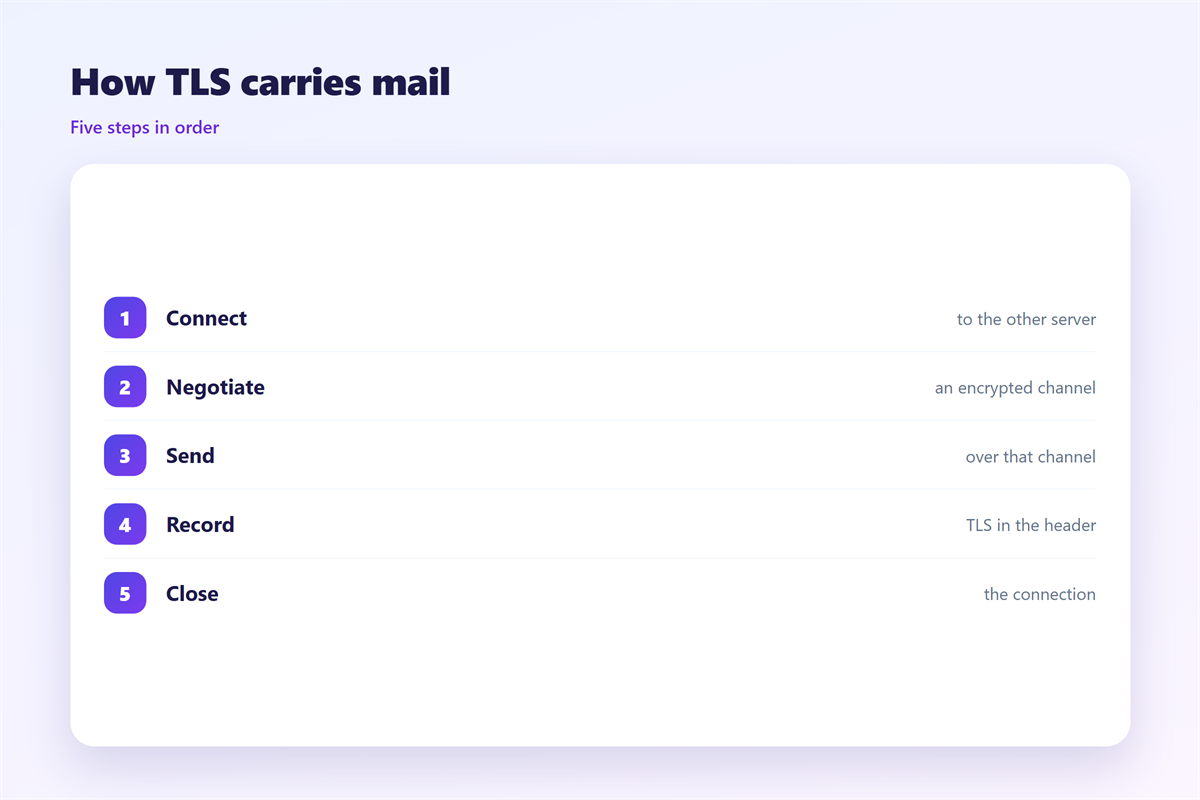
A sending server offers to start a secure session. The receiving server answers with its certificate.
Both sides then agree on a shared key. From that moment the words on the wire are unreadable.
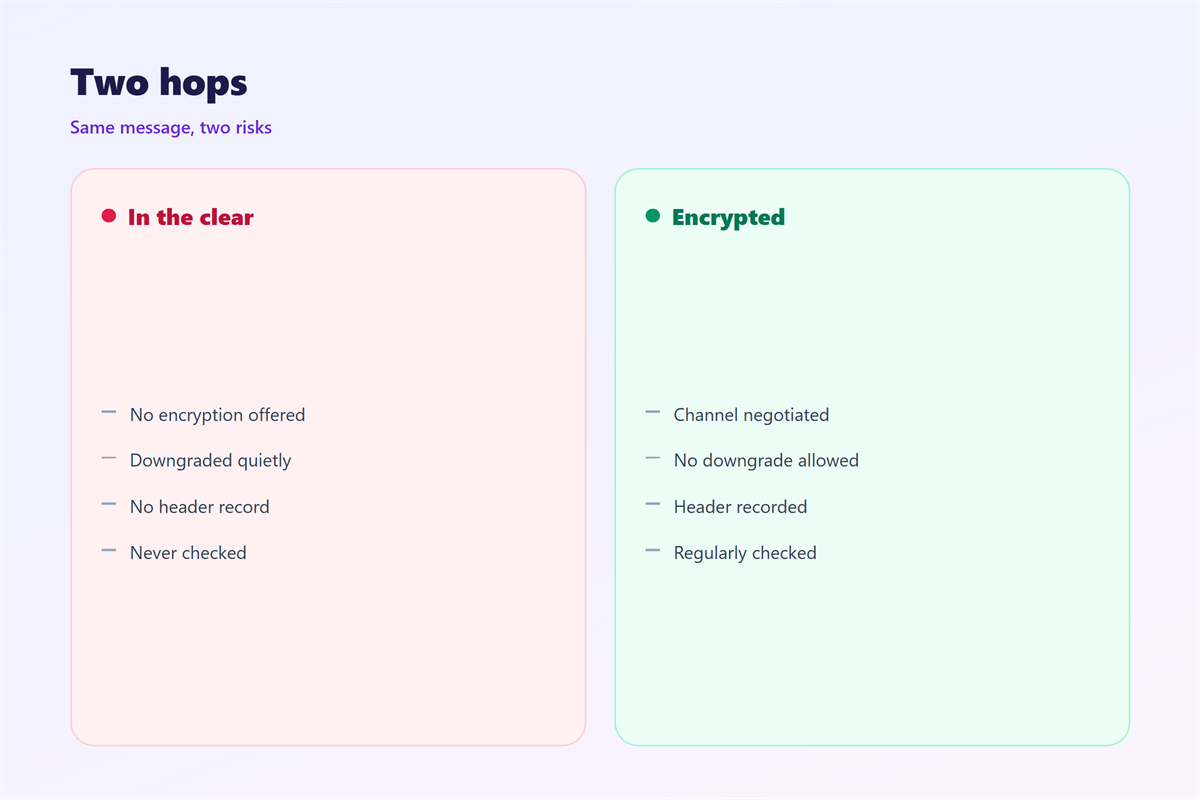
Two habits weaken this handshake. One is a silent fall back to plain text.
The other is a certificate that nobody checks. Without a check, an attacker can stand in the middle.
Opportunistic mode encrypts when both sides agree. Strict mode refuses to send over a plain link.
Reading 邮件TLS in the headers
Delivered messages often carry a short note about the hop. Look for a line that names TLS and the cipher.
A version number tells you the strength of the link. Modern servers should not settle for the oldest versions.
Setting up 邮件TLS
Start with your own mail server. Turn on TLS on the ports that accept and send mail.
Then publish a policy that states you expect encryption. This record spells out your rules in a simple file.
Add strict transport records so senders know to refuse plain links. This step closes the silent fall back.
Renew certificates before they expire. An expired certificate can push mail into a slow queue.
Test the setup from an outside network. A local test often hides a blocked port.
Keep a copy of the policy file where a colleague can find it. A shared note saves a rushed search.
Common mistakes
The first mistake is assuming it is on. Many small servers still allow plain text.
The second is trusting a self signed certificate. It encrypts the link but proves nothing about the peer.
The third is forgetting old clients. One weak client can pull the whole session down.
Another mistake is ignoring the policy file. Without it, senders may still fall back.
Some teams test once and never again. A silent change months later can undo the work.
Finally, do not treat 邮件TLS as a full answer. It is one layer, and it does a narrow job well.
Checking and keeping it on
Review the headers of a few test messages each month. Note the cipher and the version.
Watch for a drop to plain text after an upgrade. A config change can undo a good setting.
Keep a short record of what you enabled and when. Future you will thank present you.
Ask your provider how they handle the relay hops. A clear answer is a good sign.
Treat 邮件TLS as a habit, not a one time task.
Set a reminder before each certificate expires. A quiet nudge prevents a loud outage.
For the wider picture, read 邮件加密 and 邮件端口. The rules for 邮件协议 matter too, and the clues sit in the 邮件头.
FAQ
Is 邮件TLS the same as end to end encryption?
No. It protects each link along the journey. End to end encryption protects the whole message instead.
Does 邮件TLS hide the subject line?
Yes, on the wire it does. Once stored, the subject sits in plain text on the server.
Can I force every sender to use it?
Only partly. A published policy asks them to. A strict record lets you refuse plain links.
How do I check if it is working?
Read the headers of a delivered message. Look for a TLS line and a modern cipher name.
评论
还没有评论,来说两句吧。
评论功能已关闭。