 小影邮箱
小影邮箱邮件接收失败怎么办?When Nothing Arrives
Key Takeaways
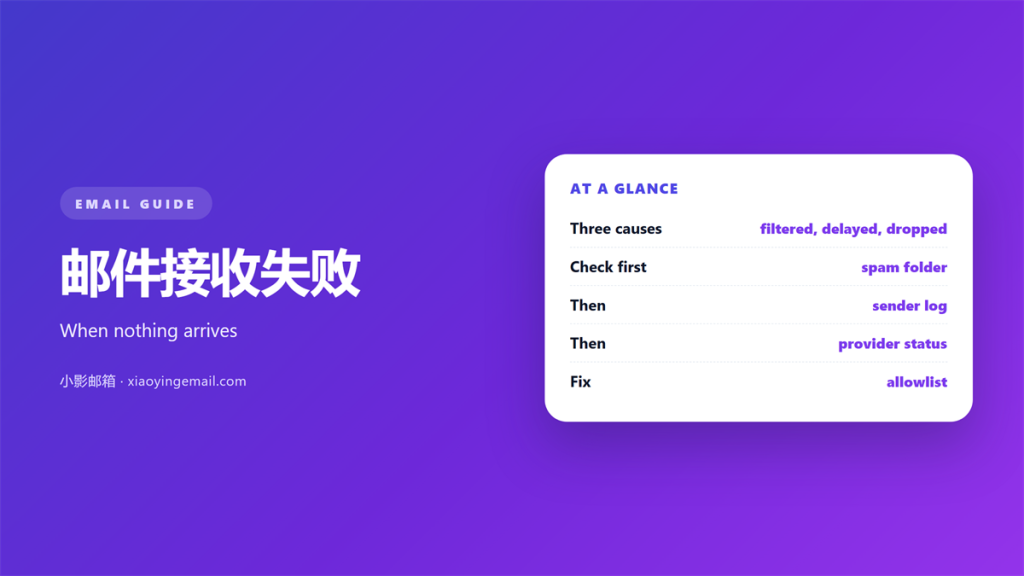
- 邮件接收失败 means a message that never reached your inbox for a reason you can still find.
- Most “missing” mail sits in a spam folder or a secondary tab, not gone forever.
- The sender’s bounce report names the exact stage where delivery stopped.
- Check your own filters and forwarding rules before you blame the network.
- Add important senders to a safe list now, so the next message gets through.
What 邮件接收失败 actually means
邮件接收失败 is the gap between a message being sent and a message being received. The sender presses send, the note leaves their server, and yet nothing appears in your inbox. However, “nothing” is rarely the whole story. The message was filtered, delayed or rejected, and each cause leaves a very different trace.
I spent two weeks chasing a missing invoice last year. Therefore, I learned to separate the three outcomes before doing anything else, because the fix for each one is completely different.
Notably, the 邮件接收失败 you experience may not be your fault at all. Nevertheless, you are the only person who can start looking, so the first move is usually yours.
How a message travels to your inbox
A message passes through several stages before it lands. The sender’s server looks up your domain, connects to the receiving server, and hands over the message. Then your provider decides whether to accept it, filter it or reject it. Consequently, the 邮件接收失败 can happen at any hop along that chain.
Each stage answers with a short status code. That code is the clue you need, and it is usually visible to the sender rather than to you.
Filters and spam folders
Most 邮件接收失败 cases end here. A filter scores the message, and a low score sends it to spam or a promotions tab. Check those folders first, because the message may be sitting one tab away from view.
Forwarding and routing rules
A stale forwarding rule can quietly redirect a thread into an account you no longer open. Furthermore, a filter that deletes instead of files removes the message without a trace, so review those rules early.
The sender’s bounce report
Ask the sender to read their bounce message. It states whether the receiving server rejected the mail, and it often names the reason. For instance, a full mailbox returns a very different code than a blocked domain.
Why 邮件接收失败 matters
A single missing message can cost a deadline. Contracts, invoices and interview invitations all arrive by email, and a silent failure leaves both sides guessing. Therefore, the 邮件接收失败 is worth ten minutes of careful checking.
Moreover, a pattern matters more than one event. One lost newsletter is noise. Three lost invoices from the same sender is a signal that something on your side is filtering them out. As a result, I now keep a short log of anything important that fails to arrive.
Six checks after 邮件接收失败
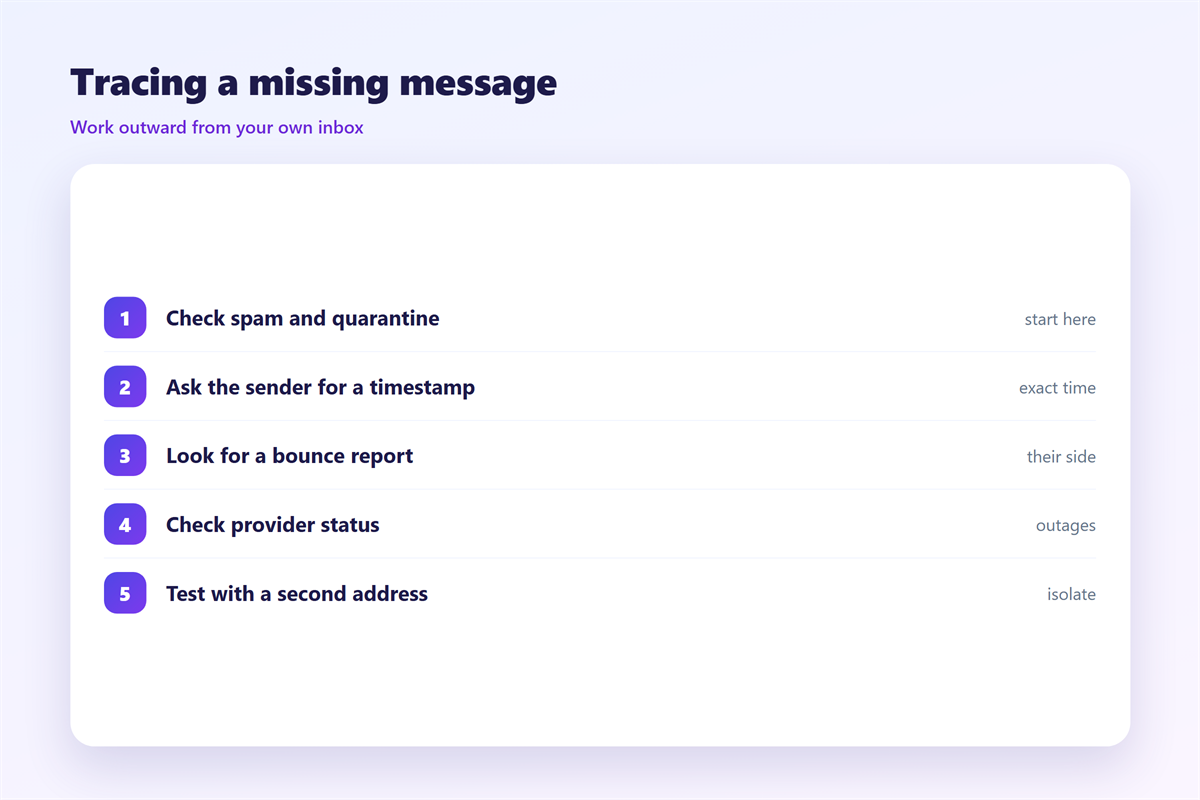
These six steps take about ten minutes and solve most cases.
- Search all folders, including spam, trash and any archive.
- Search by the sender’s address rather than by keyword.
- Review filters and forwarding rules for a silent delete.
- Ask the sender to forward the bounce report.
- Confirm they used the right address, with no typo.
- Test by sending a fresh message in both directions.
Where 邮件接收失败 happens
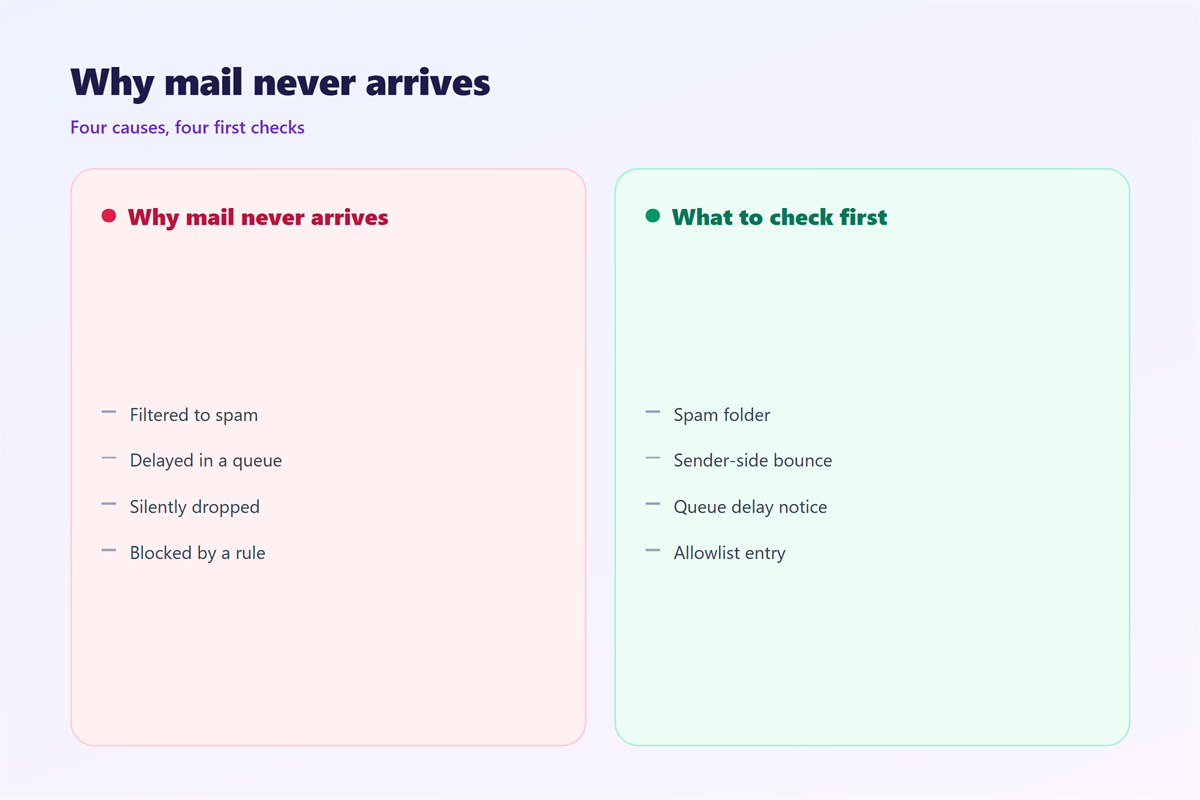
The fault usually sits in one of three places. The first is the receiving filter, which is the most common and the easiest to fix. The second is a routing rule on your own account.
The third is a hard rejection at the server, often caused by a full mailbox or a typo in the address. Consequently, the 邮件接收失败 can be permanent or temporary, and telling the two apart saves you a wasted afternoon.
On balance, start with your own account. It is the part you control, and it resolves more cases than people expect.
How to stop 邮件接收失败 next time
Prevention is mostly housekeeping. Add important senders to your contacts, and mark one of their messages as not spam. Therefore, future 邮件接收失败 for that sender becomes far less likely.
Also keep your mailbox under its storage limit. A full inbox rejects new mail with a clear code, and it is one of the few causes you can fix in a minute. Our guide to 邮件发送失败 covers the other side of the exchange, and 邮件退信 explains how to read the codes that come back.
The sender’s bounce report
A bounce report is the fastest clue you can get. It names the stage, the server and often the reason, so read it before you change any settings on your side.
If the mail arrived late rather than not at all, the cause is different. The note on 邮件延迟 covers slow delivery, and 邮件队列 explains where a message waits in the meantime.
FAQ
What causes most 邮件接收失败 cases?
Over-aggressive filtering. A message that trips a spam score lands in junk or a promotions tab, and the sender never learns that it happened.
Is 邮件接收失败 always permanent?
No. A full mailbox or a temporary server error usually clears within hours. A rejection for a blocked domain, however, tends to be permanent.
Can my provider restore a deleted message?
Sometimes. Most providers keep a trash folder for thirty days. After that, recovery depends on backups you may not control.
How do I whitelist a sender?
Add the address to your contacts and mark one of their messages as not spam. That single action teaches the filter to trust them.
References
- IETF RFC 5321: Simple Mail Transfer Protocol
- IETF RFC 3464: Delivery Status Notifications
- Wikipedia: Bounce message
评论
还没有评论,来说两句吧。
评论功能已关闭。