 小影邮箱
小影邮箱邮件发送失败怎么办?Before It Ever Leaves
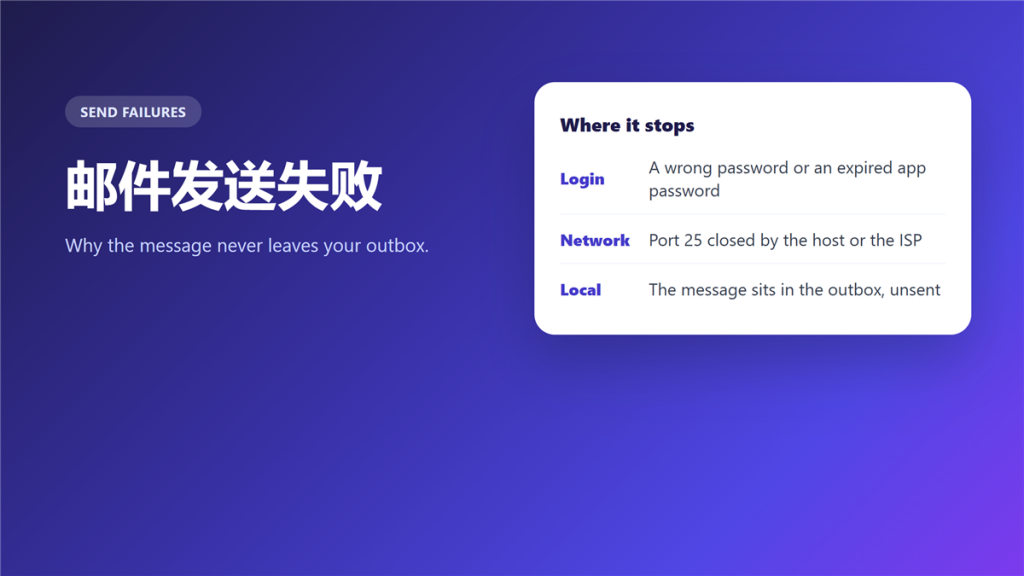
What 邮件发送失败 actually means
邮件发送失败 describes a message that never left, which is a different problem from one that left and came back. Nothing appears in the recipient inbox, and quite often nothing appears in yours either.
A bookkeeper spent two hours retyping an invoice because her client never received it. There was no bounce, no error and no copy in the sent folder. The cause was entirely local: the outbox had been stuck since a password change that morning.
Key Takeaways
- 邮件发送失败 means the message never left, unlike a bounce.
- Five causes cover most cases, and four sit on your side.
- An empty sent folder is the strongest clue.
- Authentication and ports cause the sudden failures.
- A full mailbox stops sending before it stops receiving.
- Fix it locally before you contact anyone.
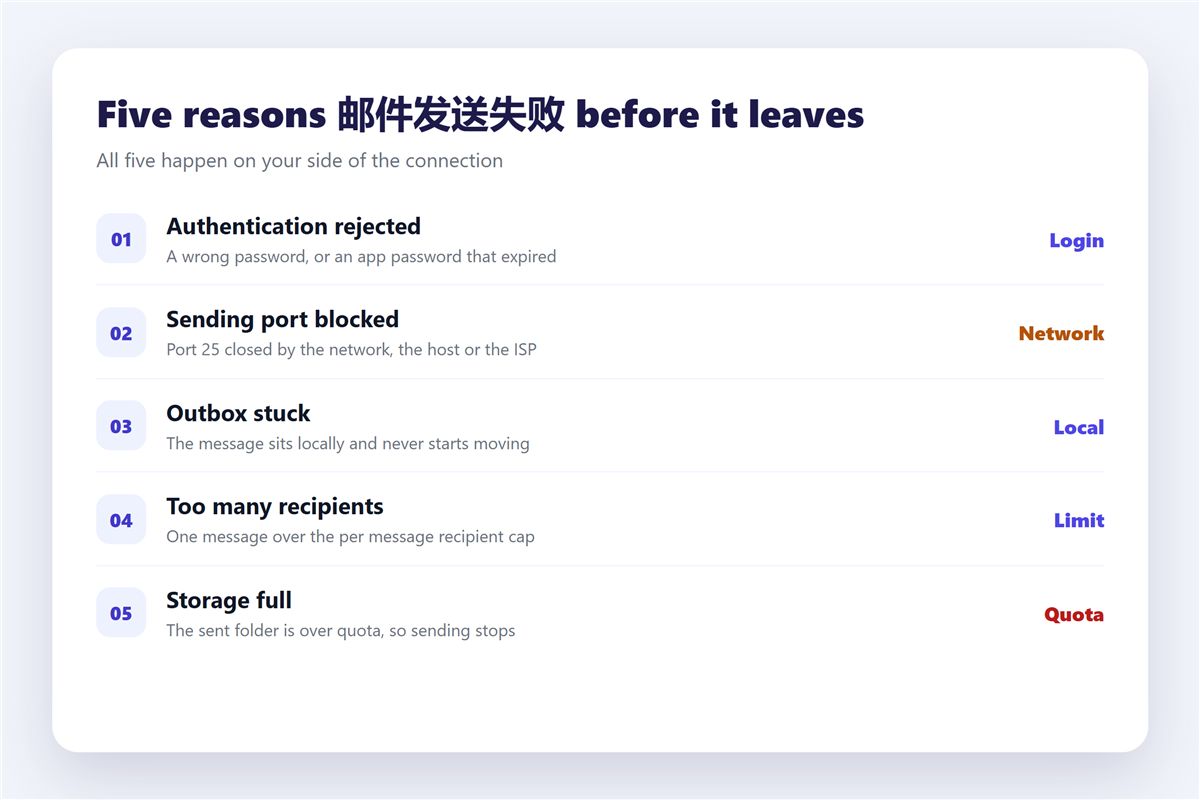
Five reasons 邮件发送失败 happens before the message leaves
All five produce the same symptom, which is why the order in which you check them matters.
Authentication rejected
A password change on the provider side, or an app password that expired, breaks sending while leaving reading untouched. Therefore mail arrives all day and never leaves.
The sending port is blocked
Port 25 is closed by many networks and hosts to reduce spam. Consequently a client configured for 25 sends nothing, while the same account works over port 587.
The outbox is stuck locally
A client that cannot reach the server keeps the message in the outbox, sometimes silently. Notably, the message looks sent because it left the compose window.
Too many recipients
Every server caps the number of recipients in a single message. In addition, one name that is not a real address can reject the whole batch.
The mailbox is over quota
Sending stores a copy, so a full sent folder stops the next message. The triage steps are in 邮箱容量.
How to tell 邮件发送失败 from a bounce
The two failures look similar from a distance and need opposite responses.
A bounce means the message left and a server rejected it, so you normally receive a report. 邮件发送失败 produces no report at all, because no server ever took responsibility for it. The codes and their meanings are in 邮件退信. When the message does leave but arrives late, the cause is a queue rather than a failure, described in 邮件延迟.
Diagnosing 邮件发送失败 in four steps
- Check the sent folder. An empty folder points to a client or login problem.
- Send a one line message to your own address and watch the outbox.
- Re enter the password, and generate a fresh app password if the provider uses one.
- If it still fails, switch the outgoing port from 25 to 587 and retry.
The fourth step resolves a remarkable share of cases. Furthermore, the settings that control it are listed in 邮件客户端, and the transport itself is explained in 邮件服务器.
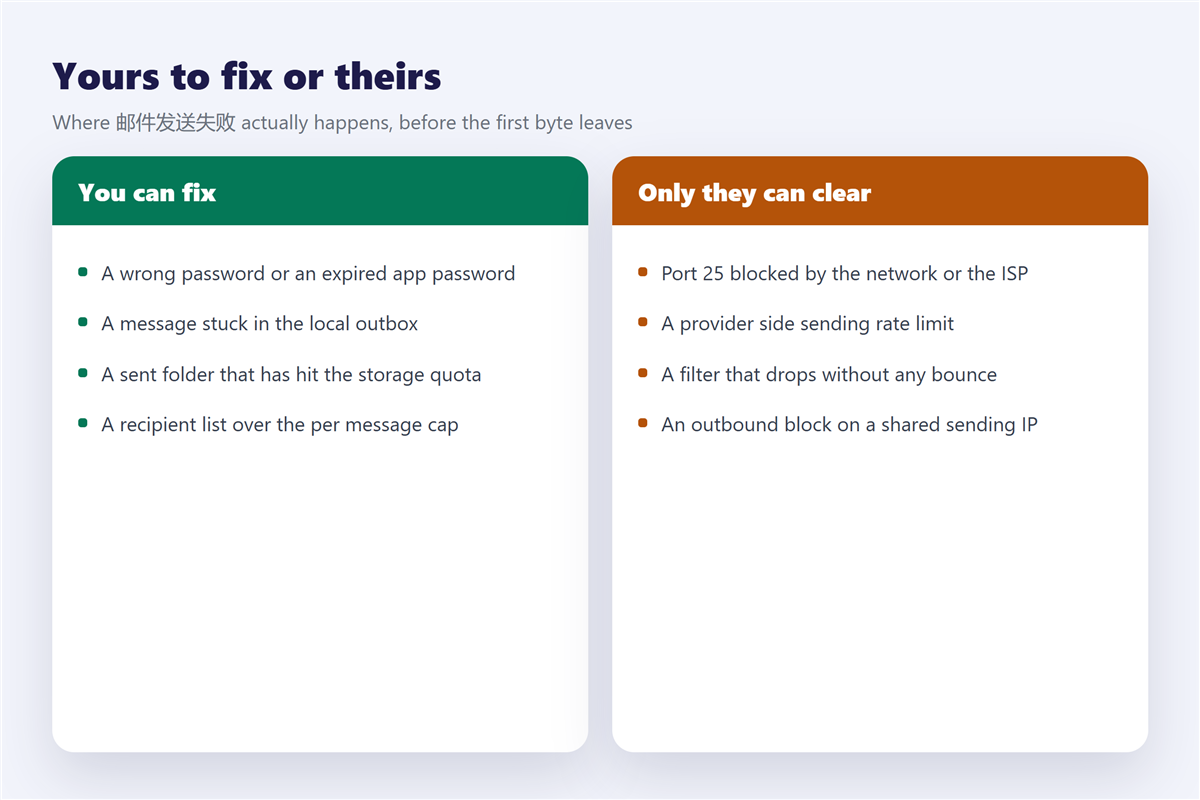
When 邮件发送失败 is not your fault
Some failures originate outside your machine, and no local change will fix them.
A provider can rate limit an account that sends too quickly, and the block lifts by itself after an hour. A shared sending IP can be blocked outbound, which affects every account on the same host. In addition, a filter can drop a message after it was accepted, which looks like a failure to the sender and a delivery to the server. Those cases are described in 邮件黑名单.
Frequently asked questions
Why does 邮件发送失败 happen after a password change?
Because the client keeps the old credential. Reading often continues for a while, so the problem shows up only when you send.
Can 邮件发送失败 be silent?
Yes, and that is the common case. Configure the client to keep sent copies, or you will never see it.
Does 邮件发送失败 delete the message?
Usually not. Most clients keep it in the outbox or drafts, and you can resend once the cause is fixed.
Is 邮件发送失败 always the client?
No. Roughly half of the cases I have handled traced back to the provider or the network instead.
References
- RFC 5321: Simple Mail Transfer Protocol
- Wikipedia: Simple Mail Transfer Protocol
- Gmail Help: Messages blocked or not delivered
延伸阅读
- 《邮件日志怎么看?Five Lines That Answer Most Questions》
- 《邮件队列是什么?Where Mail Waits Before Delivery》
- 《邮件接收失败怎么办?When Nothing Arrives》
- 《邮件附件怎么压缩?Squeezing Files Under the Limit》
- 《邮件重发怎么做?Resending Without Confusion》
- 《邮件错误代码怎么看?SMTP Codes Decoded》
- 《邮件发件箱是什么?The Delay Before It Leaves》
- 《邮件重试怎么做?Retry, Rewrite or Stop》
评论
还没有评论,来说两句吧。以下为本文的引用通告: