 小影邮箱
小影邮箱邮件附件预览怎么用?Reading Before Downloading
Key Takeaways
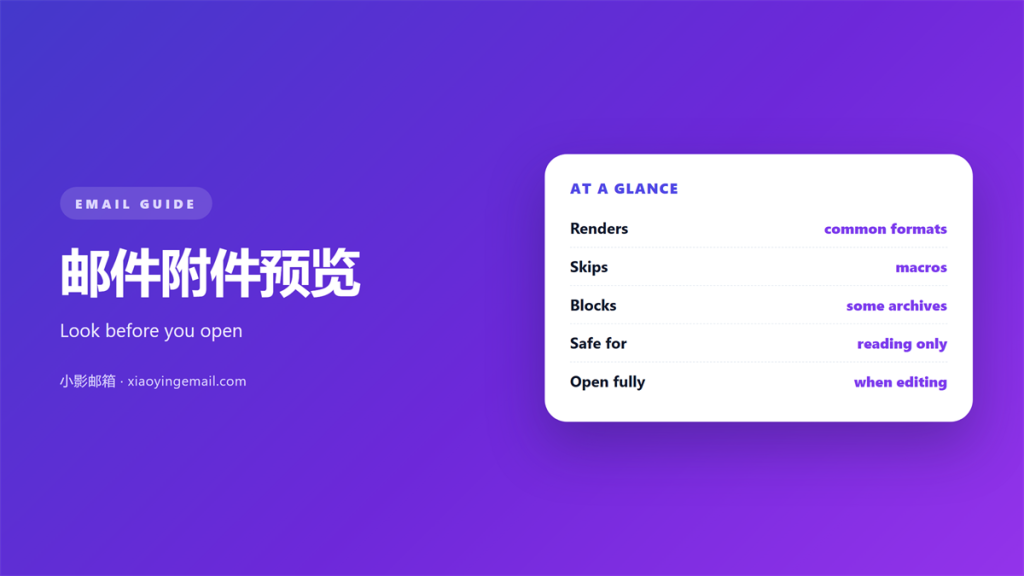
- A 邮件附件预览 shows a file without opening it fully.
- The preview is a copy, not the original file.
- Hidden pages and macros never appear in it.
- Use a 邮件附件预览 to triage, not to approve.
- Scan and check the sender before you download.
What 邮件附件预览 can and cannot show
A 邮件附件预览 is a small window into a file. The client draws a first page or a thumbnail. You see enough to decide whether to open it.
That is the whole promise. It saves a download. It also saves the wait for a heavy application to start.
A 邮件附件预览 is only a rendering. It is built from a converted copy. The original file stays untouched behind it.
That gap matters. A converted copy can differ from the original. It can lose a layer, a font or a warning.
Mobile clients lean on previews more than desktops. Screen space is small, and downloads are slower. The preview carries most of the first impression.
A preview is also quicker than a download on a poor link. It arrives with the message body. That speed is why people trust it too much.
Speed hides the cost. A preview feels free. It still spends bandwidth and a little trust.
How a preview is built
The work happens in one of two places. A local client may render the file on your device. A web client usually converts it on a server.
The server route is faster and more consistent. It also means your file leaves your machine for a moment. For sensitive work, that matters.
Neither route reads the file the way its own application would. A preview is a picture of a document, not the document.
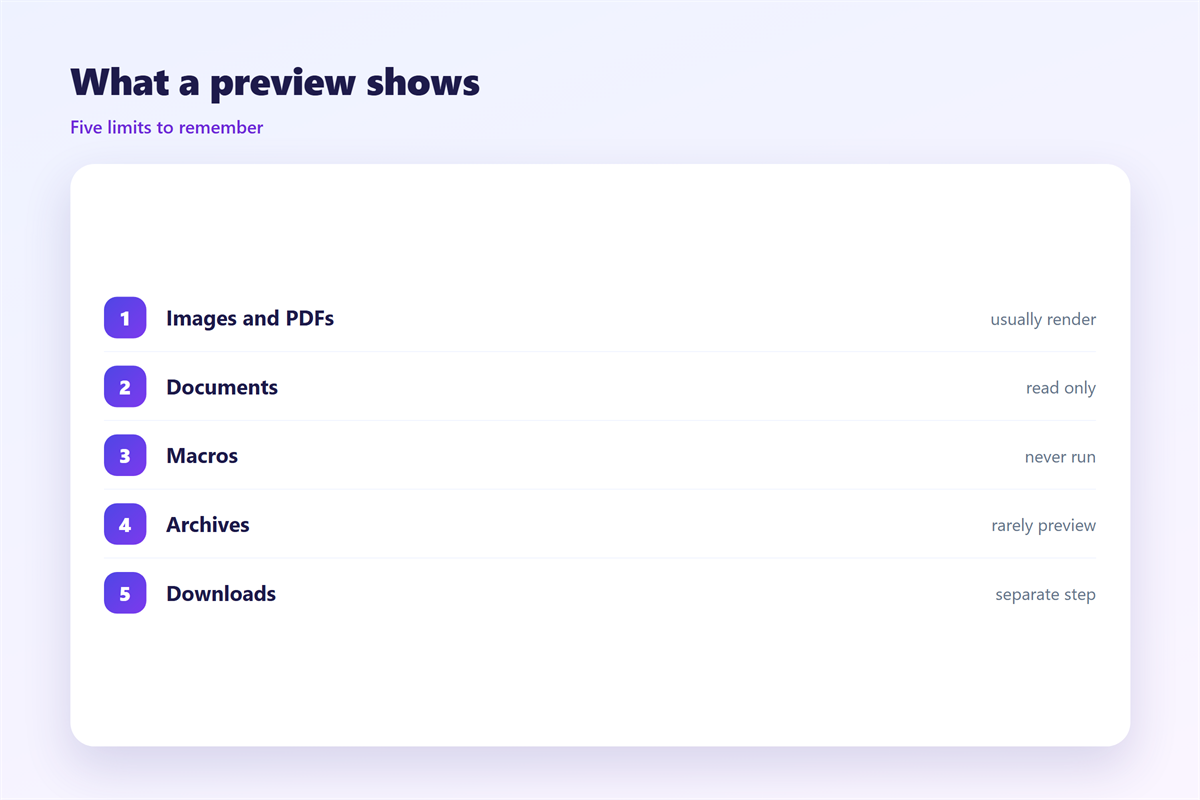
Some formats never preview at all. Archives, databases and raw data files usually show only an icon. That icon tells you nothing about the content.
Preview quality varies by client. Two people can see the same file differently. One sees a clear page. The other sees a blur.
Where 邮件附件预览 mislead you
Length is the first limit. Most previews stop after a page or two. A dangerous clause can sit on page nine.
Hidden content is the second. Macros, comments and hidden sheets rarely render. What you see is the safe surface.
Format is the third. An old file type may show a generic icon. A 邮件附件预览 can also fail on an encrypted file.
Links inside a document are the fourth. A preview may show the text. It usually hides where the link points.
None of this is a flaw. It is a limit. A 邮件附件预览 answers one question and ignores the rest.
Trust the sender, not the picture. A tidy preview proves only that a file rendered. It proves nothing about intent.
Timing is one more trap. A preview loads before the virus scan finishes. A fast click can beat a slow check.
A thumbnail is not a page. It shows the shape of a document, not its words. People still judge a file by it.
Using 邮件附件预览 safely
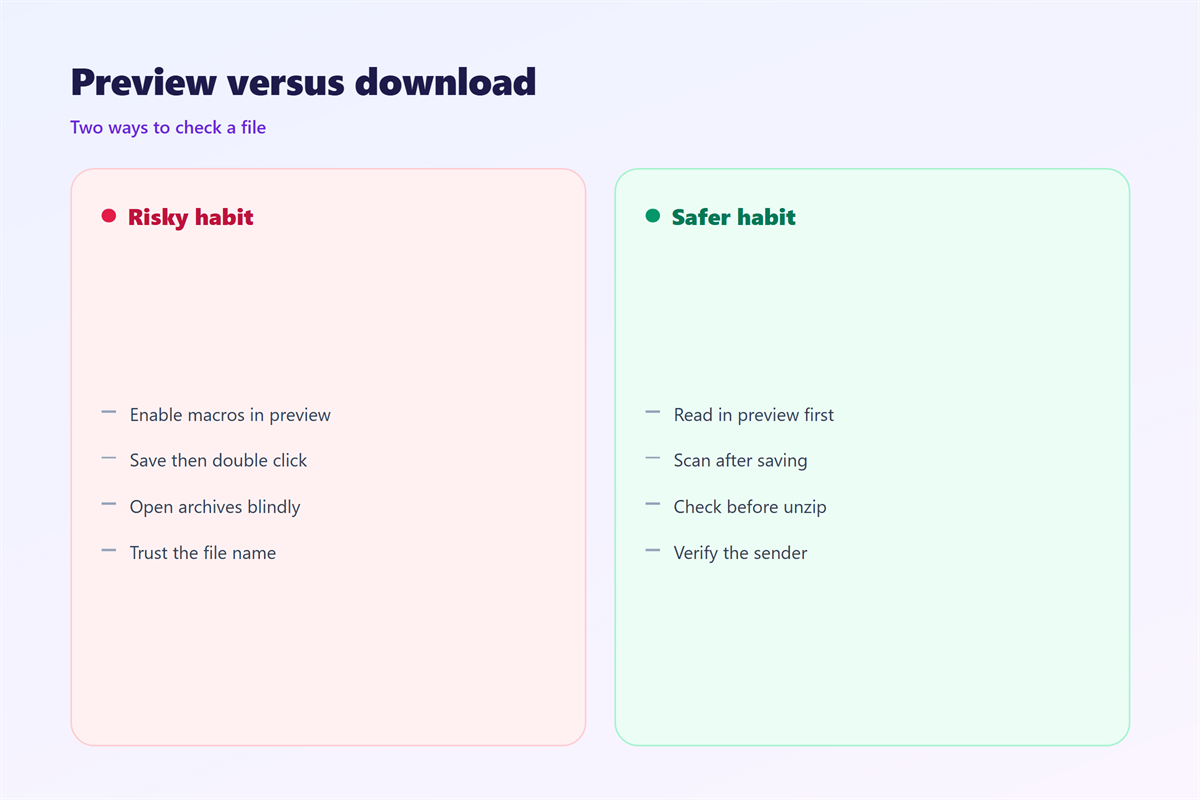
Treat the preview as a first filter. Look at the file name. Look at the sender. Then look at the preview.
Check the real extension. A name that ends in .exe is never safe. A double extension hides behind a fake icon.
Let the scanner run first. Most clients scan on arrival. A 邮件附件预览 does not replace that scan.
Open the file in a protected view. Most office tools offer one. It blocks macros until you allow them.
Keep a simple rule for strangers. If you did not expect the file, wait. Confirm it through another channel first.
Set a default viewer. Decide once which tool opens which format. Then you stop improvising under time pressure.
Teach the habit, do not assume it. New staff often open everything. A short briefing changes that pattern.
Keep the origin of every file in mind. A forwarded file loses its context. You may never learn who made it.
Remember the layout gap. A preview can reflow a document on a phone. The page numbers you see may not match the real file.
Testing your 邮件附件预览 habit
Preview three files this week. Notice what each one hides. Then decide if the habit still feels safe.
Check the sender address, not the display name. A friendly name can hide a strange domain.
Keep the files you trust in one folder. A 邮件附件预览 is faster when you already know the sender.
Review the habit once a quarter. New file types appear all the time. What worked last year may not fit today.
Log the near misses too. A file you almost opened is worth a note. Near misses teach faster than clean days.
A 邮件附件预览 also depends on the client. Our notes on 邮件客户端 explain the settings. The wider workflow lives with 邮件附件. When mail never arrives at all, see 邮件接收失败. The rules behind malware sit in 邮件扫描.
Write down what you learn. A short note beats a vague memory. Then share it with the team.
FAQ
Does 邮件附件预览 download the file?
Not always. A local preview may read a cached copy. A web preview often renders on the server. Either way, treat it as untrusted.
Can a preview show a virus?
Not in a visible way. Malware hides in code, not in the picture. The preview shows the surface only.
Why does a preview look blank?
The format may be unsupported. The file may be encrypted or damaged. Open it with the right tool instead.
Is 邮件附件预览 safer than opening?
Usually yes. It avoids running the file. It is not a substitute for a scan.
评论
还没有评论,来说两句吧。
评论功能已关闭。