 小影邮箱
小影邮箱邮件DKIM是什么?Signing Mail So It Travels
Key Takeaways
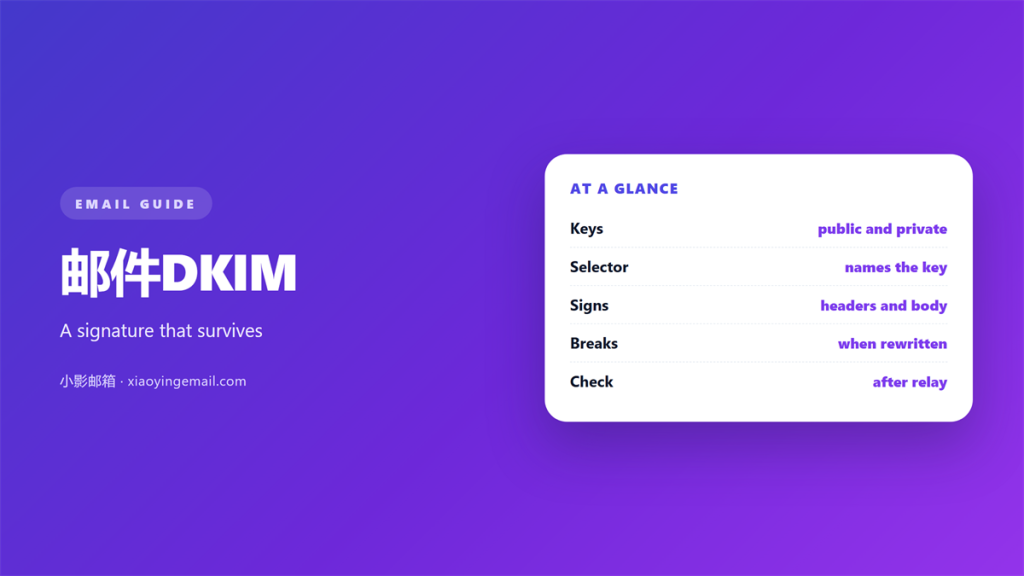
- 邮件DKIM signs a message with a private key.
- The matching public key lives in DNS.
- A valid signature proves the content did not change.
- Forwarding usually leaves the signature intact.
- A broken 邮件DKIM record often hides behind one typo.
What a 邮件DKIM signature proves
A 邮件DKIM signature proves a message came from the domain it claims. It also proves the signed parts did not change in transit. That is a narrow but valuable claim.
A 邮件DKIM signature is checked by the receiver, not the reader. The verification happens before the message reaches a folder.
The signature travels inside the message headers. A receiver can check it long after delivery. No shared secret is needed.
A reader rarely sees the signature. It is invisible in almost every mail client. The check happens quietly in the background.
DKIM does not encrypt anything. The message body still travels in clear text between servers. Encryption is a separate job.
What 邮件DKIM adds is integrity. A modified subject line breaks the signature. So does an injected link.
So 邮件DKIM protects the message itself, not the channel. That distinction explains most of its limits.
That is why the check matters for fraud. A forged invoice often needs edited content. A signature makes that edit visible.
How the 邮件DKIM keys work
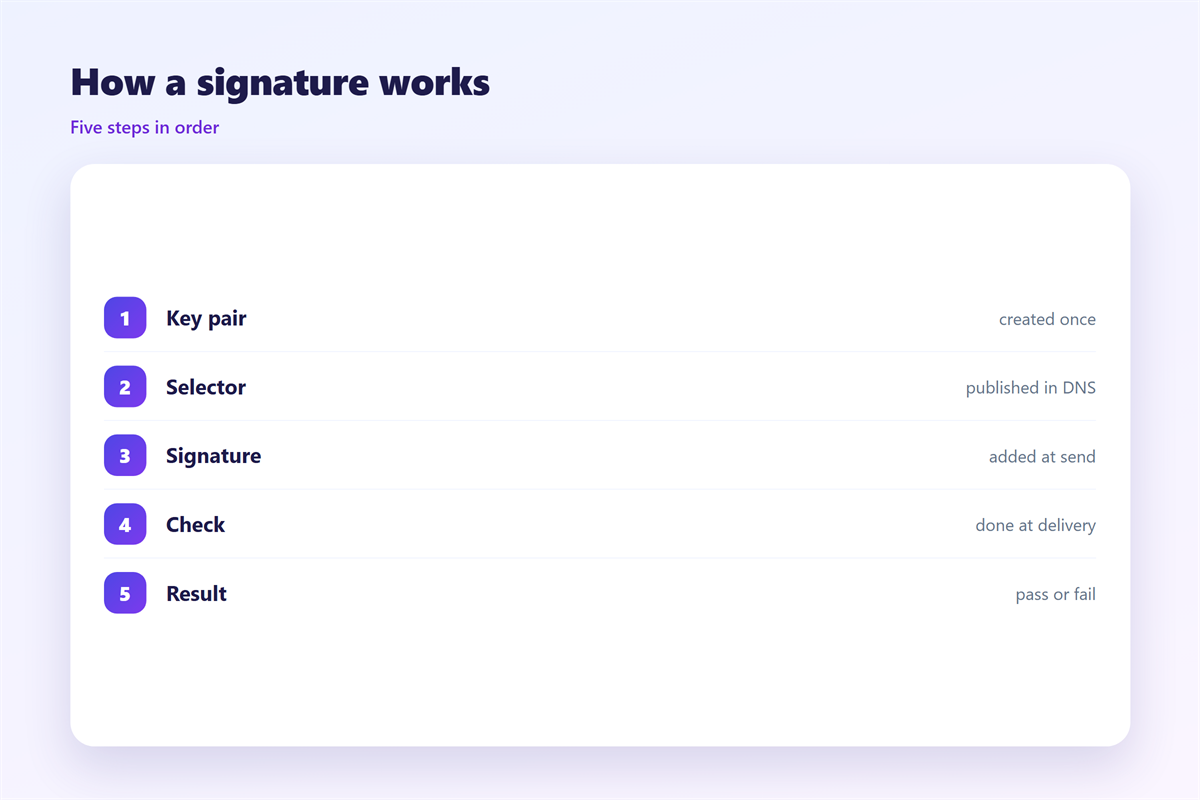
The sending server holds a private key. The domain publishes the matching public key. The pair is generated once and kept apart.
The server selects a set of headers to sign. It hashes those headers and the body. Then it signs the hash with the private key.
The 邮件DKIM process uses a hash first, then a signature. A receiver repeats the hash and compares the two.
The result is placed in a DKIM-Signature header. That header names a selector and a domain. The selector points to the right public key.
The receiver looks up that selector in DNS. It finds a TXT record with the public key. Then it verifies the signature.
If the hash matches, the check passes. If anything signed has changed, the check fails.
A receiver that trusts the 邮件DKIM record accepts the message. A failure sends it back for another look.
Rotate the keys on a schedule. A key that never changes is a long-lived risk.
Reading a DKIM result
One 邮件DKIM result is easy to misread, so read the header carefully.
A pass means the signature is valid and the domain aligns. The message is almost certainly unaltered.
A fail means the signature did not verify. Something was changed, or the keys do not match.
A neutral result means the message was signed but not tested. It carries little weight either way.
A temperror or permerror points to a DNS problem. The record may be missing or malformed.
Look at the Authentication-Results header for the verdict. It lists the domain and the selector that were tested.
The verdict name matters less than the domain beside it. That domain is the one that signed the message.
Common 邮件DKIM failures
Most failures come from a short list of causes.
The first is a mismatched key pair. The private key signs, and the public key must verify. Regenerate both if they drift.
The second is a broken selector. The DNS name must match the selector in the header.
The third is a missing 邮件DKIM record. A published public key is required for every selector in use.
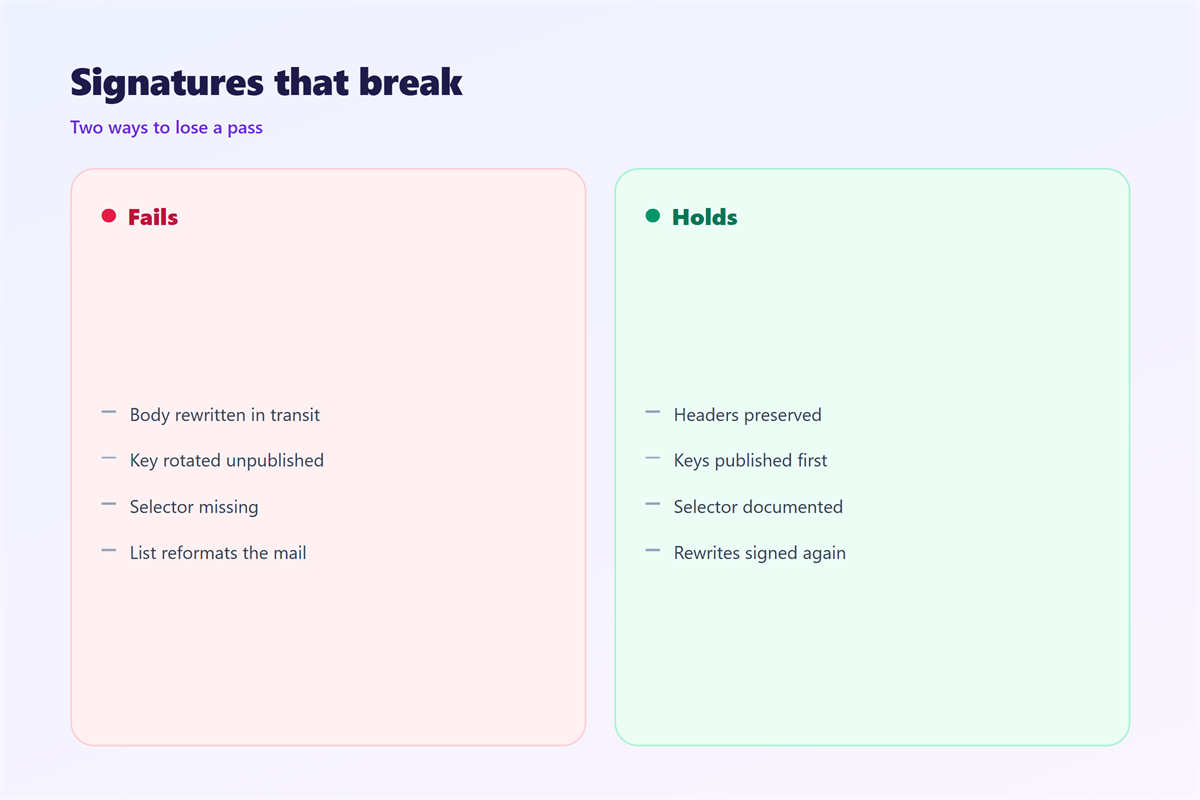
The fourth is a body change after signing. A gateway that rewrites a footer invalidates the hash.
The fifth is a DNS record that is too long. Some providers split long TXT values. A bad split breaks verification.
A 邮件DKIM failure is often a DNS problem, not an attack. Check the record before you blame a sender.
Some gateways add a footer to every outbound message. That append breaks the body hash. Check the gateway before you touch the keys.
Test with a real message, not a guess. Send to a mailbox you control and read the headers.
A broken setup is easier to fix when you follow the headers.
Start with the header, not the DNS panel.
Read the DKIM-Signature line in the received message. It names the domain and the selector used.
Then query that exact selector in DNS. The name looks like selector._domainkey.example.com.
If nothing comes back, the record is missing or mistyped. Publish it at the right name and type.
If the record exists, compare the public key with the private key on the server. They must be a matched pair.
Finally, resend a test message. Read the new header to confirm the fix.
DKIM beside SPF and DMARC
SPF checks the sending host. DKIM checks the message content. The two cover different failures.
Each one still has a gap. SPF breaks on forwarding, and DKIM depends on a stable body.
DMARC asks for alignment between an authenticated domain and the visible From domain. It also collects reports.
Run all three together. One record alone rarely survives a determined forgery.
A signature is also useful inside a company. It can flag mail that was altered by a mail rule.
Related reading starts with 邮件认证. Transport protection is covered under 邮件加密. Message-level signing with a personal identity belongs with 邮件证书, and the fraud patterns this blocks appear in 邮件诈骗.
FAQ
Does 邮件DKIM encrypt a message?
No. It signs the message to prove integrity. The body may still travel unencrypted between servers.
Can 邮件DKIM survive forwarding?
Sometimes. Minor header changes are tolerated. A rewritten body usually breaks the signature.
How long should a key last?
Rotate keys at least once a year. Shorter cycles help if a key may have leaked.
What if the selector is wrong?
The lookup returns nothing, and the check fails. Confirm the selector in the DKIM-Signature header.
References
- IETF RFC 6376: DomainKeys Identified Mail
- Google Workspace: Set up DKIM
- Microsoft 365: Configure DKIM
评论
还没有评论,来说两句吧。
评论功能已关闭。