 小影邮箱
小影邮箱邮件MX记录怎么看?Where Mail Is Delivered
Key Takeaways
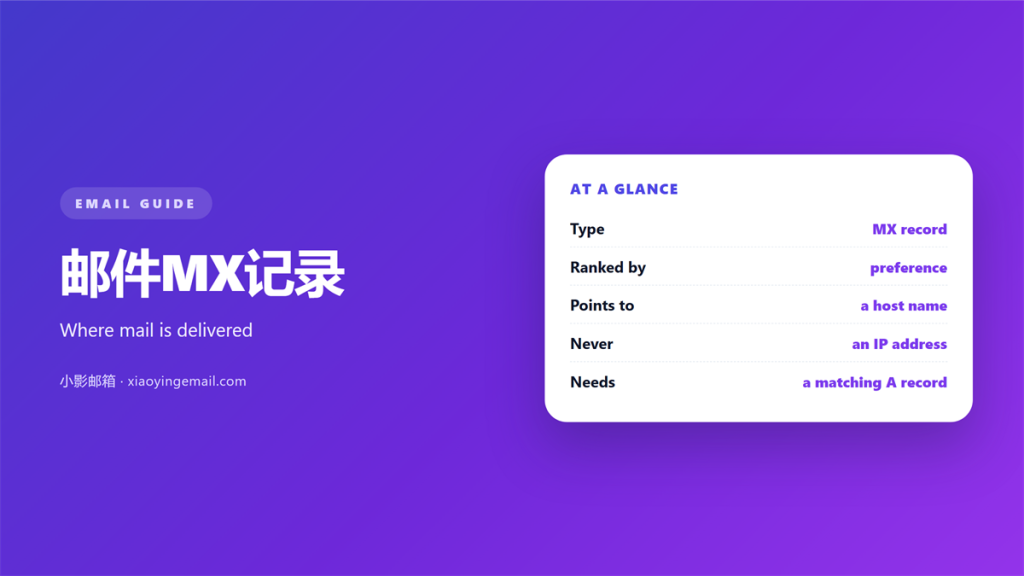
- A 邮件MX记录 points mail at a receiving server.
- Lower priority numbers are tried first.
- Every MX host needs a matching A record.
- A wrong 邮件MX记录 sends mail nowhere useful.
- Check the route before you blame the sender.
What a 邮件MX记录 points to
A 邮件MX记录 names the receiving server for a domain. When someone writes to you, the sender looks up that entry first.
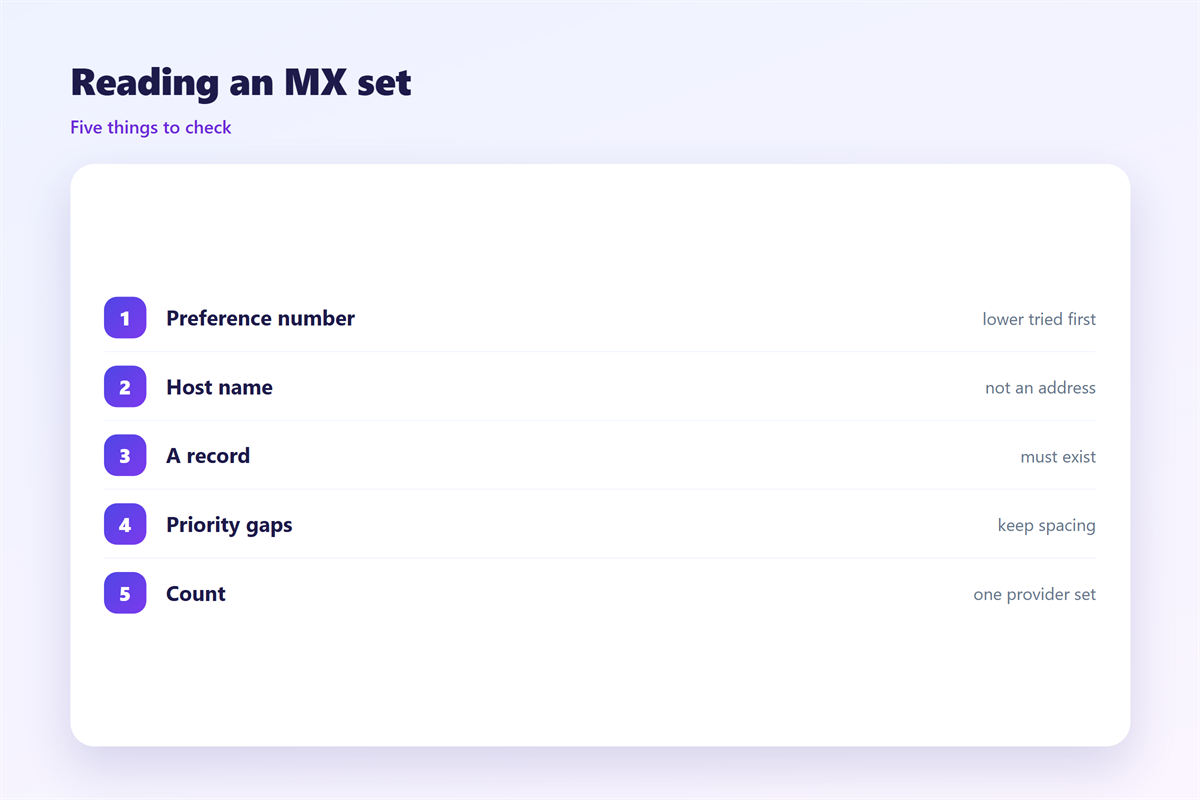
MX stands for mail exchanger. Each entry has a hostname and a priority. The hostname must resolve to an address.
An MX entry is typed as MX in DNS. It is not the same as the A record beside it.
A correct 邮件MX记录 is the first step to receiving mail at all. Nothing else can compensate for a missing one.
A domain can have several entries. That is how a provider offers redundancy. If one host is down, the sender tries the next.
A 邮件MX记录 does not carry mail itself. It only tells the sender where to connect. Delivery happens over SMTP.
An empty answer is a real signal. A domain with no MX record cannot receive mail at all.
A domain without any MX entry falls back to its A record. That fallback is old and unreliable. Most providers simply refuse the message.
Reading priority in a 邮件MX记录
Each entry has a preference number, often called a priority.
A lower number means higher priority. The sender starts with the smallest value.
If two entries share a priority, the sender may choose either. That spreads the load.
Some providers list two hosts at the same priority on purpose. That gives an even split without extra setup.
A common mistake is reversing the numbers. A large value on the main host sends mail to a backup first.
Priority is not a weight, and it is not a percentage. It is simply an order to try.
Keep the numbers short and far apart. That makes the intended order obvious.
Priority values above one hundred are legal but rare. They usually mean someone typed an extra digit.
How a sender uses the 邮件MX记录
The sending server asks DNS a specific question. It requests the MX records for your domain.
It sorts the answers by priority. Then it opens a connection to the first host.
If that host refuses the connection, the sender moves down the list. A temporary error triggers a retry later.
A permanent error stops the attempt. That is when you see a hard failure instead of a delay.
Every 邮件MX记录 is public, so anyone can read your route. That is normal and harmless on its own.
The lookup happens on every single message. A sender does not cache it for long.
A slow DNS answer adds delay before the connection even starts. That delay looks like a slow server to the reader.
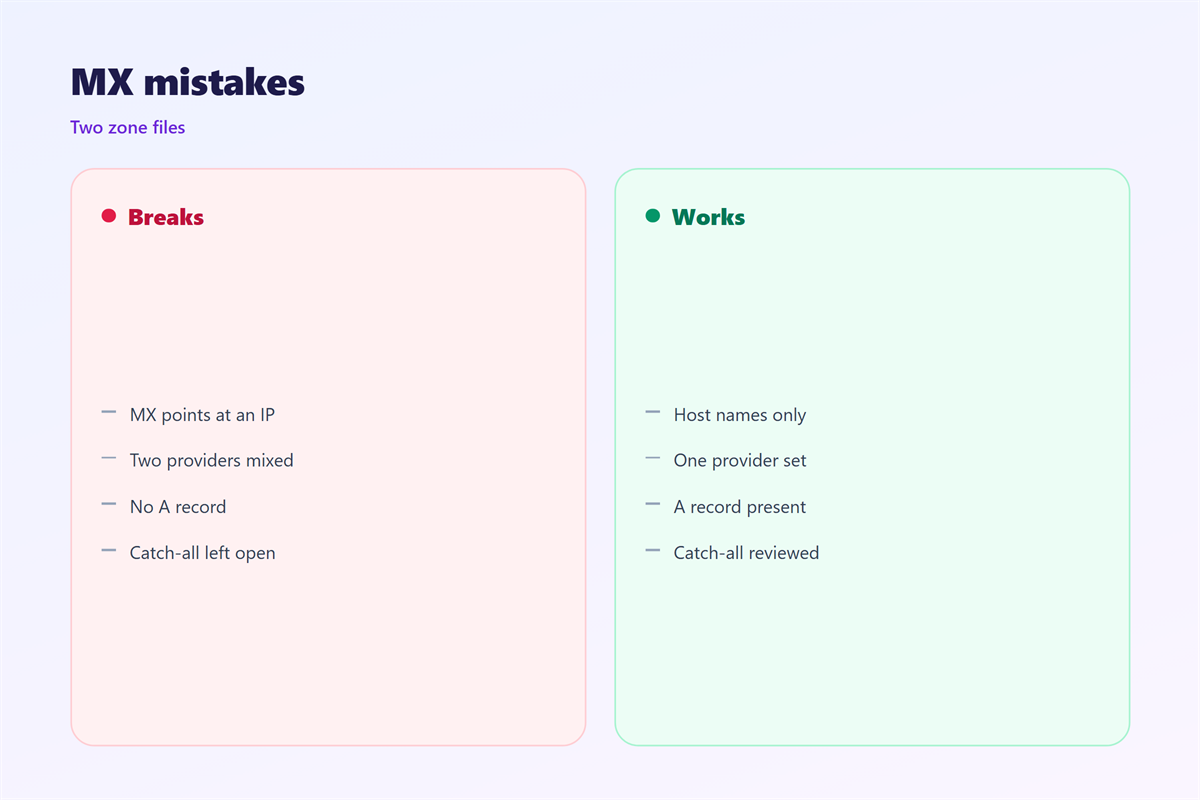
The hostname in a 邮件MX记录 must never point to a CNAME. That breaks the lookup on many resolvers.
It should point to an A or AAAA record instead. This rule is old and still widely enforced.
Broken 邮件MX记录 symptoms
A broken record shows up in a few predictable ways.
Mail may fail with a lookup error. The code often mentions an unresolvable host.
Mail may bounce at once with a permanent failure. Nothing was ever delivered.
Mail may route to an old provider. The domain still points at a server you left.
Mail may loop or delay badly. A misconfigured host keeps retrying without success.
A stale 邮件MX记录 is the most common cause. Providers change, and DNS entries are forgotten.
So a 邮件MX记录 error looks exactly like a delivery failure. Check DNS before you check the mailbox.
A wrong entry is often a copy-paste error. One missing dot can change the hostname completely.
Test the route from outside your network. A local resolver can hide the problem.
Checking and changing your records
Start by listing the current entries. Note each hostname and priority.
Resolve every hostname to an address. If one fails, the route is broken.
Compare the list with your provider instructions. Update any entry that does not match.
Lower the DNS time to live before a planned change. That shortens the wait for old data to expire.
Confirm the new 邮件MX记录 has propagated before you remove the old one. Then send a test message from an outside account.
Document the final values somewhere shared. The next person to change DNS will thank you.
When mail is hosted, every provider publishes its own expected values.
Moving providers means replacing those values. The old records must be removed, not just ignored.
Keep the old provider active during the change. Mail in flight still needs somewhere to land.
Lower the time to live a day before the switch. Then the change spreads quickly.
Send test mail from two outside providers. Availability and routing should match.
Watch the old mailbox for a few weeks. Stragglers often arrive there long after the switch.
Related reading explains the host that receives the connection in 邮件服务器. Filtering at the edge is covered under 邮件网关. Client setup is described in 邮件客户端, and the transport rules sit with 邮件协议.
FAQ
Can a domain have more than one 邮件MX记录?
Yes, and most large domains do. Several entries provide a fallback when one host fails.
What happens if the 邮件MX记录 is missing?
Mail cannot be delivered. A sender falls back to the A record and usually fails.
Does priority affect speed?
No. It only sets the order of attempts. Speed depends on the host that answers.
Should the target be a CNAME?
No. Point the entry at an A or AAAA record instead. A CNAME target breaks many lookups.
References
- IETF RFC 5321: Simple Mail Transfer Protocol
- IETF RFC 1035: Domain Names
- Google Workspace: MX record values
评论
还没有评论,来说两句吧。
评论功能已关闭。