 小影邮箱
小影邮箱邮件收发测试怎么做?Test Before You Trust It
Key Takeaways
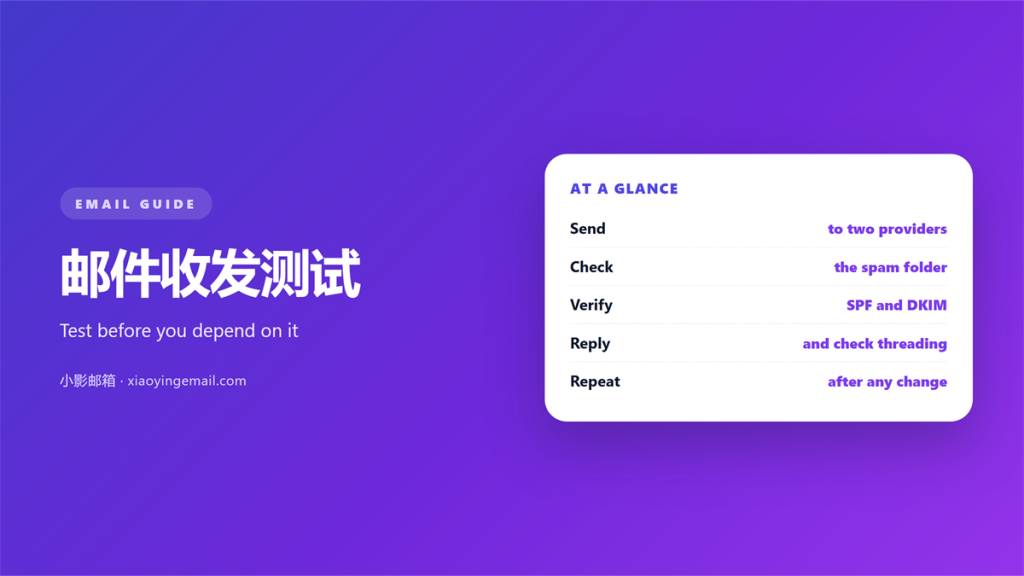
- A new mailbox should be tested before it carries real mail.
- A send test proves that outbound mail leaves the server.
- A receive test proves that inbound mail and replies work.
- Authentication records decide whether filters trust the domain.
- A short 邮件收发测试 log turns a mystery into a fix.
What a 邮件收发测试 should prove
邮件收发测试 is the work you do before a new mailbox carries real mail. Skip it and the first failure is a lost client message.
The goal is simple. Prove that mail goes out and comes back.
That sounds trivial. It rarely is, because several systems sit in the path.
A message leaves your client, reaches a sending server, and is checked by the receiver. Any step can fail quietly.
A proper 邮件收发测试 covers all three steps. Sending, receiving, and the records that decide trust.
Run it once on a new domain, and again after any change. Small edits break more than big ones.
You do not need a lab. Two outside addresses and a header reader are enough.
What you do need is a habit. Test first, then point real mail at the new mailbox.
Testing outbound mail first
Start with a real send. Use an ordinary message, not a test script.
Send to an address you control on a different provider. That is the only way to see a real result.
Then read the headers on arrival. The received chain should list your server near the top.
If the message never arrives, check the sending queue first. A stuck queue is better than a silent drop.
Next, send to a second provider. Filters differ, and one recipient is never enough.
The first part of any 邮件收发测试 is a plain message. Fancy templates hide delivery faults.
Record each result. A 邮件收发测试 without notes is a memory exercise you will lose.
Repeat the send from every client people use. A phone and a desktop program can behave differently.
Watch the bounce address too. Replies to failures should reach a mailbox somebody reads.
The receive and reply test
Inbound is the other half of 邮件收发测试. Send a message in and confirm it appears.
Reply from the mailbox. The reply must leave with the right address.
A common fault is a “sent on behalf of” line. That shows the send address does not match the mailbox.
Check the reply to header as well. Replies should return to the mailbox, not to a dead alias.
Test an attachment in both directions. Some gateways strip files over a size limit.
Finish with a reply loop. Send, receive, and reply again. Two full rounds catch most faults.
Log the time each step took. Slow mail is a warning, not a detail.
Then check where the message landed. A folder rule can move mail out of the inbox before you see it.
Authentication that decides delivery
Records decide more than delivery. Mail with broken records lands in spam.
Three records matter. SPF lists the servers allowed to send for your domain.
DKIM signs each message so a receiver can verify it. DMARC ties the two together and sets a policy.
Read our notes on 邮件认证 before you test. Each record is explained line by line.
Then test again after publishing. A typo in a record looks like no record at all.
Keep a copy of every record. You will compare them during the next 邮件收发测试.
Reverse DNS matters as well. A sending address with no name looks suspicious to many filters.
Delivery is not only about records. Reputation and content decide the inbox too. Our guide to 邮件投递率 explains what receivers measure.
If mail still misses the inbox, the causes are well known. The 邮件误判 page lists the usual ones.
A gateway sits between the two servers. Learn what 邮件网关 checks, and failures stop looking random.
A simple 邮件收发测试 checklist
Keep the steps in one order. Then anyone can repeat them.
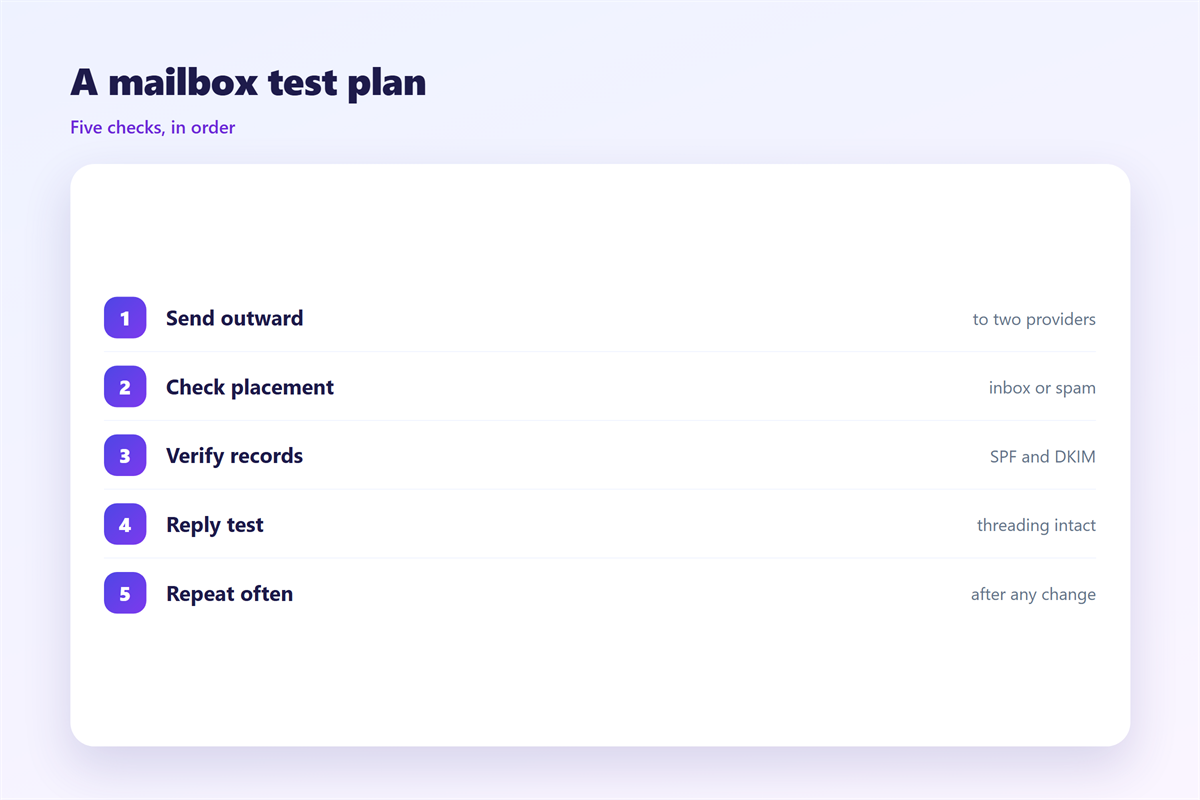
- Send to two outside providers.
- Confirm arrival and read the headers.
- Receive from an outside address.
- Reply and confirm the return path.
- Check SPF, DKIM and DMARC results.
- Write the result and the date.
Six steps take about twenty minutes. That is cheaper than an apology.
Run the same list for every new mailbox. A repeatable 邮件收发测试 is the whole point.
Where a 邮件收发测试 goes wrong
Most failures come from three shortcuts.
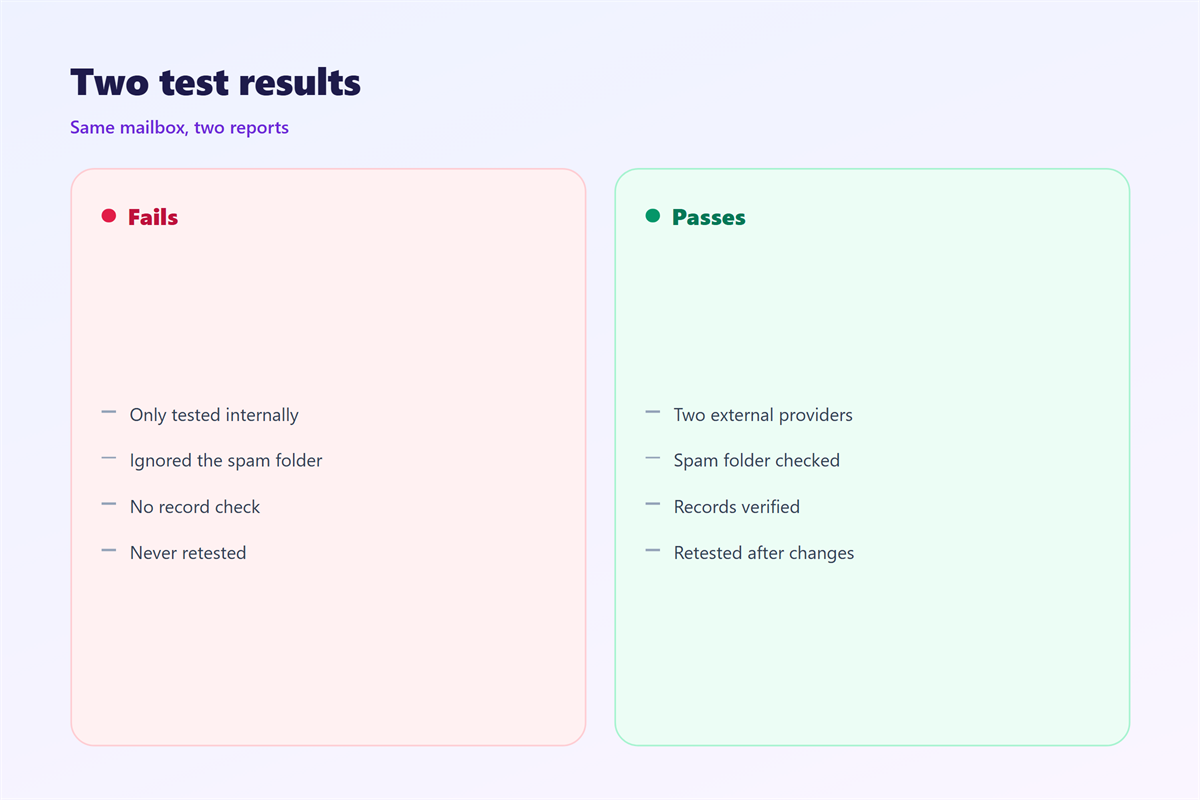
The first is testing inside one provider only. Mail that passes internally can still fail outside.
The second is testing once. Filters change, and so do records.
The third is ignoring the spam folder. A message in spam is not delivered, whatever a log says.
Read the result as a stranger would. If a step has no evidence, it was not tested.
A rushed 邮件收发测试 hides more than it finds.
A written 邮件收发测试 result is the difference between a fix and a guess.
Keep the notes with the mailbox. The next person to touch it will thank you.
FAQ
How long does a 邮件收发测试 take?
About twenty minutes for one mailbox. A new domain adds record checks, so allow an hour.
Do I need a paid tool?
No. Two outside addresses and the message headers cover most of it. Tools help mainly at scale.
Should a 邮件收发测试 run again after changes?
Yes. A change to records, servers or forwarding can break delivery overnight.
What is the most common failure?
A reply that leaves from the wrong address. It looks harmless and it loses messages.
References
- IETF RFC 7208: Sender Policy Framework (SPF)
- IETF RFC 7489: DMARC
- Google Workspace: Email sender guidelines
评论
还没有评论,来说两句吧。
评论功能已关闭。