 小影邮箱
小影邮箱邮件分配怎么设?Routing Mail to the Right Person
Key Takeaways
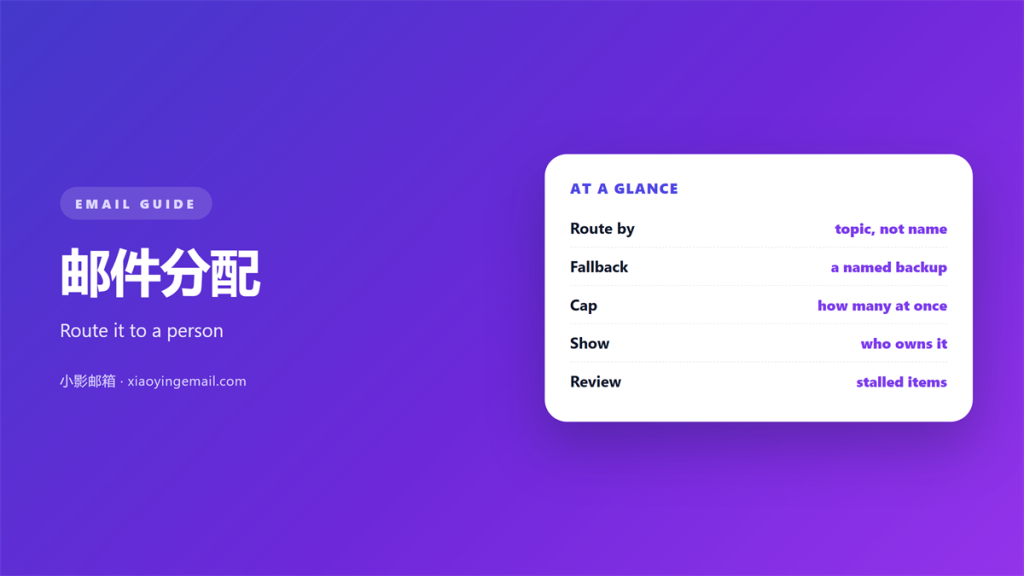
- 邮件分配 turns a queue into a name.
- A named owner replies faster.
- Routing rules must match your team.
- Priority labels help only when they are rare.
- Reassign the message, never the blame.
What 邮件分配 really changes
邮件分配 means giving each message a single owner. The owner may be a person or a small group.
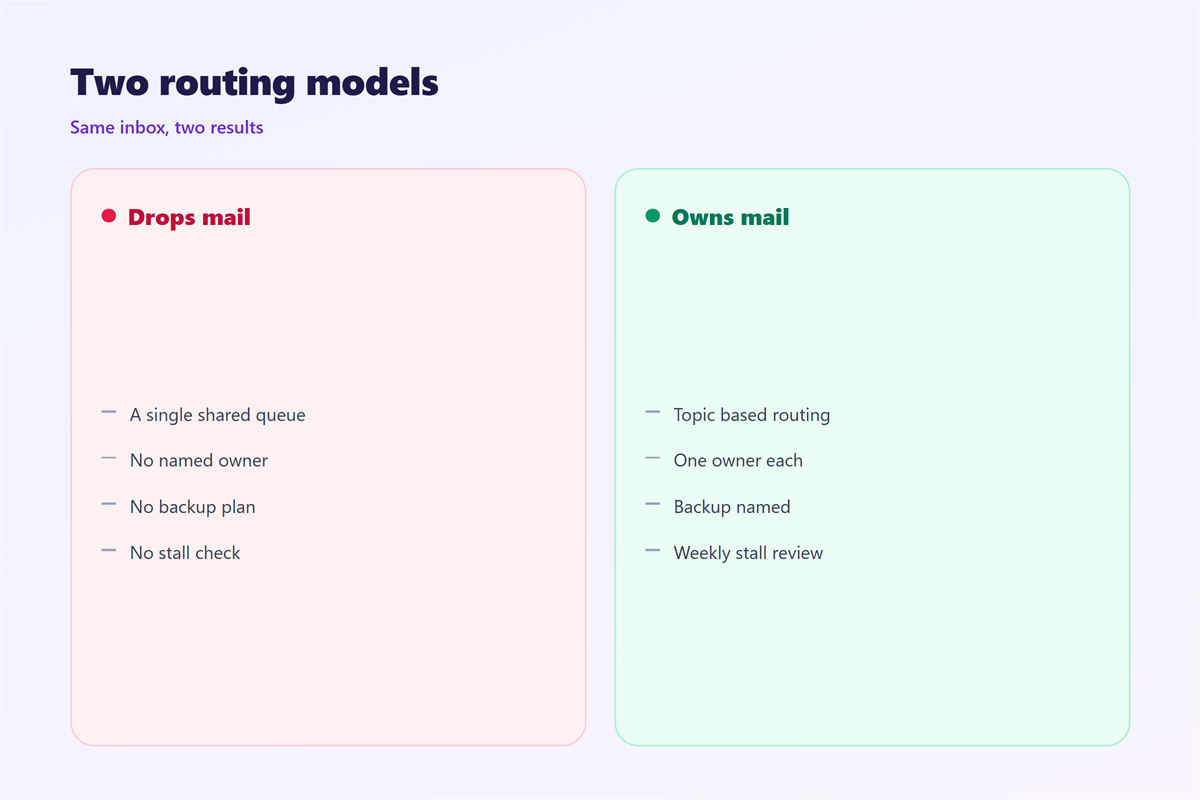
A public queue looks fair at first. Everyone can see the message. Nobody feels responsible for it.
That gap is where messages die. Everyone assumes a colleague has already replied.
Clear 邮件分配 closes the gap. One name on the message ends the guessing.
The owner does not have to answer alone. The owner just has to make sure an answer happens.
That distinction matters a lot. It turns a vague duty into a small task with an end.
Without 邮件分配, a queue grows quietly. Nobody notices until a customer complains.
A queue also slows the first reply. Nobody wants to claim a message twice.
Customers feel that delay long before the team does.
That single name is enough to change the outcome. Clarity beats fairness in a busy week.
Signals that make 邮件分配 work
A good assignment is visible at a glance. You should not need to open the message.
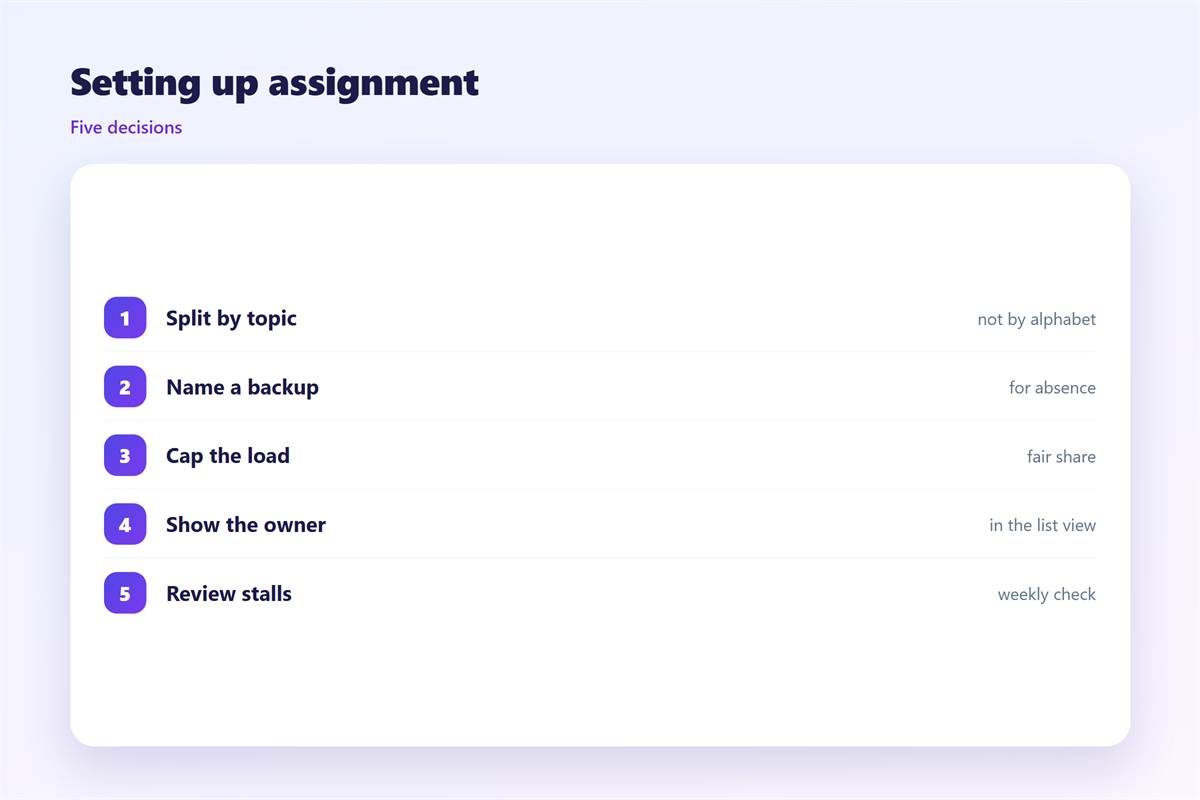
Use an owner field, a tag, or a folder with a name. Any one of them will do.
Add a due date for anything that needs a reply. A date makes the work real.
Keep the status simple. Open, waiting and done cover almost every case.
Clear 邮件分配 also names a backup. The backup takes over when the owner is away.
Write these signals down once. Then reuse them for every new address you add.
Consistent 邮件分配 makes the daily review quick. You see every open item on one page.
A long list of open items demoralises a team. A short one feels finishable.
Good signals also survive a handover to a new colleague.
Short status words reduce the need for long explanations.
Tools for routing and 邮件待办
Most mail systems already carry the tools you need. You rarely have to buy anything.
Start with the 邮件规则 that move messages on arrival. A rule can tag a sender and file the mail.
Rules do the first sort. A person still has to accept the message.
Keep owner names in the 邮箱联系人 list. Groups and aliases make routing fast.
Turn each reply into a 邮件待办 item. A task with a date rarely gets lost.
Use 邮件优先级 labels with care. If everything is urgent, nothing is.
One priority rule works well. Flag messages from named clients only.
Good 邮件分配 uses the tools already in place. New software rarely fixes a broken habit.
Test each rule on a sample message before it goes live. A wrong rule hides real mail.
Check the junk folder for the first week. New rules sometimes sort too much.
Keep a single owner field across all folders. Mixed systems confuse everyone.
Automation should serve the owner, not replace the owner.
Where 邮件分配 goes wrong
Three mistakes appear again and again. Each one is easy to fix.
The first is assigning to a team. A team cannot open a message. A person can.
The second is reassigning without a note. The new owner loses the history.
The third is never closing the loop. A finished message should leave the queue.
Poor 邮件分配 also hides overload. One person may hold twenty open items alone.
Count open items each week. The number shows who is carrying too much.
Rotate the heavy load before it burns someone out. Fair rotation keeps the system alive.
Overload rarely shows up until someone resigns. Then the hidden work becomes obvious.
A simple shared list of open items prevents that surprise.
Review the list with the whole team, not alone.
A short weekly meeting keeps ownership clear for everyone on the team.
Rolling out 邮件分配 step by step
Pick one shared address to start. Do not change the whole company at once.
List the people who can own a message. Keep the list short and current.
Write one rule for each common request type. Route it to a named owner.
Set a daily time to review the queue. Fifteen minutes is usually enough.
Track two numbers for a month. Time to first reply and open items per person.
Good 邮件分配 shows up in those numbers. If they improve, keep the setup.
Then add the next address. A repeatable pattern spreads faster than a memo.
Weekly 邮件分配 reviews keep the names honest. Small corrections now beat a big cleanup later.
Announce the change a week early. Give people time to ask questions.
Keep the first version small. You can always add more rules later.
Celebrate the first week of clean handoffs. Small wins keep a system alive.
Document the pattern in one page for the next team.
FAQ
Does 邮件分配 need a manager?
No. A small team can rotate ownership. A manager helps only when the volume is high.
How do we cover holidays?
Name a backup for each owner. The backup checks the queue when the owner is away. Write the dates on the team page.
What if the owner is wrong?
Reassign the message to the right person. Leave a short note to explain. Nobody should carry work they cannot do.
Can 邮件分配 be automated?
Partly. Rules can tag and sort incoming mail. A person still has to accept each message. Automation sets the table, not the reply.
References
- IETF RFC 5322: Internet Message Format
- Google: Create rules to filter your emails
- Microsoft: Manage email messages by using rules
评论
还没有评论,来说两句吧。
评论功能已关闭。