 小影邮箱
小影邮箱邮件分组怎么设?Sort People, Not Noise
Key Takeaways
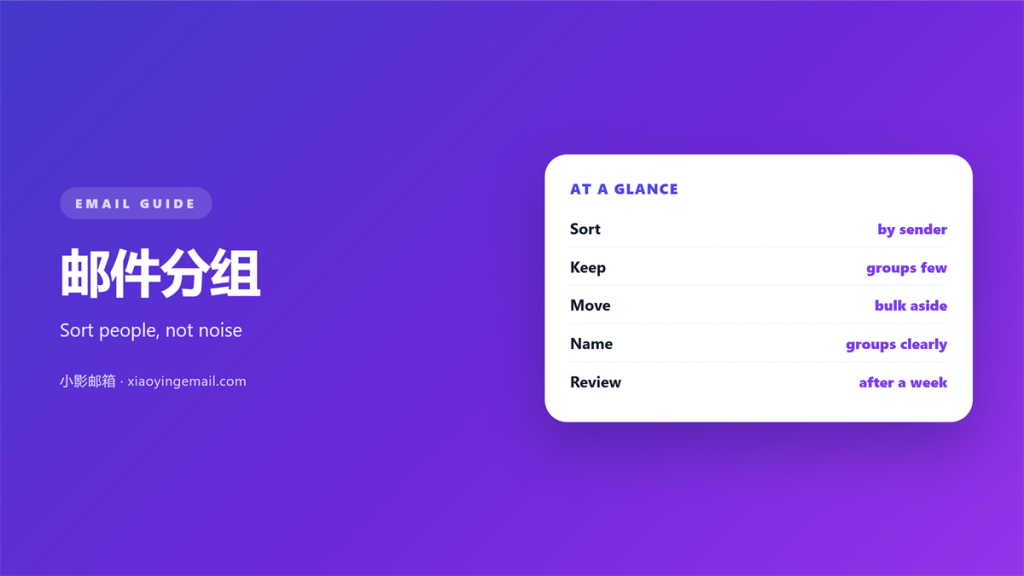
- 邮件分组 sorts mail by sender, topic or urgency.
- A few good groups beat one long list.
- Rules do the sorting before you wake up.
- Groups should change as your work changes.
- Less searching means more time to reply.
What 邮件分组 means
邮件分组 is the habit of sorting mail into clear sets. Instead of one long list, you build a few groups that match how you work.
A group might hold one client, one project or one type of alert. Everything else waits in a general pile.
The goal is simple. The mail that matters should be easy to find and hard to miss.
邮件分组 is not about folders only. It can be labels, tabs or a saved search.
The tool matters less than the habit. A clear group is one you actually use.
Two goals guide the work. Find the important mail fast. Keep the routine light enough to follow.
It saves time in a quiet way. Small savings repeat every single day.
Why 邮件分组 matters
A single long list hides the important message. A new request can sit below twenty alerts.
Groups put the signal on top. You see the mail that needs you first.
They also speed up the search. A named group is faster than a keyword hunt.
A good 邮件分组 system lowers daily stress. The inbox stops feeling like a trap.
A simple 邮件分组 habit also helps a team. Shared names mean less guesswork for everyone.
A sorted morning feels lighter. You start the day with the right mail already on top.
Good groups also cut mistakes. A clear home is harder to forget.
Choosing the right groups
Start with people, not topics. The senders you answer most deserve a group first.
Then add a group for money mail. Invoices and receipts rarely need an instant reply.
Keep one group for notifications. Alerts are useful but rarely urgent.
Stop there for a week. Add new groups only when you miss something twice.
Give each group a clear name. Vague names are hard to trust.
How 邮件分组 works
A rule reads each incoming message. It checks the sender, the subject or the words inside.
When the rule matches, it moves the mail. The message lands in the right group on its own.
You can also sort by hand at first. Manual sorting teaches you which groups you need.
Then write the rules once the pattern is clear. A rule you understand is a rule you trust.
Keep the rule order in mind. The first match wins, so put the strict rules first. A good rule is short and easy to read.
Sorting before you read
Let the rules run overnight. You wake up to an inbox that is already sorted.
A quick scan is then enough. You can skip whole groups on a busy morning.
Start the day with the smallest group. Clearing it gives a quick sense of progress.
Setting up 邮件分组
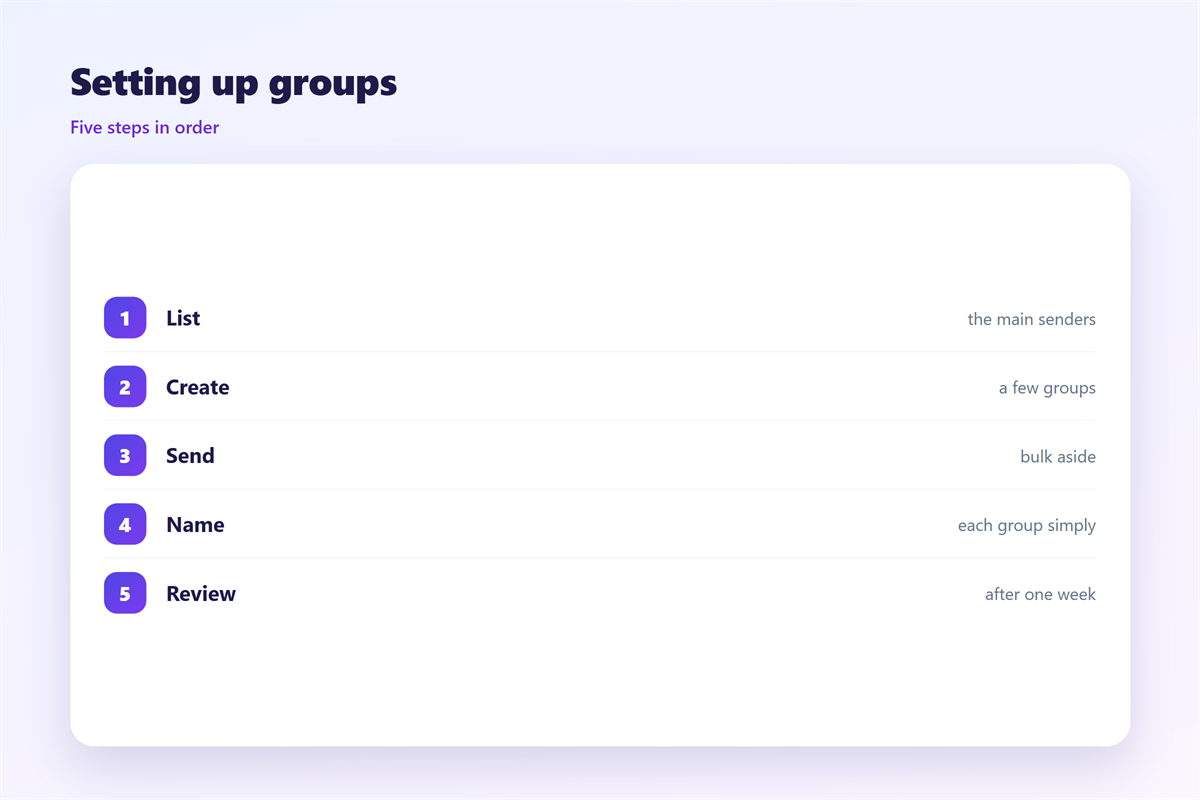
List your five busiest senders. Give each one a clear group.
Write one rule per sender. Keep the rule name short and plain.
Add a catch all group for everything else. This is your inbox for the rest.
Use a colour or a star for the urgent. A quick 邮件分组 mark saves a second glance.
Test the rules with a real message. Fix any rule that catches the wrong mail.
Write a short note for each rule. A tidy 邮件分组 setup is easy to explain to a colleague.
Keep a spare group for reading later. Saved links are not tasks.
Name every group in plain words. Plain words survive a busy week.
Common mistakes
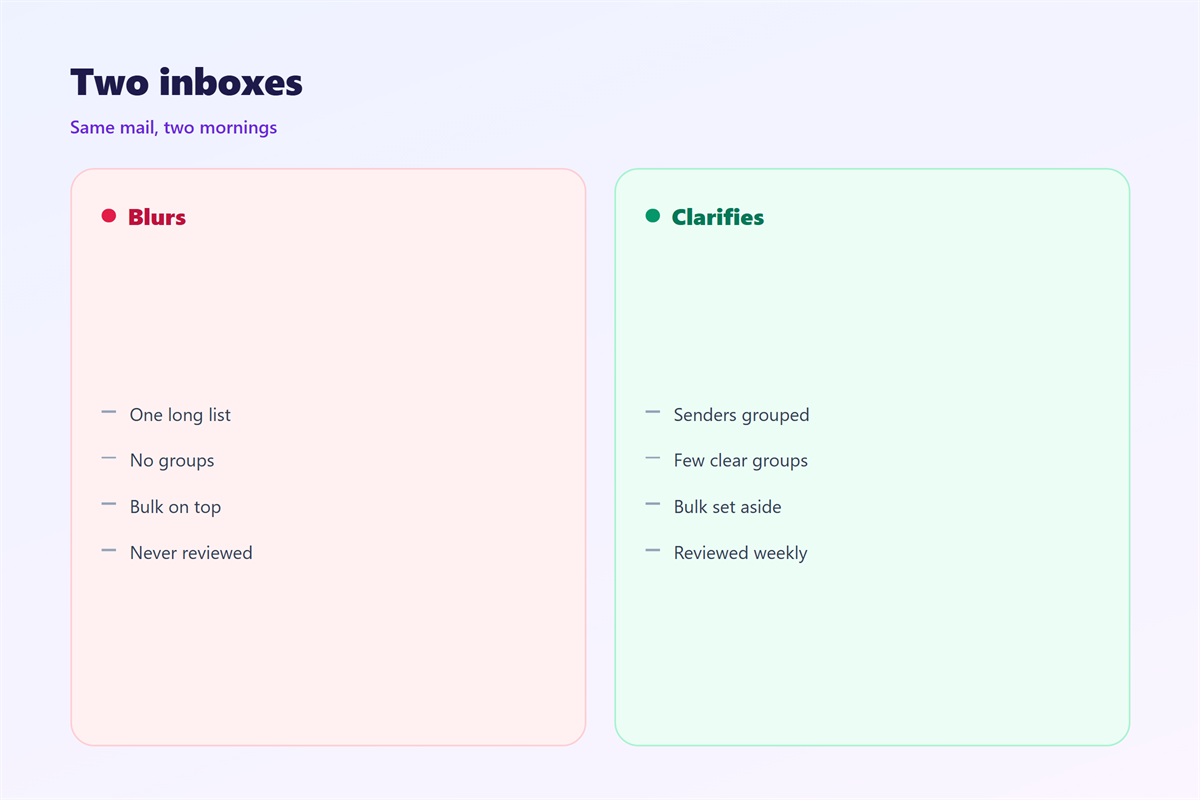
The first mistake is too many groups. Twenty folders are as slow as one long list.
The second is sorting and never reading. A tidy inbox still needs a reply.
The third is a rule that is too broad. One loose match can sweep good mail away.
Another mistake is never updating the groups. People change jobs and so do senders.
Finally, do not hide urgent mail. A 邮件分组 rule should speed up a reply, not delay it.
And do not sort mail you will never read. A group full of old alerts helps nobody. Keep the list of groups short and honest.
Keeping 邮件分组 tidy
Review the rules each month. Remove the ones that no longer match.
Check the catch all group. A growing pile means a missing rule.
Check the rules after a holiday. A break often changes the mail you get.
Merge groups that overlap. Two groups with the same mail waste space.
Delete rules you no longer understand. A mystery rule is a quiet risk. Let the system do the boring part, since your job is the reply.
Keep the naming consistent. A shared 邮件分组 style helps a whole team.
Treat 邮件分组 as a habit, not a one time setup.
For the wider picture, read 邮件自动分类 and 邮件规则. A calmer 邮件收件箱 follows, and a simple 邮件标记 routine keeps it sharp.
FAQ
Is 邮件分组 the same as folders?
Not exactly. Folders are one way to do it. Labels, tabs and saved searches work too.
How many groups do I need?
Start with three to five. Add more only when you keep missing the same mail.
Can rules make mistakes?
Yes, so test each one. A loose rule can move good mail into the wrong group.
Do I still need to read my inbox?
Yes. Grouping sorts the mail. You still decide what deserves a reply.
References
- Google: Create rules to filter your emails
- IETF RFC 5228: Sieve, an email filtering language
- IETF RFC 5322: Internet Message Format
评论
还没有评论,来说两句吧。
评论功能已关闭。