 小影邮箱
小影邮箱邮件背景图怎么做?Art Behind the Text
Key Takeaways
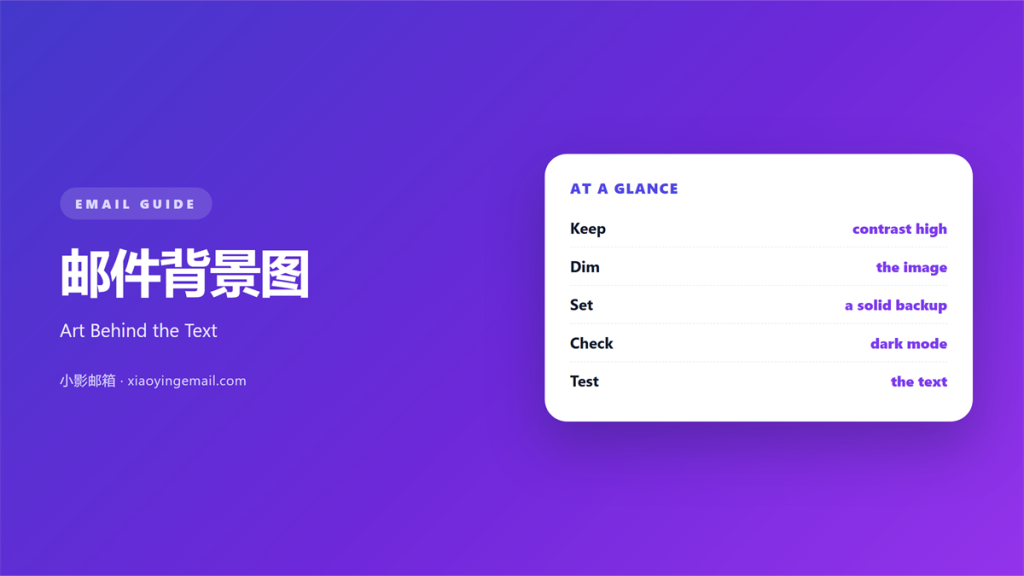
- 邮件背景图 sets the mood before a single word is read.
- Contrast keeps the message readable on any screen.
- A busy picture fights every line of your text.
- Always keep a plain fallback color behind the words.
- Test the result on light and dark themes first.
What 邮件背景图 means
邮件背景图 is the image or color that sits behind your text.
It can be a photo, a gradient, a pattern, or one flat tone.
The idea is simple. The words must stay easy to read.
A good backdrop never competes with the message it carries.
It lifts the design and then quietly steps back.
Many teams treat it as decoration and skip the planning.
That choice shows up later as hard-to-read mail.
So a little care at the start pays off for the reader.
Think of it as a frame around a picture.
The frame should support the art inside.
A poor frame pulls the eye away from the subject.
Why 邮件背景图 matters
An email wins or loses attention in a heartbeat.
A strong 邮件背景图 can win that opening moment.
It signals the mood of the message at a glance.
A calm tone suits a support reply. A bold one suits a launch.
Shape and color reach the reader before any sentence does.
That first impression frames everything that follows.
But the same image can also ruin a solid message.
Low contrast makes text faint on a bright phone screen.
A crowded photo hides the offer under a blur of color.
So 邮件背景图 is a real design decision with real costs.
A reader decides in less than one second.
That snap judgment colors all that follows.
The cost of low contrast
Contrast is the gap between the text and its backdrop.
Pale grey text on white is almost impossible to read.
Many readers close the message instead of squinting.
That reader never sees the call to action you wrote.
Choosing the right 邮件背景图
Start with the words, not with the picture.
Write the message first. Then find a backdrop that fits.
Pick one clear idea for the image.
A single subject reads faster than a crowded scene.
Ask what the reader should feel in one word.
Then choose a picture that carries that feeling.
Keep the frame simple and the edges calm.
A tidy image is easier to place text over.
Match the mood
Warm tones feel friendly and close.
Cool tones feel calm and professional.
Keep the palette small. Two or three colors are enough.
Too many colors make the whole design feel noisy.
Leave room for words
Reserve a quiet area for the heading and the body.
A smooth patch of sky or wall is a natural home.
Darken or blur that area so the text stands out.
Then place the words there and step back to look.
Making 邮件背景图 readable
Readability comes before beauty every time.
If people cannot see the words, nothing else matters.
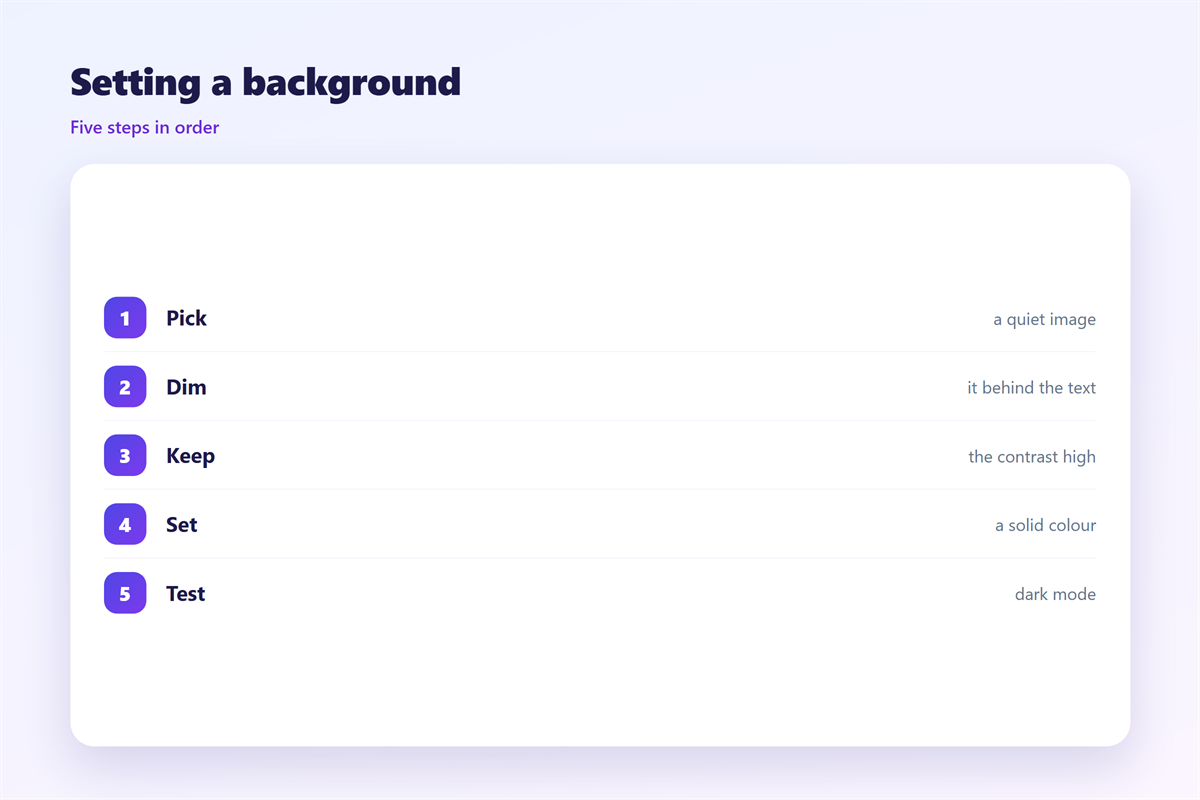
Use a dark overlay under light text.
Use a light overlay under dark text.
Keep the overlay even and steady across the image.
A patchy shade looks like a mistake, not a style.
Add a solid color panel behind the text block.
That small panel guarantees the words stay clear.
A clear 邮件背景图 keeps the focus on your words.
Then check the smallest text, such as the fine print.
Common mistakes
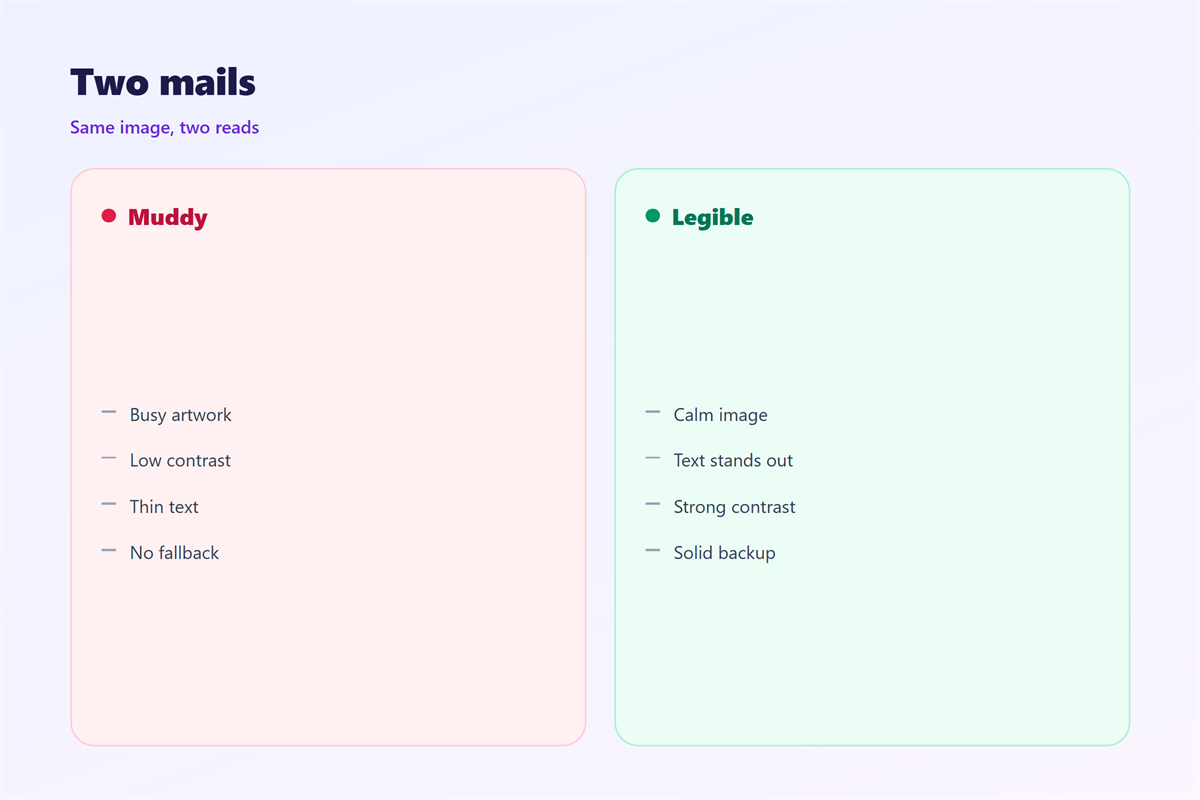
A dark photo behind dark text hides both.
Text over a busy pattern is hard to follow.
A stretched image looks cheap and blurred.
Fix each one with space or a solid shade.
邮件背景图 on mobile and dark mode
Most people open email on a phone these days.
A wide image gets cropped to a narrow strip.
The part you meant to show may fall outside the frame.
So keep the key subject near the centre.
Test the crop on a small screen before you send.
Dark mode flips light backgrounds to near black.
Dark text on a dark theme can vanish in a second.
Test the 邮件背景图 in both light and dark themes.
Leave a fallback color in the code as well.
If the image fails to load, the message should still work.
Keep the height short so it loads quickly.
A tall image pushes the text off screen.
Keeping 邮件背景图 consistent
Consistency turns a pile of emails into a brand.
Pick a small set of backdrops and reuse them.
Say how images load and compress in 邮件图片.
Fit the picture to the grid shown in 邮件排版.
Plan the dark version using 邮件暗黑模式.
Keep the words clear for all with 邮件可访问性.
Share one 邮件背景图 library with the team.
Then the whole team writes in one visual voice.
Over months, a steady 邮件背景图 trains the reader’s eye.
Readers start to recognize your mail before they open it.
Save each approved image in one folder.
Name the files so anyone can find them.
Checking 邮件背景图 before sending
A quick test saves a painful correction later.
Read the message on a phone screen in daylight.
Switch to dark mode and read it through again.
Turn the brightness down and look once more.
Ask a colleague to skim it for three seconds.
If they miss the point, the 邮件背景图 is too loud.
Trim the image or deepen the overlay, then retest.
Keep this final check short and repeatable.
A steady routine beats one careful pass.
Compare the draft against the last campaign.
A steady look builds trust over time.
FAQ
What makes a good 邮件背景图?
One that supports the text and never hides it.
Should every email use one?
No. Many clear messages need only a plain background.
Why does my text vanish in dark mode?
The theme inverts light colors. Add a fallback color to fix it.
How large should the image be?
Wide for desktop, simple enough to crop well on a phone.
References
- IETF RFC 5322: Internet Message Format
- HubSpot: Email design that works
- Microsoft: Accessibility fundamentals
评论
还没有评论,来说两句吧。
评论功能已关闭。