 小影邮箱
小影邮箱邮件过滤器怎么设?Rules That Sort Mail

Key Takeaways
- 邮件过滤器 sorts new mail before you read it.
- One clear rule beats ten clever ones.
- Prefer moving mail over deleting it at first.
- A good 邮件过滤器 keeps the inbox calm.
- Review your rules once a season.
What 邮件过滤器 means
邮件过滤器 is a rule that sorts incoming mail.
It reads each message and decides where it should go.
The rule looks at a sender, a subject, or a keyword.
When a message matches, the rule acts right away.
It can move, label, star, forward, or delete the mail.
A 邮件过滤器 runs before you ever open your inbox.
So the clutter never reaches your tired eyes.
That is the whole idea in a single line.
A rule is really just a short set of instructions.
The instructions wait quietly until a match appears.
Then they do one small job and go back to sleep.
No one has to watch the mailbox by hand.
The tool simply follows the orders you gave it.
That is why the term feels so plain.
It is less magic and more habit.
You set the rule once and then forget it.
The mail sorts itself while you do other work.
That quiet help is why people love a good filter.
Why 邮件过滤器 matters
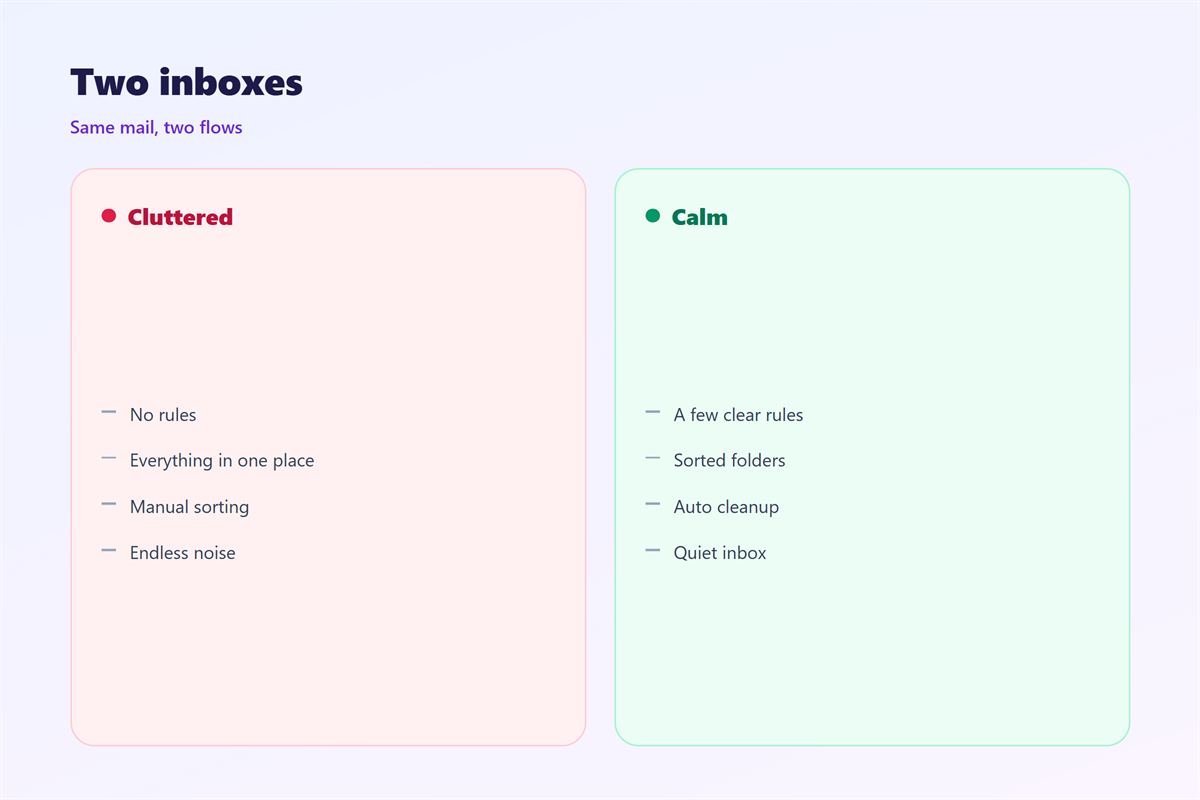
An inbox without rules becomes a to-do list you never wrote.
Every new message competes for the same small attention.
A 邮件过滤器 removes low-value mail from that fight.
It also keeps the important notes easy to find later.
Over a year, that small saving adds up to whole days.
The calm you feel is the real reward.
You spend less time scrolling and more time working.
You also miss fewer messages that truly matter.
That single habit protects your best hours.
Deep work survives when the inbox stays quiet.
What a good rule saves
Think of the newsletters you never actually read.
A single rule can bundle them into one folder.
Think of the alerts that always matter to you.
A rule can flag them before anything else arrives.
Good rules work in the background, quietly and fast.
They never ask for thanks or attention.
They simply keep the desk a little clearer.
How to set up 邮件过滤器
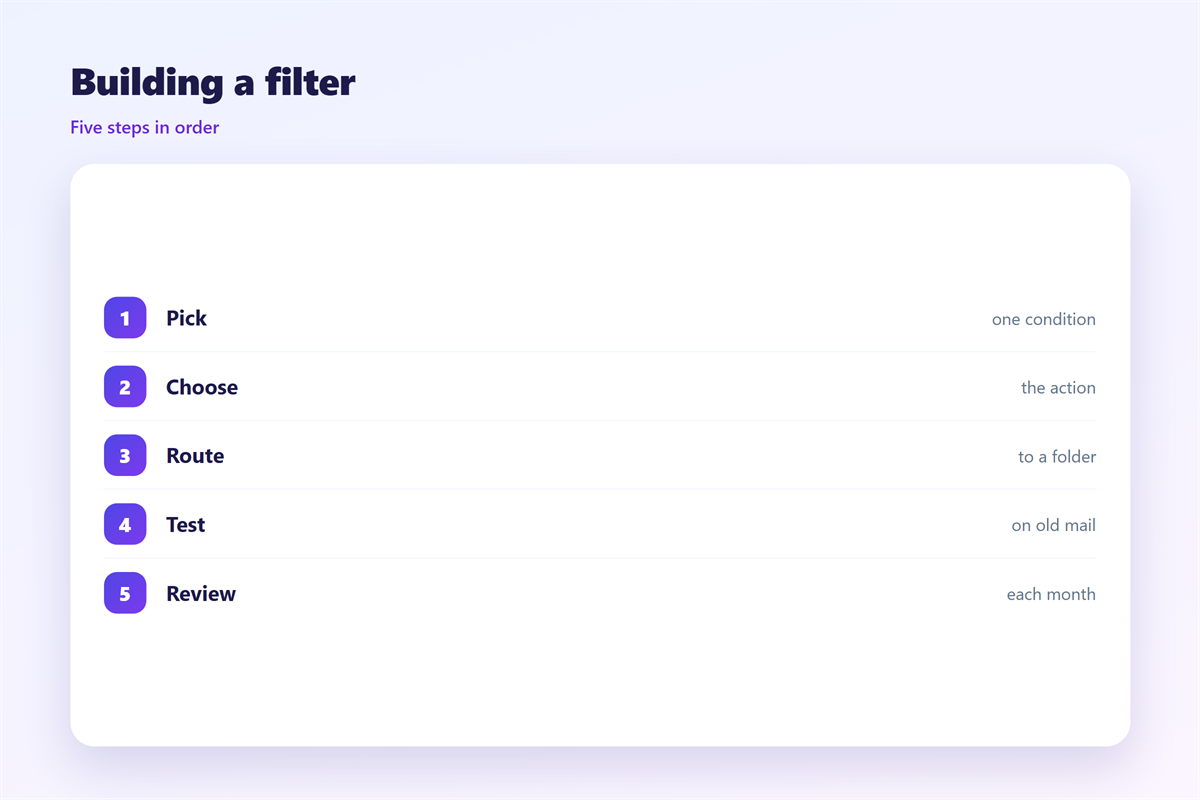
Start with one problem you see every day.
Open your mail settings and find the rules menu.
Name the new rule after the problem it solves.
Pick a condition that will not match too much.
Write the rule slowly and read it twice.
A vague rule often causes a confusing result.
Building the first rule
Use a full address, not just a domain.
Add a second condition to narrow the match further.
Choose one single action and keep it simple.
Then save the rule and send a test message.
Check where that test message actually landed.
If it went wrong, adjust the condition at once.
Small corrections at the start save time later.
Every good filter begins with one careful test.
邮件过滤器 mistakes to avoid
Most broken rules fail for the same few reasons.
A condition that is too broad catches real mail.
A rule that deletes can lose a message for good.
So prefer moving over deleting when you start.
Too many rules can also fight each other.
Two rules may chase the same message around.
Keep the list short and every rule clear.
Name each rule so you recall its purpose.
A weak name makes a good rule hard to manage.
Then your 邮件过滤器 stays easy to trust.
A short list is easier to explain to a teammate.
Write the rules down so others can follow.
Testing and reviewing 邮件过滤器
A new rule needs a little watching at first.
Send yourself a note that should match.
Then send one that should not match at all.
Watch both for a day before you relax.
A filter can also sort mail you will read later.
That delay is normal and rarely a problem.
Once a season, read through the whole list.
Delete the rules you no longer need.
Merge the ones that do the same job.
A clean list is easier to keep than a long one.
邮件过滤器 and spam
A filter is not the same as a spam check.
Spam tools guess at bad mail on their own.
A rule follows the exact words you choose.
So a filter is more precise but less clever.
Use both tools for the best result.
Let the spam check catch the obvious junk.
Let your rules handle the mail you know.
Together they keep the inbox fairly tidy.
Neither one needs much attention once set.
A good filter also learns nothing on its own.
It waits for you to improve the rules by hand.
邮件过滤器 across devices and apps
Rules usually run on the server, not just the app.
So the same result shows on every device you own.
If a rule only lives in one app, it may not travel.
Check that your rules follow you to the phone.
A good 邮件过滤器 is only one small habit.
But it makes every other habit a little lighter.
Test the habit again after a big update.
Software changes can quietly break an old rule.
So save a copy of your rules somewhere safe.
That copy helps after a switch or a reset.
Keeping 邮件过滤器 habits consistent
Consistency turns a few rules into a real system.
The gentle sorting habit is described in 邮件筛选.
The folder side of the setup appears in 邮件规则.
The hands-off version is covered in 邮件自动分类.
The daily cleanup habit appears in 邮件收件箱.
Pick a small set of 邮件过滤器 rules and keep them.
FAQ
What does 邮件过滤器 do?
It sorts or labels mail based on a rule you write.
Can a filter delete the wrong message?
Yes. Prefer moving mail until you trust the rule.
How many rules should I keep?
Only the few that solve a problem you see often.
Do filters work on every device?
Usually they run on the server, so every device sees the same result.
References
- IETF RFC 5228: Sieve mail filtering language.
- Microsoft: Manage email messages by using rules.
- Zapier: How to use Gmail filters and labels.
评论
还没有评论,来说两句吧。
评论功能已关闭。