 小影邮箱
小影邮箱邮件主题前缀怎么加?Tags in the Subject
Key Takeaways
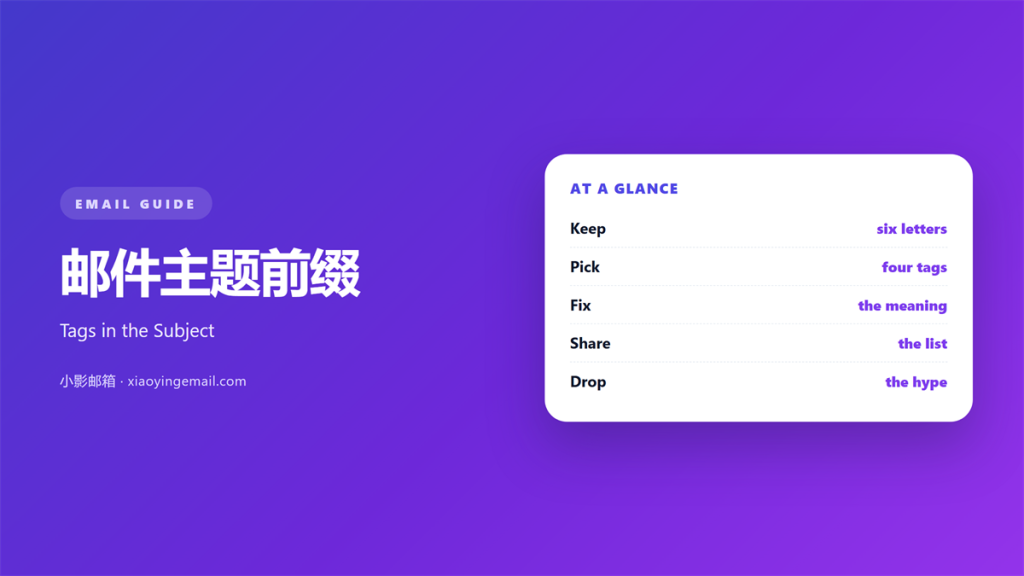
- 邮件主题前缀 is a short tag at the front of a subject.
- Keep it under six letters and in capitals.
- Give every tag one fixed meaning.
- Use the same tags across the whole team.
- Never hide an offer inside a tag.
What 邮件主题前缀 means
邮件主题前缀 is the bracketed word at the front of a subject.
It looks like [INVOICE] or [ACTION] or [FYI].
It sits before the real title, inside square brackets.
The bracket is part of the signal, not decoration.
A reader sees the tag in a crowded inbox list.
The tag sorts the mail before the title is read.
It is not a campaign label and not a tracking code.
It should carry one meaning for one team.
Six letters is a comfortable ceiling.
Longer tags push the real subject out of view.
Capitals help the tag stand apart from the title.
Then the same word means the same thing every time.
Why 邮件主题前缀 matters
An inbox is a list of labels, not full sentences.
Readers scan the first characters before anything else.
A 邮件主题前缀 turns that scan into a decision.
It decides which mail opens first.
It also decides which mail waits until Friday.
A team without tags sends a flat grey list.
A team with tags sends a list with shelves.
The tag also helps the sender stay consistent.
Writing [INVOICE] forces the writer to be sure.
That single check catches many mixed messages.
Tags are not urgency
A tag should describe the mail, not shout about it.
[URGENT] on a routine note trains readers to ignore it.
Save the strong words for the strong cases.
Then the tag keeps its power.
When 邮件主题前缀 helps
It helps in support threads with many replies.
It helps when several systems send to one inbox.
It helps when a client scans mail on a phone.
Three letters beat a long description in that space.
It helps in internal mail between teams.
Finance, legal and support rarely agree on wording.
A shared tag list solves that argument once.
A 邮件主题前缀 also helps during a busy launch.
The new thread stands out from the routine noise.
One list, one owner
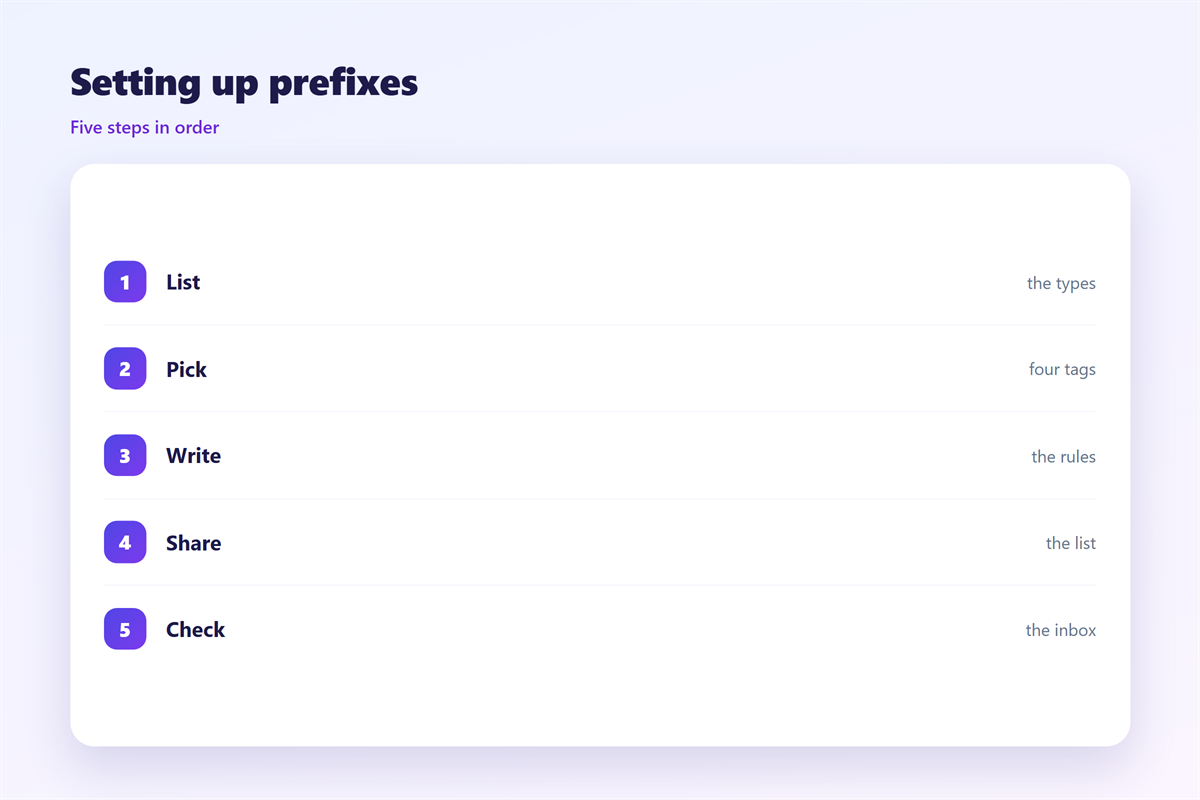
Keep a short list of approved tags.
Give the list one owner in the team.
New tags need a reason and a date.
Retire a tag when its meaning fades.
When 邮件主题前缀 hurts
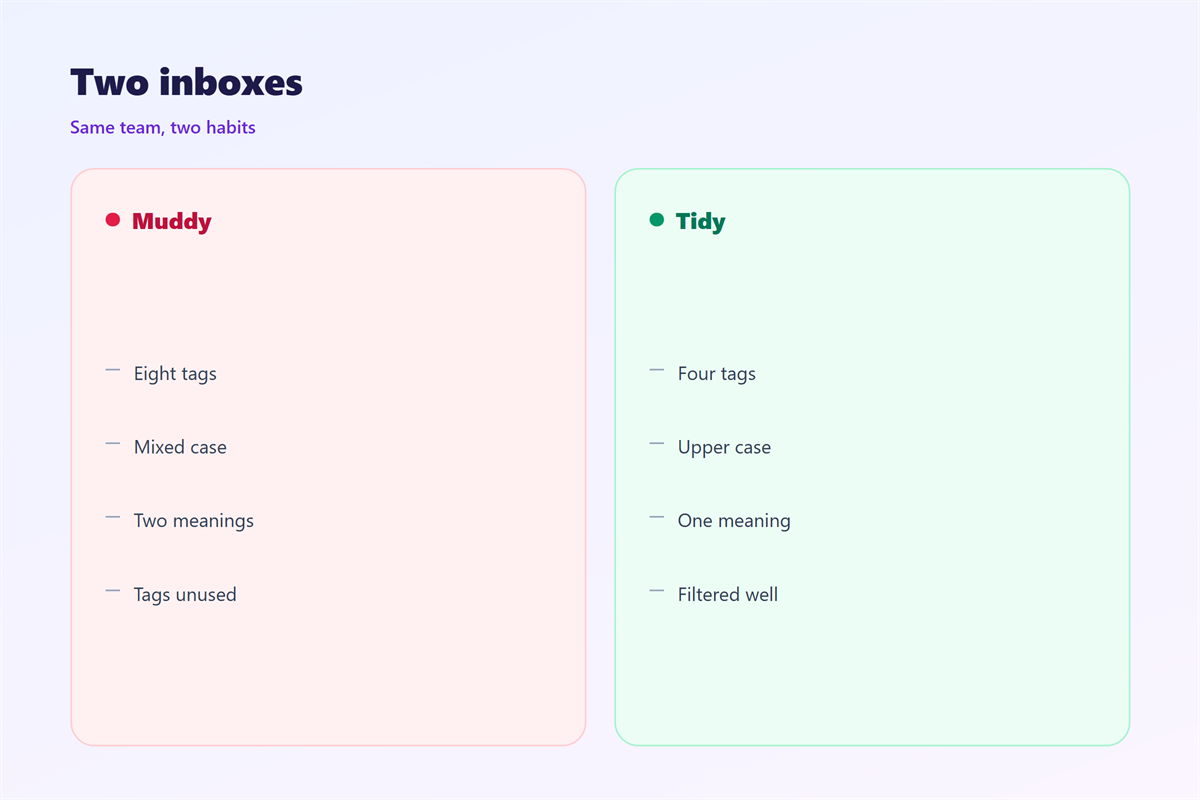
A 邮件主题前缀 hurts when every sender invents one.
Two tags for the same thing is worse than none.
It hurts when the tag is longer than the title.
The reader sees brackets and nothing else.
It hurts when the tag carries an offer.
[SALE] is marketing, and marketing belongs in the subject.
It hurts when the tag changes case at random.
Mixed case slows the scan it was meant to speed.
It also hurts in a personal mail from a manager.
Brackets feel cold when the news is bad.
Finally, it hurts when the tag lies.
[FYI] on a task that needs action breaks trust.
邮件主题前缀 and mail filters
A tag is only useful if a rule can find it.
Filters read the subject from left to right.
So the tag belongs at the very front.
A 邮件主题前缀 placed at the end is often cut off.
A simple rule moves every [INVOICE] into one folder.
Another rule marks [ACTION] as unread.
Keep the tag identical, including the brackets.
One missing bracket breaks the whole filter.
Write the rule once and share it as a template.
Test the rule before the team adopts it
Send three test mails with real tags.
Check that each one lands in the right folder.
Then add the rule to the shared guide.
Review the rules every few months.
A dead rule still hides mail.
How to choose 邮件主题前缀
Choose the 邮件主题前缀 from the reader’s task, not yours.
Ask what the reader must do with this mail.
If they must pay, use [INVOICE].
If they must reply, use [ACTION].
If they only need to know, use [FYI].
Keep the chosen words in a shared document.
Add one example next to each tag.
Then apply the same tag to every related mail.
Write the subject after the tag
The tag is a shelf, not the message.
Write the real subject as if the tag were absent.
Keep that subject under fifty characters.
Front-load the useful word.
Then read the whole line on a phone screen.
If the tag wins all the space, shorten the tag.
邮件主题前缀 on a phone
A phone shows about thirty characters of a subject.
Brackets cost two of them at each end.
So a long tag leaves little room for the point.
Keep the tag at three to five letters.
Use capitals so it reads as a block.
Check that the tag does not wrap onto a second line.
A wrapped tag looks like a broken subject.
Test the whole line in a narrow preview.
A 邮件主题前缀 should help the thumb decide fast.
If it slows the scan, it has failed.
Keeping 邮件主题前缀 honest
A tag is a promise about the contents.
So the contents must match the tag.
The wider craft is covered in 邮件主题行.
Shorter forms appear in 邮件标题.
The sorting side lives in 邮件过滤器.
Folder habits are described in 邮件规则.
Read those four before you invent a new tag.
Then write the tag list where everyone can see it.
Remove any tag that no longer means one thing.
A short list beats a clever one.
FAQ
How long can a 邮件主题前缀 be?
Six letters at most. Three or four is better.
Should the tag use capitals?
Yes. Capitals separate the tag from the title.
Can two teams share one tag?
Only if they agree on one meaning and one owner.
Do tags work in every client?
Brackets are plain text, so they travel safely.
评论
还没有评论,来说两句吧。
评论功能已关闭。