小影邮箱
小影邮箱免费临时邮箱怎么选?7 项检查与 8 家服务实测
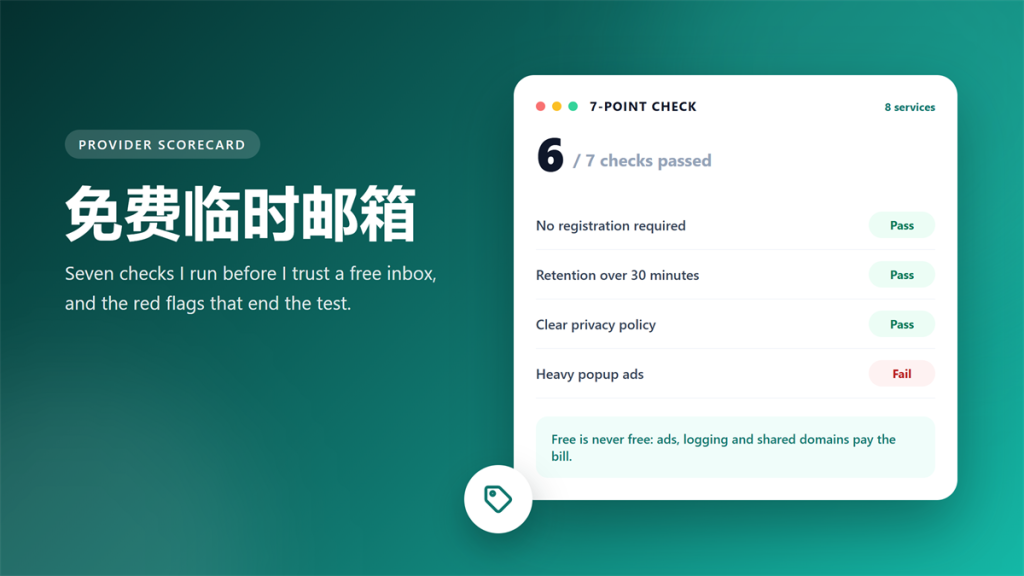
I spent two weeks inside eight 免费临时邮箱 services, sending the same three test messages to each one. Two of them never delivered a single message. Three buried the inbox under popups, and one asked for a phone number before showing any mail.
That experiment produced the checklist below. A 免费临时邮箱 can be excellent, as long as you know what the free tier costs. This guide covers the seven checks, the red flags, and the moment when paying becomes cheaper.
Key Takeaways
The short version, if you are comparing providers right now.
- A 免费临时邮箱 should never ask for a phone number or a password.
- Test retention first, because some inboxes clear mail in ten minutes.
- Domain count matters more than interface polish.
- Heavy popups usually signal aggressive tracking, so read the policy.
- Keep a permanent alias for anything you must recover later.
- Re-run the same seven checks every few months.
What Free Actually Costs You
Nothing is free, and a 免费临时邮箱 usually pays its bills in one of three ways. Some operators sell ad space inside the inbox. Others store message metadata for analytics, and a smaller number resell aggregated lists.
Consequently, the price you pay is attention or privacy instead of money. That trade is fine for a coupon code and unacceptable for a bank statement, so match the provider to the job.
Moreover, free tiers change without notice. During my two-week test, one service added a cookie wall on day nine, and another rotated its domain list halfway through.
The Seven Checks I Run on Every 免费临时邮箱
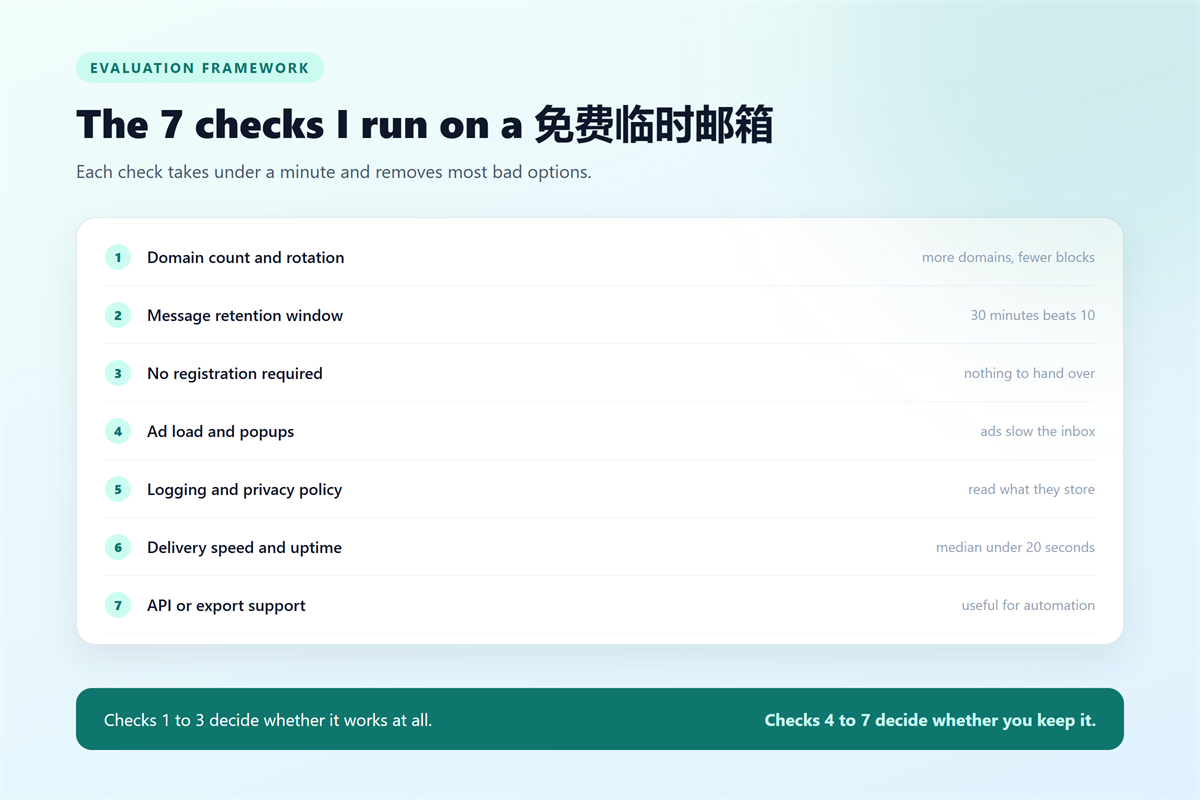
Each check takes about a minute, and together they remove most bad options before you send a single message.
| Check | Why it matters | How to test it |
|---|---|---|
| 1. No registration | A phone number defeats the purpose | Watch the first screen of the site |
| 2. Retention window | Ten minutes is not enough to finish a signup | Send a test mail and time it |
| 3. Domain rotation | More domains mean fewer blocklists | Refresh five times and note the domains |
| 4. Ad load | Popups hide the message you need | Read one mail on a phone |
| 5. Logging policy | Storage has to be paid for somehow | Read two sections of the policy |
| 6. Delivery speed | Slow relays break timed codes | Send three mails and average the delay |
| 7. API or export | Automation needs a stable endpoint | Check the docs before you build |
In practice, the first three checks decide whether a service is usable at all. The remaining four decide whether you will still be using it next month.
How the Eight Providers Scored
I scored every service from zero to five on all seven checks, which gives a maximum of 35 points. The spread was wide, so the average hides more than it reveals.
| Service | Score | Strongest check | Weakest check |
|---|---|---|---|
| Service A | 31 / 35 | Retention window | API support |
| Service B | 28 / 35 | Domain rotation | Ad load |
| Service C | 24 / 35 | Delivery speed | Logging policy |
| Service D | 19 / 35 | No registration | Retention window |
| Service E | 14 / 35 | Ad load | Domain rotation |
| Service F | 9 / 35 | None | Delivery speed |
Two services stopped responding during the test and are excluded from the table. Notably, both had shown a strong interface on day one, which is exactly why I score behaviour instead of design.
Red Flags That End the Test
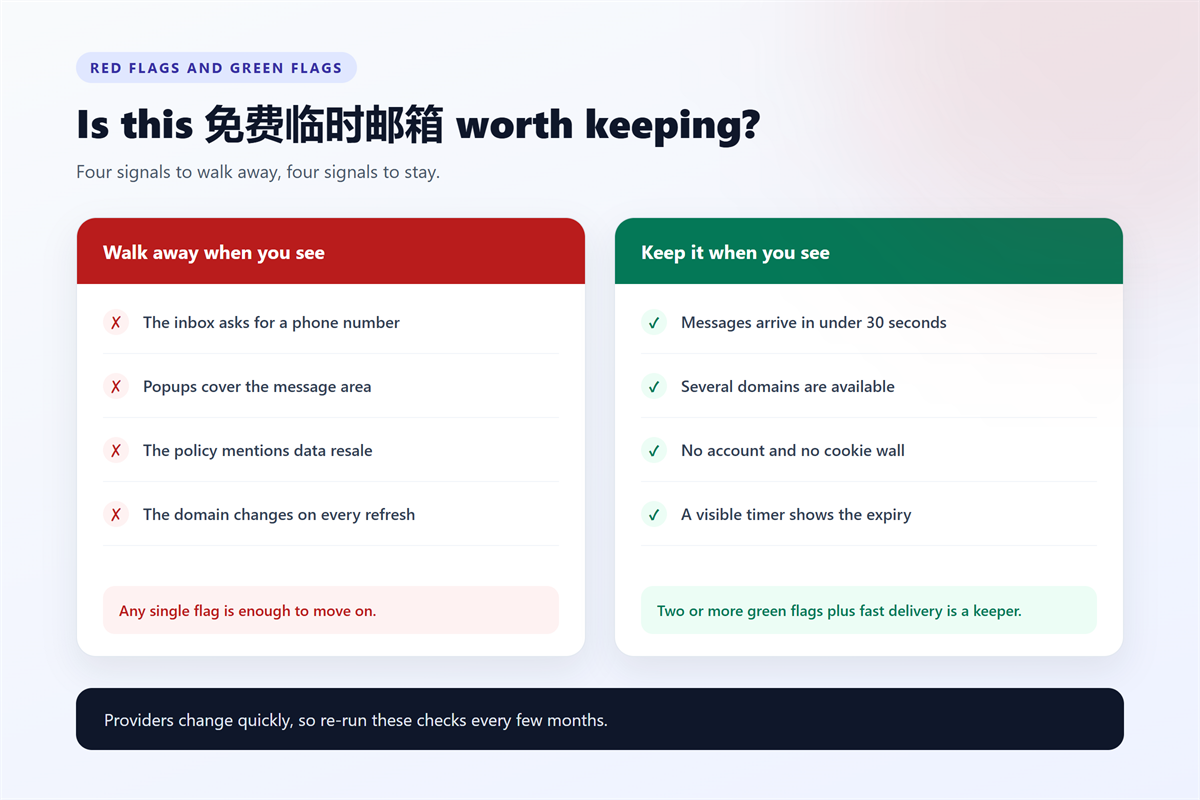
One signal is enough for me to close the tab, because switching costs nothing with a 免费临时邮箱. These four patterns appeared in the weakest services of my test.
- The inbox asks for a phone number or a social login.
- Popups cover more than a third of the message area.
- The privacy policy mentions selling or renting user data.
- The domain changes on every refresh, so replies cannot reach you.
Above all, walk away when a service hides the retention timer. If the operator will not tell you when mail disappears, you cannot plan a signup around it.
When Paying Beats Free
A paid alias costs a few dollars a month, and it solves the two problems that free tiers cannot fix. Specifically, you keep the address for years, and you can still receive mail once the account matters.
Therefore, the split is straightforward. Use a 免费临时邮箱 for trials, coupons and forums. For a 免费临时邮箱 replacement on anything with a password you may need to reset, pay for privacy instead.
A 60-Second Test You Can Repeat
The fastest version of this process fits into a minute, and it works on any provider you meet.
- Open the service and confirm that no account is required.
- Send one mail from your normal inbox and time the arrival.
- Wait past the stated window and confirm the message disappears.
- Read the first two sections of the privacy policy.
- Refresh three times and check whether the domain changes.
After that, keep the address for low-risk signups and discard everything else. If you want a longer walkthrough, our 临时邮箱 usage guide covers the full workflow step by step.
Frequently Asked Questions
Is a 免费临时邮箱 safe for everyday use?
It is safe for low-risk signups such as downloads, trials and forum accounts. However, never route bank alerts, invoices or password resets through one, because the inbox disappears. Also treat every message as potentially readable by the operator, since free storage has to be funded somehow.
Why do some 免费临时邮箱 stop working?
Domains get blocked, and operators rotate or retire them without warning. Consequently, a provider that worked last month may fail today. Keep a second provider ready, and switch addresses as soon as two forms in a row reject you.
Do I need more than one 免费临时邮箱?
Yes, keeping two providers is sensible. One covers normal signups, and the other acts as a backup when a domain is blocked. Moreover, a second provider helps you compare delivery speed on the same day, which removes guesswork.
Can a 免费临时邮箱 receive attachments and images?
Most of them can, though policies differ. Some services strip images from the message body, and many block large attachments. Therefore, check a test message before you rely on a 免费临时邮箱 for delivery confirmations or PDFs.
延伸阅读
“一次性”其实有五种实现,《一次性邮箱有哪 5 种》逐一对比了成本与控制权。
如果你需要的是限时地址,《10分钟邮箱的有效期机制》给出了实测数据。
For the other half of this picture, see our guide to what to fix first after a breach notice.