 小影邮箱
小影邮箱邮件索引怎么建?An Index You Can Trust
Key Takeaways
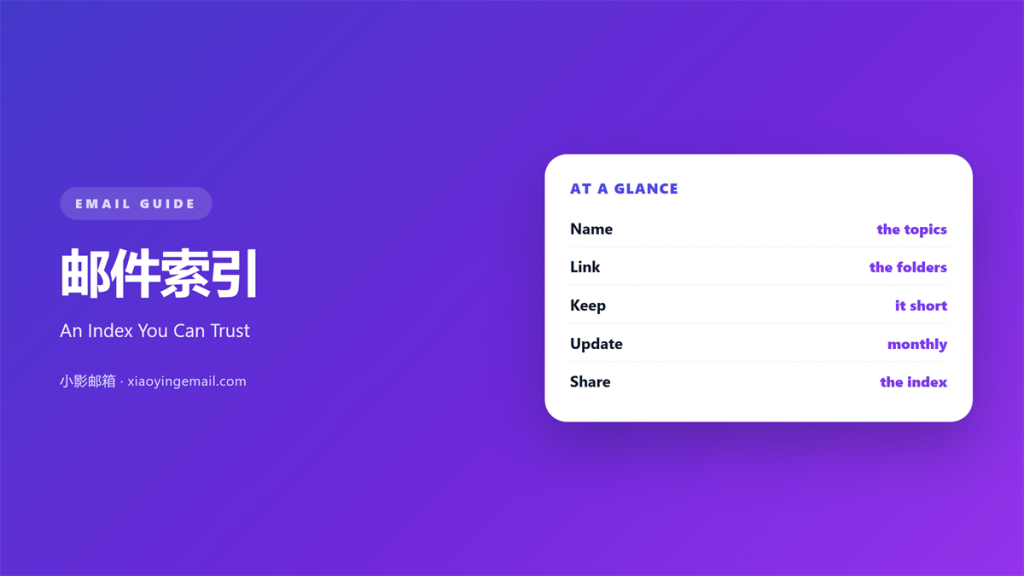
- 邮件索引 is a short list of the topics you search for most.
- Each entry points to one place where those mails live.
- Keep the list to twelve entries or fewer.
- Name entries with the words you actually type.
- Review the list on a fixed day each month.
What 邮件索引 means
邮件索引 is a short list of the topics you search for most.
Each entry points to a place where those mails live.
It is a map, not a storage room.
The mails stay in folders, labels, or an archive.
The index only tells you where to look.
Most people build folders and then forget the names.
A written index solves that memory problem.
It also makes the system portable.
A new colleague can learn your mailbox from one page.
A good 邮件索引 fits on one screen.
If it needs scrolling, it is too detailed.
Why 邮件索引 matters
Search fails when you cannot recall the right word.
An index replaces guessing with a short list.
That saves a minute on every lookup.
A minute saved on each lookup adds up fast.
Ten lookups a day return ten minutes.
The saving multiplies across a team.
邮件索引 also exposes a messy structure.
When two folders hold the same topic, the index shows it.
Duplicates are easy to see on one page.
Then you can merge them without hunting.
A short index also lowers the cost of leaving.
A team member who leaves takes less knowledge away.
Find it in ten seconds
Set one rule: any mail must be found in ten seconds.
Then time yourself on five old messages.
If you miss the rule, the structure is wrong.
Fix the structure before you add more folders.
When 邮件索引 helps
邮件索引 helps when the mailbox passes a few thousand messages.
Below that, search alone usually works.
It helps when several people read the same inbox.
A shared index ends the question of where things go.
It helps when a project runs for years.
Long projects collect names that nobody remembers.
It also helps before an audit or a handover.
Both events reward a mailbox that explains itself.
The small-list rule
Keep the index to twelve entries or fewer.
Twelve items fit on one screen without scrolling.
If you need more, group them under three headings.
Then name the headings after your work, not your tools.
A long index is a second inbox.
When 邮件索引 hurts
邮件索引 hurts when it copies the folder tree.
A copy adds work and answers nothing.
It hurts when the entries are too broad.
An entry called work points everywhere and nowhere.
It also hurts when nobody updates it.
A stale index sends people to empty folders.
They stop trusting it after the second miss.
An index hurts when it lives in one person’s head.
That version disappears on the day they leave.
Finally, it hurts when the list becomes a project.
Two hours of tidying beats two weeks of planning.
邮件索引 and naming
The names in the index decide whether it works.
Use the words you type into the search box.
Those words are the ones your memory already holds.
Keep names short and specific.
Client name plus topic is a reliable pattern.
Verbs before nouns
Start an entry with a verb when it describes an action.
Pay invoices beats invoices, because it says what you do.
For records, a noun is fine.
Contracts signed in 2025 reads clearly.
Then keep the same order in every entry.
Consistency makes the whole list scannable.
How to use 邮件索引 well
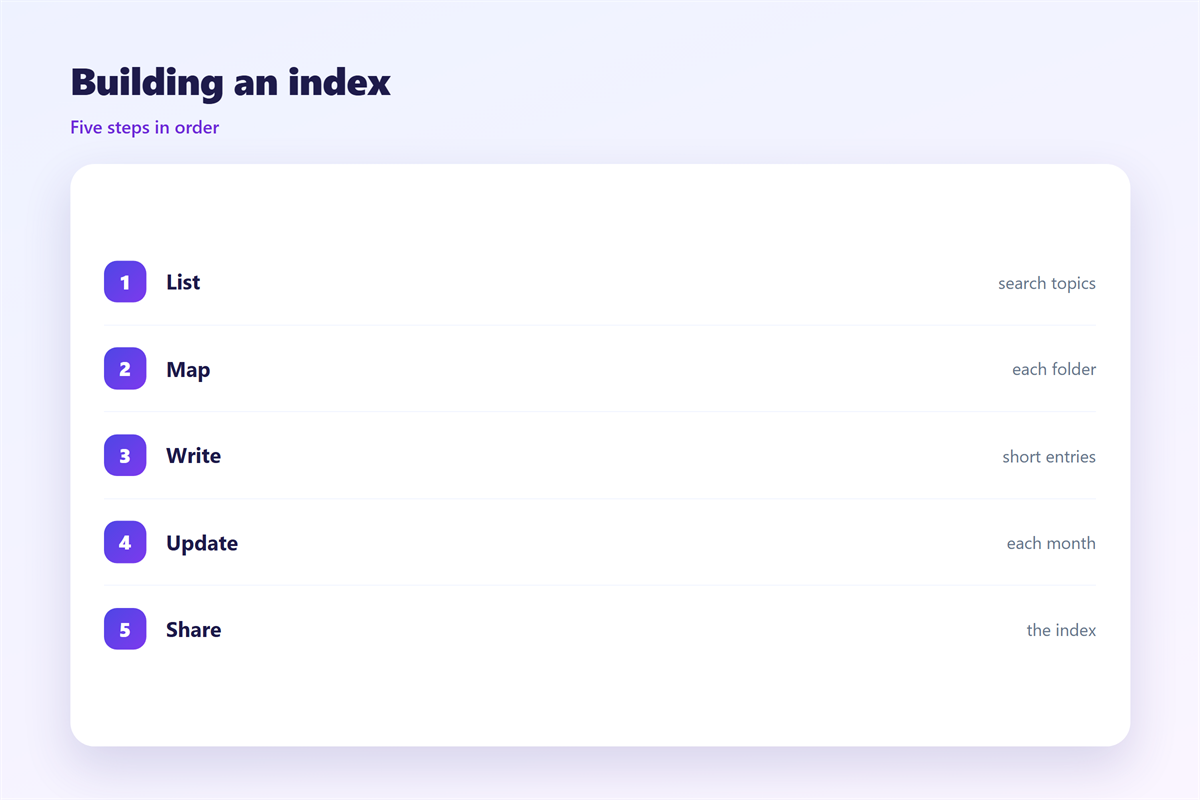
The list should start from real searches.
Open the search box and review your last ten queries.
Write each query on its own line.
Group the lines that mean the same thing.
Name each group in plain words.
Point each name at one location.
Then delete the groups you never use.
Store the list as a note you can open fast.
Pin it or add it to your shortcuts.
Test it with a real task, not a guess.
Then ask a colleague to use it once.
Build it from your last ten searches
Your own history is the best source.
It shows the words you actually use.
It also shows the topics you keep losing.
Those topics deserve the first entries.
Add a new entry only when you search twice for the same thing.
邮件索引 on a phone
On a phone, the index must open in one tap.
Keep it in a notes app or a pinned message.
Use plain text with no tables.
Long lines wrap badly on a narrow screen.
Put the most used entry at the top.
Then check that every link opens the right view.
A folder link that lands in the inbox is useless.
Test three entries before you rely on it.
Keep the list readable at a large font size.
If a line wraps twice, shorten the name.
Keeping 邮件索引 consistent
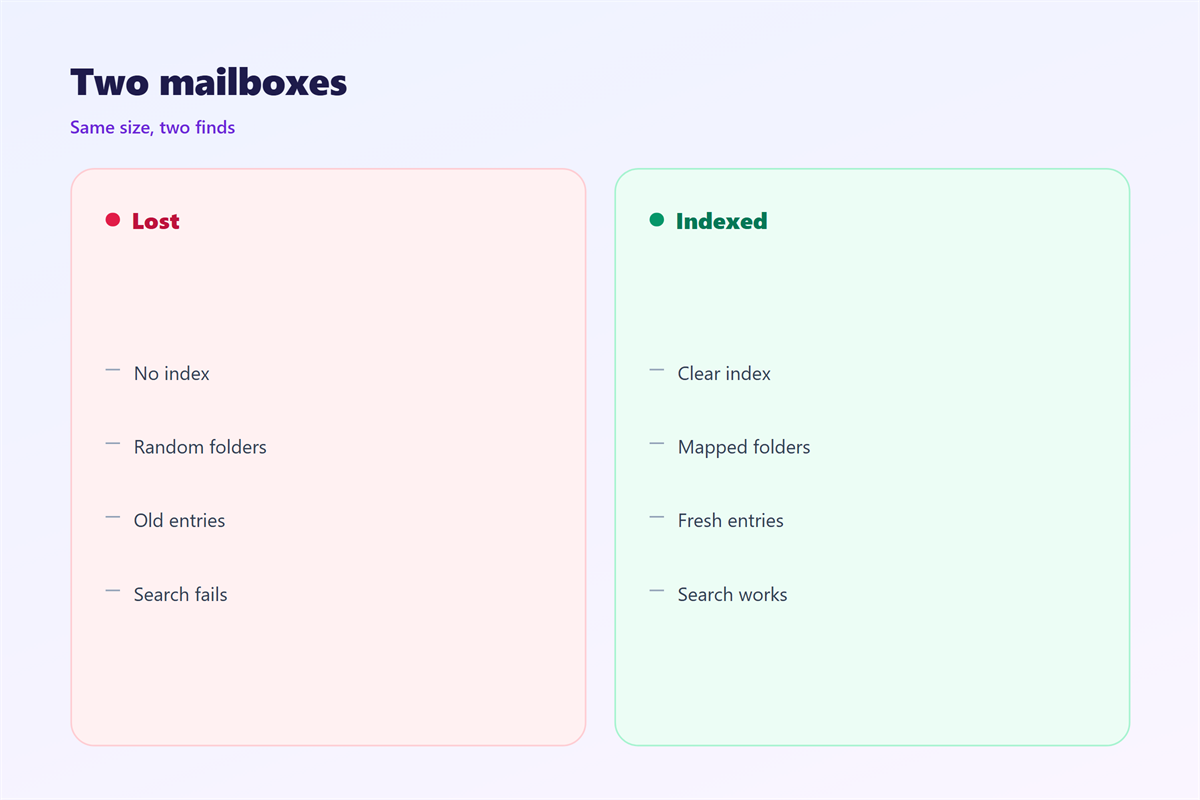
An index earns trust by staying true.
Review it once a month, on a fixed day.
Delete entries that point to nothing.
Add entries only when a search repeats.
The search syntax behind it is covered in 邮件搜索.
The structure it describes appears in 邮件文件夹.
The quick views at the top are explained in 邮件标签页.
The long-term storage sits in 邮件归档.
Then write the review day into the same note.
A tested 邮件索引 outlives the person who built it.
FAQ
How many entries should a 邮件索引 hold?
Twelve or fewer. Beyond that, group the entries under three headings.
Does a search box replace an index?
No. Search needs the right word. An index supplies that word.
How often should a 邮件索引 be updated?
Once a month. Add an entry only after a search repeats.
Can an index live outside the mailbox?
Yes. A note or a pinned page works well. Keep it one tap away.
评论
还没有评论,来说两句吧。
评论功能已关闭。