 小影邮箱
小影邮箱邮件页边距怎么留?Margins That Hold
Key Takeaways
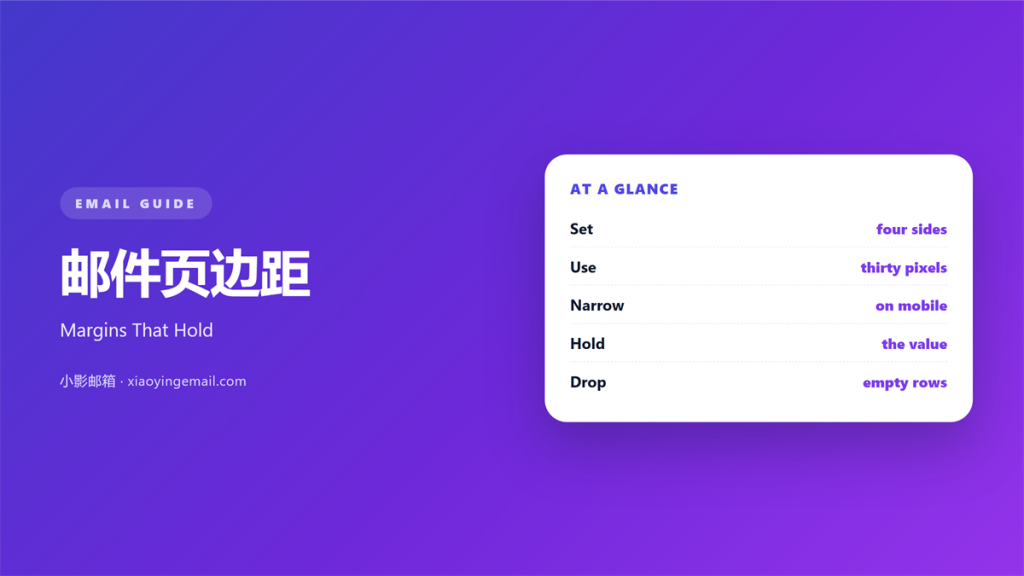
- 邮件页边距 is the space between text and the edge.
- Set four values, one for each side.
- A 600 pixel column works with 30 to 40 pixel margins.
- On a phone, 20 pixels is usually enough.
- Never pad a layout with empty paragraphs.
What 邮件页边距 means
邮件页边距 is the blank frame around every block of text.
It has four sides, and each side holds one value.
A margin sits outside the block.
Padding sits inside a table cell.
Most senders set both once and forget them.
The default is often zero on every side.
That default puts words against the edge.
A margin of 30 pixels already softens that edge.
Five hundred pixels of content inside 600 is common.
The leftover space becomes the left and right margin.
A good 邮件页边距 looks like nothing at all.
It only becomes visible when someone removes it.
Why 邮件页边距 matters
Text needs a place to stop.
An edge with no space feels like a wall.
A 邮件页边距 gives the eye a rest between blocks.
It also keeps long lines from touching the frame.
The effect is quiet but constant.
A reader never praises it, but feels its absence.
It costs nothing and asks for no attention.
Every block inherits the same left edge.
That shared edge gives the mail a spine.
Readers follow that spine without noticing it.
Sloppy margins break the line.
One block at 20 pixels and the next at 40 shows.
The outer edge
The outer margin holds the whole message.
Keep it equal on the left and right.
Uneven sides make the mail lean.
A 20 pixel difference is visible on a wide screen.
When 邮件页边距 helps
It helps when a mail carries a lot of text.
Wider margins shorten the line for the reader.
It helps when the layout has several stacked blocks.
One shared margin keeps them aligned.
A 邮件页边距 also helps a plain text-style mail.
Even a single column needs breathing room.
The same rule applies to a short note.
It helps when the brand uses generous space.
The mail then matches the printed material.
That consistency makes the sender look careful.
Narrow columns need less
A 400 pixel column needs a smaller margin.
Twenty pixels leaves enough room there.
Keep the ratio, not the number.
The outside edge still wants 30 pixels.
When 邮件页边距 hurts
A 邮件页边距 hurts when it changes between blocks.
The reader sees a jagged left edge.
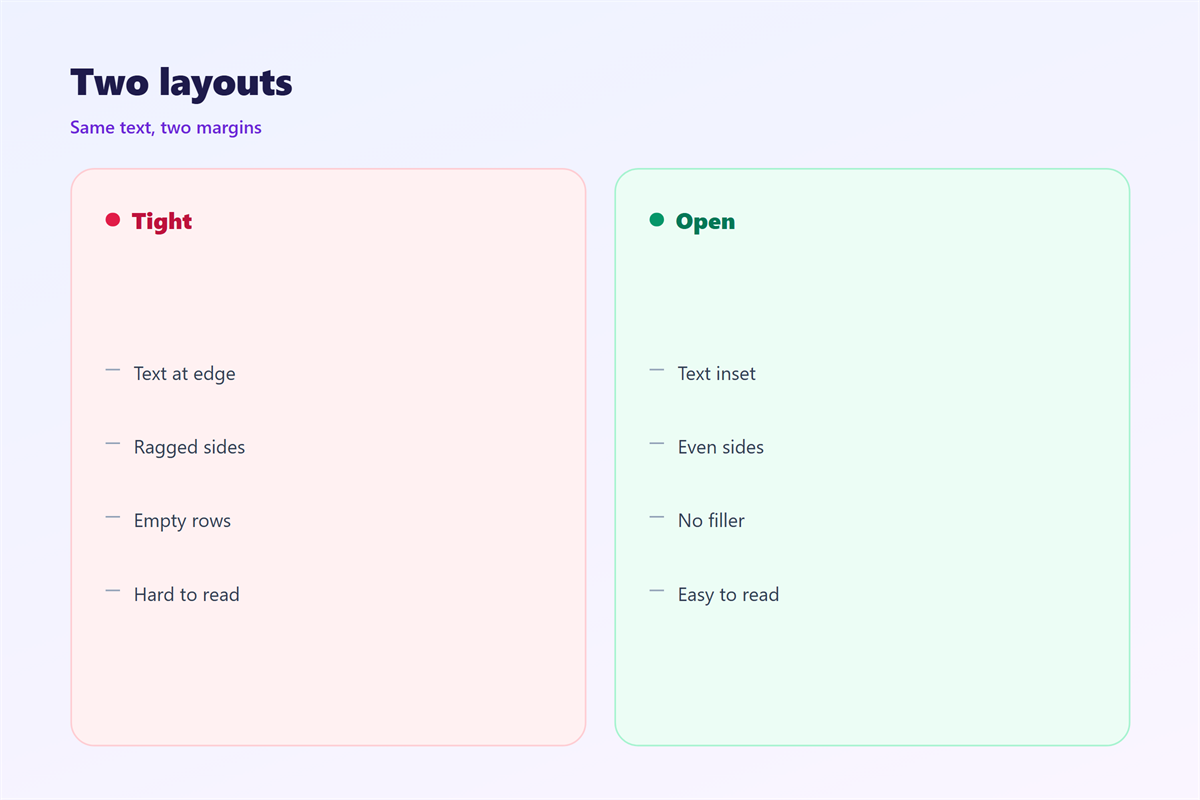
It hurts when the margin is built from empty paragraphs.
Those paragraphs become stray blank rows in some clients.
They also break the spacing on a phone.
Use cell padding instead of blank lines.
Wide margins hurt when an image runs full width.
A full-width image has to ignore the margin.
Then the text and the image start at different points.
That mismatch looks like a mistake.
A margin that changes mid-mail divides the message.
邮件页边距 and column width
A 邮件页边距 only makes sense next to a column width.
The column is usually 600 pixels wide.
The margins take 30 to 40 pixels on each side.
That leaves 520 to 540 pixels for text.
At 16 pixels, that is a comfortable line length.
Push the column to 700 pixels and the line grows.
Then the reader’s eye travels further per line.
Add margin instead of shrinking the type.
Decide all three numbers together.
One scale for all blocks
Write the three numbers in a short style note.
Column 600, margin 30, body 16.
Then every template starts from that note.
A block that breaks it gets fixed at once.
That keeps the mail from drifting over time.
How to set 邮件页边距
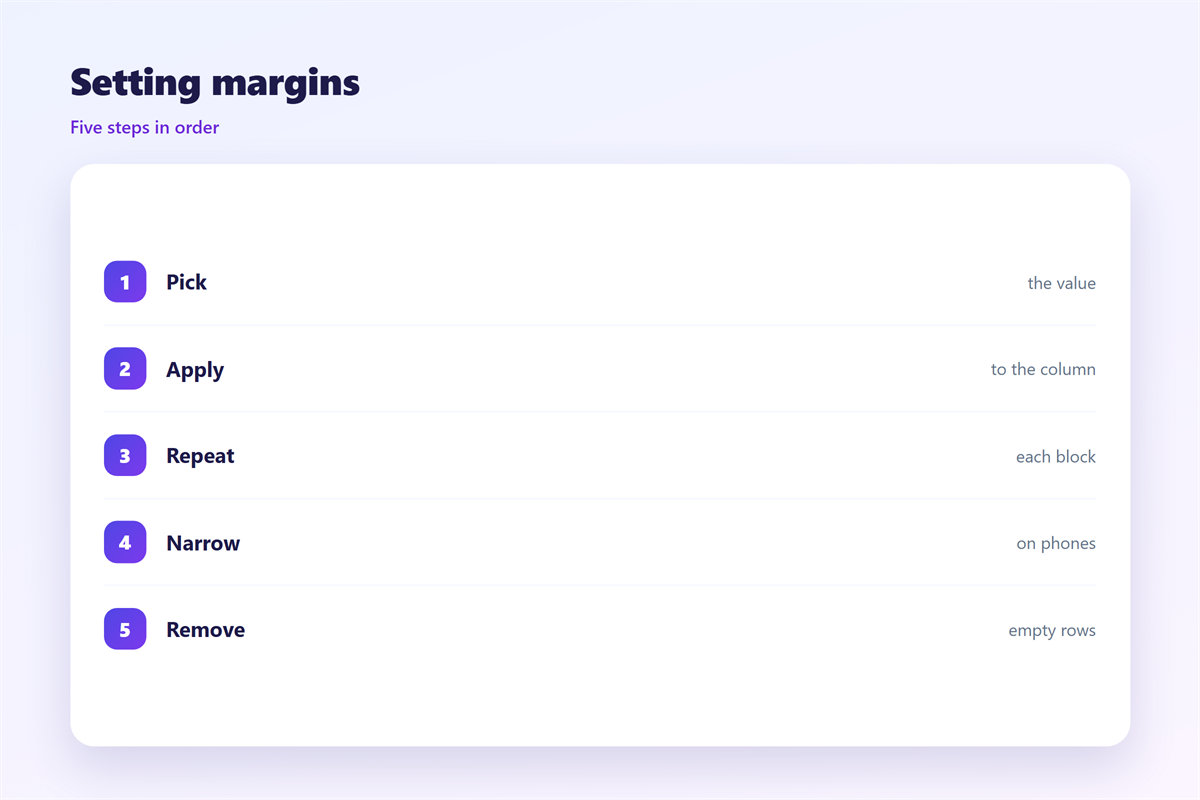
Start with the column, not the margin.
Set the table width to 600 pixels.
Give each cell 30 pixels of padding.
Then the text sits 30 pixels from every edge.
Use one value for left and right.
Top and bottom can be smaller, around 20 pixels.
Build the spacing with padding, never with empty paragraphs.
Test one block before you copy the setting.
Then check the same block in a second client.
Four values, written down
Write the four values as a short list.
Top 20, right 30, bottom 20, left 30.
Keep that list beside the template.
Any new block reads from the same list.
A second sender can then match the first.
That is how a 邮件页边距 survives a team.
邮件页边距 on a phone
Most mail is opened on a narrow screen.
A 600 pixel column no longer fits.
The client shrinks it to about 360 pixels.
A 30 pixel margin then looks wider.
Set the phone margin to 20 pixels.
That returns space to the text.
Two lines of padding are enough on a phone.
Keep the left and right sides equal.
Remove any margin that only exists for desktop.
A wide margin pushes the text into a thin strip.
Thumb width is the real constraint there.
Then read the mail on your own phone.
The edge still matters
A small screen is not a reason to touch the edge.
Twenty pixels is the floor, not zero.
Words at the very edge are hard to read.
Keep that floor on every block.
Keeping 邮件页边距 honest
A margin should not hide the content.
If the text starts halfway down, the inbox shows less.
Put the first line near the top of the mail.
The wider spacing rules sit in 邮件留白.
The grid behind them is covered in 邮件排版.
Line length gets its own treatment in 邮件行宽.
The text edge is discussed in 邮件对齐.
Then keep one margin for the whole campaign.
A team that writes it down stops arguing about pixels.
FAQ
How wide should a 邮件页边距 be?
30 to 40 pixels on each side of a 600 pixel column.
Can I use empty paragraphs for spacing?
No. They collapse in some clients and break on phones.
Should the margin change on a phone?
Yes. Drop to about 20 pixels and keep both sides equal.
Do full-width images need a margin?
No. Those images are meant to reach the column edge.
评论
还没有评论,来说两句吧。
评论功能已关闭。