 小影邮箱
小影邮箱邮件全宽图怎么放?Edge to Edge
Key Takeaways
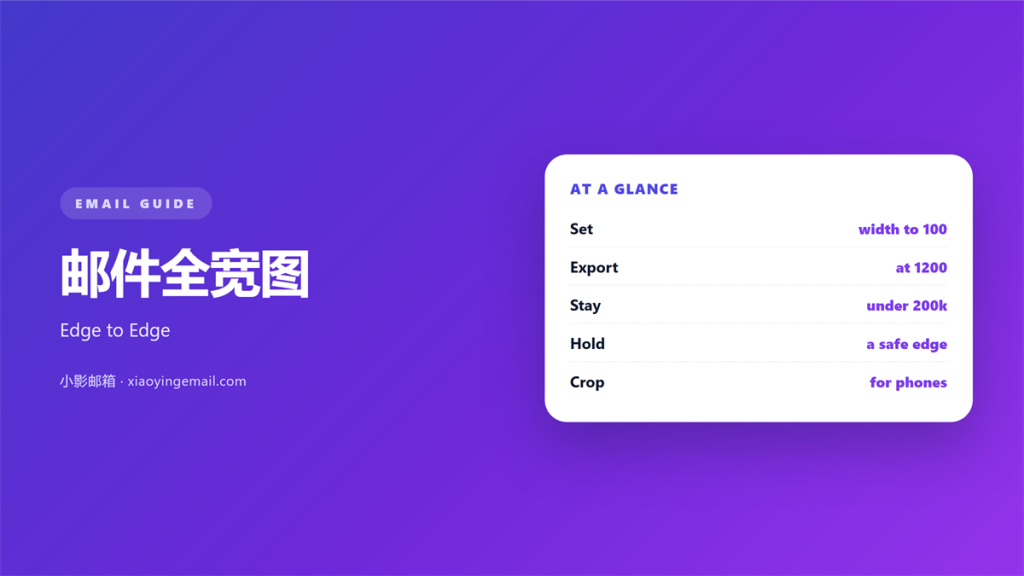
- 邮件全宽图 is an image that spans the whole column.
- Set the width to 100 percent.
- Export at 1200 pixels for a 600 pixel column.
- Keep the file under 200 kilobytes.
- Leave a safe area at every edge.
What 邮件全宽图 means
邮件全宽图 is an image that spans the whole column.
It starts at one edge and ends at the other.
The column is usually 600 pixels wide.
The image is set to 100 percent width.
Its file width should be 1200 pixels for sharp screens.
That is twice the display size.
The height follows the crop you choose.
The slot is defined by the column, not the photo.
A wide strip is a common shape for this slot.
It can also be a square or a tall photo.
The width is the fixed part, not the height.
Text and buttons usually sit below it.
Nothing should sit between it and the edge.
Why 邮件全宽图 matters
A full-width image uses the space you already have.
It gives a mail a clear opening.
A 邮件全宽图 also sets the tone before any words.
A photo of a place does more than a paragraph.
The width makes the image feel like a page.
That weight is why it works as a cover.
It also aligns every block below it.
The left and right edges become the frame.
Readers feel that frame even when they ignore it.
It keeps the mail from looking like a document.
It also hides the seams between blocks.
The trade-off
A full-width image is heavy.
It also takes vertical space.
On a phone it may fill the first screen.
That is a choice, not an accident.
When 邮件全宽图 helps
It helps at the top of a campaign mail.
It helps when the product is visual.
A 邮件全宽图 helps a travel or food offer.
It helps when the mail has one clear message.
One image, one line, one button.
It helps in a monthly newsletter header.
A repeated strip becomes a familiar sign.
It helps when the photo has a quiet area for text.
A new collection fits the slot well.
When a smaller image wins
A product shot with white space works small.
A diagram rarely needs the full width.
A logo should never fill the column.
Match the size to the job.
When 邮件全宽图 hurts
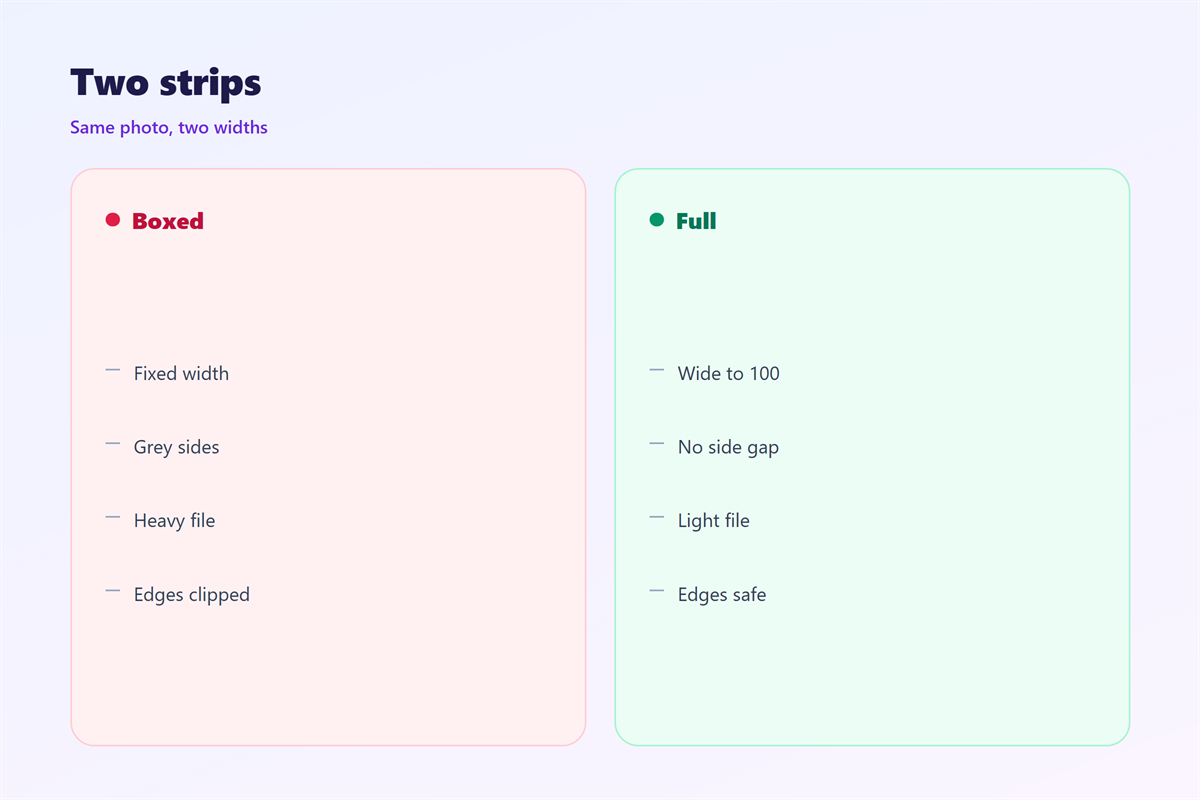
A 邮件全宽图 hurts when the file is huge.
A 3 megabyte photo will not load on a train.
It hurts when the image has no safe area.
Text near the edge gets cut on a phone.
It hurts when the subject sits at the border.
The crop then removes exactly the wrong part.
It hurts when every block is full width.
Then nothing stands out.
It hurts when the image is stretched.
A squashed face is worse than a small one.
It hurts when the alt text is missing.
It hurts when the crop cuts the brand mark.
邮件全宽图 and file weight
A 邮件全宽图 carries more pixels than a small one.
More pixels usually means more kilobytes.
Keep the file under 200 kilobytes.
A photo at 1200 pixels can still fit that budget.
Save it as a JPEG at 70 percent quality.
Use PNG only when the image has flat colour.
Then compare the result at full size.
A slight softening is better than a slow load.
A wide image at 300 kilobytes is a tax.
Test on a slow connection once.
Dimensions, not guesses
Write the export size beside the template.
1200 by 600 for a wide strip.
1200 by 1200 for a square.
Then nobody exports a 4000 pixel file.
The size is a rule, not a preference.
How to place 邮件全宽图
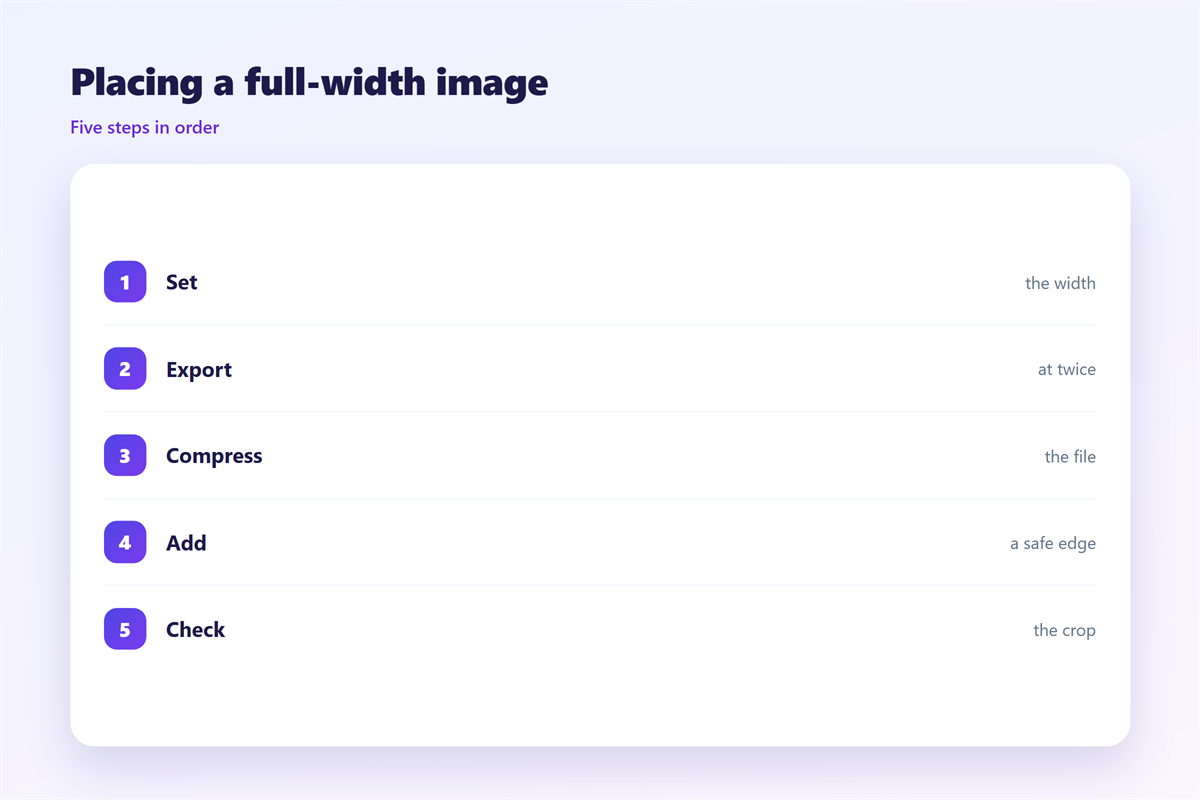
Set the image width to 100 percent.
Remove any padding around the image cell.
Let the image touch both column edges.
Keep a margin of safety inside the artwork.
That margin is about 40 pixels per side.
Important detail should stay inside it.
Then the phone crop will not cut it.
Add the alt text before you upload.
Name the file by width and crop.
Check the block with images off.
The edge-to-edge rule
A 邮件全宽图 needs one rule at the edge.
One full-width image per screen is enough.
Two in a row start to compete.
Keep the second image narrower.
That contrast makes the first one stronger.
Then the edge stays clean in every client.
邮件全宽图 on a phone
A full-width image is the whole screen on a phone.
The column shrinks to about 360 pixels.
The image scales down with it.
Text inside the image becomes unreadable.
Keep text in live type below the image.
Crop for the phone before you export.
A tall photo may lose its top and bottom.
Keep the subject in the middle band.
Then check how much of the screen it fills.
A shorter crop often works better.
A square crop loses the sides, not the centre.
One image, two crops
Build a square version for the phone.
Swap it with a media query where supported.
Otherwise let the wide version scale.
Either way, test both crops.
Keeping 邮件全宽图 honest
A wide image should not exaggerate.
A small product shown huge still has to be real.
A stock photo should not imply a place you do not serve.
The strip format is covered in 邮件横幅.
File sizes are explained in 邮件图片尺寸.
Phone behaviour sits in 邮件移动端.
The first image has its own rules in 邮件封面.
Then agree on a size cap for the team.
A cap is easier to keep than a taste.
Then a 邮件全宽图 still tells the truth.
FAQ
How wide should a 邮件全宽图 be?
600 pixels for display and 1200 pixels for export.
What file size is safe?
Under 200 kilobytes, and smaller is better.
Should the image touch the column edge?
Yes. That is what makes it full width.
Can I put text inside the image?
Only short text, and never the whole message.
评论
还没有评论,来说两句吧。
评论功能已关闭。