 小影邮箱
小影邮箱邮件签名图怎么放?A Signature That Looks Right
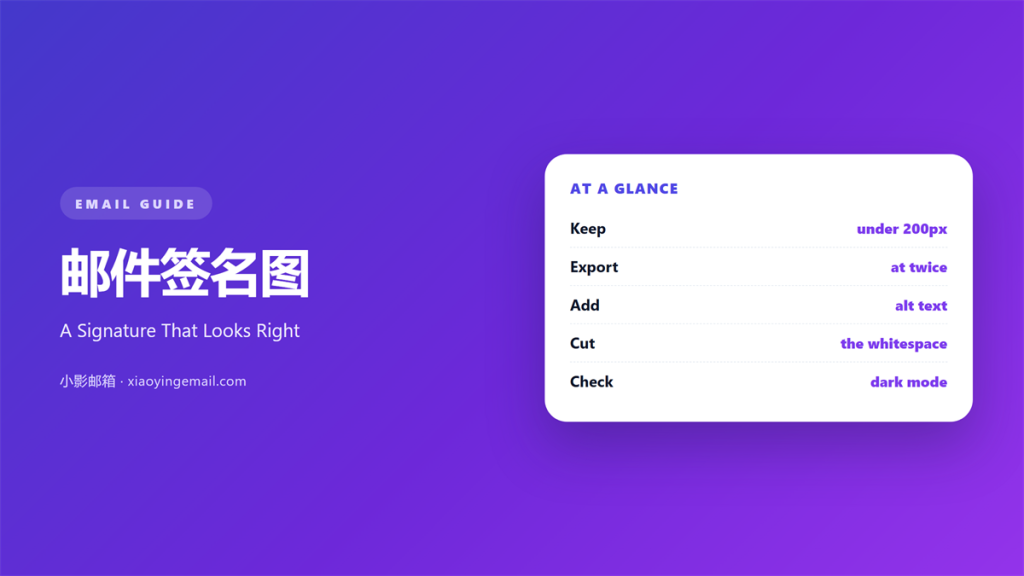
Key Takeaways
- 邮件签名图 is the image that sits beside your name.
- Keep it under two hundred pixels wide.
- Compress the file below thirty kilobytes.
- Write alt text for every signature image.
- Test the block with images blocked.
What 邮件签名图 means
邮件签名图 is the image that sits beside your name.
It may be a face, a logo or a small mark.
It closes the mail with a human detail. Readers see a person, not just an address.
Size is the first decision.
Two hundred pixels wide is a safe ceiling.
Height rarely needs more than eighty.
Export at twice that width for sharp screens.
Then set the display size in the img tag.
A 邮件签名图 is not a banner.
It supports the name, not the campaign.
Keep the file under thirty kilobytes.
Small files load before the reader scrolls.
Why 邮件签名图 matters
A signature is read at the end of every mail.
A 邮件签名图 makes that ending memorable.
A face builds trust faster than a job title.
A logo reminds the reader who wrote.
That recall matters in a crowded inbox.
The image also carries a link to your site. That link is often the second click.
One click can turn a reply into a visit.
However, a heavy image can cost you the mail.
Gmail clips a message past 102 kilobytes.
In our last check, a 480-pixel banner pushed a mail over that line.
The whole signature was cut from view.
The trust budget
Trust is built in small doses.
A clear face is one dose.
A messy layout removes two.
Spend the space with care.
When 邮件签名图 helps
It helps when the sender is new to the reader.
A face answers the question of who this is.
It helps in a support reply.
A portrait softens a short, factual answer.
A 邮件签名图 helps a small team look real.
Four faces in a row show the people behind the desk.
It helps when a mail goes to a cold list.
A logo and a street address add weight.
Use it when the brand name is not yet known.
The mark does the introducing. It saves a paragraph of explanation.
One face or one logo
Pick one image, not three.
A face plus a logo plus a badge is noise.
Choose the mark that answers the reader’s doubt.
Then keep that choice for a year.
When 邮件签名图 hurts
It hurts when the image is wider than the text.
The signature then jumps to the centre.
It hurts when the file is a heavy PNG.
As a result, slow loads leave a grey square.
A 邮件签名图 hurts when the alt text is missing.
Blocked images then show nothing at all.
It hurts when the image holds your email address.
Bots read images and scrape the text.
Finally, it hurts when the mark is a stock photo.
Readers spot a fake face very fast. The damage lasts longer than the mail.
邮件签名图 and trust
Trust is the only reason to add a face.
A 邮件签名图 works when it looks like the sender.
A polished studio shot can feel distant.
A plain photo against a wall often reads warmer.
Consistency matters more than polish.
Use the same photo across mail and chat.
Our team uses one portrait for every sender.
Readers then recognise the face before the name.
That recognition is the whole return.
What the alt text says
Write alt text as if the image were gone.
Name the person and the role.
Keep it under twelve words.
Do not repeat the email address.
Then a screen reader still knows who wrote.
How to build 邮件签名图
Start with a square crop of the face.
Export it at four hundred pixels wide.
Set the img width to two hundred.
Compress the file until it drops below thirty kilobytes.
Save it as a JPEG for a photo.
Use PNG for a flat logo with text.
Host the file on a secure domain.
Then link the image to your contact page.
Build the block in a table
Put the image in its own cell.
Put the name and role in the next cell.
Set both cells to align at the top.
Add twelve pixels of padding between them.
Then the block holds at any width.
Test it once with images blocked.
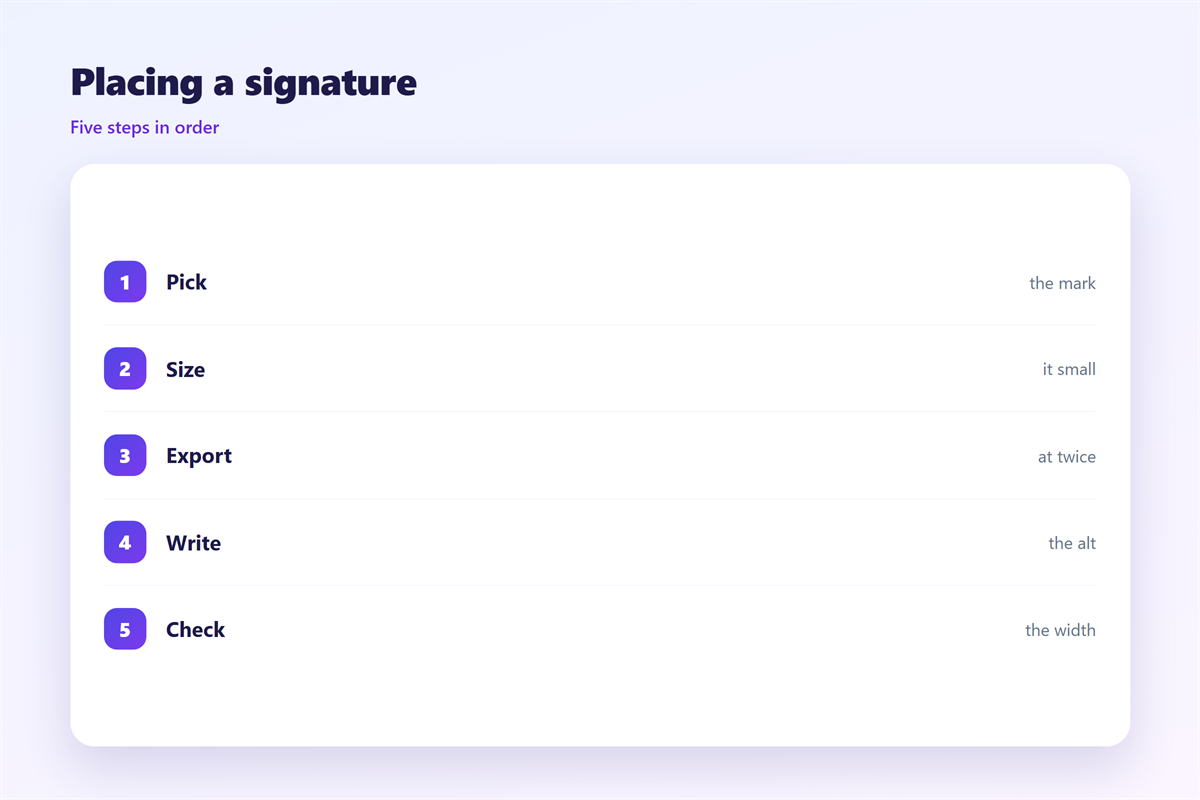
邮件签名图 on a phone
On a phone, the signature cell fills the width.
The image then sits above the name.
That order still reads well.
A 邮件签名图 at two hundred pixels fits a 360-pixel screen.
Anything wider forces a horizontal scroll.
That scroll breaks the whole mail.
Keep the image below sixty pixels tall.
A tall banner pushes the footer off screen.
Test the block at 320 pixels.
Then check the same block in dark mode.
A logo on a dark ground may vanish.
Keep a light version ready for that case.
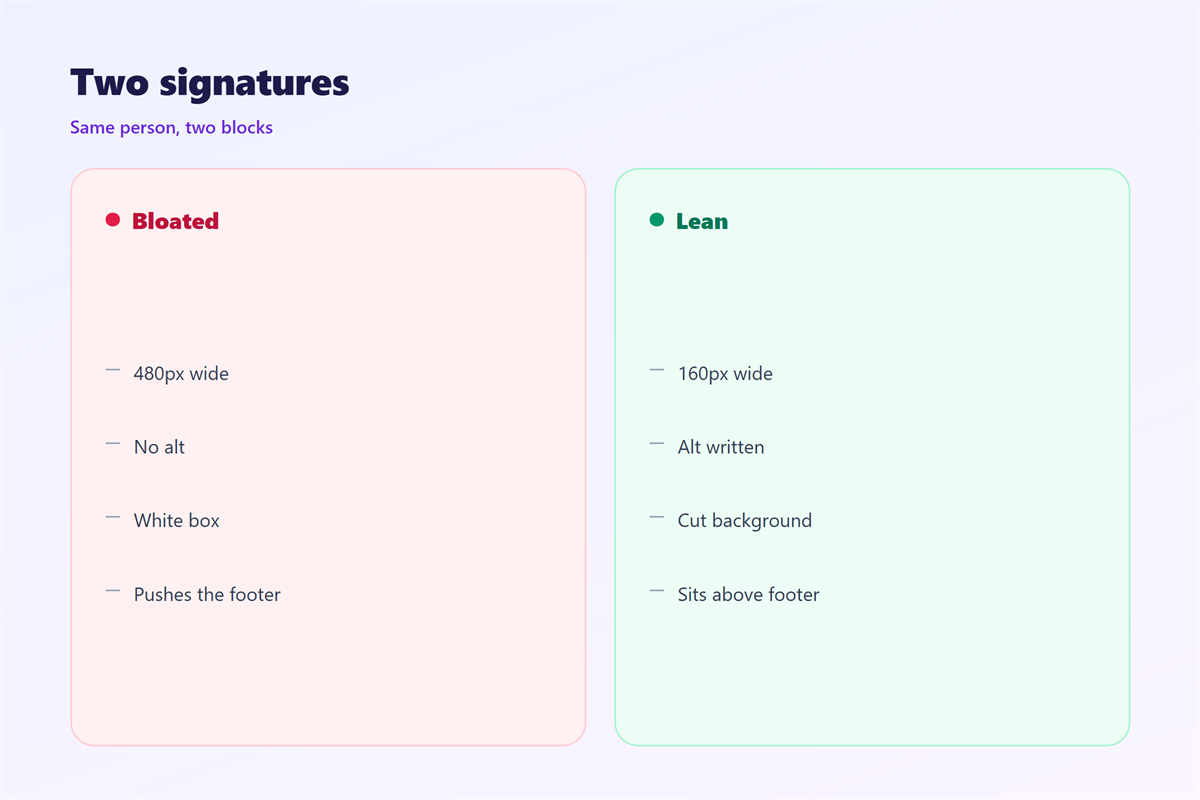
Two files, one mark
Export a light and a dark version.
Swap the file when the theme changes.
Most clients now honour that swap.
Check the result on two handsets.
Keeping 邮件签名图 honest
The text template lives in 邮件签名.
The rules for every sender sit in 邮件签名规范.
The photo advice is in 邮箱头像.
The full block is covered in 邮件名片.
A signature image should show a real person or mark.
It should not imply a team size you do not have.
Keep the role line accurate.
Then the image supports the words.
FAQ
How wide should a 邮件签名图 be?
Under two hundred pixels. Export at twice that size for sharp screens.
Should the image carry a phone number?
No. Text stays readable and copyable. Put the number in the name block.
Will Gmail clip my signature?
It can. Keep the whole mail under 102 kilobytes.
Do I need alt text on a logo?
Yes. Name the company and the role in one short line.
评论
还没有评论,来说两句吧。
评论功能已关闭。