 小影邮箱
小影邮箱邮箱头像怎么设?The Face Next to Your Name
What 邮箱头像 actually is
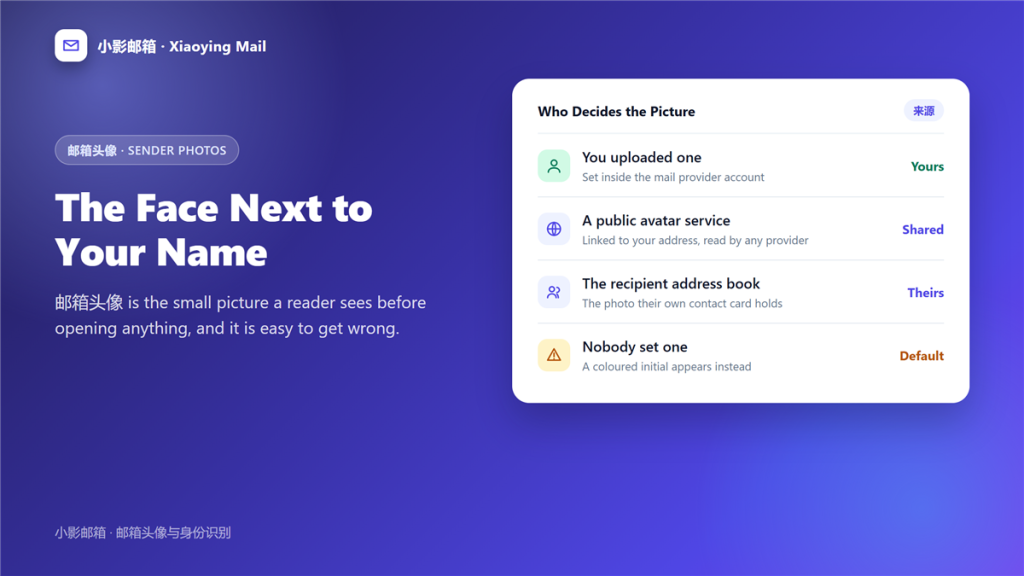
邮箱头像 is the small picture a mail client shows next to your name, and almost nobody sets it deliberately. Most of the time it arrives from somewhere else entirely.
A client once asked me why a photo from my old employer still appeared beside my personal address. I had never uploaded it there. The picture came from a public avatar service linked to the same address, which is how 邮箱头像 usually works.
Key Takeaways
- 邮箱头像 can come from three different sources.
- A public avatar service ties the picture to an address, not to an account.
- The recipient address book can override whatever you set.
- A familiar face is read before the address is checked.
- Photos are easy to copy, which matters for phishing.
- A casual picture can reveal a workplace or a location.
- Removing a photo is harder than adding one.
Where a 邮箱头像 comes from
Three sources compete, and the client decides which one wins.
Your account
Most providers let you upload a picture in the profile settings. Furthermore, that copy wins inside that provider and nowhere else.
A public avatar service
Some services store one photo against an address so any client can fetch it. Therefore a 邮箱头像 can appear in accounts you never configured.
The recipient address book
The person receiving your mail may have saved a photo years ago. Consequently, they see that picture regardless of what you set today.
Why the picture matters more than it looks
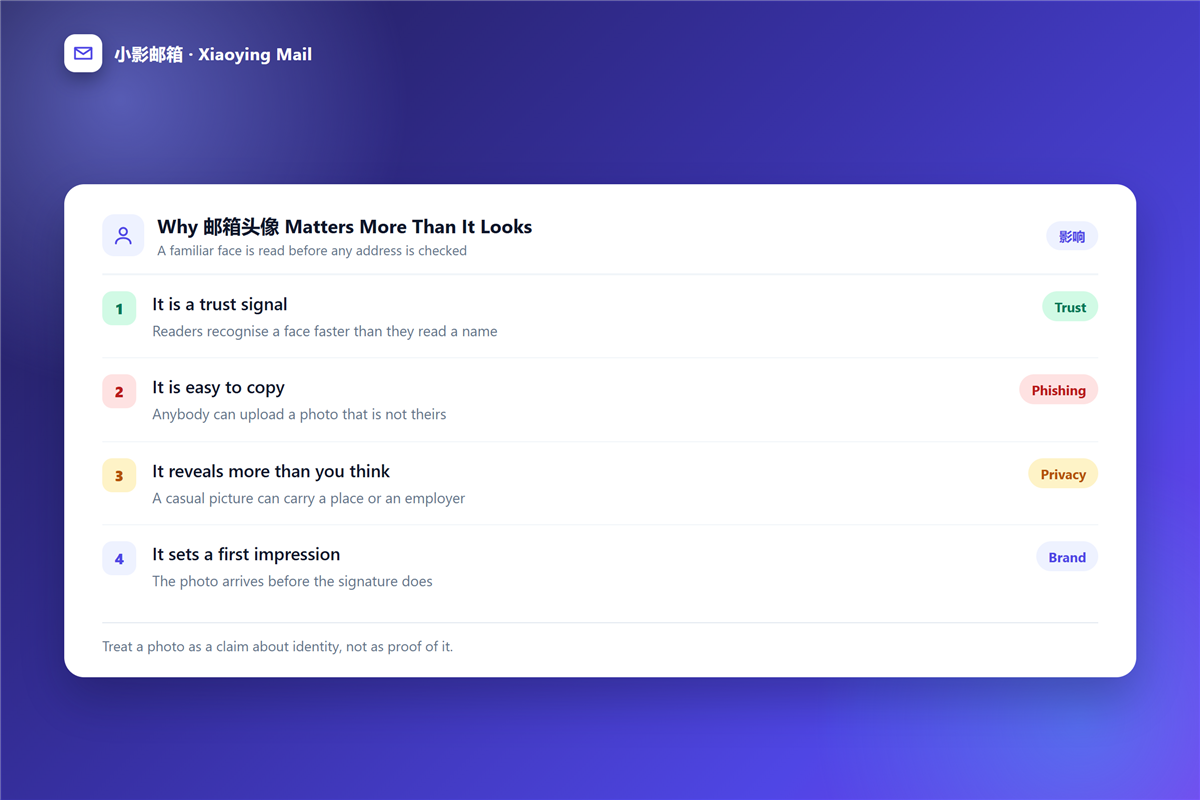
A face is processed faster than a name, and that speed has consequences.
It is a trust signal
Readers recognise a face before they read an address. Moreover, a familiar face makes a message feel verified even when it is not.
It is easy to copy
Any public photo can be attached to a new account in minutes. As a result, a 钓鱼邮件 wearing the right face gets much further than one without.
It reveals more than you think
A holiday picture can carry a landmark, a badge or a colleague in the background. Therefore treat the picture as a public statement, and check what a 邮箱泄露 would expose if that image were cross-referenced.
Choosing a picture for a work address
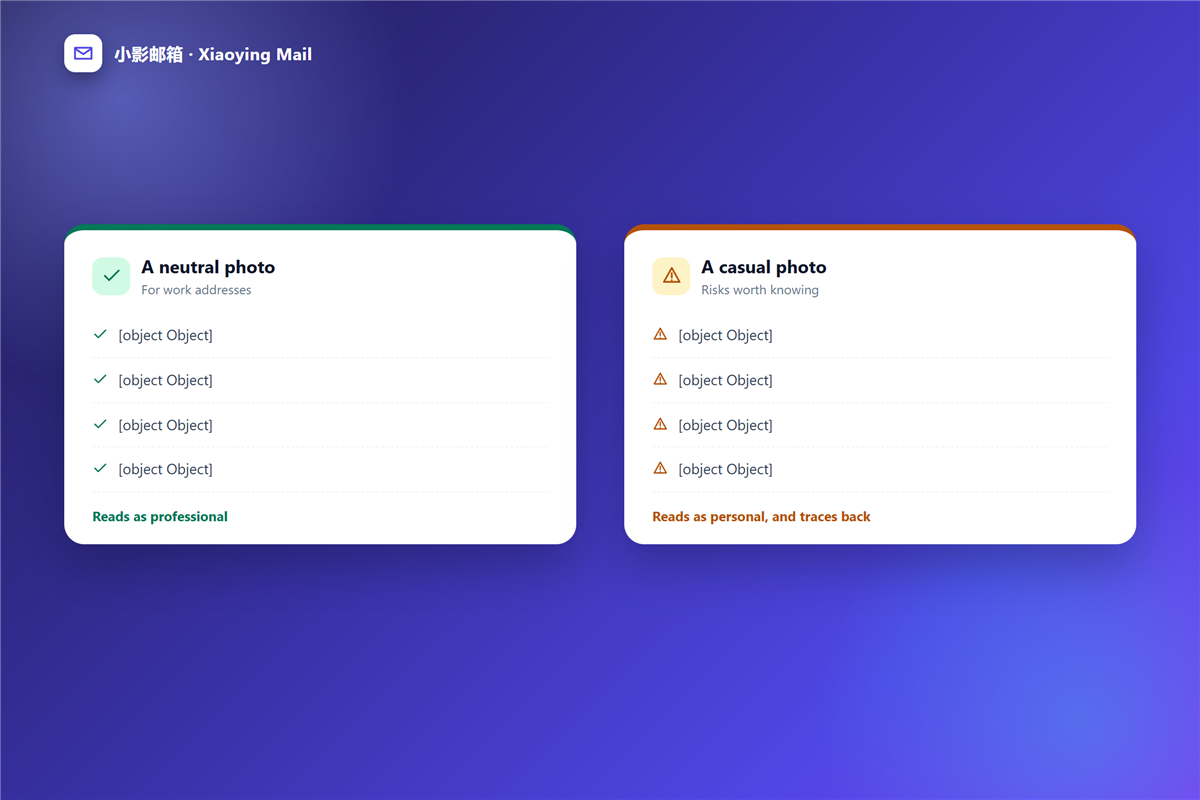
A neutral picture solves most of the problem, and it takes five minutes.
- Use a plain background with your face clearly visible.
- Keep the same photo on every account you own.
- Avoid crowd scenes, landmarks and badges.
- Skip a photo that only your social circle would recognise.
- Revisit it once a year rather than once a season.
A consistent picture also helps the 邮箱联系人 in other address books stay accurate, because the picture matches the name they already saved.
When a familiar face is a warning
A photo is a claim about identity rather than proof of it, and the gap between those two ideas is where fraud lives.
Three checks take seconds. First, read the full 邮件头 instead of the display name. Second, compare the address character by character, since lookalike domains are common. Third, be suspicious of a familiar face attached to an unusual request, especially a payment or a password reset.
In other words, the stronger the picture, the more carefully the address behind it deserves to be read.
Changing or removing a 邮箱头像
Removing a picture takes longer than adding one, because copies live in several places.
Start with the account setting, then check any public avatar service linked to the address. After that, accept that saved copies in other address books are outside your control, which is the honest limit of 邮箱头像 management.
邮箱头像 in shared mailboxes
Shared addresses break the usual rules, because a group has no single face.
Support and sales inboxes
Many teams upload a logo instead of a person. However, a logo sends a weaker trust signal than a face, so a small team photo often works better as a 邮箱头像.
When several people share one address
Readers cannot tell who is answering. Adding a name to the signature solves more of that problem than any 邮箱头像 can.
Frequently asked questions
Do all providers show a 邮箱头像?
Most modern clients do, and they choose the source themselves. Therefore the same address can show different photos in two different apps.
Can I hide my 邮箱头像 from recipients?
Partly. You can remove your own uploads, but a picture already saved in somebody address book stays there.
Why does my 邮箱头像 not appear?
Usually the client found no match, or the recipient software ignores photos altogether. Some clients show initials by design.
Is a 邮箱头像 part of my email address?
No. The address is the identity, and the picture is only decoration attached to it.
评论
还没有评论,来说两句吧。以下为本文的引用通告: