 小影邮箱
小影邮箱邮件内联样式怎么写?Styles That Survive
Key Takeaways
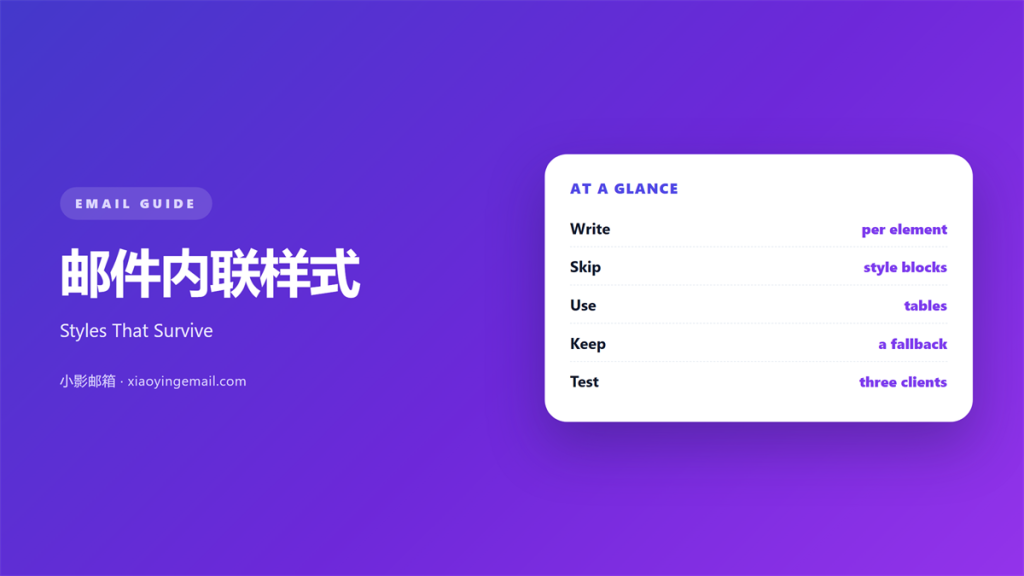
- 邮件内联样式 sits on the element itself.
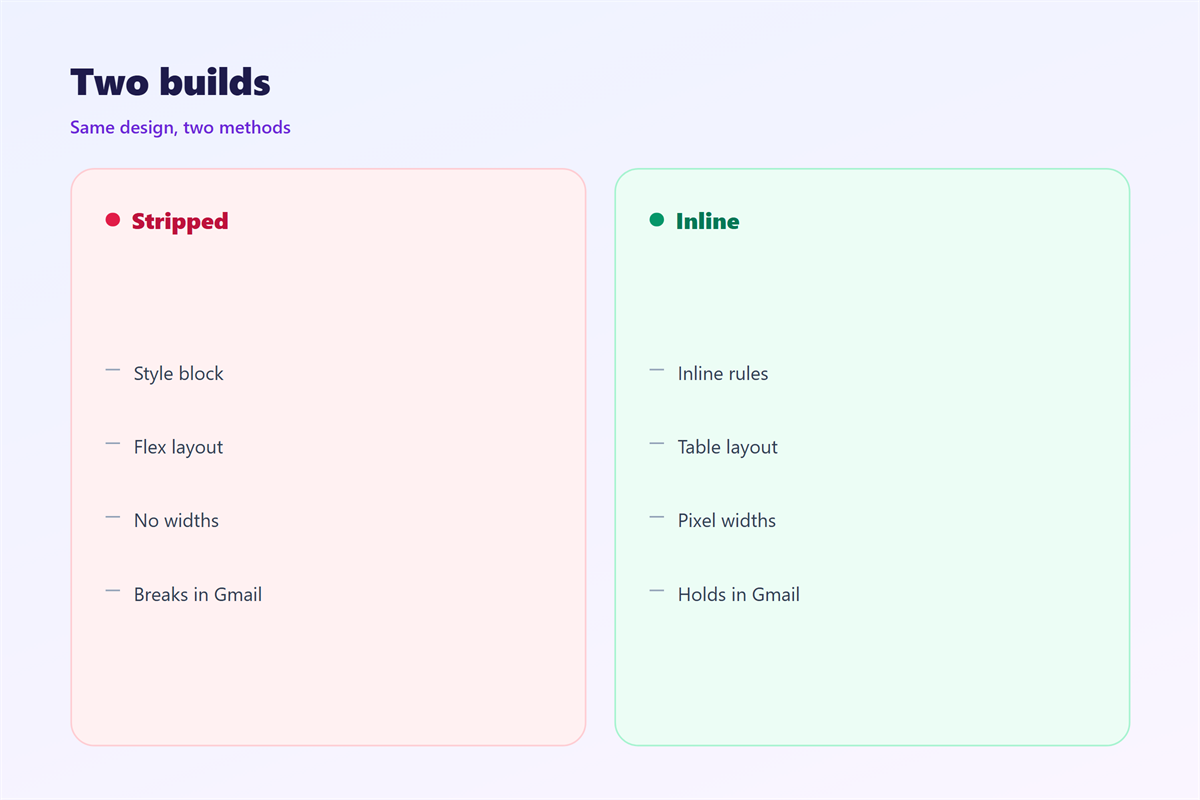
- A style block in the head often gets stripped.
- Write one rule per element.
- Use tables for layout, not divs.
- Test in Gmail before you trust a style.
What 邮件内联样式 means
邮件内联样式 puts CSS rules directly on the HTML tag.
The rule travels with the element. A client cannot miss it.
No separate stylesheet is needed.
That matters because many clients remove head styles. A browser would keep them.
Gmail removes some selectors.
Outlook ignores others.
So an inline rule is the safest baseline. It works even when the head is gone.
A typical rule sets font, size and colour. Some senders add line height.
It looks like a style attribute with a font size.
Inline rules win over most external rules. That saves a fight with a stylesheet.
That is both the strength and the problem.
A 邮件内联样式 cannot hold a media query.
Why 邮件内联样式 matters
Most email clients are stricter than browsers. They follow an older rendering engine.
They strip style blocks before display.
They drop class and id selectors. Then the class rule does nothing.
What remains is the attribute on the tag.
So the design must live in a 邮件内联样式.
Without it, a heading renders at default size.
A button loses its padding and colour. It becomes a plain blue link.
Our team tested 14 clients last quarter. We used one template for all of them.
Nine of them ignored a head style completely.
The same mails rendered correctly after inlining.
That test took one afternoon.
What breaks first
Font family usually survives. Fallbacks matter more than the first name.
Padding inside a table cell survives too.
Background images often fail in Outlook. Use a solid colour instead.
A margin on a paragraph can collapse.
When 邮件内联样式 helps
It helps when the template is simple. Simple means fewer than twenty rules.
A short mail needs few rules.
It helps when clients strip head styles. The Gmail app is the common case.
The inline rule still shows.
A 邮件内联样式 helps in a plain-text fallback too.
The text keeps its reading order.
It helps when a team hands off a design. The file explains itself.
One file holds every rule.
It helps when a mail must render in Outlook desktop. That build still matters in offices.
That client relies on older rendering.
Where it stops
Media queries cannot be inline. The syntax has no home there.
So mobile stacking needs a style block.
Keep that block small. Ten lines is plenty.
Accept that some clients ignore it.
When 邮件内联样式 hurts
It hurts when the same rule repeats everywhere. Editing forty cells invites a mistake.
A colour change then means forty edits.
It hurts when the markup grows heavy. Weight slows the load on a phone.
Gmail clips a message above 102 kilobytes.
A 邮件内联样式 hurts when it fights a head rule.
Specificity then becomes a guessing game.
It hurts when the font stack is too long. Keep three names at most.
Outlook may drop the whole declaration.
It hurts when a designer pastes a web page. The extra rules confuse the client.
Web CSS often assumes rules that mail lacks.
邮件内联样式 and specificity
Specificity decides which rule wins. It is a score, not a preference.
An inline rule beats a class selector.
A head rule with important can beat both.
Some clients ignore that flag.
So the order is never fully predictable. Document what actually renders.
Keep one rule per property.
Then there is nothing to compare.
A 邮件内联样式 with no rival is stable.
That simplicity saves debugging time.
A short ladder
Inline first.
Head block second.
Vendor prefix last. It covers one or two clients.
Document the order once.
Then follow it in every template.
How to build 邮件内联样式
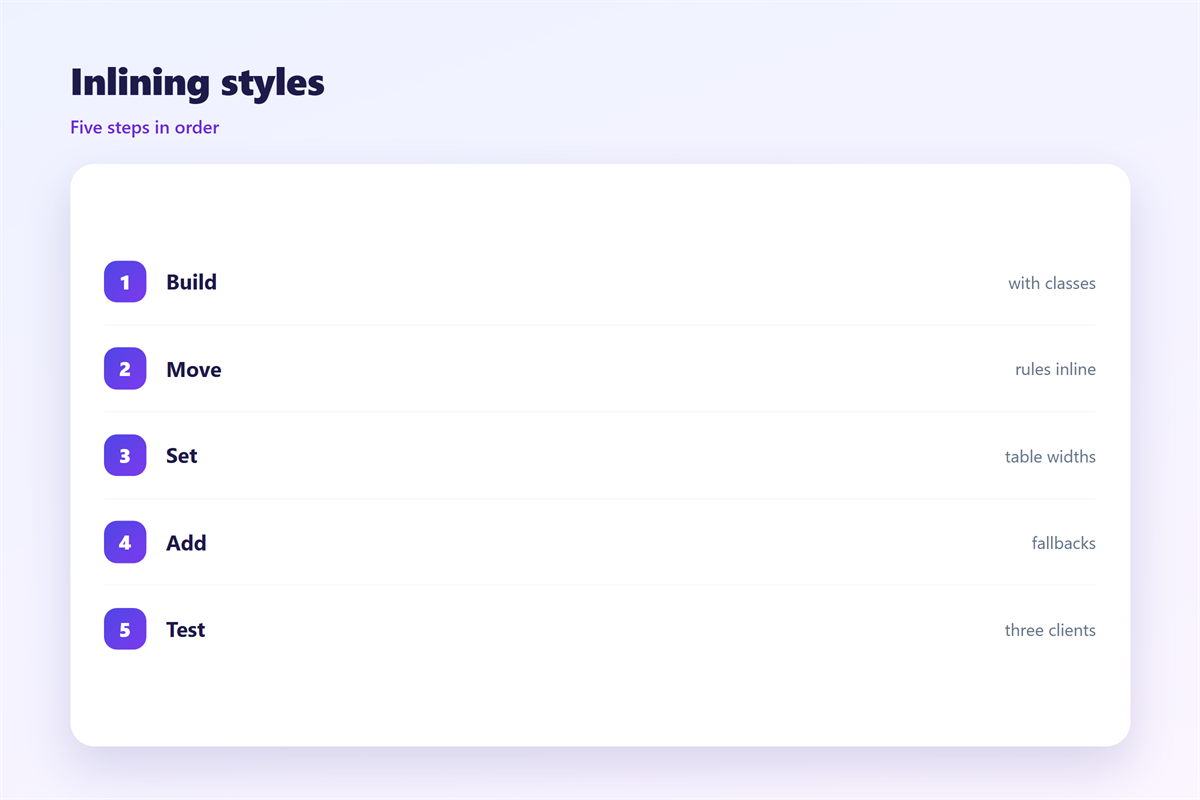
Build the mail as plain HTML first. Skip the visual editor for this step.
Give every table a role and a width.
Set the body font on a wrapper table.
Set size and line height on each cell. Then a table row cannot drift.
Add colour to links, not to the body.
Avoid shorthand properties.
Write each value with a unit.
Then run the file through an inliner.
Check the output
Open the inlined file in a browser. It is a rough check, not a test.
Read the source, not just the picture.
Look for one style per tag.
Remove empty attributes. They add weight and no value.
Then send a test to yourself.
Compare it with the original design.
邮件内联样式 on a phone
A phone screen shows the default font first.
So set a base size of 16 pixels. That is the browser default too.
Smaller text invites a zoom.
A 邮件内联样式 can set that size once.
Use a wrapper table for the width.
Then a narrow screen cannot crop the text. The table shrinks with the screen.
Keep the line length near 40 characters.
A long line tires the eye.
Buttons need a 44 pixel height.
Padding helps the tap. Twelve pixels on each side is enough.
Test the mail with the system font enlarged.
Some readers set 130 percent.
Keep it readable
Check the contrast ratio. Dark grey on white is not enough.
Four and a half to one is the floor.
Then read one paragraph aloud.
If you stumble, the size is wrong.
Keeping 邮件内联样式 honest
A style should not hide the unsubscribe link.
Keep it visible without hover.
Check the mail with images off.
The file choice is explained in 邮件格式.
Font stacks appear in 邮件字体.
Client quirks are listed in 邮件客户端.
The wider layout sits in 邮件排版.
Then save the inlined file with the campaign.
A team that keeps one template ships faster.
Review the rules each quarter.
FAQ
Can 邮件内联样式 handle mobile stacking?
No. Stacking needs a media query in a head block.
Which properties fail most often?
Background images, margins and shorthand rules. Outlook desktop is the usual culprit.
Should I inline by hand?
No. Run an inliner at build time and keep the source readable.
Why did my button lose its colour?
A head rule probably overrode it. Put the colour on the anchor tag.
评论
还没有评论,来说两句吧。
评论功能已关闭。