 小影邮箱
小影邮箱邮件格式怎么选?Plain Text or HTML
What 邮件格式 actually decides
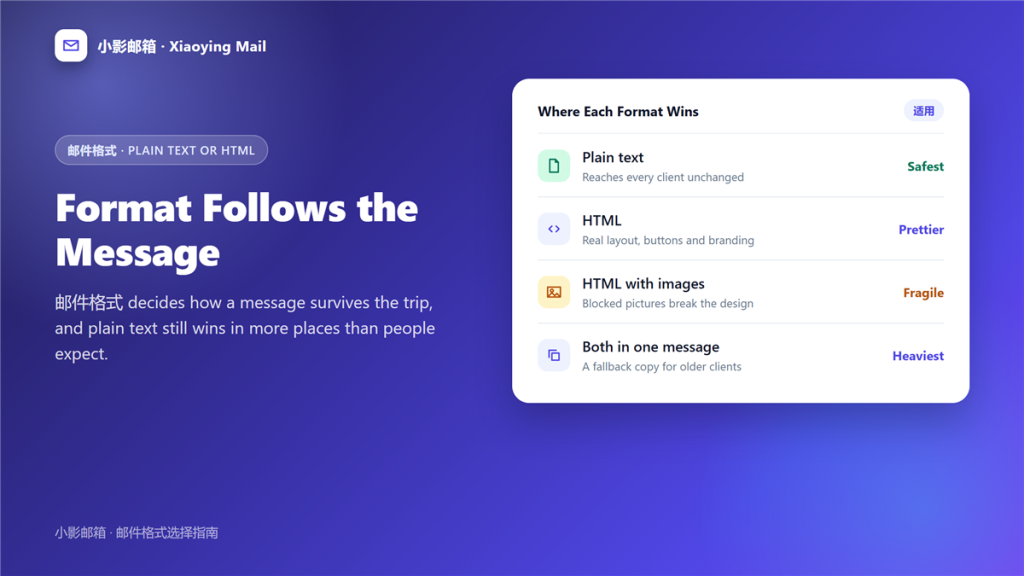
邮件格式 decides how much of your message depends on the recipient software. A plain text message travels as text, while an HTML one travels as a small web page, and pages render differently everywhere.
I sent the same announcement twice to a list of 300 people. The plain version reached every inbox looking exactly as written, and the HTML version lost its header image in 41 of them. That gap is what 邮件格式 really governs.
Key Takeaways
- The choice is between reliability and presentation.
- Plain text survives every client unchanged.
- HTML gives you layout, buttons and branding.
- Blocked images break a layout built on pictures.
- Dark mode can invert colours you chose carefully.
- Sending both versions covers old and new clients.
- Test the message before you rely on it.
Where plain text still wins
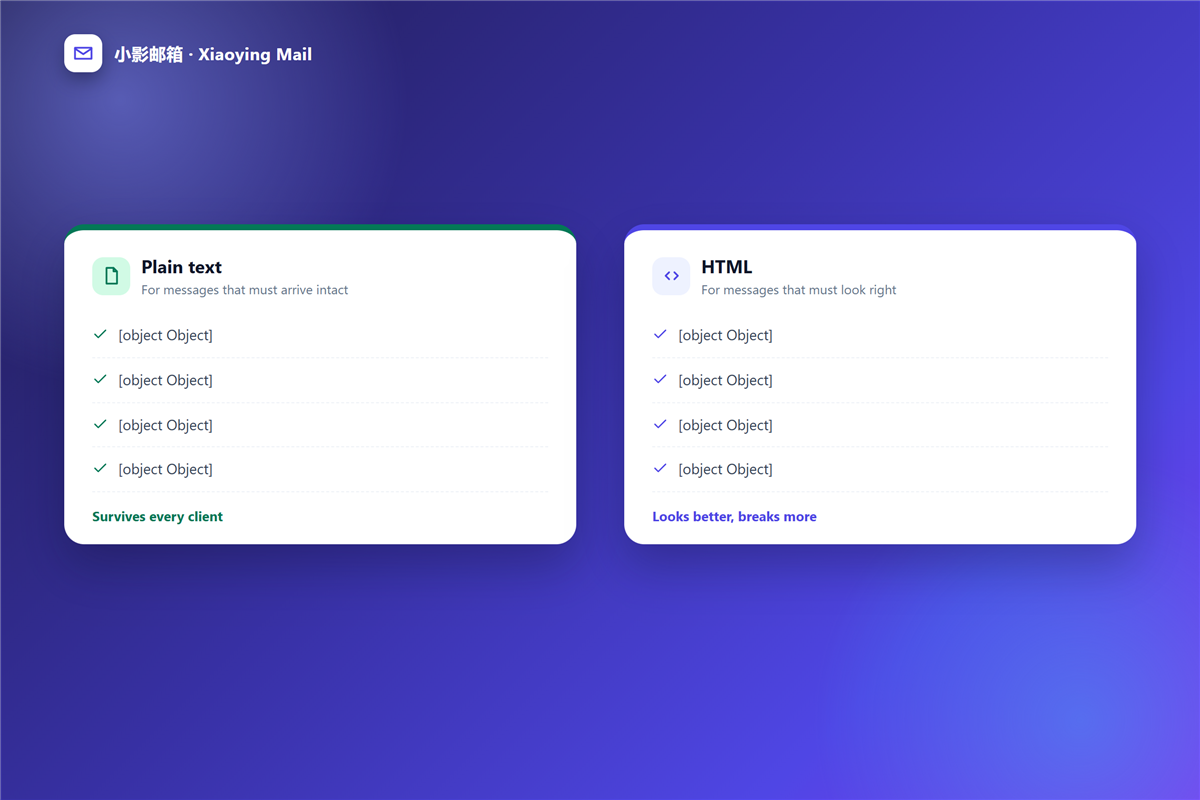
Plain text is not nostalgia. It is the format that asks nothing of the reader software.
Replies and internal notes
A reply quotes the original text, and HTML quoting produces nested tables that grow with every exchange. Therefore a plain 邮件格式 keeps long threads readable.
Technical messages
Logs, code and configuration lines need exact characters. Furthermore, automated systems often read mail as text, so an HTML 邮件格式 can hide the content they need.
Older clients
Some corporate and industrial clients still render text only. Consequently, they show an HTML message as a wall of tags or as nothing at all.
What HTML quietly breaks
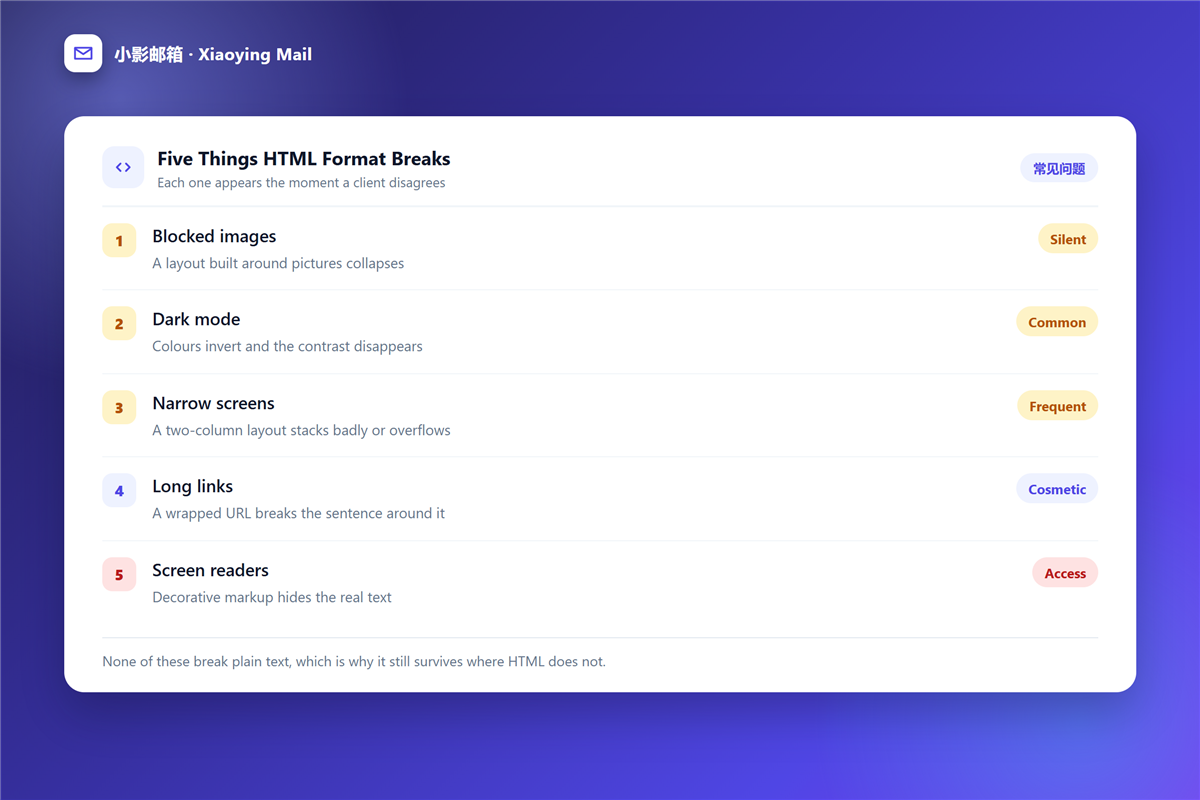
Three failures appear the moment a client disagrees with your design.
Blocked images
Most clients block remote images until the reader allows them. As a result, a layout built around pictures arrives as gaps and grey boxes.
Dark mode
An inverted background can swallow dark text and logos. Notably, this happens after you have already sent, so nothing is testable in advance except with a test message.
Narrow screens
A two-column design either stacks badly or overflows the width. In particular, a wide table forces horizontal scrolling on a phone.
Choosing a 邮件格式 for one send
Four questions settle it in under a minute.
- Does the reader need to click something? Use HTML.
- Does the text need to survive quoting? Use plain text.
- Is this an automated notice? Use plain text.
- Is this promotional? Use HTML with a text fallback.
When in doubt, plain text wins, because a readable 邮件格式 costs nothing and a broken one costs the message.
How to send both at once
Most clients let you compose in one format and attach the other, which is called a multipart message.
The reader software then picks the version it can render. However, this doubles the size of every message, so it matters most when you attach something large, and that is where a 邮件附件 decision and a formatting decision meet.
Testing a 邮件格式 before you rely on it
Five minutes of testing prevents most of the embarrassment.
- Send it to yourself at two different providers.
- Open it on a phone and in webmail.
- Check it with images blocked.
- Read only the plain text version, aloud.
- Confirm that every link still reads as a link.
That last check matters for trust. A link whose visible text differs from its destination is the oldest trick in 钓鱼邮件, and an honest 邮件格式 makes the mismatch obvious.
A 邮件格式 for large sends
Once you send to hundreds of people, the format also affects what filters think of you.
A text-only message with one clear link looks less like bulk advertising. Therefore, many 邮件群发 guides recommend keeping the first messages simple, which is 邮件格式 advice rather than design advice.
Frequently asked questions
Does the 邮件格式 affect deliverability?
Indirectly. Plain text is easier for filters to read, while a heavy HTML message with many links and images looks more like marketing.
Can I change the 邮件格式 after writing?
Usually yes, and pasting through a plain text editor first is the cleanest way to strip formatting you no longer want.
Why does my 邮件格式 look different for one recipient?
Because their client made different decisions about images, fonts and width. The message itself did not change.
Is plain text 邮件格式 outdated?
No. It is the version that still works when everything else fails, which is why it remains the safer default for important mail.
References
延伸阅读
- 《求职邮件怎么写?One Page, One Ask, One Attachment》
- 《邮件汇报怎么写?Progress, Blockers and Next Steps》
- 《邮件页脚该写什么?Footer Lines That Do Real Work》
- 《邮件排版怎么做?Layouts That Survive Every Client》
- 《邮件字体怎么选?Fonts That Render Everywhere》
- 《邮件正文怎么写?A Structure Readers Can Skim》
- 《邮件暗黑模式怎么适配?Dark Mode That Still Reads》
- 《邮件按钮怎么做?One Button That Gets Clicked》
- 《邮件长度多少合适?How Long Is Too Long》
- 《邮件打印怎么设置?Paper Copies That Stay Useful》
- 《邮件页眉怎么做?The Top of the Message》
- 《邮件水印怎么做?Marking Confidential Mail》
- 《邮件可访问性怎么做?Mail Everyone Can Read》
- 《邮件多语言怎么写?One Message, Two Languages》
- 《邮件邀请函怎么写?Invitations People Accept》
- 《邮件撰写怎么写?Write Mail People Answer》
- 《邮件附件格式怎么选?Formats That Survive》
- 《邮件表格怎么做?Rows That Survive》
- 《邮件报销怎么写?Filing an Expense》
- 《邮件分隔线怎么用?Quiet Section Breaks》
- 《邮件脚注怎么写?Notes at the Foot》
- 《邮件递交怎么写?Handing Work Over》
- 《邮件缩进怎么排?Align Lines With Care》
- 《邮件下划线该不该用?When a Line Sends the Wrong Sign》
- 《邮件加粗怎么用?Bold Text That Guides》
- 《邮件斜体该不该用?Italics With a Purpose》
- 《邮件对齐怎么排?Align Text With Care》
- 《邮件高亮怎么用?Highlight the Right Words》
- 《邮件大小写怎么用?Caps, Lowercase and Tone》
- 《邮件写作怎么写?Writing Mail That Gets Read》
- 《邮件内联样式怎么写?Styles That Survive》
评论
还没有评论,来说两句吧。以下为本文的引用通告: