 小影邮箱
小影邮箱邮件渲染怎么测?Three Clients, One Look
Key Takeaways
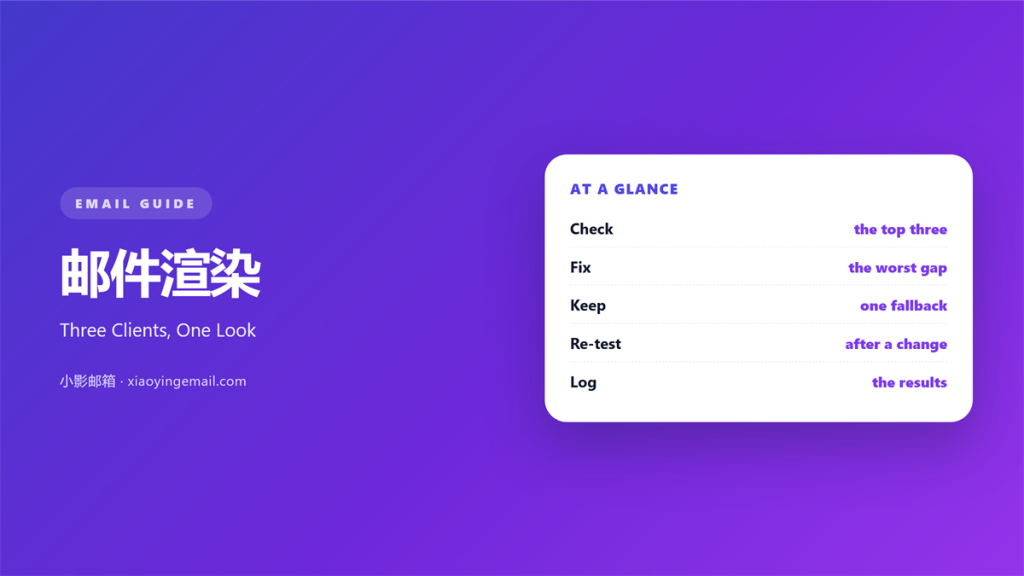
- 邮件渲染 is how each client draws your code.
- Three clients cover most readers.
- Outlook desktop is the hardest to please.
- Fix the worst gap first.
- Test the real build, not a mock-up.
What 邮件渲染 means
邮件渲染 is the way a client turns code into a picture.
Every client uses its own engine. Some engines are ten years behind others.
Gmail rewrites parts of the HTML. It also removes some styles.
Apple Mail follows web rules closely. That makes it a useful baseline.
Outlook desktop uses a word processor engine.
So one file can look like three designs.
The differences show in spacing first. Then in font size and image width.
A missing background is another common gap.
Dark mode adds a second layer of change.
No single 邮件渲染 looks identical everywhere.
The goal is a mail that reads well in each.
Perfect parity is not a realistic target.
Why 邮件渲染 matters
Readers do not compare clients. They just see one inbox.
They only see their own screen.
A 邮件渲染 problem looks like carelessness.
That costs trust faster than a typo.
Our team sends one test mail to nine inboxes.
We score each render from one to five.
The lowest score decides the release date.
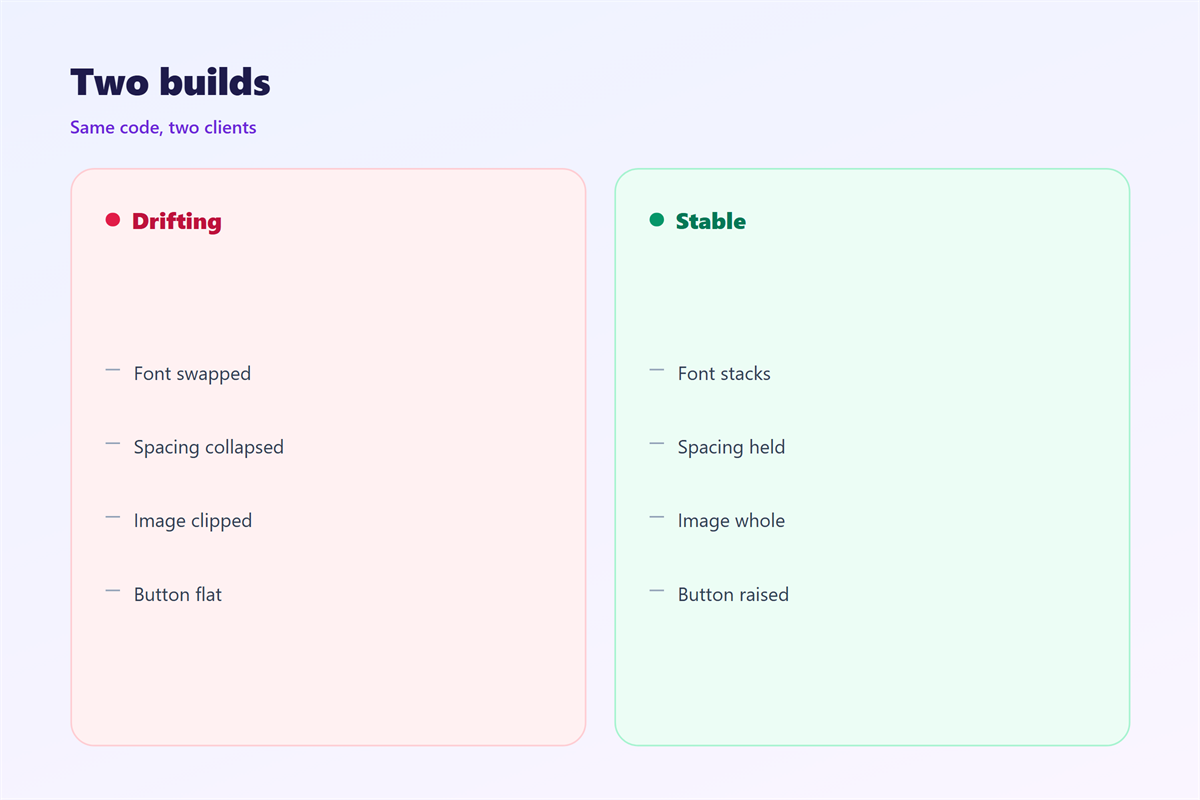
Last month Outlook scored two. The padding around a button had collapsed.
One line of code fixed it.
Then all nine scores reached four or better.
That habit has saved us two launches this year.
Why engines differ
A browser engine follows modern CSS.
A word engine expects tables.
Gmail strips what it does not allow.
Each decision leaves a mark.
When 邮件渲染 helps
Testing helps before a big campaign. The stakes are highest there.
A launch mail deserves the extra hour.
It helps when a template changes hands. A new designer inherits old quirks.
The old quirks only show in a test.
A 邮件渲染 check helps after a font swap. The fallback may not exist on every device.
Then the swap is either safe or not.
It helps when a client reports a problem. A screenshot ends the argument.
It also shows whether the reader saw the same thing.
It helps when the team ships weekly. A short checklist keeps quality steady.
Steady quality protects the sender name.
Three clients are enough
Pick Gmail, Apple Mail and Outlook.
Together they cover most inboxes.
Add one Android client if you can.
Skip the rest at first.
When 邮件渲染 hurts
It hurts when you test only in a browser. A browser forgives code that mail rejects.
The gap appears on the reader’s screen, not yours.
It hurts when you test one client and stop. The second client often shows the real bug.
That bug rarely appears twice in the same place.
A 邮件渲染 check hurts when it comes too late. A fix on launch day costs a resend.
Resends also lift the complaint rate.
It hurts when the test uses placeholder text. Short text hides a wrapping problem.
Long product names break the row you designed.
It hurts when nobody owns the result. Then the same bug returns each month.
A named owner closes the loop.
邮件渲染 and consistency
Consistency means the same block looks familiar everywhere.
Not identical, just recognisable. That is the realistic goal.
A heading keeps its weight in each client. A button keeps its colour and padding.
The logo keeps its width.
Those three anchors carry the brand.
A 邮件渲染 review should check them first.
Then check the body text.
Small differences there are acceptable.
The reader rarely notices them.
Where to compromise
Spacing can vary by a few pixels.
Line height can differ slightly.
Font shape may change on Android.
Keep the size close.
Then let the rest go.
How to build 邮件渲染
Start with a table layout under 600 pixels.
Write inline styles for every cell. Do it before you add content.
Use one web-safe font stack.
Set explicit image widths.
Add a background colour behind every image.
Then build a plain-text version.
Load the file in a browser first. Fix the obvious errors there.
That step removes half the noise.
Read the screenshots
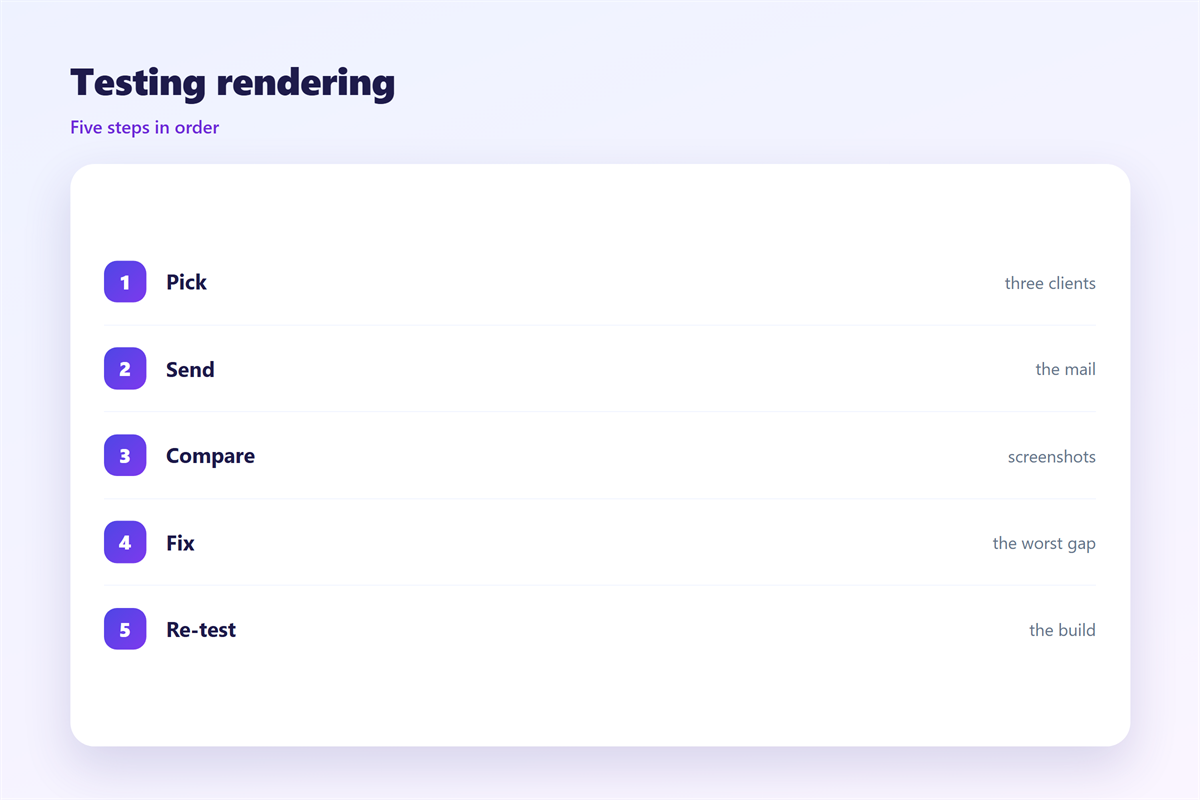
Compare the three screenshots side by side.
Mark the largest gap.
Ask what the reader loses.
Fix that gap before the small ones.
Then rebuild and repeat.
Keep every screenshot with the campaign file.
邮件渲染 on a phone
Most opens happen on a small screen.
So the phone build is the main build. Start there, then scale up.
Set the width to 100 percent.
Stack every multi-column row.
A 邮件渲染 test on a phone shows text wrapping.
Check the first screen without scrolling.
The offer should fit there.
Check the tap targets too. Small links fail a thumb.
Twelve pixels of padding helps.
Then check the dark theme. Some phones invert the background.
A transparent logo disappears.
Use a file with a solid backdrop. Then the mark stays visible.
Two sizes, one build
Test at 360 and at 414 pixels.
Those widths cover most phones.
Then turn the phone sideways.
The layout should still hold.
Keeping 邮件渲染 honest
A screenshot is evidence, not a guarantee. Say what it covers.
Say which clients you tested.
Say which ones you did not.
Client setup notes sit in 邮件客户端.
The inbox line is covered in 邮件预览文本.
Font choices appear in 邮件字体.
Reading comfort is explained in 邮件可读性.
Then date every test.
A build from last year proves little.
Review the client list twice a year.
FAQ
How many clients should 邮件渲染 testing cover?
Three for most teams. Add one Android client if your list is mobile heavy.
Why does Outlook add gaps?
Its engine adds spacing around tables. Set the cell padding and remove the margin.
Can I trust a preview tool?
For layout, yes. For fonts, no. Always send a real test.
How often should I retest?
After every template change and twice a year otherwise.
评论
还没有评论,来说两句吧。
评论功能已关闭。