 小影邮箱
小影邮箱邮件DMARC怎么设?Policy for Failing Mail
Key Takeaways
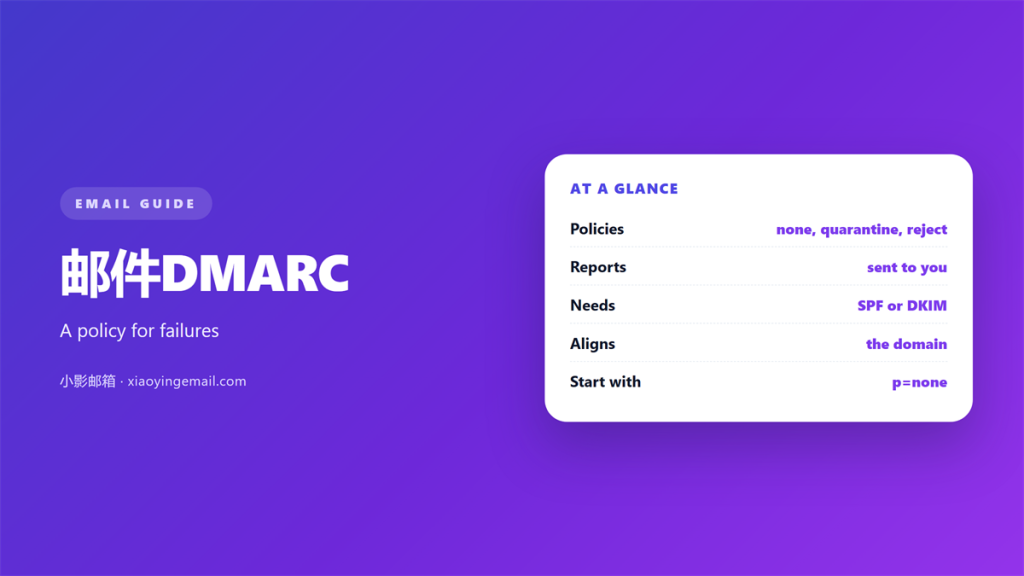
- 邮件DMARC tells a receiver what to do with failing mail.
- It depends on SPF or DKIM passing first.
- Alignment compares the visible From domain.
- p=none only monitors and collects reports.
- A strict 邮件DMARC policy blocks spoofed mail.
What 邮件DMARC decides
A 邮件DMARC record tells the receiver how to treat a message that fails authentication. It is the rule that turns SPF and DKIM results into action.
SPF and DKIM produce their own verdicts. Neither one says what to do next. DMARC supplies that missing instruction.
The record also asks for reports. Those reports show who sends mail for your domain. They are the fastest way to find a gap.
A 邮件DMARC record lives in DNS as a TXT record. It always starts with the version tag v=DMARC1.
Without a policy, a failing message usually lands in spam. With a policy, the receiver has a clear instruction.
Reports are the real value at the start. They turn guesswork into a list of known senders.
A published 邮件DMARC record also deters casual spoofing. Few attackers bother with a domain that asks for reports.
Start with the record even if it changes nothing at first. Publishing it is the first real step.
The three 邮件DMARC policies
There are three policy values, and they differ in severity.
The first is p=none. The receiver still delivers failing mail. It only reports what it saw.
The second is p=quarantine. Failing mail is treated as suspicious. It usually goes to the spam folder.
The third is p=reject. Failing mail is refused outright. This is the strongest setting.
A quarantine policy is a middle ground. It hides bad mail without losing good mail by mistake.
Many teams stop at p=none and never move on. Monitoring is useful, but it does not block anything.
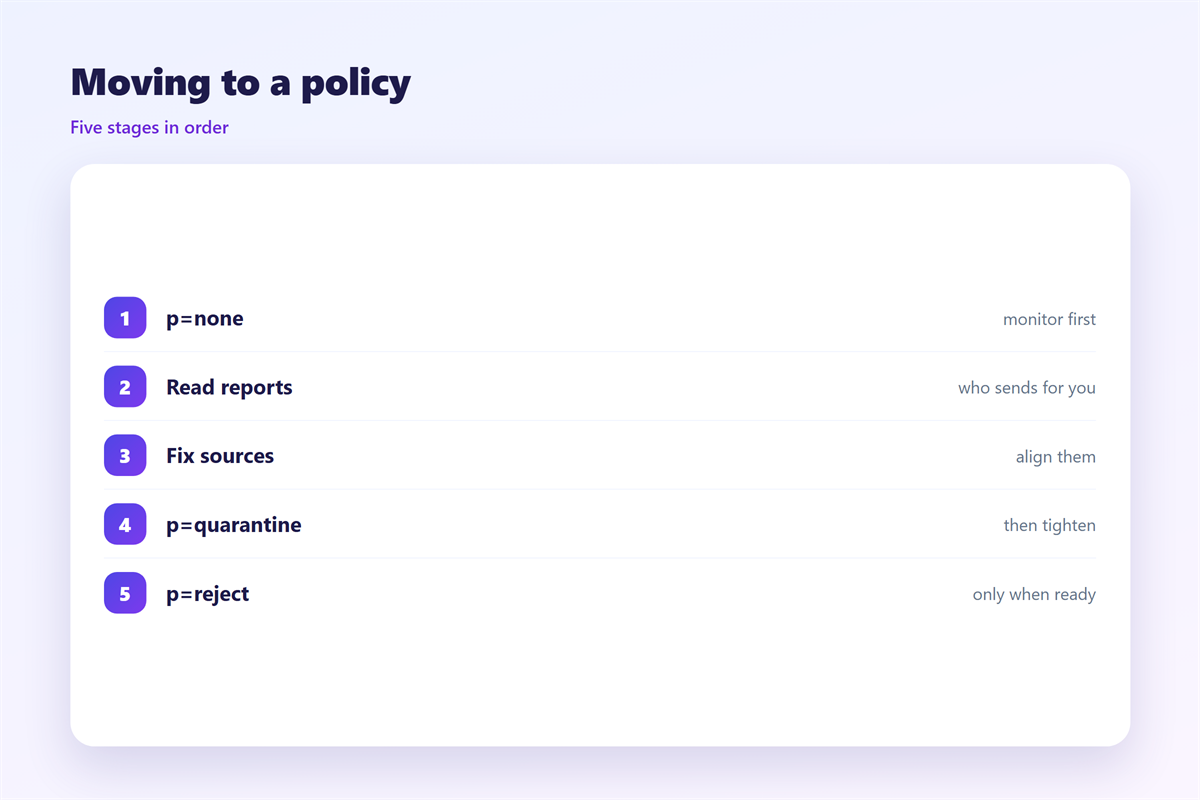
A 邮件DMARC policy should tighten over time. Start with none, then quarantine, then reject.
How 邮件DMARC alignment works
Alignment asks one question about identity. Does the authenticated domain match the visible From domain?
There are two alignment modes. Relaxed alignment allows a subdomain to match. Strict alignment requires an exact match.
Relaxed alignment is the common default. It matches example.com to mail.example.com without extra work.
Strict alignment is harder to reach and worth it for sensitive domains. It removes any room for doubt.
This is why a message can pass SPF and still fail DMARC. The envelope domain may differ from the From domain.
A 邮件DMARC pass needs a passing SPF or DKIM result. It also needs that result to align.
Subdomains deserve attention too. A forgotten subdomain can be spoofed even when the main domain is protected.
Add a separate record for each subdomain you send from. Or use a wildcard policy in DNS.
Reporting in 邮件DMARC
Two report types carry the day, and they arrive by email.
The first is an aggregate report. It summarises senders over a day. It is the map of your sending estate.
The second is a forensic report. It describes a single failing message. Support for it varies a lot.
Set a rua address to receive aggregate reports. Point it at a mailbox you actually read.
Reports arrive as compressed XML files. They look unfriendly, but the columns are simple. Group them by source address and count.
Aggregate reports are sent by many large providers. Small providers may send none at all, so test.
Read the reports before you tighten the policy. A strict 邮件DMARC policy can break a sender you forgot.
Look for third-party services in the reports. Billing tools and newsletters often send on your behalf.
Rolling out a safe policy
Treat the rollout as a project with a schedule.
Week one means publishing p=none and collecting reports. Learn every host that sends for you.
Week two means fixing SPF and DKIM for those hosts. Move them into alignment.
Week four means switching to p=quarantine. Watch the reports for new failures.
Week eight means moving to p=reject. Keep the rua address in place.
Keep a written list of senders as you discover them. The list becomes the checklist for the next step.
Tell your support team before you switch to reject. They will see the first complaints from customers.
Review the reports weekly, not yearly. Habits form faster when the loop is short.
An automated monitor can alert you when a new sender appears. That is often worth the setup time.
A failure is not always a security event. A misconfigured sender is the usual cause.
Related reading starts with the broader guide to 邮件认证. Rejected mail produces a 邮件退信 the sender must read. Legitimate mail sent to spam is a 邮件误判, and the scoring behind placement is covered under 邮件投递率.
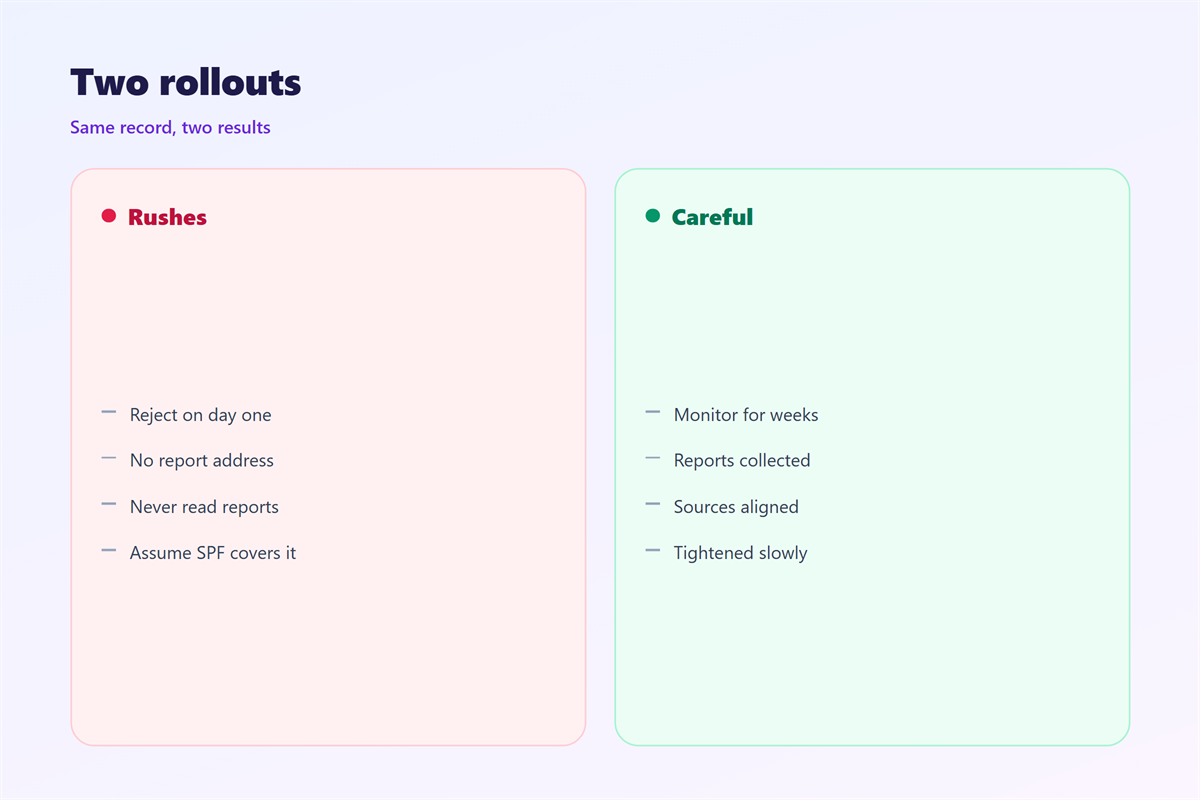
Rollout mistakes are easy to avoid once you know them. Most appear in the first month.
The first is a missing rua address. Without reports you are flying blind.
The second is a policy set too early. A strict rule blocks mail you still need.
The third is a forgotten subdomain. It stays unprotected while the main domain is locked down.
The fourth is a conflict between records. Two records at the same name confuse the lookup.
A 邮件DMARC record must be unique per domain. Remove any older version first.
Review every sender before you change the policy. A 邮件DMARC rejection is silent to you but loud to the recipient.
FAQ
Is 邮件DMARC required to send mail?
No. Receivers accept mail without it. But many providers now treat a missing policy as a risk sign.
Can 邮件DMARC stop every spoof?
No. It protects domains you control. Look-alike domains still need other defences.
Why does mail fail after I set reject?
A sender you forgot was misaligned. Check the aggregate reports and fix that sender first.
Does DMARC replace SPF and DKIM?
No. It uses both of them. A policy without a passing check cannot work.
评论
还没有评论,来说两句吧。
评论功能已关闭。