 小影邮箱
小影邮箱邮件分页怎么做?Short Pages in Order
Key Takeaways
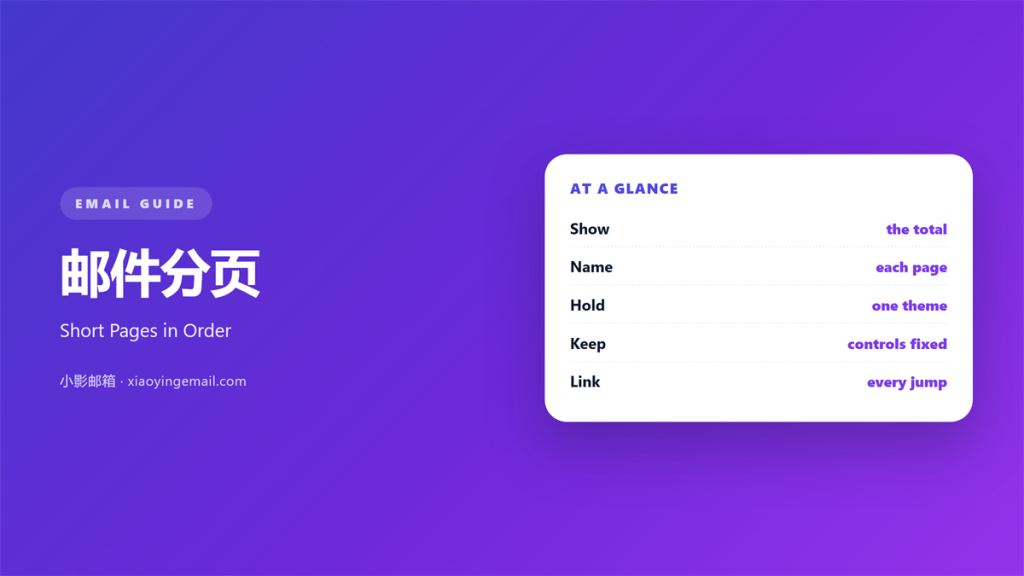
- 邮件分页 splits a long mail into short numbered pages.
- Show the total, as in page one of three.
- Keep the controls in the same place on every page.
- Give each page one theme.
- A next link must work on the first tap.
What 邮件分页 means
邮件分页 is the act of splitting a mail into pages.
Each page carries one part of the message.
A small label shows where the reader stands.
The label reads like page one of three.
Controls sit at the top or the bottom.
One control moves forward, one moves back.
The pages load as separate views.
They may be separate links in one mail.
They may be tabs inside a hosted page.
The reader never loses the thread.
Each page ends with a reason to continue.
A good 邮件分页 feels like a short booklet.
Why 邮件分页 matters
A very long mail gets abandoned halfway.
The scroll bar alone can end a read.
Short pages give the reader a finish line.
Reaching page two feels like progress.
That feeling keeps them going.
Pages also let you order the argument.
Each page can make one point well.
The reader meets one idea at a time.
Each page also gives you a natural place to stop.
Nothing important sits below a wall of text.
A clear 邮件分页 respects a busy reader.
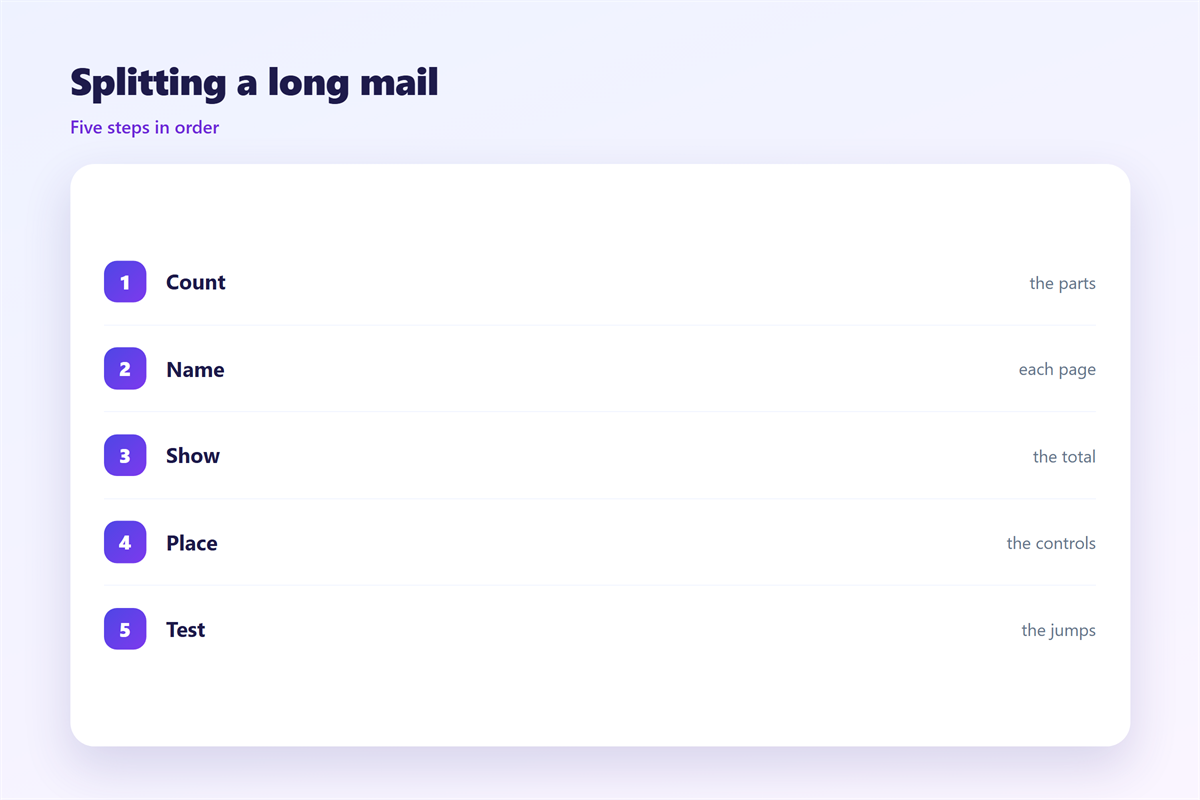
Count the pages first
Write the outline before you split anything.
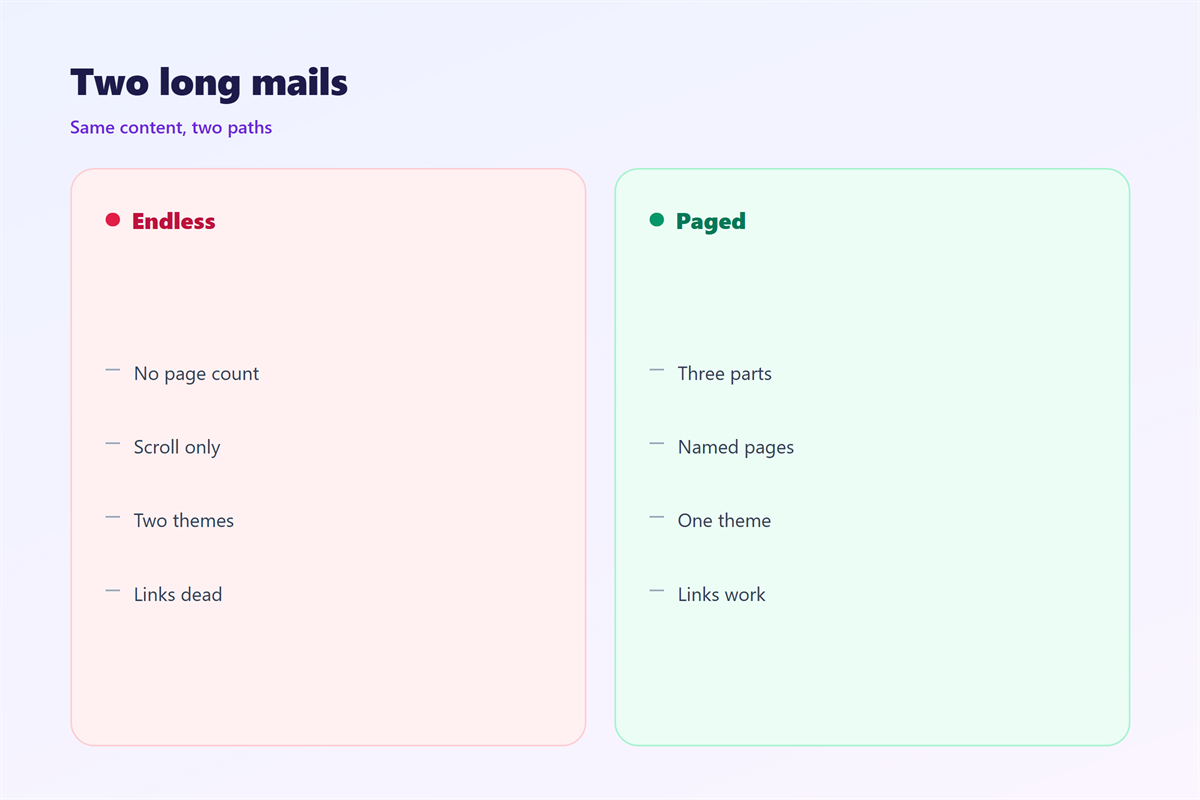
Three pages suit most long mails.
Five is the working maximum.
More than five means the mail is a report.
When 邮件分页 helps
A 邮件分页 helps when the mail runs past six screens.
It helps in a step-by-step guide.
Readers can stop between steps and return.
It helps in a report with clear sections.
It helps when the copy must stay short per view.
A phone screen holds little text.
Short pages suit that screen well.
It helps when the mail must be read on a slow connection.
It also helps when each page ends in one action.
Keep one theme per page
Name the theme in two or three words.
Put the name at the top of the page.
Then cut every line that belongs elsewhere.
A page with two themes reads as two pages.
When 邮件分页 hurts
邮件分页 hurts when it hides the price on page three.
A reader may never reach it.
It hurts when the total is missing.
Nobody knows how much is left.
It hurts when the controls move between pages.
The thumb has to hunt for the next link.
It hurts when every page repeats the full header.
That wastes the small screen.
It hurts when a page repeats the whole introduction.
The reader then reads the same lines twice.
It hurts when page two needs a second click to load.
Each extra click loses readers.
邮件分页 and 邮件目录
Pagination and a contents list solve different problems.
邮件目录 shows the whole mail at once.
邮件分页 shows one part at a time.
A contents list suits a mail that will be scanned.
Pagination suits a mail that will be read in order.
Some long mails need both.
The contents page carries links to each part.
A contents link can also point to a later page.
Each part then holds its own short pages.
That structure is clear but costs space.
Two layers at most
A contents list plus three pages is enough.
Never nest pages inside pages.
The reader loses track of the depth.
Keep the label visible at all times.
Then the structure explains itself.
How to build 邮件分页
Start with the outline, as with any long mail.
Group the points into two or three themes.
Give each theme a short page name.
Set the page count before you write.
Write the page names before you write the body.
Then write page one as the promise.
End each page with the next step.
Put the controls in the same spot each time.
Test the whole path on a phone.
Make the links real
A next link must load the next page.
Test the first tap, not the second.
Some clients rewrite long URLs.
Keep the link shorter than 70 characters.
Use one tracking domain for all pages.
Then click each link in a test send.
邮件分页 on a phone
Pagination helps most on a phone.
A long scroll on glass is tiring.
Keep the page count visible near the top.
Keep the label above the fold on a small screen.
Buttons need a 44 pixel tap area.
Do not use a horizontal swipe for pages.
A swipe hides the control from new readers.
Some clients block scripted swipes anyway.
Use buttons that look like buttons.
Keep the back link on the left.
Test both directions with one thumb.
Keeping 邮件分页 honest
A 邮件分页 must not hide the main offer.
The last page should still stand alone.
Show the count on every page.
Name the total in the subject line when you can.
How addresses and replies work sits in 邮件列表.
How a map of a long mail works sits in 邮件目录.
How to sort a busy inbox sits in 邮件整理.
How to find an old message sits in 邮件搜索.
Then check that page one names the total.
If a page fails to load, the reader stops there.
FAQ
How many pages should a 邮件分页 have?
Two or three for most mails. Five is the ceiling.
Should the page count go at the top?
Yes. A reader should see the total before page one ends.
Can pages be anchor links instead?
Yes, if the mail stays short. One long page is a valid choice.
What if a link breaks on page two?
Send a fresh mail. Never leave the reader on a dead end.
评论
还没有评论,来说两句吧。
评论功能已关闭。