 小影邮箱
小影邮箱邮件目录怎么做?A Map for Long Mail
Key Takeaways
- 邮件目录 gives long mail a map at the top.
- It helps readers jump to the part they need.
- Keep the list short, with clear plain labels.
- Anchor each line to the right section.
- Skip it when the message is already brief.
What 邮件目录 means
邮件目录 is a short list of links at the start of a message.
Each line points to a section further down.
It works like the contents page of a book.
Long updates need it most, such as weekly digests.
Short notes rarely need one at all.
The list turns a wall of text into a route.
A good 邮件目录 saves the reader a long scroll.
It also shows the shape of the message at a glance.
Think of it as a signpost on a long road.
It tells the reader what lies ahead.
Who needs one most
Teams that send weekly updates need one.
Project leads writing long notes need one.
Support teams sending guides need one.
A quick reply rarely needs one at all.
Why 邮件目录 matters
Long messages lose readers partway down.
People skim, and they miss the part they needed.
A clear 邮件目录 helps them find it fast.
It also signals that you respect their time.
That respect shows in how many people read on.
But a messy list can confuse as much as help.
Broken links leave the reader stuck at the top.
So 邮件目录 must be short and correct.
It reduces the chance of a missed detail.
It also makes the message feel organized.
A map also shows what the message leaves out.
That honesty builds trust with the reader.
The cost of a long scroll
A seven-page briefing hides its point in the middle.
Many readers quit before they reach it.
A short list near the top solves that problem.
It points the eye straight to the useful part.
When to add a 邮件目录
Add one when the message runs past a few screens.
Add one for a digest with several stories.
Add one for a report with clear sections.
Add one for a briefing sent to a large group.
Skip it for a short note or a quick reply.
A list on a small message adds needless weight.
Match the tool to the length of the text.
A 邮件目录 is there to help, not to decorate.
Count the sections before you decide.
Keeping the list short
Aim for three to seven lines.
More than that starts to look like a second message.
Merge small sections under one clear label.
Then the list stays easy to scan.
Writing clear labels
Use plain words your reader already knows.
Keep each label to a few words.
Avoid jargon and cryptic short forms.
The label should hint at what the section holds.
Inside a weekly digest
List each story under its own label.
Keep the labels parallel in style.
Group minor notes under one heading.
Then the digest is easy to scan.
Building a 邮件目录 in HTML mail
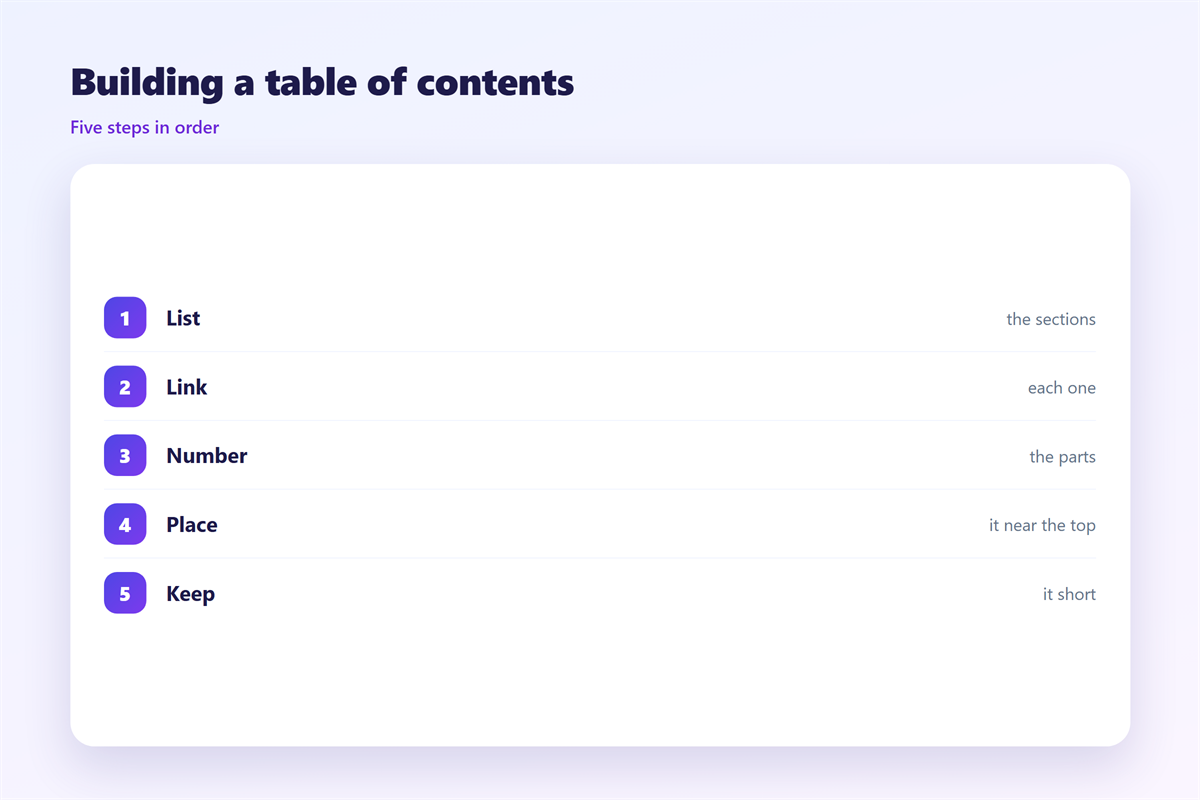
Each line needs a link and a matching target.
Give every section a simple anchor name.
Point each list link to that anchor.
Check that every link jumps to the right place.
Test in both webmail and a desktop client.
Some clients handle anchors better than others.
If anchors fail, a plain list still helps.
Even without links, the outline guides the eye.
A simple 邮件目录 survives most clients.
Keep the anchor names short and readable.
Use lowercase words with simple hyphens.
Avoid spaces and odd symbols in the names.
Keep the list at the very top of the mail.
A simple example
Write a line like “Budget” and link it down.
Then repeat for each major part.
Each line mirrors a heading below.
邮件目录 and accessibility
A clear list helps everyone, not only fast readers.
Screen readers announce the links in order.
Write labels that make sense on their own.
Avoid vague text such as “click here.”
Keep the heading levels in a sensible order.
That structure helps tools and people alike.
A tidy 邮件目录 is kind to every reader.
It turns a dense message into an easy path.
Good structure helps keyboard users too.
Use real headings, not just bold text.
Headings let assistive tools jump around.
Keeping 邮件目录 consistent
Use the same style in every long message.
Place the list in the same spot each time.
Form the structure in 邮件正文.
Summarize the whole message in 邮件摘要.
Keep the tone plain for a 邮件简报.
Support every reader with 邮件可访问性.
Then readers know where to look at once.
A steady 邮件目录 becomes a familiar tool.
People trust a message they can navigate.
Write the rule down for the whole team.
Keep an example in the shared folder.
Checking a 邮件目录 before sending
Read the list before you send the message.
Click every link and check the jump.
Make sure each label matches its section.
Shorten any line that grew too long.
Check the list on a small phone screen.
If it wraps badly, trim the label.
Then read the message from top to bottom.
Clean 邮件目录 guides the reader without a stumble.
Ask a colleague to test the list cold.
Watch where their cursor stops first.
Fix any line that sends them astray.
Update the list when the sections change.
FAQ
What is a 邮件目录?
A short list of links at the top of a long message.
Does every email need one?
No. Short messages are fine without a list.
How long should it be?
Three to seven lines usually works best.
Do the links work everywhere?
Mostly. Test anchors in a few clients first.
References
- W3C: Tips for writing accessible content
- Nielsen Norman Group: Content usability
- Litmus: Email client testing
评论
还没有评论,来说两句吧。
评论功能已关闭。