 小影邮箱
小影邮箱邮件附件怎么压缩?Squeezing Files Under the Limit
Key Takeaways
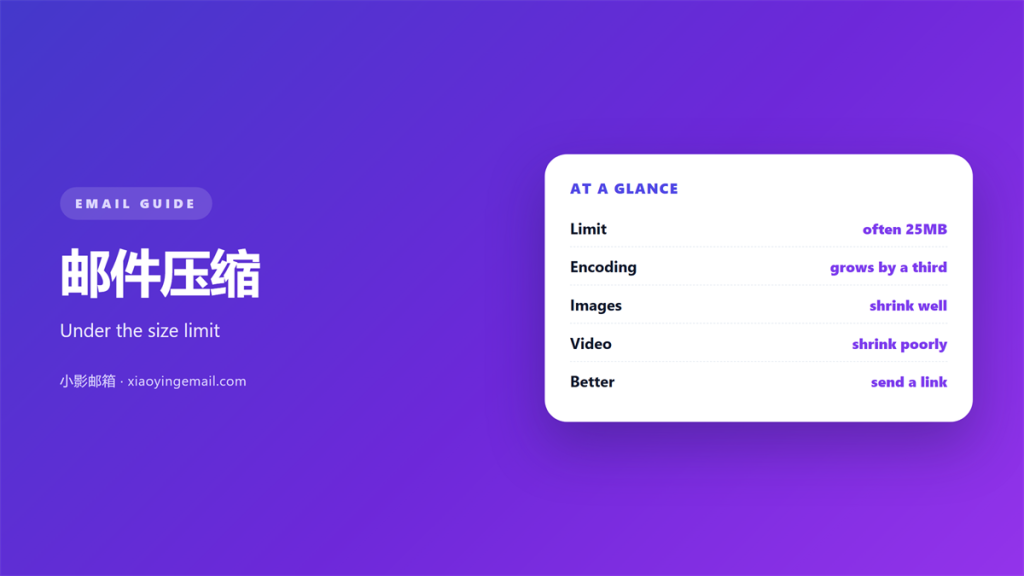
- 邮件压缩 rarely saves as much as people expect, because most modern files are already compressed.
- Encoding inflates an attachment by about a third, so a twenty-five megabyte limit holds far less.
- Resizing an image beats zipping it every time, and it is usually faster as well.
- 邮件压缩 helps text, spreadsheets and logs; it barely moves photos, audio and video.
- When a file will not fit, a download link is more reliable than a stubborn archive.
What 邮件压缩 really changes
邮件压缩 is the name people give to two different operations, and confusing them wastes a lot of time. The first is shrinking the file itself, which works only if the file has redundancy to remove. The second is packaging several files into one archive, which changes nothing about their size.
The reason a file that sits comfortably on a disk refuses to send is encoding. Mail systems treat an attachment as text, so binary data is expanded into a larger, safe alphabet. That conversion adds roughly a third to the size on the wire, which is why a twenty megabyte folder often fails against a twenty-five megabyte limit.
Understanding the gap matters because it explains the error message. The attachment you see is not the attachment the server measures, and no amount of renaming will close that difference. The only real fixes are to send less, or to send it another way. Treating 邮件压缩 as a single fix is the mistake that leads to an afternoon of retrying a message that was never going to fit.
Why 邮件压缩 disappoints on modern files
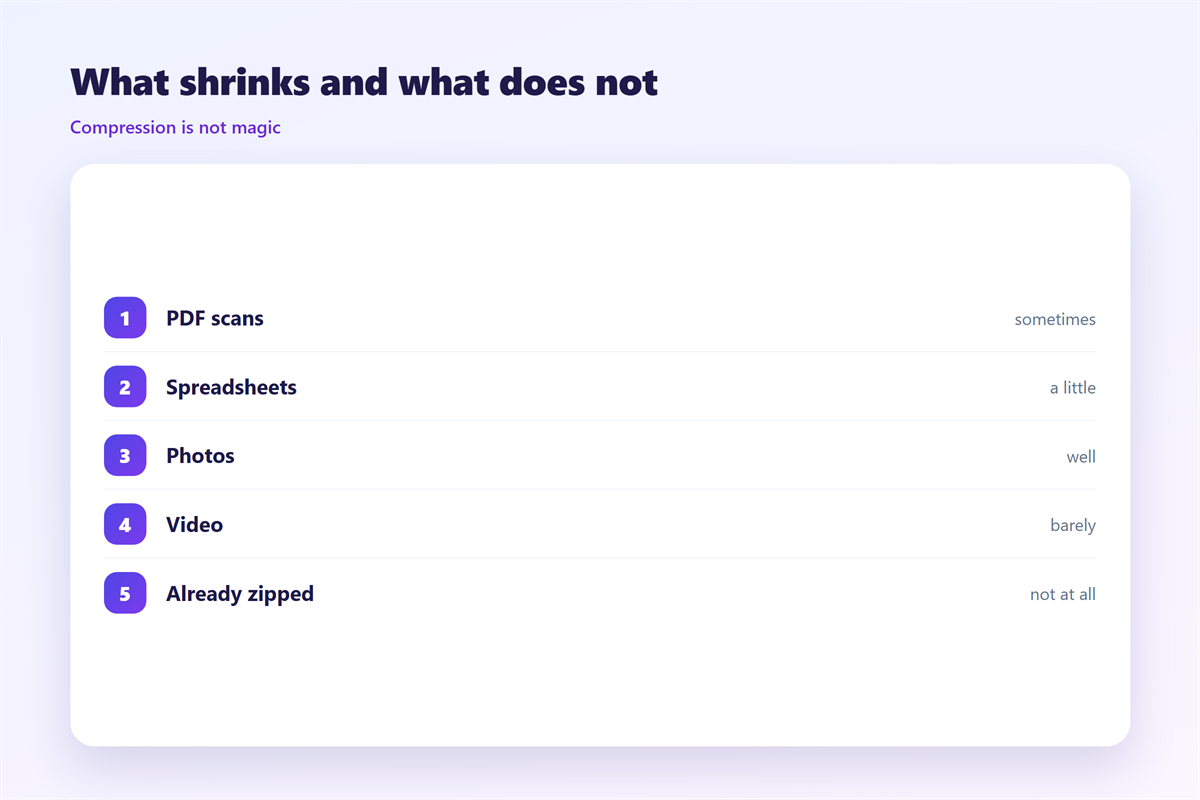
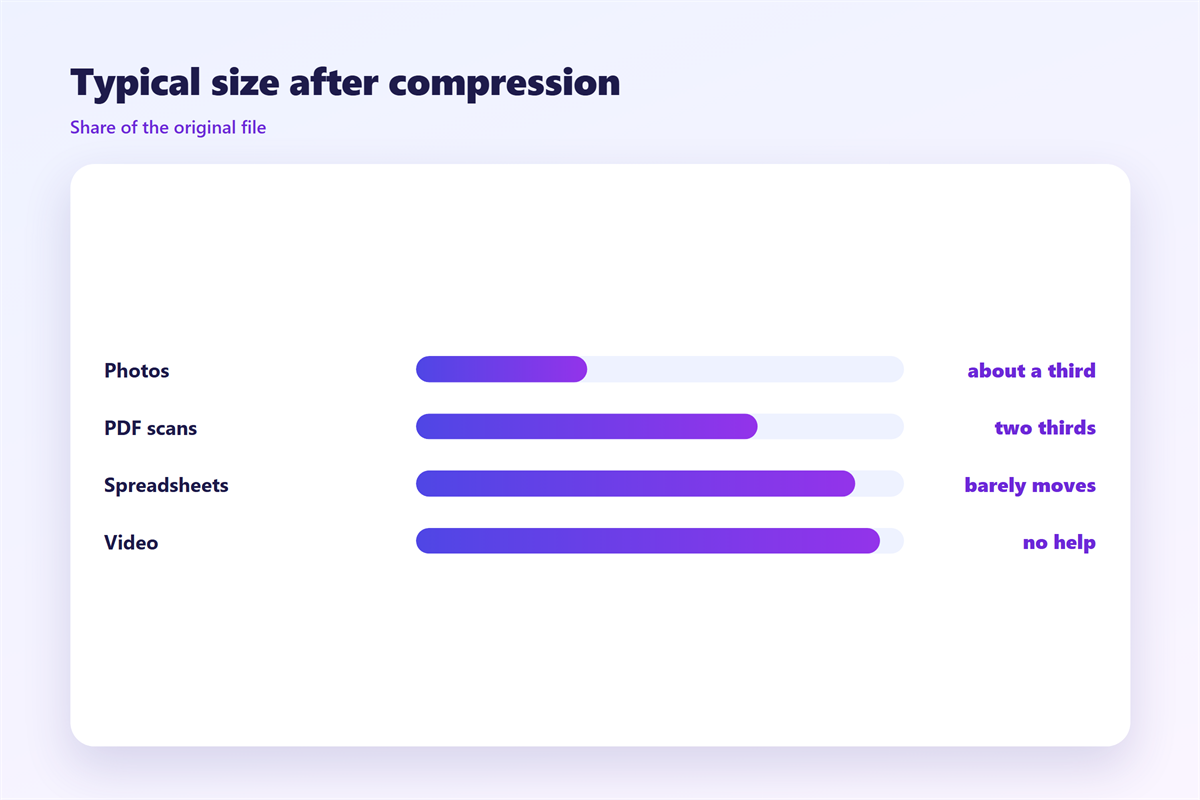
Compression works by finding repetition. A plain text file is full of it, so a log or a document shrinks dramatically. A photograph or a video has already been compressed by the camera, so a second pass finds almost nothing to remove.
That is why a folder of screenshots stays stubbornly large after 邮件压缩. Each image is already near its entropy limit, and the archive can only strip a little metadata. A result of two or three percent is typical, and it is nowhere near enough to slip under a hard limit. In that situation 邮件压缩 is closer to a rounding error than to a solution.
The same rule explains the archives that seem to grow. If the tool adds a dictionary and the files were already packed, the output can be marginally larger than the input. This is not a fault; it is the format being honest about what it can do.
How to shrink an attachment properly
Start by measuring what you actually have, then attack the largest item first. In practice one large image is usually responsible for most of the weight, and a single resize will do more than any packing.
- Images: reduce the pixel dimensions, then re-export at a sensible quality.
- Documents: save as PDF, then use the smallest preset the tool offers.
- Groups of files: archive them together, but only after trimming the contents.
A 邮件压缩 step should come last, once the obvious weight has gone. Compressing an oversized folder before you have removed the two videos inside it simply produces an oversized archive that still bounces.
When 邮件压缩 is the wrong tool
There are cases where no amount of squeezing will help, and recognising them early saves an afternoon. If the recipient needs every byte at full quality, or the file is simply far past the limit, compression is not the answer. Reaching for 邮件压缩 here simply delays the decision you have to make anyway.
Large videos and raw images
These formats are already compressed, so a further 邮件压缩 pass is wasted effort. Export a lower-resolution version for review and keep the master for the transfer method that can handle it.
Archives that must stay intact
Sometimes the archive is the deliverable, and repacking it risks breaking signatures or folder structures. In that case move the file rather than reshape it, and leave the original untouched.
Sending to a strict gateway
Some corporate gateways block archive attachments outright, however small. Checking the recipient’s rules before you compress will save you from a message that is rejected on arrival.
The surrounding questions decide how much of this effort is even necessary. A sensible ceiling and the reason it exists are set out in 邮件大小限制, while 邮件附件 covers the handling habits worth keeping. If a message bounces despite your best effort, the causes are collected in 邮件发送失败, and the quotas behind the limits are explained in 邮件发送限制.
Write the size budget down
Decide in advance how large an attachment you will tolerate. A written budget stops the argument later, when someone insists that a thirty megabyte file will surely go through this time.
FAQ
Does 邮件压缩 reduce the file the server sees?
Only if the format can actually shrink. The encoding overhead stays the same, so a two percent saving is often swallowed by it entirely.
Is zip or rar better for 邮件压缩?
For compatibility, zip wins because every system can open it. Rar sometimes packs tighter, but the gain is small and the recipient may not be able to unpack it.
Why did 邮件压缩 make my file bigger?
Because the contents were already compressed and the archive added its own index. This is normal for media files and a sign to resize rather than repack them.
Can I split a file instead of using 邮件压缩?
You can, but a split archive asks the recipient to reassemble several parts. A download link is usually simpler and far less error prone for both sides.
评论
还没有评论,来说两句吧。
评论功能已关闭。