 小影邮箱
小影邮箱邮件字重怎么用?Weight, Not Just Size
Key Takeaways
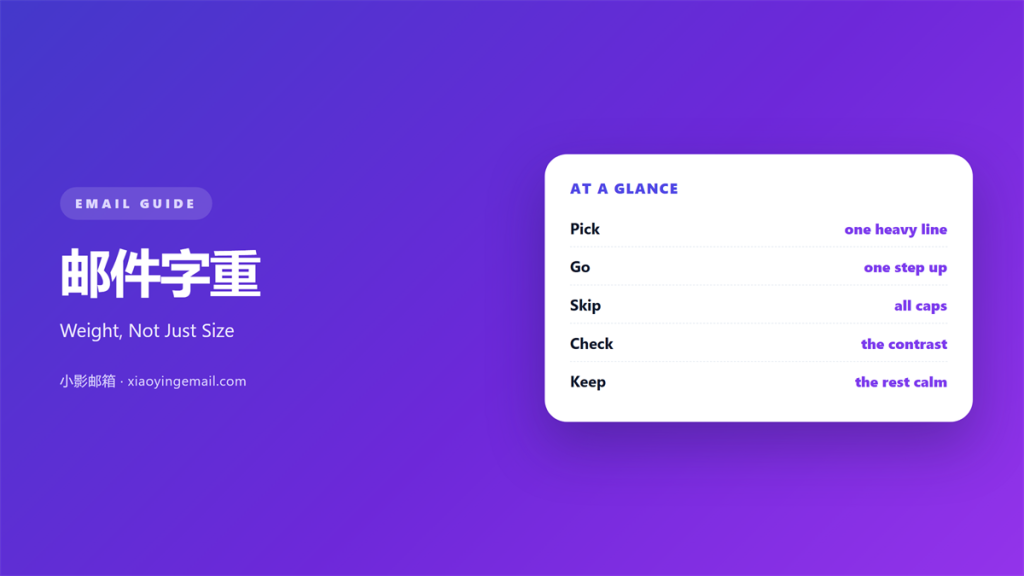
- 邮件字重 is how heavy a line of text looks.
- Weight pulls attention before size does.
- Two weights are usually enough.
- A heavy hand makes a note feel like shouting.
- Test the render in plain text clients.
What 邮件字重 means
邮件字重 is the thickness of the strokes in a letter.
It sits on a scale from light to bold.
Most mail tools offer two or three steps.
Regular is the default. Bold is the loud one.
Size is a different dial entirely.
A large light word still reads softly.
A small bold word still shouts.
So weight and size work on separate tracks.
Most people reach for size first.
Weight is the quieter and often better tool.
Think of weight as volume and size as height.
A reader hears volume before they read height.
So a single bold word can beat a bigger font.
Weight also costs no extra space on the line.
That keeps a tight layout from breaking.
Why 邮件字重 matters
The eye finds heavy strokes before light ones.
That is true even at the same size.
So weight can guide a reader without adding length.
A steady 邮件字重 also signals what matters.
It also costs no space. Bold text occupies the same line.
That makes it useful in tight layouts.
A single bold phrase can carry the whole point.
It also survives in many plain text clients.
They drop colours and boxes but often keep bold.
So weight travels further than most styling.
Ask a colleague to skim the note for two seconds.
Whatever they repeat back is the true focus.
If they miss your point, the weight sits in the wrong place.
Regular, medium and bold
Regular carries the body of the note.
Medium sits between and is easy to miss.
Bold is the one readers actually notice.
If your tool offers only two, that is fine.
When 邮件字重 helps
Weight helps in a few clear cases.
Use it for the one action you want.
Use it for a deadline that matters.
Use it for the lead word in a list.
Each case has one thing in common.
The heavy words point to a decision.
If nothing needs deciding, skip the weight.
A note with no bold can still be strong.
Weight also helps a number pop inside a sentence.
The reader sees the figure before the words around it.
Use that trick for prices, dates and codes.
The one-step rule
Move up one weight, not two.
Regular to bold is already a big jump.
Going lighter than the body rarely works.
It hides the very words you want seen.
When 邮件字重 hurts
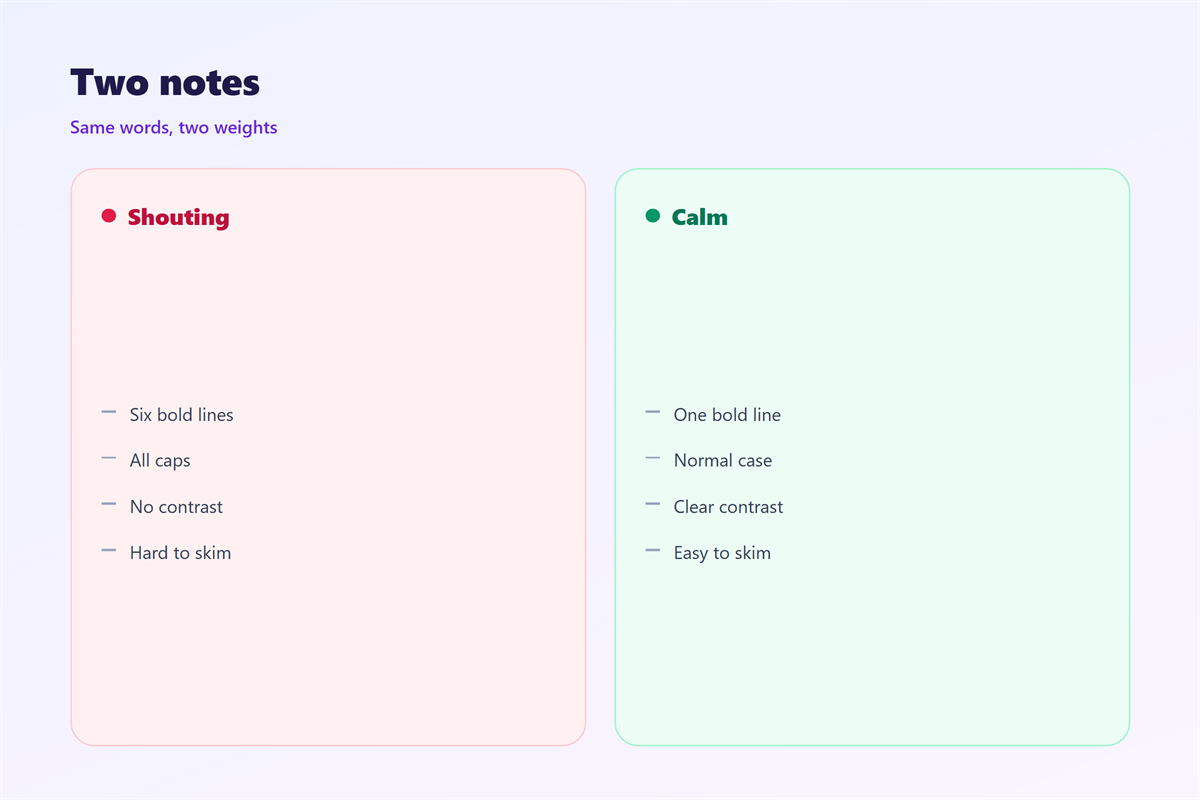
Too much 邮件字重 makes a page feel angry.
When everything is heavy, nothing stands out.
Readers start skipping the bold lines.
Weight can also break a calm tone.
A friendly note in heavy type reads like a warning.
So count the heavy phrases before you send.
Two is usually the limit for a short note.
Three is a warning sign.
Above that, the message needs an edit.
Heavy text loses force when it covers every line.
Save it for the sentence that cannot be missed.
Then the eye knows exactly where to land.
邮件字重 and size
Weight and size both add emphasis.
Using both at once doubles the shout.
So pick one and let the other stay plain.
Weight is safer inside the body text.
Size is better for headings and titles.
A large bold heading is normal on the web.
A large bold sentence inside a paragraph is not.
Keep that rule and the page stays calm.
Most of the time, 邮件字重 alone is enough.
How to use 邮件字重 well
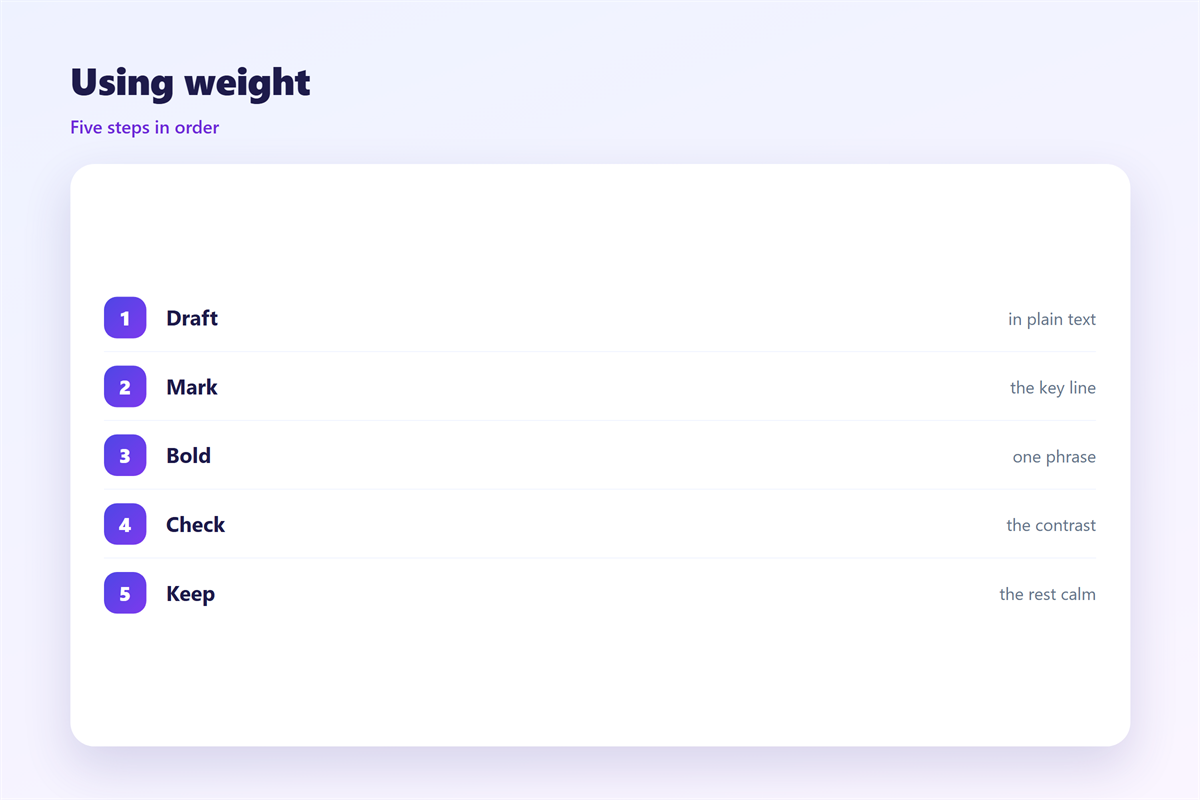
Start with a plain draft and no styling.
Read it once and mark the key line.
Then make that one line bold.
Leave the rest alone.
If two lines compete, keep only one.
Then read the note again on a phone.
Heavy text can look heavier on a small screen.
Good 邮件字重 is easy to miss.
The reader simply knows where to look.
Next, check the plain text version.
Some clients drop the bold entirely.
If the meaning survives, you are safe.
Then hand the draft to a colleague for a quick read.
Ask them to name the single most important line.
If they pick the wrong one, move your bold there.
Repeat until the choice feels obvious.
邮件字重 on small screens
Mobile clients often narrow the letters.
Thin strokes can fade at small sizes.
Bold strokes stay visible instead.
So a single bold word works well on a phone.
But very heavy type can blur when scaled.
Test one message before you send a campaign.
If the bold looks smudged, drop a step.
Then compare it with the desktop version.
Also check the line spacing around heavy text.
Tight leading can make bold lines touch.
A little room keeps them clean.
Keeping 邮件字重 consistent
Consistency turns a small habit into a rule.
Pick a house style and hold it across the team.
The bold key itself is covered in 邮件加粗.
The typeface behind the strokes sits in 邮件字体.
The wider layout that holds it all is in 邮件排版.
The rules that keep mail readable for all appear in 邮件可访问性.
Agree on how many heavy lines a note may hold.
Then keep the same 邮件字重 for every message you send.
A team that agrees on 邮件字重 writes cleaner mail.
FAQ
Is 邮件字重 the same as font size?
No. Weight changes stroke thickness, while size changes letter height.
How many weights should I use?
Two is plenty. One for the body and one for emphasis.
Does bold survive in plain text?
Often yes, but not always. Test the plain version before sending.
Can I use light text for a quiet look?
Only at larger sizes. Light text at small sizes is hard to read.
References
- W3C WAI: Content structure and emphasis
- Litmus: Email rendering guides
- Nielsen Norman Group: Typography and readability
评论
还没有评论,来说两句吧。
评论功能已关闭。