 小影邮箱
小影邮箱邮件工作流怎么建?From Arrival to Done
Key Takeaways
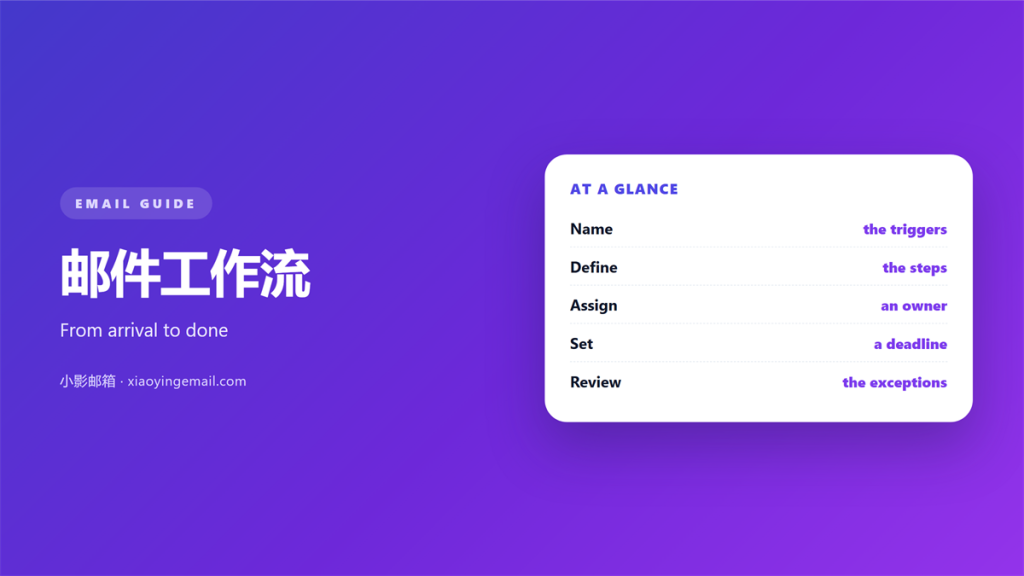
- 邮件工作流 turns a repeated task into a path.
- Write the steps before you automate them.
- Every flow needs one owner.
- Make the next step visible to someone.
- Review the flow when the work changes.
What a 邮件工作流 is
邮件工作流 is a fixed path for mail that needs more than one step.
A single reply is not a flow. A request needing approval, a file and a follow up is.
The flow says who does what, and in which order.
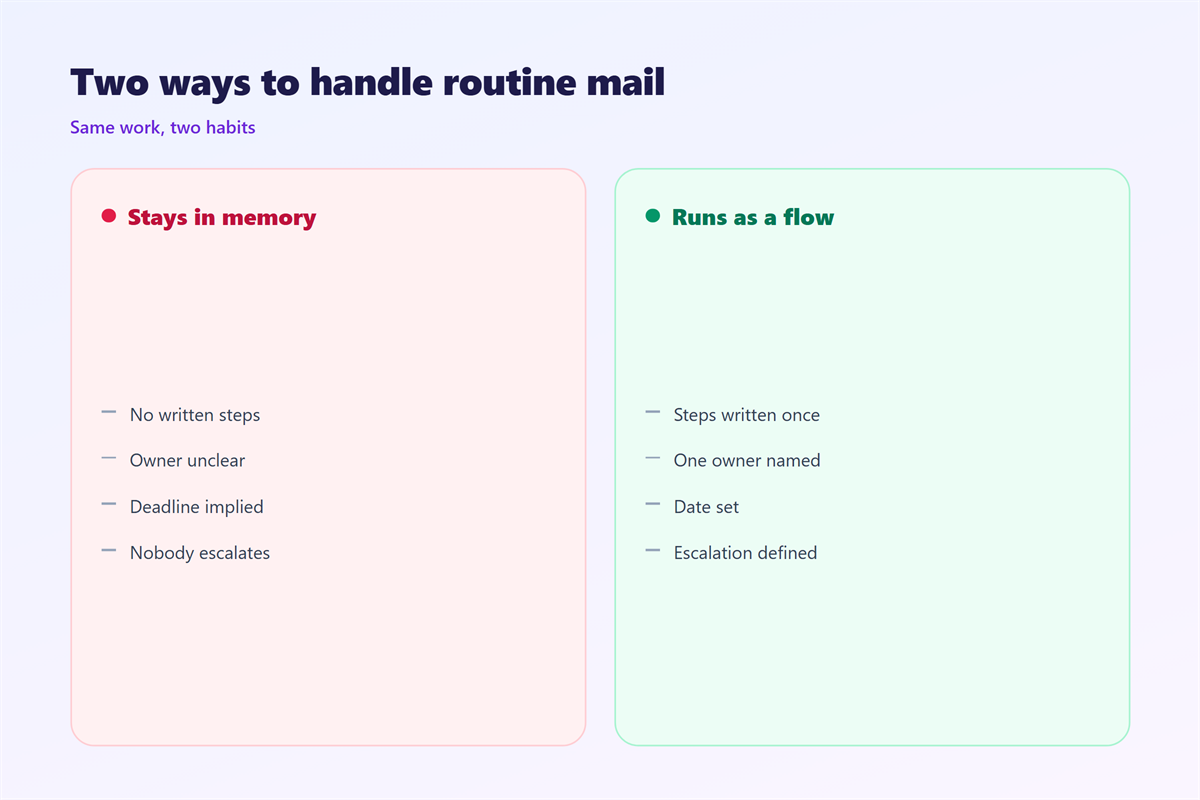
Without a flow, the work lives in someone’s memory. That memory fails on a busy day.
A written 邮件工作流 survives holidays and handovers. Anyone can pick it up.
Start by naming the outcome. “Signed contract” is clearer than “handled”.
Then list the steps between arrival and that outcome. Keep the list short.
Every 邮件工作流 needs one clear owner. Shared work with no owner waits forever.
Name the flow after its result. “New client intake” says more than “process A”.
Keep only the steps people really do. Ideal steps waste everyone’s time.
Building a 邮件工作流 in four steps
Write the 邮件工作流 on one page. If it needs two pages, it is probably two flows.
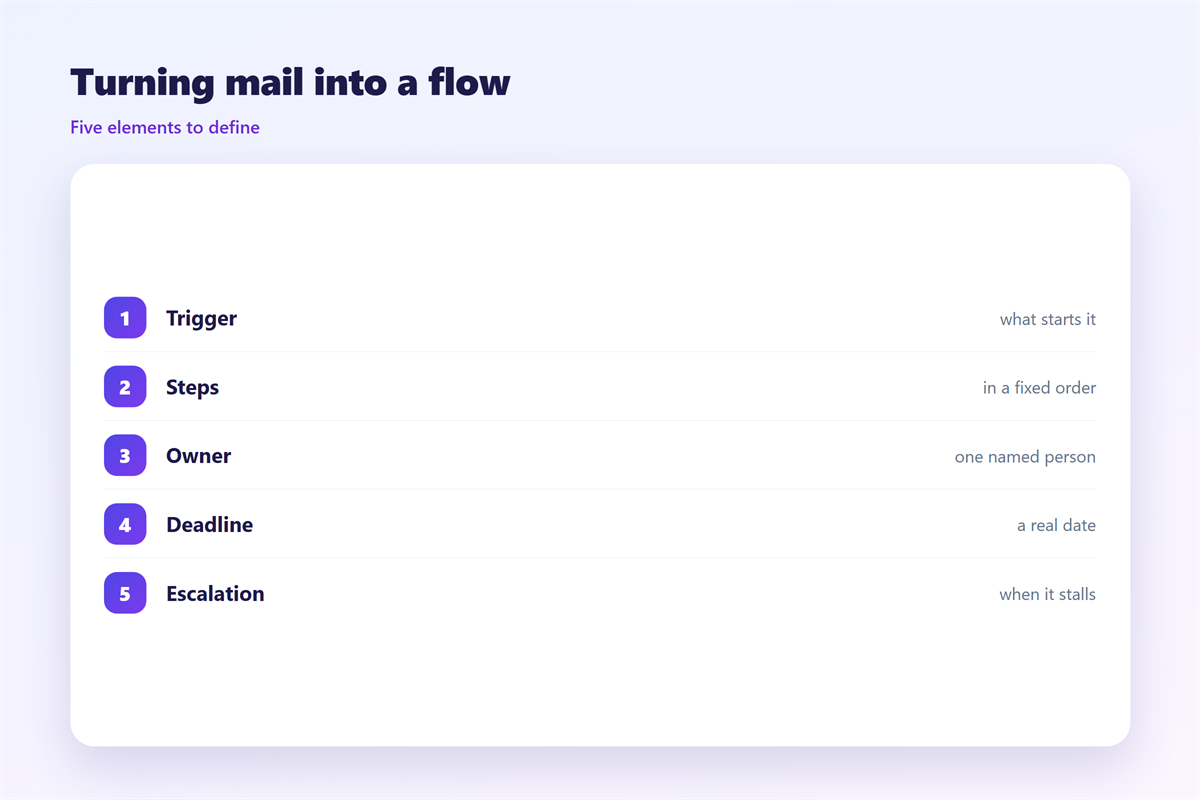
- Trigger: what starts the flow.
- Steps: the actions in order.
- Owner: who is responsible.
- Exit: how you know it is done.
Define the trigger first. A clear trigger removes guesswork.
Then name the owner of each step. Work with no owner stalls.
Finally define the exit. “Replied and closed” beats “done”.
Test the flow on paper first. A missing step is cheaper to find there.
Then run it once for real. Mark each step as it completes.
Where a 邮件工作流 breaks
Most flows break at the handoff. A message moves and the next person does not notice.
The fix is a visible state. Move the mail to a folder named for the step.
A shared folder beats a private one. Everyone can see what is waiting.
Another failure is a missing step. Someone assumes a colleague sent the reply.
Write the flow down so assumptions stay visible. Then test it with a real message.
A 邮件工作流 also breaks when the work changes. Update the flow when the process does.
Watch for quiet failures. A message can sit untouched without anyone noticing.
Set a time limit for each step. Nothing should wait more than a day.
A simple reminder fixes most delays. Send it to the owner, not the group.
Automating part of the flow
Automation should follow a working 邮件工作流. Never automate a process you have not written.
Start with sorting. A 邮件工作流 can move incoming mail to the right folder.
Our notes on 邮件规则 cover filters and folders.
Then automate the easy steps. Templates and auto replies save time.
Our guide to 邮件自动化 shows which rules run without you.
Keep a person at the decision points. A machine can sort, but a person should approve.
Track each open item. Our notes on 邮件待办 turn mail into tasks.
Most flows end with a follow up. Our guide to 邮件跟进 covers the timing.
Automation removes the boring steps, not the judgement. Keep people at every choice.
Document each rule you add. A rule nobody understands will be feared.
Review the rules twice a year. Old rules match mail that no longer arrives.
Choosing what to automate
Not every step deserves a rule. Sort the work by how often it repeats.
Daily, identical steps are good candidates. Rare ones can stay manual.
Steps with judgement should stay with people. A rule cannot read a mood.
Start with one rule and watch it for a week. Add the next rule after that.
Write down what each rule does. A folder full of old rules confuses everyone.
Name folders after the action, not the sender. “Awaiting approval” beats “From Anna”.
Keep the flow visible in one place. A short page beats a long document.
Review the rules when the team changes. Old rules outlive their purpose.
Automation should remove work, not hide it. If it hides work, remove the rule.
A tidy flow lets new people help on day one.
Group rules by purpose. Sorted rules are easier to audit.
Remove a rule that never fires. Dead rules only add noise.
Test one rule at a time. Two at once hide which one misfired.
Keep the flow and the rules in the same place.
Testing your 邮件工作流
Run one real message through the 邮件工作流. Watch where it slows down.
Then ask two questions. Did anyone wait without knowing? Did anything get lost?
Fix the slowest step first. A small change there saves the most time.
Repeat the test after a month. Flows drift as people improvise.
A good 邮件工作流 feels boring. Boring means it works the same way every time.
Ask the owner how the flow feels. Friction shows up there first.
Change one step at a time. Two changes hide which one helped.
Keep the working version somewhere shared. Memory is not a backup.
FAQ
How many steps should a 邮件工作流 have?
As few as possible. Three or four steps cover most work. More steps mean more handoffs.
Does a 邮件工作流 need software?
No. A folder and a written page can run a flow. Software only helps at scale.
Who should own a flow?
One person, not a team. A single owner keeps the flow honest and updated.
When should I rebuild a flow?
When it fails twice for the same reason. That is a design problem, not a person problem.
References
- IETF RFC 5228: Sieve mail filtering language.
- IETF RFC 5322: Internet Message Format.
- Google: Send or unsend Gmail messages.
评论
还没有评论,来说两句吧。
评论功能已关闭。