 小影邮箱
小影邮箱邮件自动分类怎么设?Sorting Without Rules
Key Takeaways
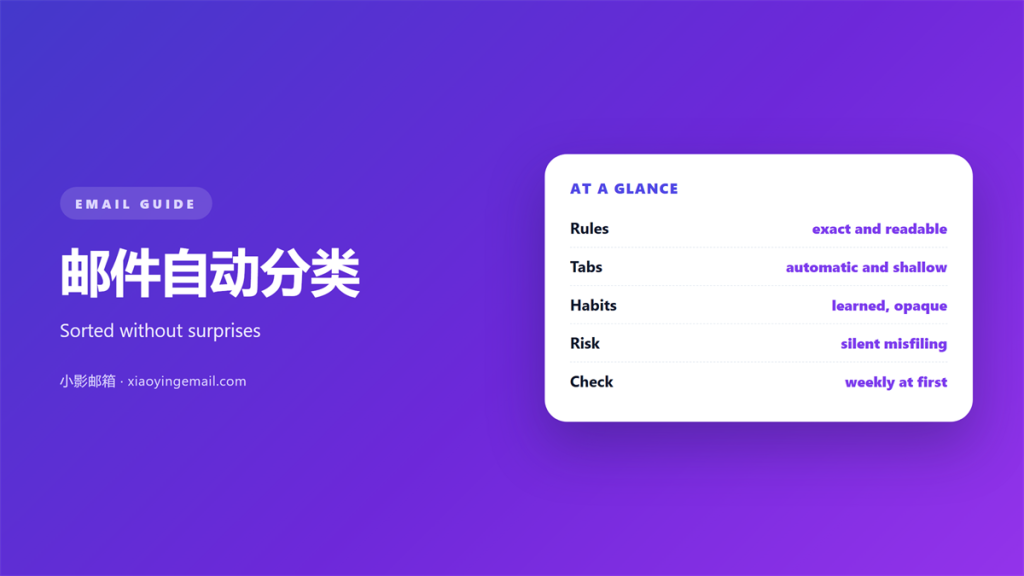
- 邮件自动分类 places new mail before you read it.
- Rules are exact but blind to context.
- Tabs split the inbox without hiding anything.
- Learned sorting is fast and quietly wrong at times.
- Review the sorting you trust about once a month.
What 邮件自动分类 really means
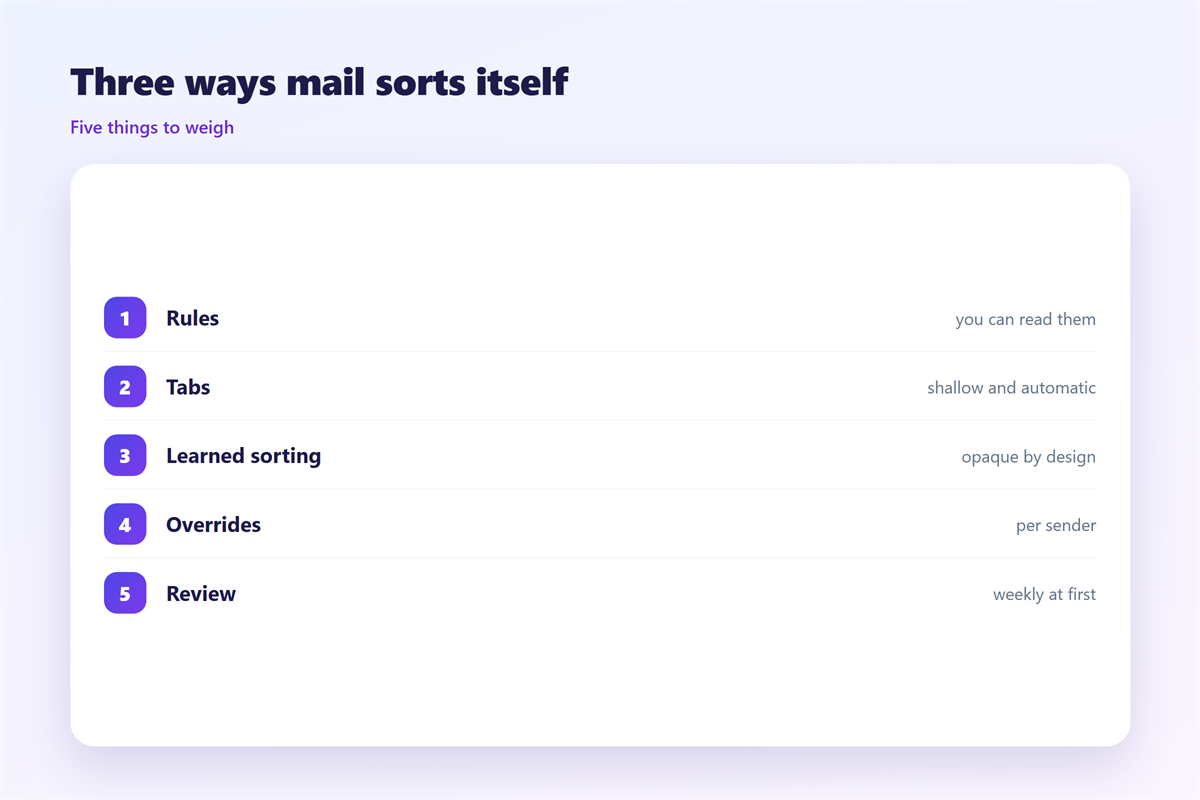
邮件自动分类 is any system that moves mail without your hand. Three methods do most of the work today.
The first is a rule. You write a condition and an action. The client runs it on every new message.
The second is a tab or a label. The provider guesses a category and sorts the mail for you.
The third is a learned habit. The system watches what you open, reply to and delete. Then it copies that pattern.
All three aim at the same goal. They cut the number of decisions you make by hand.
They differ in who holds the logic. A rule holds your logic. A tab holds the provider’s logic. A learned habit holds a guess.
That last point decides everything. You can read a rule. You cannot read a guess.
Pick the method that fits your goal. Privacy favours one kind. Speed favours another. A clear goal makes the 邮件自动分类 easy to judge.
Sorting is a tool, not a decision. It can group mail but not answer it. The final reading still falls to you.
Rules: the exact form of 邮件自动分类
A rule is the most predictable tool. If a message matches, the action runs. If it does not match, nothing happens.
Good rules are narrow. They match one sender or one subject pattern. Broad rules catch mail you never meant to move.
Start with a single condition. Add a second only when the first proves too loose. More conditions mean more surprises.
Order matters as well. Rules run from top to bottom. An early rule can steal a message from a later one.
Test each rule on old mail first. Most clients can run a rule on existing messages. This shows the real effect at once.
Name rules for their job, not their date. A clear name tells you why the 邮件自动分类 exists.
Every 邮件自动分类 needs a home for mail that matches nothing. That home is the inbox. Keep it working, or the system hides the rest.
Tabs and labels for 邮件自动分类
Tabs are lighter than rules. The provider sorts mail into a few fixed buckets. A tab rarely deletes or hides anything.
Labels work like tags. One message can carry several labels at once. Rules and filters can apply them automatically.
This is the gentlest kind of 邮件自动分类. A wrong guess still leaves the message visible.
Tabs have limits. The categories are fixed and broad. You cannot invent a new tab for a client project.
Labels scale better for that reason. They follow one message across many views. A message can be work and urgent at once.
Watch for double counting. Mail that matches a rule and a tab can appear twice. Review both lists now and then.
Give each label a short name. A clear 邮件自动分类 uses words you would search for. Vague names defeat the purpose.
Learned habits and where they fail
Learned sorting is the newest method. The system studies your behaviour and predicts the rest.
It is fast and needs no setup. That speed hides a real problem. You cannot see why a message landed where it did.
One odd click teaches the wrong lesson. Deleting a single newsletter can change the guess for a whole category.
So treat learned 邮件自动分类 as a draft. Let it sort, then correct it out loud. Many tools learn from your corrections.
Keep a rescue path. Search by sender when a message disappears. A label you control is easier to trust than a guess.
Correct the system often. A few corrections a month are enough. It learns from the pattern you set.
Keeping 邮件自动分类 honest
A sorting system drifts over time. Senders change and your work changes with them. A monthly check keeps it useful.
Look for three signs. Mail in the wrong place. Important mail hidden in a tab. Rules that no longer match anything.
Fix one thing per review. Disable the worst rule. Retrain the worst guess. Delete the emptiest label.
Keep a short log of changes. Note what you disabled and why. Next month you will thank yourself.
Here is a simple order for the review.
- Check the spam folder for real mail.
- Check each tab for missed messages.
- Check rules that fire most often.
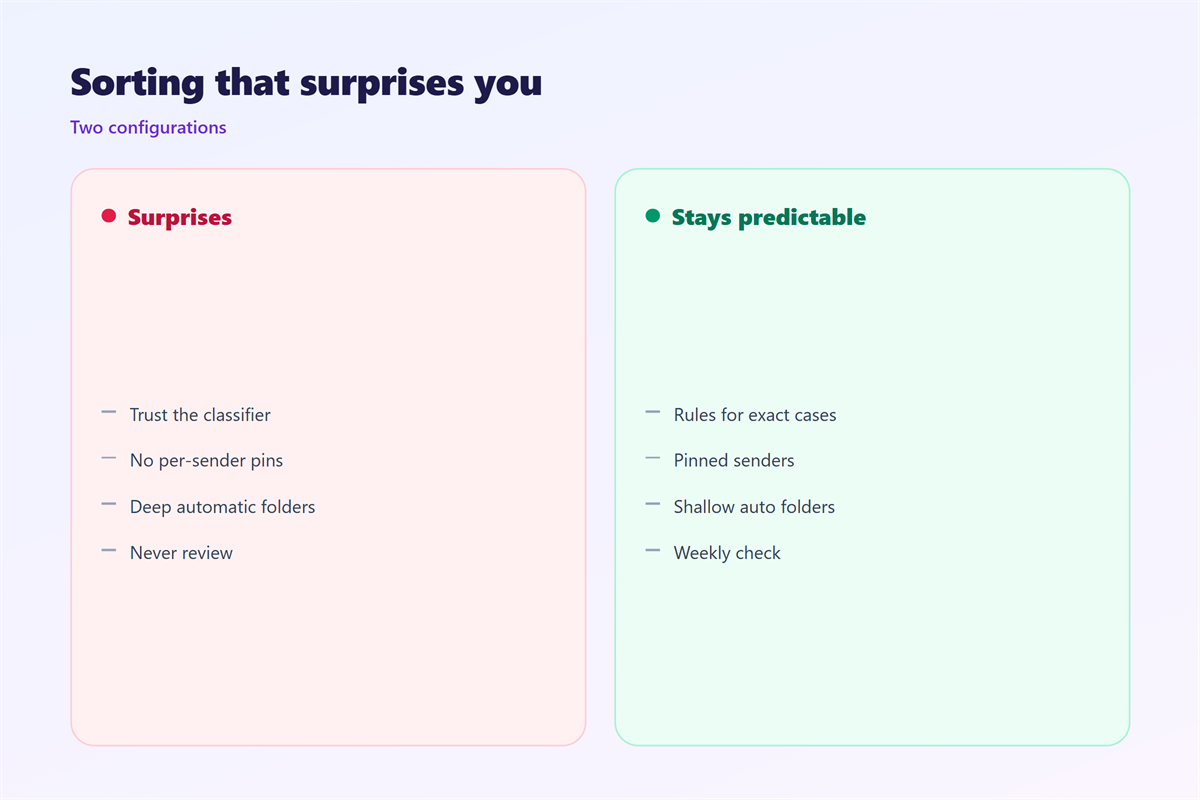
A good 邮件自动分类 fails in a visible way. You should notice a bad rule within a day. A quiet mistake is the dangerous kind.
Two habits make the system last. Keep the structure shallow, and keep the rules few.
Most of the groundwork sits elsewhere. Learn how 邮件规则 and folders work together. A steady 邮件文件夹 layout keeps labels useful. The lighter option is a set of 邮件标签页. The wider routine lives under 邮箱整理.
FAQ
Is 邮件自动分类 safe to trust?
Mostly, if you review it. Trust rules more than guesses. Check hidden tabs often.
Do I need rules and tabs together?
Not always. Pick one main method. A second layer helps only when the first misses a clear case.
Why did my 邮件自动分类 move the wrong mail?
A condition was too broad, or a guess was misled. Narrow the rule and correct the guess.
How many rules should I keep?
Fewer than ten for most people. Each rule adds a small chance of catching mail you wanted to see.
References
- IETF RFC 5228: Sieve Mail Filtering Language
- Google: Archive or delete messages in Gmail
- Microsoft: Organize email in Outlook
评论
还没有评论,来说两句吧。
评论功能已关闭。