 小影邮箱
小影邮箱邮件表单怎么做?Forms That Reach an Inbox
Key Takeaways
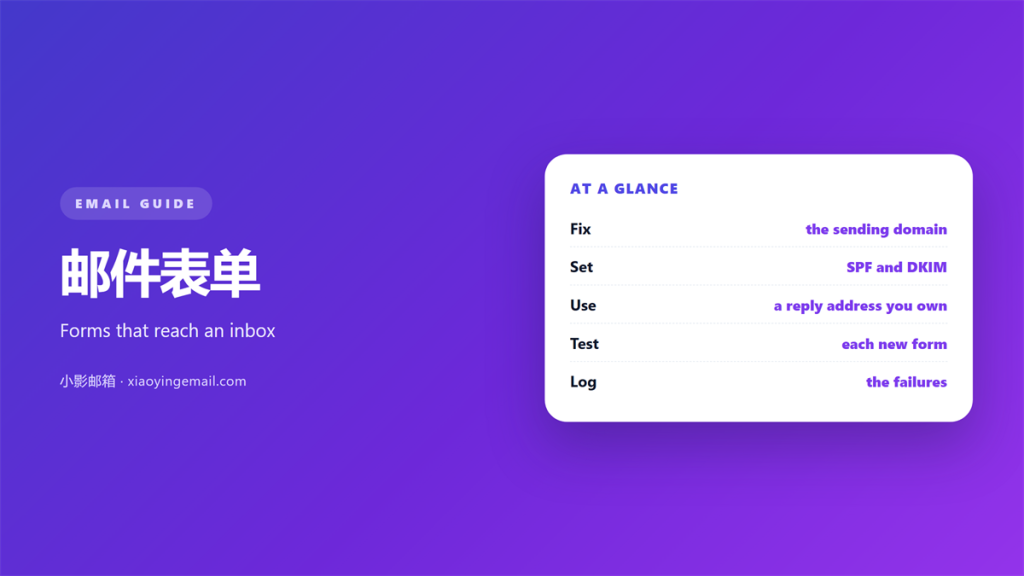
- 邮件表单 fails quietly and often.
- Most failures are delivery, not code.
- Use a sending domain you control.
- Send a confirmation copy to yourself.
- Test every 邮件表单 before launch day.
Why a 邮件表单 goes missing
邮件表单 turns a web page into a message. When it fails, nobody sees an error.
The visitor sees a thank you page. The email never arrives.
That silent gap is the danger. You lose the lead and never know.
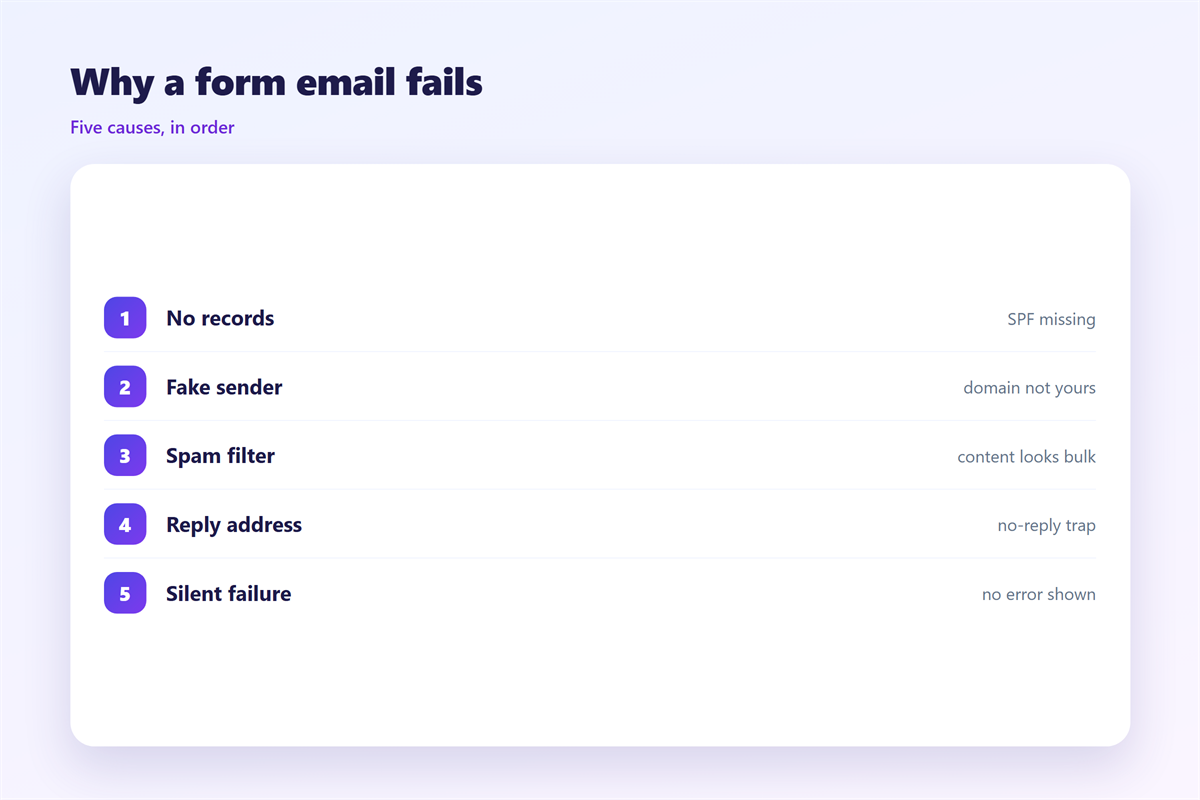
There are four common causes. The sending server, the spam filter, a wrong address, and a broken key.
Each one is fixable. The trick is to test for them before a real visitor arrives.
A 邮件表单 needs one clear owner. Someone must watch its inbox every day.
So test the whole 邮件表单, not just the page. A form that renders is not a form that delivers.
Check the form on a phone and a desktop. Rendering differs more than people expect.
A required field can also block a send. Keep required fields to a minimum.
Watch the first week of traffic closely. Early failures hide in low numbers.
Making a 邮件表单 reach the inbox
A 邮件表单 that never arrives is worse than no form. The visitor trusts you and you lose the message.
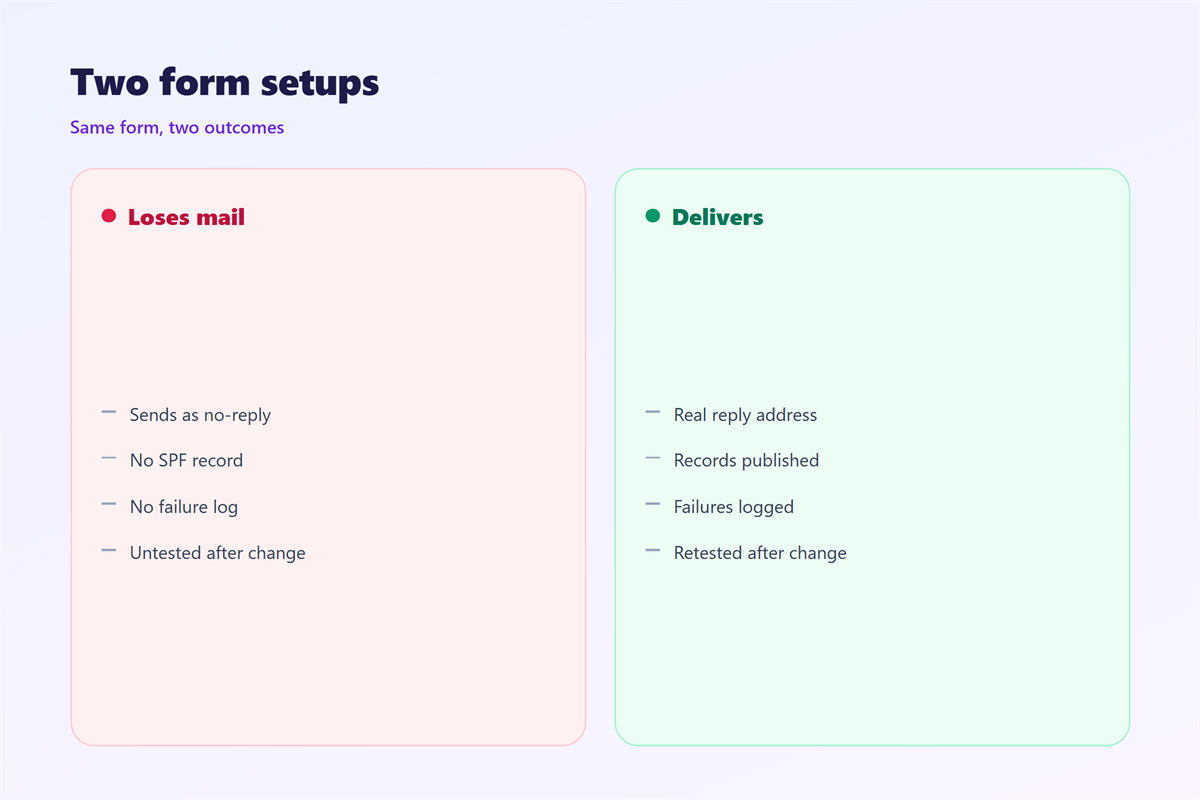
Delivery starts with the sender. A form should not send as the visitor.
Send from your own domain instead. Use an address like [email protected].
Then prove that domain is yours. SPF, DKIM and DMARC do that job.
Without those records, filters treat the message as a stranger. Many will reject it outright.
Keep your 邮件表单 simple on the first send. Plain text and one link beat heavy HTML.
Never put all the form data in the subject line. Long subjects look like spam.
We cover the wider picture in 邮件营销, where permission comes first.
Send the message to one inbox first. A second copy proves the path works.
Keep a log of every send. Logs make a failure easy to trace.
Set a sensible rate limit. A burst from a form looks automated.
What the reply address must be
The reply address decides where answers go. Set it to a mailbox you actually read.
Many forms set reply to the visitor by mistake. Replies then bounce because the address is unverified.
Others set reply to a dead address. The message is sent and forgotten.
Every 邮件表单 should have a real reply address. Use a person or a team inbox and check it daily.
A 邮件表单 with a fake sender gets filtered fast. Honest senders reach more inboxes.
Write the confirmation in a clear voice. Our notes on 邮件模板 keep it human.
Point the thank you page at the right next step. Our guide to 邮件落地页 shows how to match the promise.
Name the page in the subject, not the visitor. “Contact form” is clear and safe.
Add a timestamp to the body. It helps you match a message to a moment.
Never copy raw input into headers. That is how injection starts.
Testing your 邮件表单 end to end
- Submit the form with your own address.
- Check the inbox and the spam folder.
- Reply to the message you received.
- Confirm the reply reaches a person.
Test after every change to the site. Theme updates break forms more often than people think.
Test from a phone as well. Mobile keyboards add spaces that break addresses.
One 邮件表单 test takes two minutes. A lost lead costs far more.
Repeat the test after a plugin update. Settings can reset without warning.
Ask a colleague to send one too. A second pair of eyes catches odd results.
Fixing a 邮件表单 that fails
Start with the logs. Most form tools show whether a message left the server.
If it left, the problem is the destination. Check the address and the filter.
If it did not leave, the problem is the setup. Check the key and the sending domain.
Then look at volume. A busy form may hit the limits of your host.
Our page on 邮件群发 covers safe sending at scale.
Fix one layer at a time. Change nothing else while you test.
A reliable 邮件表单 is a promise kept. Treat every failure as a lost customer.
Ask your host about limits before a campaign. A form can hit them fast.
Keep a backup path. A second address or a stored copy saves the day.
Write down the fix for each failure. The next one gets easier.
Choosing the fields carefully
Every field you add lowers completion. Ask why each one exists.
Name and email cover most needs. A phone number rarely earns its place.
A message box invites detail. Keep it optional if you can.
Label each field in plain words. “Subject” is clearer than “Regarding”.
Show errors next to the field. A message at the top gets missed.
Keep the button simple. “Send” beats “Submit your enquiry now”.
Confirm what happens next. People want to know when you will reply.
Thank the visitor in plain language. Jargon on a thank you page reads as fake.
These small choices decide whether a form gets used.
A short form invites a second message. A long one invites nothing.
FAQ
Why do I get spam from my own 邮件表单?
Bots fill the form and send junk. Add a simple captcha and a hidden field trap.
Does a 邮件表单 need its own domain?
It should send from your domain. A free mail address looks fake and lands in spam more often.
How many fields should a form have?
Only the ones you will use. Name, email and a message cover most cases.
Should the form store a copy?
Yes. Save submissions in a database or a sheet. Email alone is too fragile.
References
- IETF RFC 5322: Internet Message Format.
- Google: Email sender guidelines.
- Microsoft: Create and send email in Outlook.
评论
还没有评论,来说两句吧。
评论功能已关闭。