 小影邮箱
小影邮箱邮件请示怎么写?Asking Up the Chain
Key Takeaways
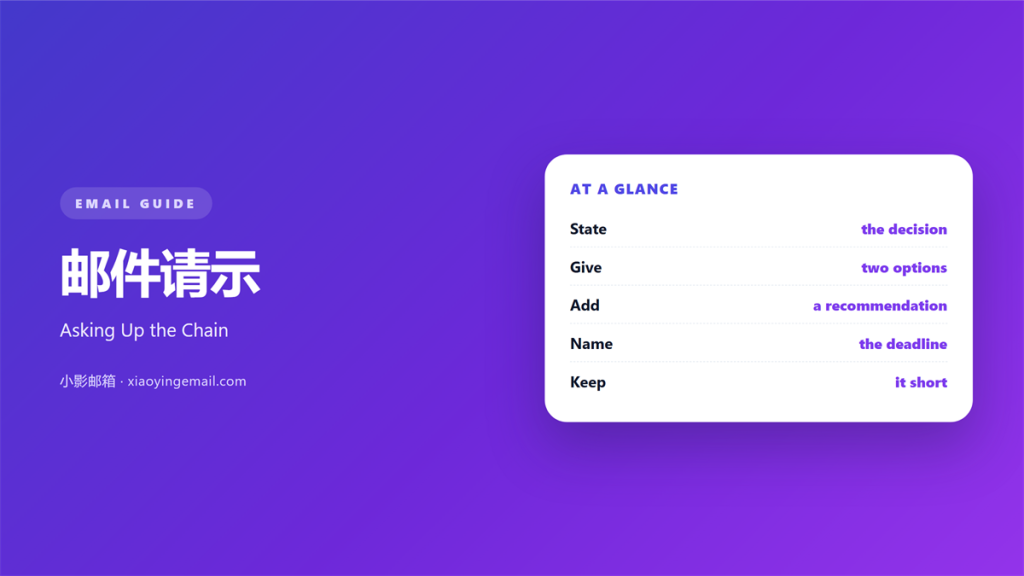
- 邮件请示 asks one person for one decision.
- Put the question in the first two lines.
- Offer two options and name your pick.
- Give the cost and the deadline.
- Keep the thread short and the record clear.
What 邮件请示 means
邮件请示 is a written request for a decision from someone above you.
It is not a report, and it is not a status note.
Its only job is to move a choice forward.
That is why a busy manager answers a short 邮件请示 first.
Length is read as cost before the words are read.
The reader should know what you need within seconds.
Most weak requests bury the question at the bottom.
The reader then guesses, and guessing costs days.
A good request names the person who decides.
It also names the date by which the answer is needed.
Everything else in the message supports those two facts.
That is the whole shape of a useful 邮件请示.
Why 邮件请示 matters
Decisions made in mail leave a record.
A chat message disappears into a long thread.
A call leaves nothing that a new colleague can read.
邮件请示 creates a line that others can follow.
That line protects you when a choice is questioned later.
It also saves the manager a meeting.
It also keeps the request away from chat.
Chat is fine for a quick question, not a decision.
One clear mail can replace a thirty-minute call.
Multiply that by ten requests a week.
The saved time is the real value.
A written question also forces you to think.
Vague thinking becomes visible in the first line.
When 邮件请示 helps
邮件请示 helps when the cost is above your limit.
It helps when two teams want different things.
It also helps when a rule has no clear owner.
A short request can find that owner fast.
It helps again when a deadline is close.
A written request with a date cannot be ignored.
Use it when you need a decision, not permission to work.
Ask once, ask fully
Half a request produces half an answer.
State the question, the options, and the cost.
Then state what happens if nobody replies.
That last line is the most useful one.
It turns silence into a decision of its own.
When 邮件请示 hurts
邮件请示 hurts when it hides the question.
A long build-up pushes the ask off the screen.
It hurts when three people are asked at once.
Each one waits for another to answer.
It hurts again when the request has no date.
Then it sits in the inbox for a week.
A request without a cost looks optional.
Managers rank requests by risk, not by politeness.
Finally, it hurts when the thread grows too long.
A request copied to six people reads as pressure.
Pressure produces a fast yes, and a slow no.
Long threads hide the answer inside the replies.
邮件请示 and the decision
Most requests need one of three answers.
Yes, no, or not yet with a reason.
Write the options so each one is easy to choose.
Two options plus a recommendation works best.
Three options spread the reader’s attention thin.
Then give the reason for your pick in one line.
A clear no is more useful than a slow maybe.
Record the reason beside the answer.
Name the cost of waiting
Every delay has a price.
Say the price in plain numbers.
Two days of delay may cost one week of work.
That sentence moves a decision faster than urgency labels.
Labels like urgent stop working after a month.
How to use 邮件请示 well
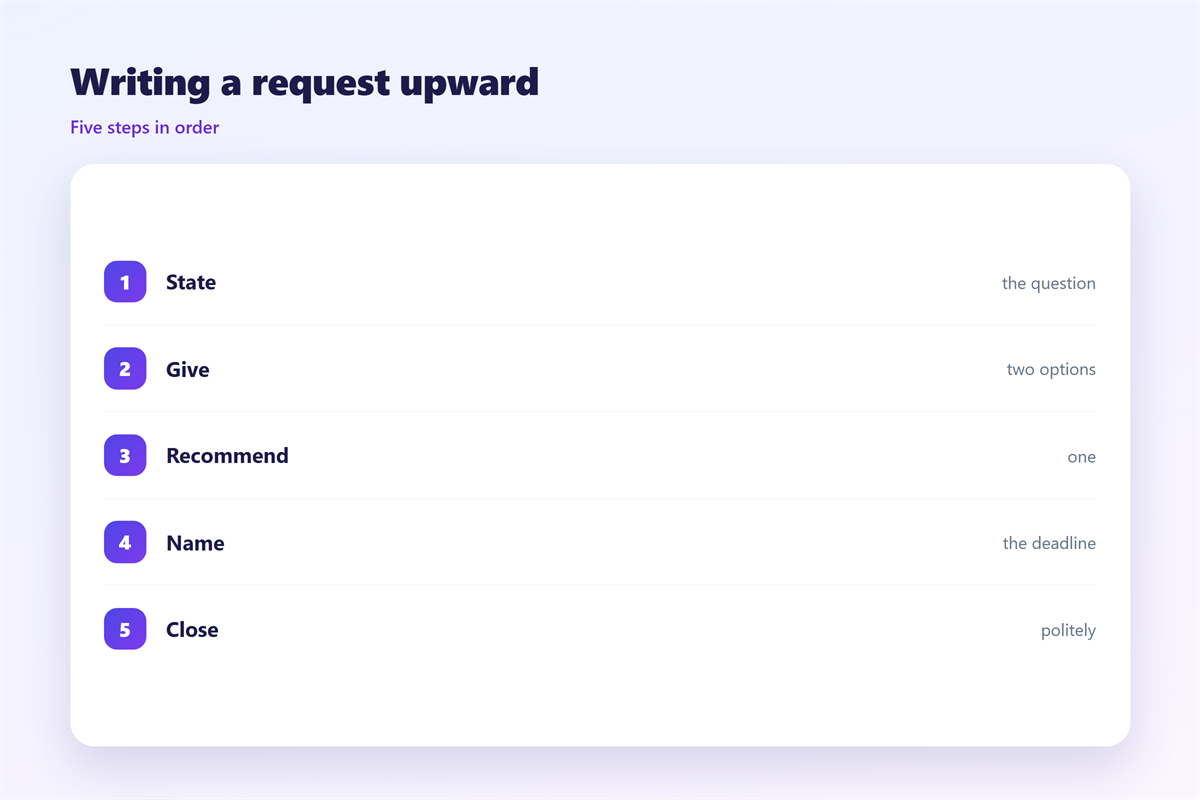
Start with the subject line.
Name the decision, not the topic.
Then write the ask in the first sentence.
Follow with two options and your recommendation.
Add the cost and the date.
Keep the whole message under two hundred words.
Attach the detail as a file or a link.
The reader can open it later if needed.
Close with one clear next step.
Then stop writing, and send.
Use a plain font and no colour.
The reader should see structure, not decoration.
Keep one request per mail
Two questions in one mail get one answer.
The other question waits for a second round.
So send two short mails instead.
Each one can then be answered on its own.
That habit is the fastest way to get replies.
邮件请示 on a deadline
A deadline changes the shape of the request.
Write the date and the hour in the first line.
Then say what is blocked until the answer arrives.
Offer a default choice if the date passes.
That default should be safe and easy to reverse.
Send the request early enough to be read.
Monday morning beats Friday evening.
Then send one reminder, and only one.
Call only when the cost of waiting is high.
Send a short note when the answer arrives.
That note closes the loop for everyone copied.
Keeping 邮件请示 consistent
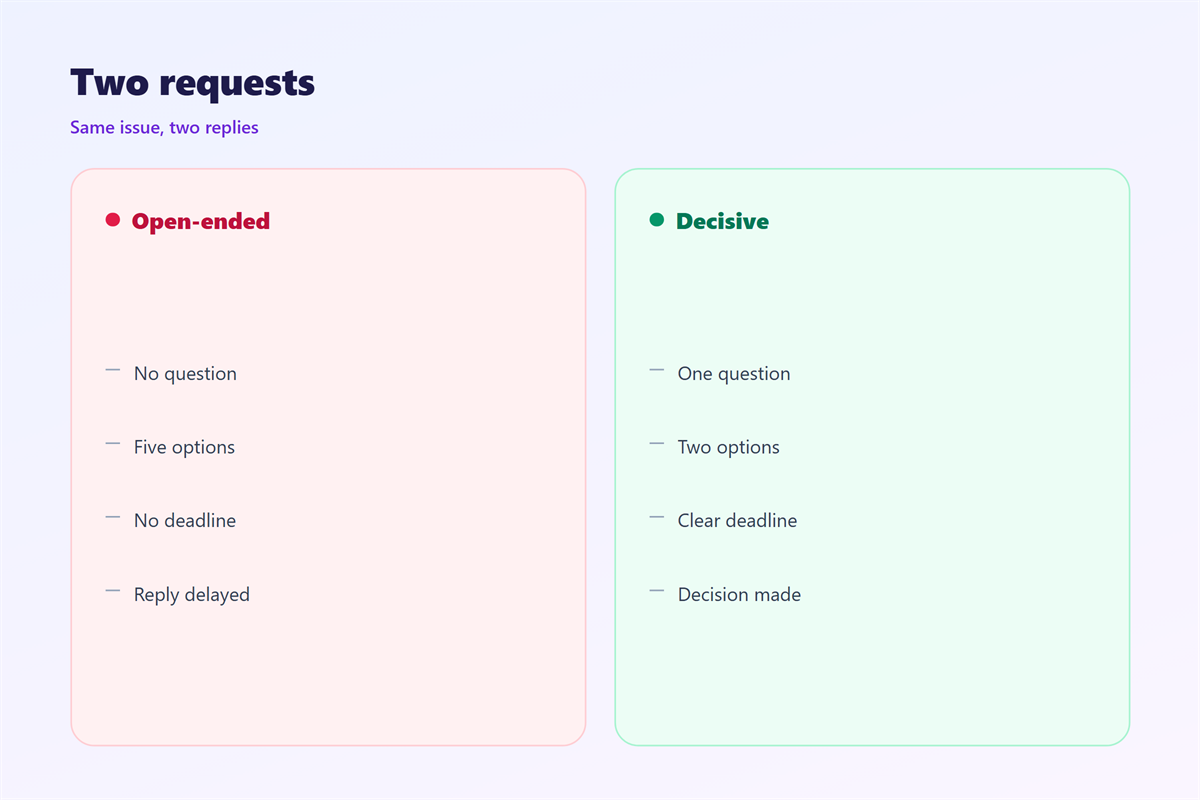
Use the same four lines every time.
Question, options, cost, and date.
The pattern saves the reader time.
It also makes your requests easy to compare.
The approval steps sit in 邮件审批, and the status format appears in 邮件汇报. The labels are explained in 邮件优先级, and the copy list in 邮件抄送.
Then keep a folder for open requests.
One look tells you what still waits.
Close each request with the answer in writing.
That line becomes the record everyone shares.
FAQ
Who should receive a 邮件请示?
One decider, plus anyone who must know. Others can be copied later.
How long should the mail be?
Under two hundred words. Detail belongs in an attachment.
Is a chat message enough?
Only for small choices. Anything with cost belongs in mail.
What if nobody answers?
Send one reminder. Then apply the default you stated.
评论
还没有评论,来说两句吧。
评论功能已关闭。