 小影邮箱
小影邮箱邮件链接怎么放?Links That Earn the Click
Key Takeaways
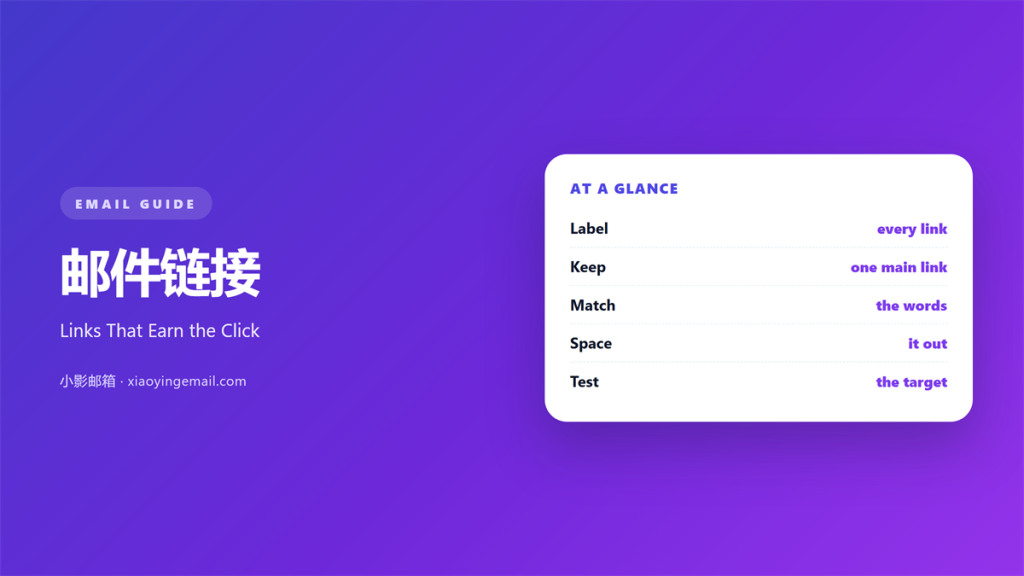
- 邮件链接 should point to one clear next step.
- Fewer links mean each one earns more attention.
- Write link text that names the destination.
- Place the main link high in the message.
- Test every 邮件链接 before the send.
What 邮件链接 means
邮件链接 is any word or button that opens a page.
It carries the reader from the inbox to a website.
A message may hold one link or a dozen.
Each one competes for the same single click.
That is why a clear link beats a crowded one.
Think about a newsletter with five calls to action.
The reader pauses, thinks and often clicks nothing.
One good 邮件链接 removes that moment of doubt.
A single path is simply easier to follow.
A lazy link hides the trail a reader needs.
Good links keep the whole path honest.
Why 邮件链接 matters
A link is the whole point of most commercial mail.
Without a click, a campaign earns nothing.
A buried link wastes the work behind the message.
Clear 邮件链接 also builds trust over time.
Readers learn that your links go where they promise.
They click sooner and they worry less.
A silent link also hurts a follow-up note.
So the words must carry the intent.
The cost of a broken link
A broken link ends the journey at once.
The reader sees an error and closes the tab.
Many never return to try again.
So test the link on a phone and a computer.
A dead link also looks careless to a new reader.
Choosing the words on a 邮件链接
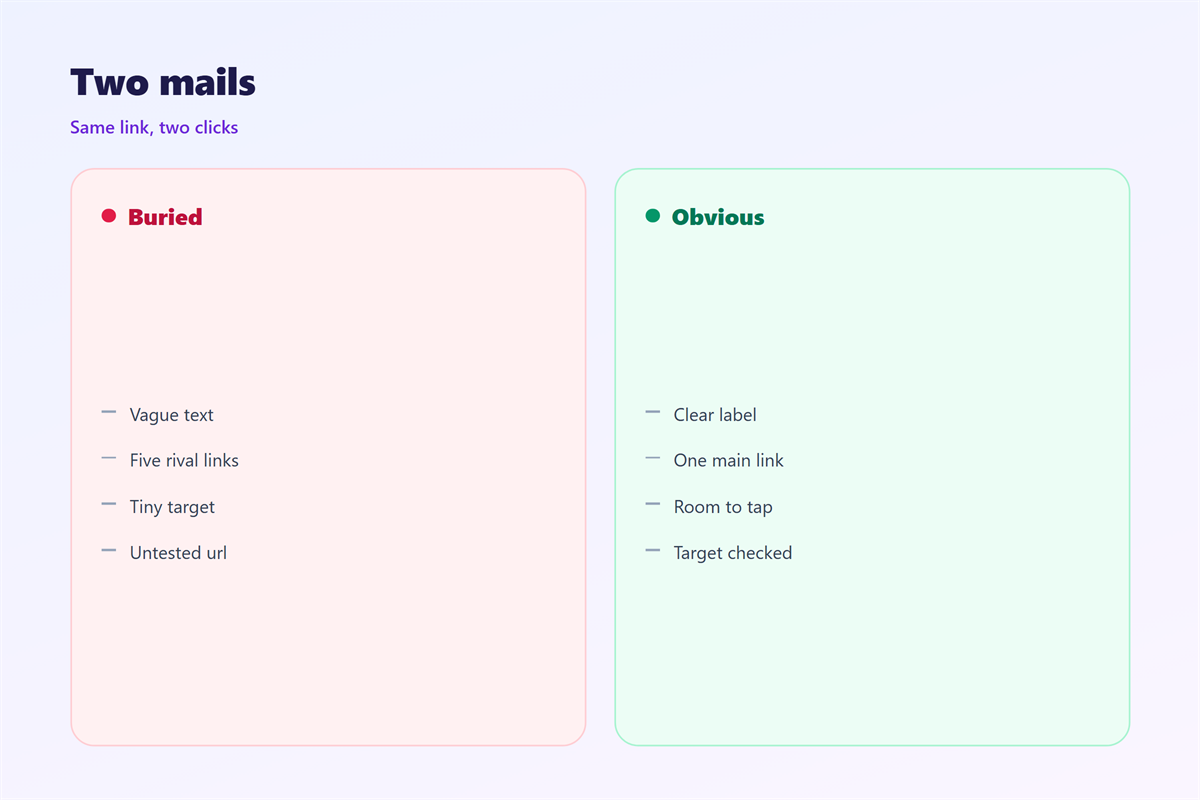
The link text should name what waits beyond it.
Write “Download the report”, not “click here”.
The words describe the page, the file or the action.
Keep them short and keep them specific.
A vague label hides the destination and lowers trust.
A clear label answers the reader before the click.
A verb often makes the clearest label.
Start the phrase with what the reader gets.
Do not repeat the same label
Two links with one label confuse a reader.
If both go to the same page, join them into one.
If they differ, give each its own words.
The label should stand apart from the surrounding text.
How many 邮件链接 to include
One clear action usually beats many small ones.
Add a second link only when it serves a real need.
Group the rest at the end under a calm heading.
A tidy footer can hold small, quiet links.
That keeps the main path free of clutter.
The rule of one
Name the single thing you want the reader to do.
Make that link the easiest one to find.
Support links should never outshine the main one.
Then check the order on a small screen.
Extra links split attention and divide the click.
Cut any link that repeats an earlier path.
邮件链接 in the body and the button
A link can sit inside a line of plain text.
A button is just a link with a stronger shape.
Use a button for the main action and a text link elsewhere.
Write the button in the same words as the goal.
Keep the main 邮件链接 in the button, not in a paragraph.
A destination that matches
The page behind the link must match its promise.
If the words say a trial, the page should show a trial.
A mismatch loses a reader who already decided to click.
So review the landing page beside the draft.
A single strong button guides the eye first.
Then a quiet text link can serve as backup.
邮件链接 that earn the click
Put the main link where the eye already rests.
Near the top, after a short opening, works well.
Repeat it once near the closing line.
Aim for two or three links at most in a short note.
Then give each one room to breathe.
A little white space lifts the click rate.
Keep the colour of the link calm and consistent.
Test two labels and keep the stronger one.
Small changes often lift the click rate.
Fixing 邮件链接 before you send
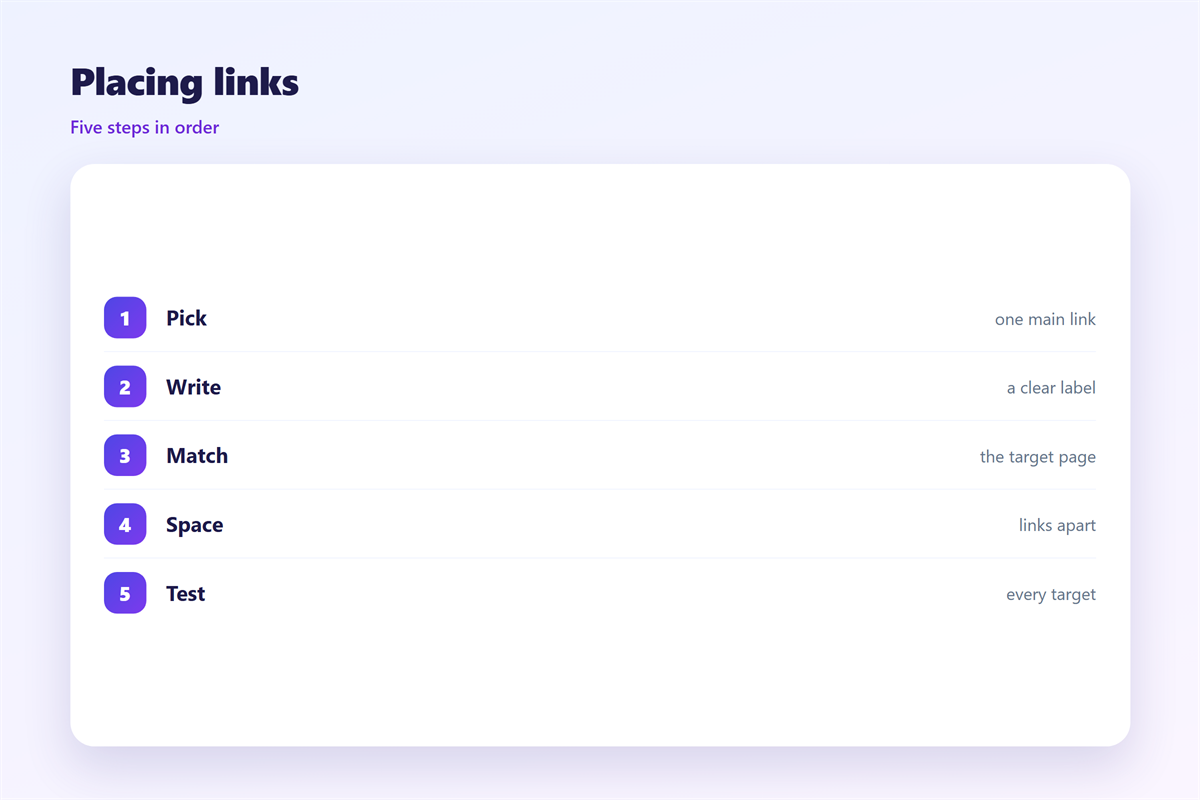
A quick test will catch most link faults.
Open every link on a phone and a desktop.
Check the words, the target and the tracking.
Break any sentence that runs past twenty words.
Look for a link with a vague or repeated label.
Then confirm the destination is still live.
Clean 邮件链接 is the last check before sending.
One calm pass saves a lost reader later.
Ask a colleague to open the links too.
A fresh pair of eyes catches a mistake.
Keeping 邮件链接 consistent
Consistency matters more than any single rule.
Pick one style and hold it across every message.
The shape of a clear call to action is set out in 邮件按钮.
The page that greets a click is explained in 邮件落地页.
The rest of the message is covered in 邮件正文.
Reading the click data is described in 邮件追踪.
Then keep a short link style for the whole team.
A team that agrees on 邮件链接 sends cleaner mail.
Write the rule down so new hires follow it.
FAQ
Is 邮件链接 really that important?
Yes. The link is the step that turns a message into a result.
How many links should I use?
Use one main link and at most a few quiet ones.
What words work best?
Words that name the destination, not words that say “click”.
Should the link open in the same tab?
Keep it in the same tab unless the reader must return at once.
评论
还没有评论,来说两句吧。
评论功能已关闭。