 小影邮箱
小影邮箱邮件锚点链接怎么加?Jump Links Inside a Mail
Key Takeaways
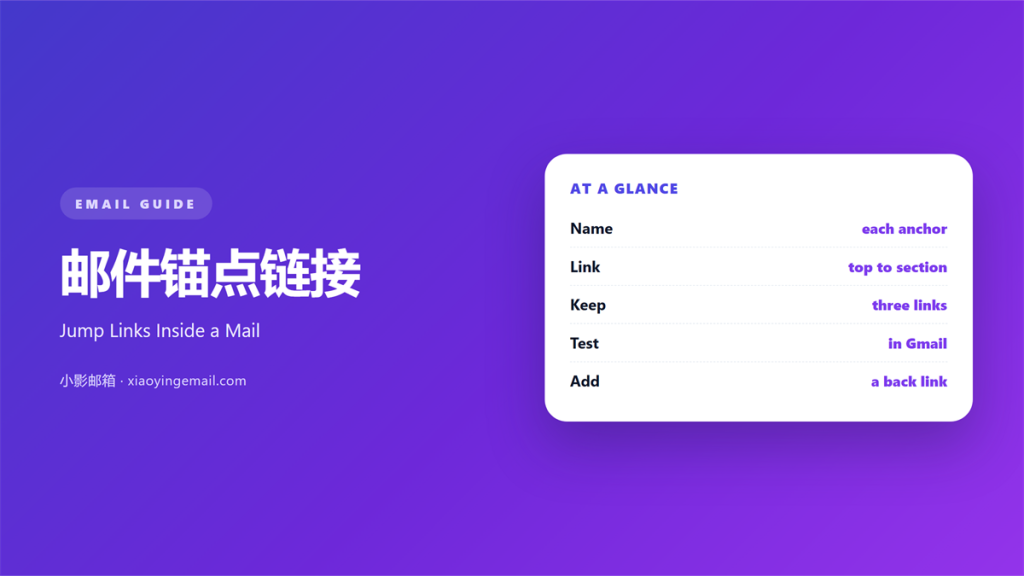
- 邮件锚点链接 jumps to a section further down.
- Name every target with a short id.
- Place the menu near the top of the mail.
- Test the jump in two clients, not one.
- Keep the target heading visible after the jump.
What 邮件锚点链接 means
邮件锚点链接 is a link that jumps inside one message.
It points to an id on a block further down.
The reader clicks and the view moves there.
Nothing reloads. No new tab opens.
The address stays the same except for a hash.
That hash names the target block.
Most senders put the links in a short menu.
Three to five links is the usual count.
A 邮件锚点链接 is not a normal web link.
It does not leave the mail.
That is the whole difference, and it matters.
One name, one target, one click.
Why 邮件锚点链接 matters
Long mails lose readers in the middle.
A 邮件锚点链接 lets them choose a section.
Choice keeps attention on the page.
It also shortens the path to the ask.
A reader can skip the parts they know.
They land on the price in one click.
For instance, a newsletter can list four stories.
Each title jumps to its own block.
The same trick works for a long policy note.
Readers reach the clause they need fast.
Support tickets about the mail drop as a result.
The cost is one line of code
Each target needs a unique id.
Each link needs a matching hash.
That is the whole build.
No script and no image is involved.
When 邮件锚点链接 helps
It helps when a mail runs past three screens.
A short menu at the top restores control.
It helps when a mail has distinct offers.
Each offer gets a link with its own name.
A 邮件锚点链接 helps in a weekly digest.
Readers pick the item they came for.
It helps when a long footer holds legal text.
One link sends people straight to it.
Use it when the same mail serves two audiences.
Each group can jump to its own section.
Menus that stay short
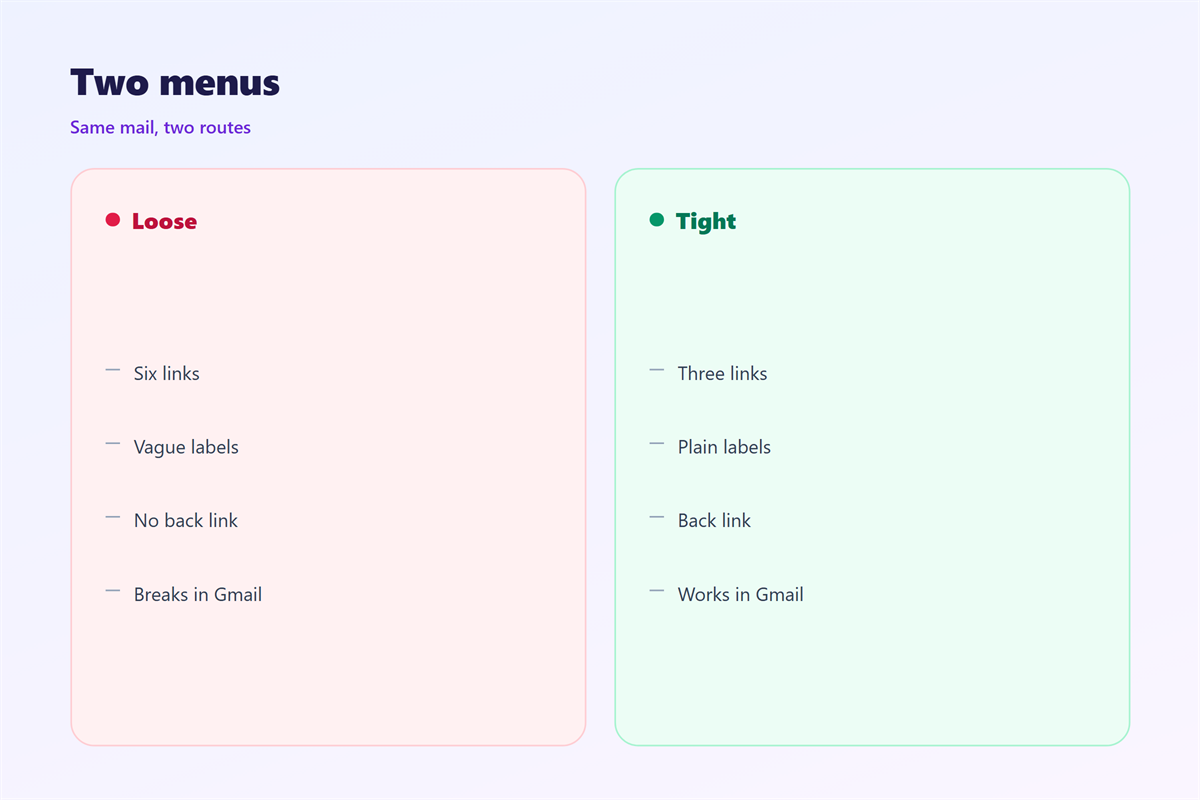
Four links fit on one line at phone width.
Six links wrap and look crowded.
Cut the menu before you cut the sections.
A short menu is read. A long one is ignored.
When 邮件锚点链接 hurts
It hurts when a client ignores the hash.
The click then does nothing at all.
That silence looks like a broken mail.
A 邮件锚点链接 hurts when the target is hidden.
Some clients block jumps into a collapsed block.
It hurts when two links share one name.
The reader lands in the wrong place.
It hurts when the link text is a bare url.
People do not read a hash string.
Finally, it hurts when the menu repeats the whole mail.
邮件锚点链接 and wayfinding
Wayfinding means knowing where you are and where to go.
A 邮件锚点链接 is a signpost, not a door.
It tells the reader a section exists below.
Good signs use the same words as the target.
If the link says price, the heading says price.
Mismatched words break the promise.
Number the links when order matters.
Then the reader knows how far the mail runs.
Our team keeps one map per long template.
A map you can test
Write every id in a single list.
Then check that each link matches one id.
Two ids with the same name will clash.
We caught one such clash last month.
A short list saves a long search later.
How to build 邮件锚点链接
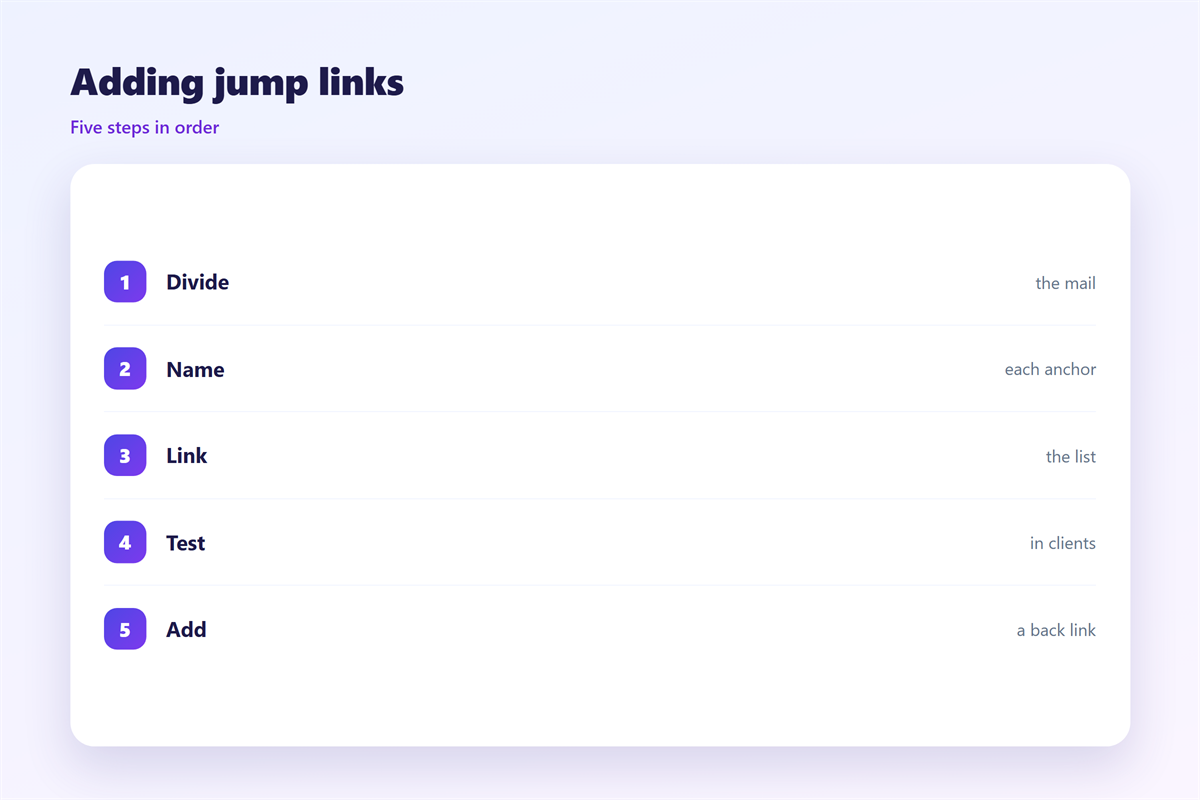
Start with the blocks you already have.
Give each target block a short id.
Use lowercase letters and no spaces.
Then build the menu near the top.
Link to the id with a hash in front.
Keep the link text identical to the heading.
Add the menu after the first paragraph.
Then a reader sees it without scrolling.
Build in the order people read
The menu should follow the block order.
A jump backwards confuses the eye.
Keep the first link at the top of the list.
Place the target just below the menu when you can.
Short jumps feel faster than long ones.
Then repeat the test on a second client.
邮件锚点链接 on a phone
Phones make anchor links more useful.
A long mail means a lot of thumb work.
A 邮件锚点链接 cuts that work to one tap.
The menu must fit without wrapping.
Two or three links per line is the limit.
Use a stacked list when the labels are long.
Leave a clear gap under the menu.
Then the first block starts below the fold.
Test the jump on iOS Mail and on Gmail.
One may jump. The other may ignore the hash.
Our test across five clients moved the view in two.
That result shapes how we write the menu.
Keep the target in view
After the jump, the heading should sit at the top.
Some clients leave it under the toolbar.
Add a small top padding to the target block.
Then the heading is not hidden.
Keeping 邮件锚点链接 honest
Our general notes are in 邮件链接.
The wording advice sits in 邮件锚文本.
The menu patterns sit in 邮件导航.
The long-mail map is in 邮件目录.
A jump link should land where the label promises.
It should not skip the caveat under the offer.
Keep the label short and true.
Then the reader trusts the next click too.
FAQ
Do 邮件锚点链接 work in Gmail?
Sometimes. Gmail web ignored our hash in the last test. The mobile app moved.
How many links should the menu hold?
Three to five. More than that wraps on a phone.
Does the target need a heading?
Yes. A visible heading shows the jump worked.
Can I use a button instead of a link?
You can, but plain text links survive more clients.
评论
还没有评论,来说两句吧。
评论功能已关闭。