 小影邮箱
小影邮箱邮箱备份码怎么用?Your Spare Key
Key Takeaways
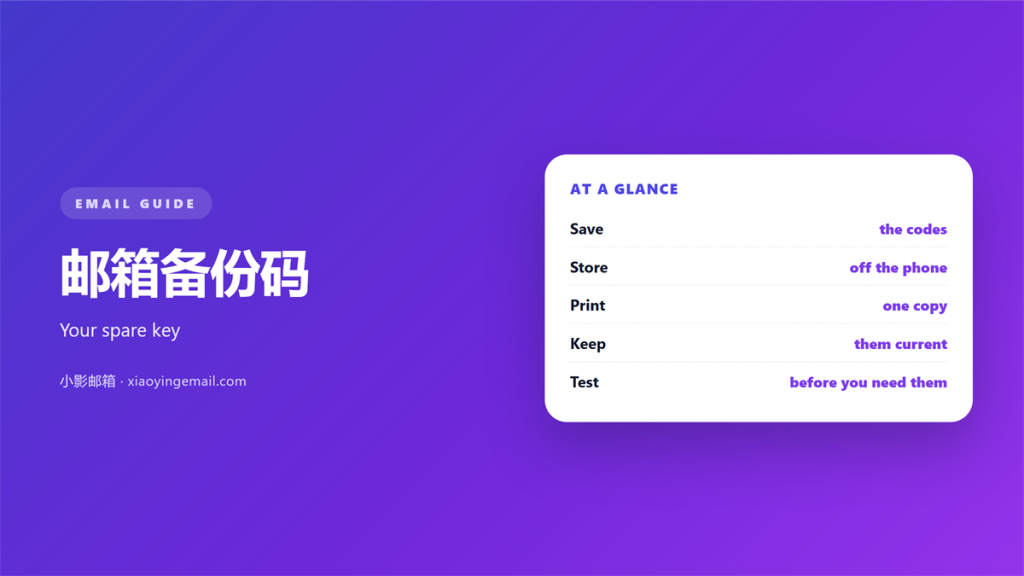
- 邮箱备份码 is a spare key for a locked account.
- Save the full set the moment it appears.
- Keep two copies in two safe places.
- Never store them beside your password.
- Test one code each year.
What 邮箱备份码 means
邮箱备份码 is a spare key that lets you back into your account.
You get them when you turn on two step security.
Each code works once.
It replaces your normal sign in for a single moment.
It is meant for the day you lose your phone.
A set of 邮箱备份码 is usually shown only once.
If you close the page, they may never appear again.
So the first job is to save them in time.
Many people skip that step and forget it.
That is when a small loss becomes a locked account.
Each code is long and hard to guess.
They are not a password that you reuse.
They exist for one emergency use only.
You may also find them called recovery codes.
Different services use different names.
Why 邮箱备份码 matters
Phones get lost, stolen, or broken.
Numbers change when you move country.
An app can stop working after an update.
Without a backup, none of those blocks can be passed.
A lost phone is fine if you hold your 邮箱备份码.
They also help when a service is offline.
Recovery through support can take days.
A saved code takes seconds.
A locked account can freeze your work.
Every service that uses that email waits too.
The cost of losing access is high.
A quick fix keeps your day on track.
When you need it
You need it when the phone is gone.
You need it when the code app is wiped.
You need it when you sign in on a new device.
You need it when a text message never arrives.
You need it when the network is down.
How to store 邮箱备份码
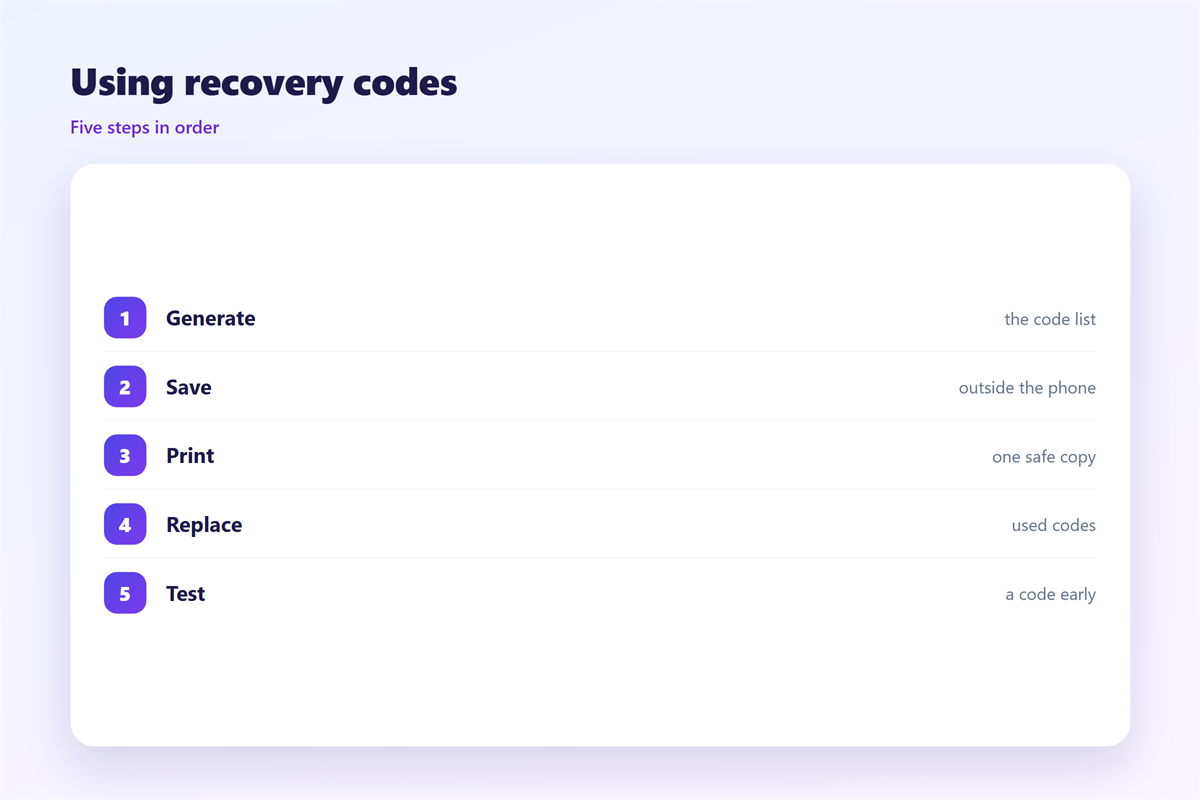
Print the codes on paper.
Or save them in a password manager.
Store 邮箱备份码 where a stranger cannot find them.
Keep a copy somewhere outside your home.
Never email your 邮箱备份码 to yourself.
Email is easy to search and easy to steal.
Do not keep them in a plain note on the phone.
That defeats the whole point.
Write the date beside the paper copy.
Tell one trusted person where it lives.
Do not describe it in a public place.
Where to keep it
A locked drawer is a fine start.
A safe or a bank box is stronger.
A password manager with a strong login works too.
Pick two places, not one.
Do not pick a place you rarely visit.
Test your 邮箱备份码
Test one code soon after you save it.
Use it on a device you trust.
Check that the code still works.
Testing proves the paper is still readable.
It also proves the code was written right.
A printout of 邮箱备份码 still works when the network is down.
Then store the rest again safely.
After you save it
Once a year, check the codes again.
Replace the set if you used some.
Update the copy when you change phones.
Remove old codes that no longer work.
Treat 邮箱备份码 like the keys to your home.
A tiny habit protects years of mail.
Revisit the habit after any phone change.
Old codes may no longer be needed then.
Set the reminder in your calendar.
A yearly date is easy to keep.
Where 邮箱备份码 goes wrong
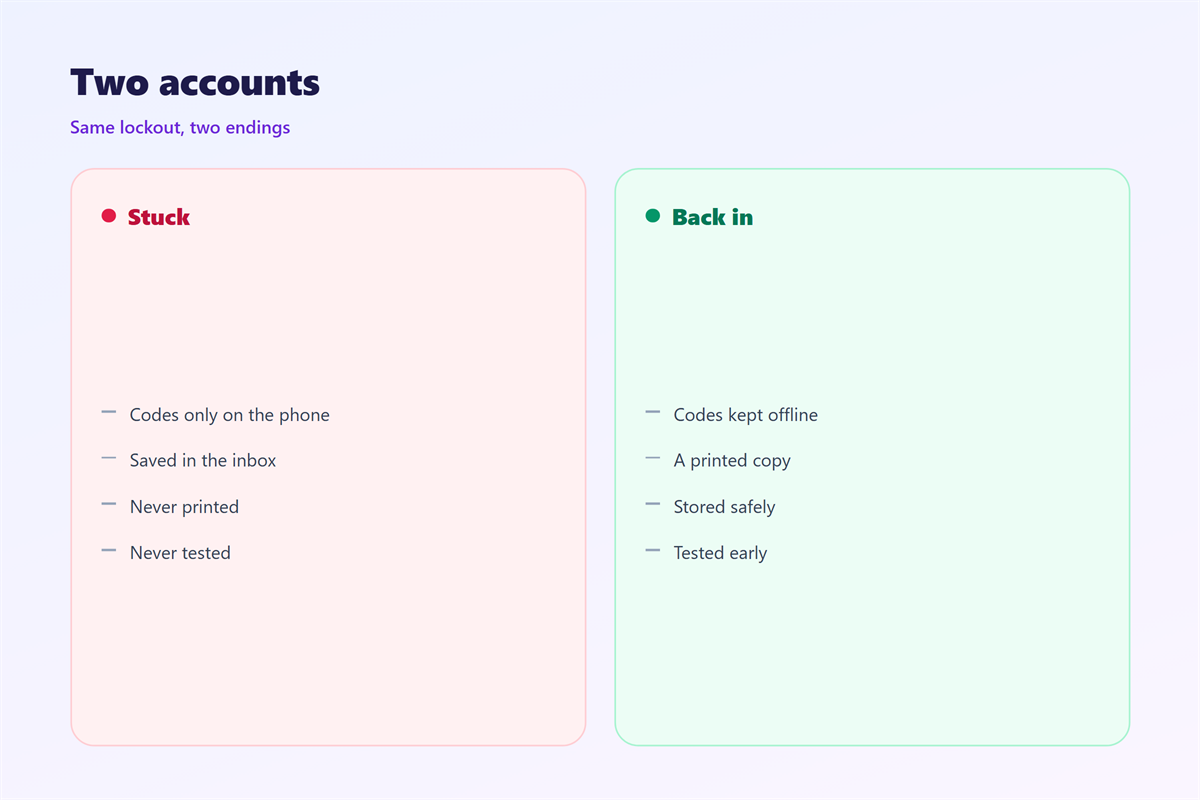
Some people save the codes in the same app.
If the phone dies, the codes die with it.
Others store them next to the password.
That turns two locks into one weak one.
Another mistake is never testing them.
An untested code may already be expired.
Lastly, do not share the codes with anyone.
Some save a screenshot in the photo app.
That gallery may sync to the cloud.
Others write the codes on a sticky note.
Some hide the codes so well they forget them.
Then the backup creates a new problem.
A simple routine
Print two copies of the codes.
Keep one at home and one elsewhere.
Store a digital copy in a password manager.
Set a yearly reminder to check them.
That is the whole routine.
Check the paper copy for fading ink.
Print fresh codes if the print is faint.
Do the check on the same date each year.
It becomes a small, calm habit.
Sending and improving
Note the date you last checked the codes.
Write down where each copy lives.
Update the note when anything changes.
Keep the note short and easy to read.
Update it whenever the codes change.
Keep the habit simple and repeatable.
Imagine a phone dropped in water.
The screen is dark and will not turn on.
The account still needs a sign in.
A saved code solves it in a minute.
A missing code starts a long recovery.
One small step avoids a large headache.
That is the whole reason for the habit.
Learn the basics from 两步验证, then plan a backup route with 邮箱找回. Keep a phone line ready via 邮箱绑定手机, and set 邮箱密保问题 as a final layer.
FAQ
How many 邮箱备份码 should I keep?
All of them. Keep the full set in two safe places.
Is 邮箱备份码 safe in the cloud?
Yes, inside a password manager. Not in a plain draft email.
What if I lose my 邮箱备份码?
Use account recovery instead. It takes longer and may ask for more proof.
Do 邮箱备份码 expire?
Often they do not. Some services replace them, so check once a year.
评论
还没有评论,来说两句吧。
评论功能已关闭。