 小影邮箱
小影邮箱邮箱绑定手机怎么做?Recovery You Can Reach
Key Takeaways
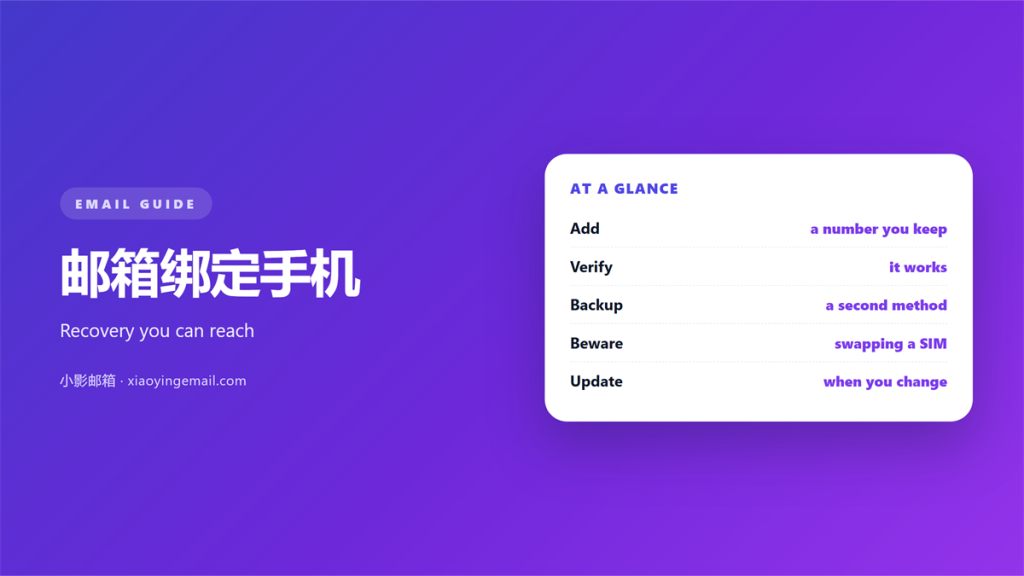
- 邮箱绑定手机 gives you a fast way back into the inbox.
- It also gives the carrier a role in your security.
- Use a number you control and will keep for years.
- Confirm the new number before you trust the change.
- Add an authenticator app for the strongest setup.
What 邮箱绑定手机 actually gives you
邮箱绑定手机 links a recovery phone to your account.
The provider can then send a code when you cannot sign in.
It also powers two step checks at each new login.
The benefit is speed. A code arrives in seconds.
The cost is a second dependency. Lose the number and you lose the path.
邮箱绑定手机 works best when the number stays stable.
A number you cancel next month is a trap, not a safety net.
Treat the link as a long term commitment, not a quick fix.
It also confirms your identity when support asks.
Most recovery paths start with a code on the phone.
Without it, help can take days and extra proof.
The phone also serves as a second layer at sign in.
That layer sits beside the password, not instead of it.
When 邮箱绑定手机 helps most
New accounts benefit right away. The earlier the link, the better.
It also helps on shared devices and public networks.
A stolen password alone cannot open the inbox.
That single fact stops most casual break in attempts.
邮箱绑定手机 also speeds up a forgotten password reset.
The code replaces a long list of recovery questions.
One short message solves what used to take a support ticket.
A new laptop is a good moment to link the phone.
The setup takes two minutes and blocks a common attack.
It also warns you when someone tries a new login.
That warning is often the first sign of trouble.
A short code also fits public wifi better than a typed password.
Nothing secret travels when the code is short lived.
When 邮箱绑定手机 hurts
The risk is the number itself. Every code depends on it.
A sim swap moves your number to a new device.
The attacker then receives every 邮箱绑定手机 code.
Travel abroad can also block the message for hours.
A change of carrier may retire the number without warning.
邮箱绑定手机 is strong against guessing and weak against a hostile carrier.
So add a second factor that does not rely on the phone line.
A recycled number is the worst case. It may reach a stranger.
Some carriers also allow a remote sim swap with weak checks.
Keep a hardware key as an independent option.
Then a stolen signal cannot open the whole account.
Adding 邮箱绑定手机 safely
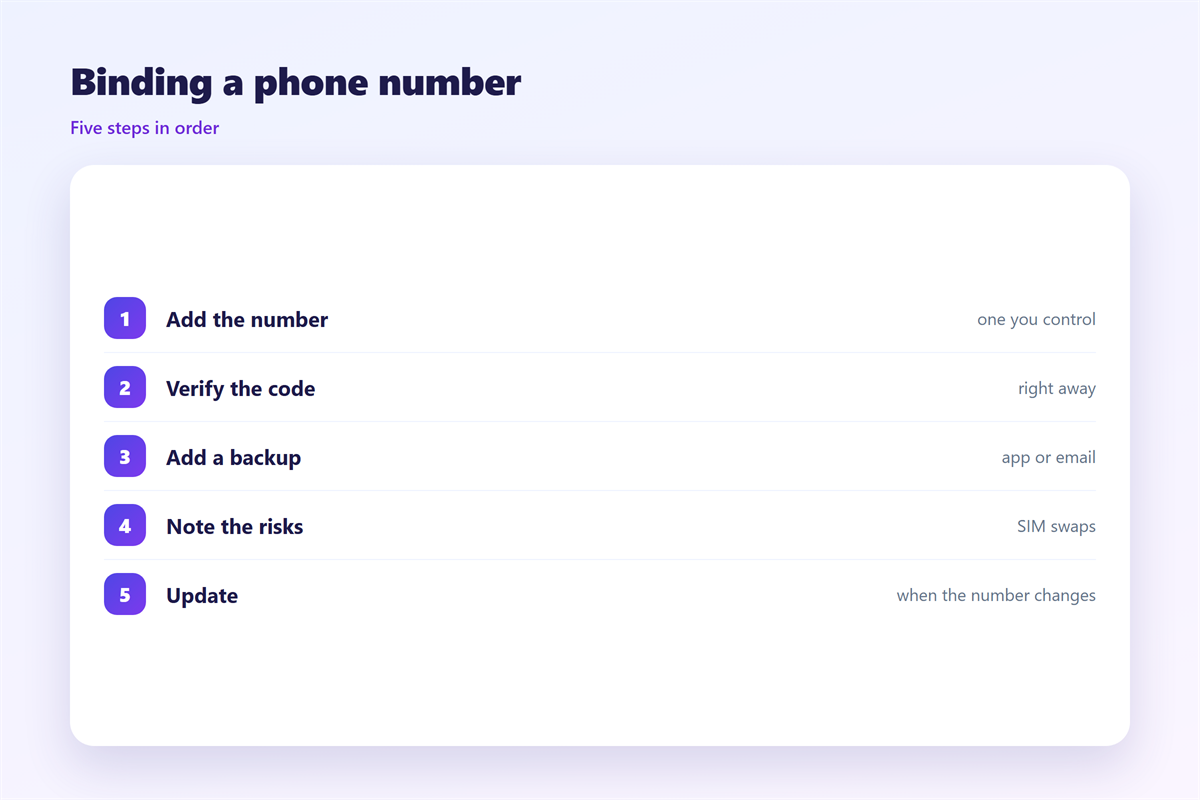
Open the account security page and find the phone field.
Enter a number you own and will keep for years.
The provider then sends a test code to that number.
Type the code to confirm the link. Do not skip this step.
Some providers ask for the number again after a week.
邮箱绑定手机 should be reviewed whenever the number changes.
Update it on the same day. An old number is a live risk.
Keep a backup route ready in case the phone is lost.
Choose a number you use every day and can answer at once.
A landline or a shared number rarely receives the code on time.
Note the change in a small log with the date.
That note helps when a provider asks about the history.
Testing your 邮箱绑定手机 setup
Try the recovery flow once on purpose.
Sign out and start a password reset.
Check that the 邮箱绑定手机 code arrives quickly.
Also check which address and which device are attached.
Remove any number you no longer use.
Then ask the hard question. What if this phone is stolen today?
A good answer means a second route already exists.
邮箱绑定手机 is a tool, not a full plan.
Test both the login code and the recovery code.
They may use different routes and different timing.
If one fails, fix it before you need it.
Working with other recovery tools
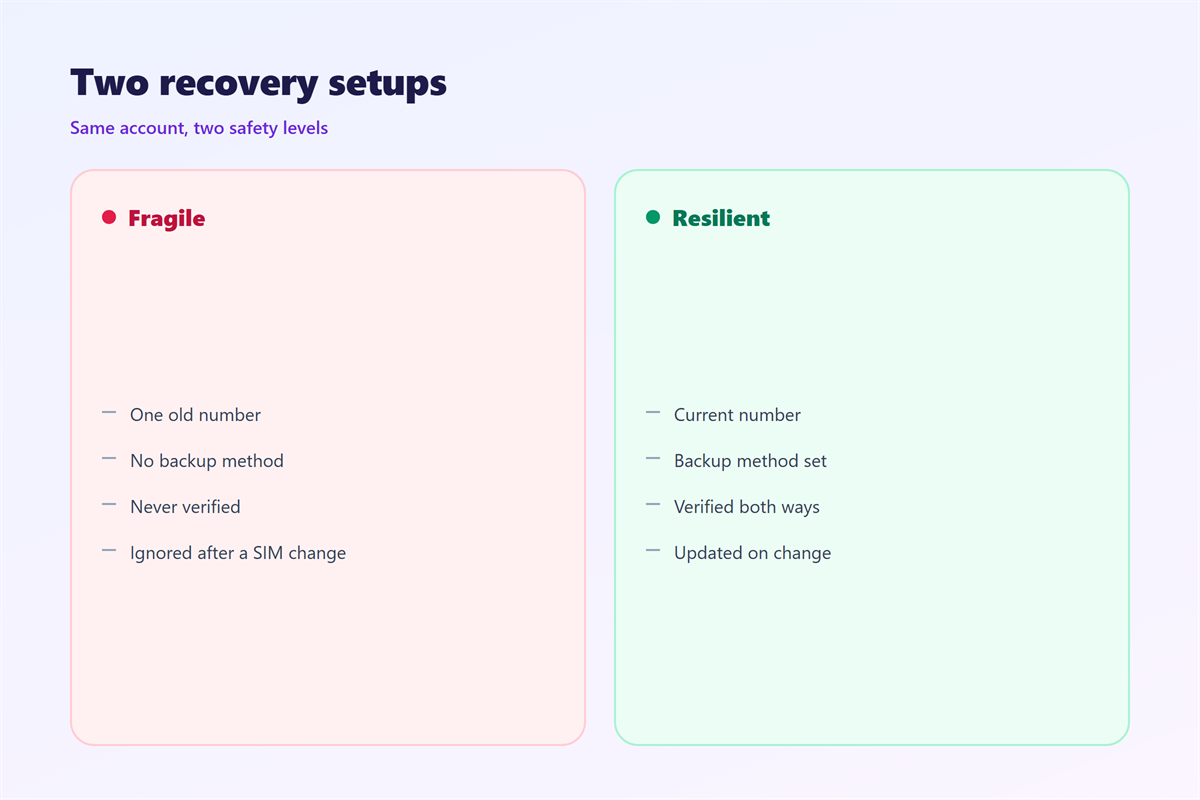
Pair the phone with a code app and backup codes.
Our notes on 邮箱验证 explain links and expiry. The path after a lockout is ranked under 邮箱找回. Account hardening is covered in 邮箱安全, and one time codes are handled in 接收验证码.
Three layers beat one. A phone alone can fail quietly.
邮箱绑定手机 stays useful when it is not the only option.
Store the backup codes away from the phone.
A phone and its codes in one place are one loss.
Many banks and shops now expect a linked phone too.
The same number then protects more than one account.
That convenience is real, and so is the shared risk.
A lost phone is stressful but not fatal.
Good preparation turns a panic into a routine reset.
Keep the details of the link in your own records.
FAQ
Is 邮箱绑定手机 required?
Most providers ask for one, but few force it. You can often use an app instead. Add a phone when it is the simplest route for you.
Can I use a work number?
It works only while you keep the job. A personal number is safer for a personal inbox. Never rely on a number you might lose.
What if I change carriers?
Update the number in every account before you switch. Keep the old sim active until the new one works. Then confirm each link again.
Does 邮箱绑定手机 stop phishing?
It helps, but a stolen code still works once. Read the login alert and act on anything you did not start. Report strange messages at once.
References
- Google: Add a recovery phone number
- Microsoft: Add or update security info
- CISA: Turn on multi-factor authentication
评论
还没有评论,来说两句吧。
评论功能已关闭。