 小影邮箱
小影邮箱邮箱设备管理怎么做?Sessions You Forgot
Key Takeaways
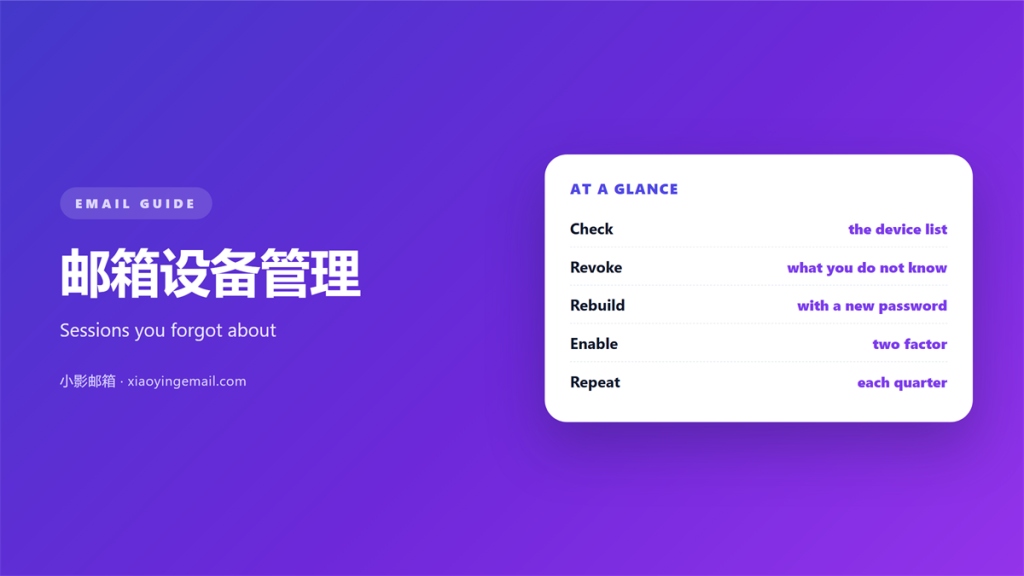
- 邮箱设备管理 is about knowing every session that can read your mail.
- A forgotten session is the usual 邮箱设备管理 problem.
- A lost phone can stay signed in for months.
- Every provider hides a device list under account security.
- Revoke anything you cannot match to a device you own.
What 邮箱设备管理 really covers
邮箱设备管理 is the habit of tracking every device that holds an active session.
Most people picture one phone and one laptop, then stop there. The real list is usually longer.
It hides in mail apps, browsers, tablets and backup tools. Each of those holds its own token.
Until that token expires, the device can read and send mail. No new login is needed.
So the aim is not to sign everything out. It is to know what is signed in.
Once the list is visible, the rest is judgement. An unknown device is a question.
A known but idle device is a chore. Both deserve a decision today.
Good 邮箱设备管理 answers one question first. Can this device still reach my inbox?
If the answer is no, the entry is harmless. If the answer is yes, it needs attention.
That single question keeps the work small. It also stops you removing a device you still use.
Where forgotten sessions hide
Sessions collect in the places people never revisit. The list grows with every new login.
A phone that was sold or given away is the most common case. A backup restore can also wake an old token.
Shared computers are another source. A session started at a hotel desk can outlive the trip by weeks.
Mail apps on tablets behave the same way. They refresh in the background and never ask again.
邮箱设备管理 fails when the list is never opened. Problems then appear as strange messages instead.
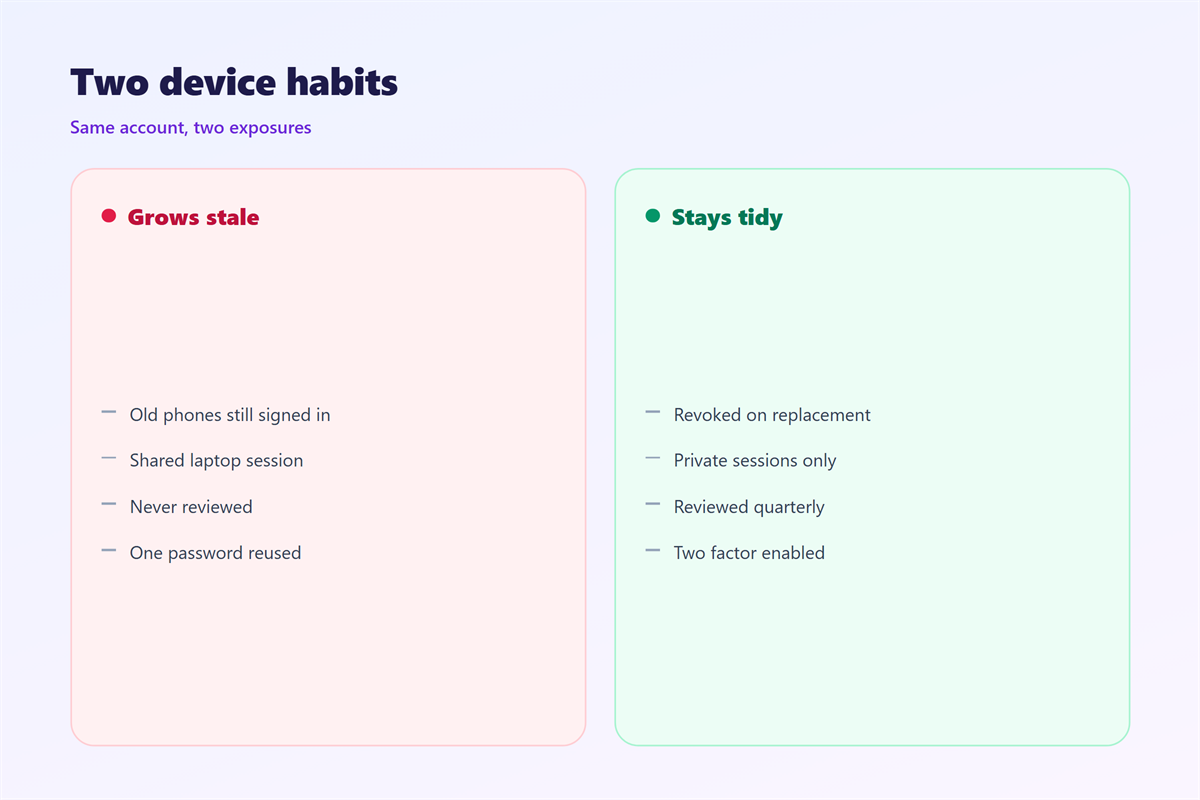
- Old phones: sold, lost or replaced.
- Backup tools: granted long lived access.
- Shared desktops: nobody signed out.
- Third party apps: given access once and never reviewed.
Each entry in the list is a door. Some were closed on purpose and some were forgotten.
This is why 邮箱设备管理 belongs beside your password settings. It is part of the same routine.
Separate logins for work and home also limit the damage. Our notes on 邮箱多账号 explain how to split them cleanly.
How to run 邮箱设备管理 in five minutes
Every major provider offers a security page with a device list. Find yours once and bookmark it.
Bookmark it once. 邮箱设备管理 takes one click after that.
Open the page and read from the top. Note the device type, the place and the last activity.
Then ask three questions about each entry. Do I own this device? Do I still use it?
Does the time of the last login make sense? Three yes answers mean leave it alone.
Any no answer means revoke the session now. Do not wait for a second opinion.
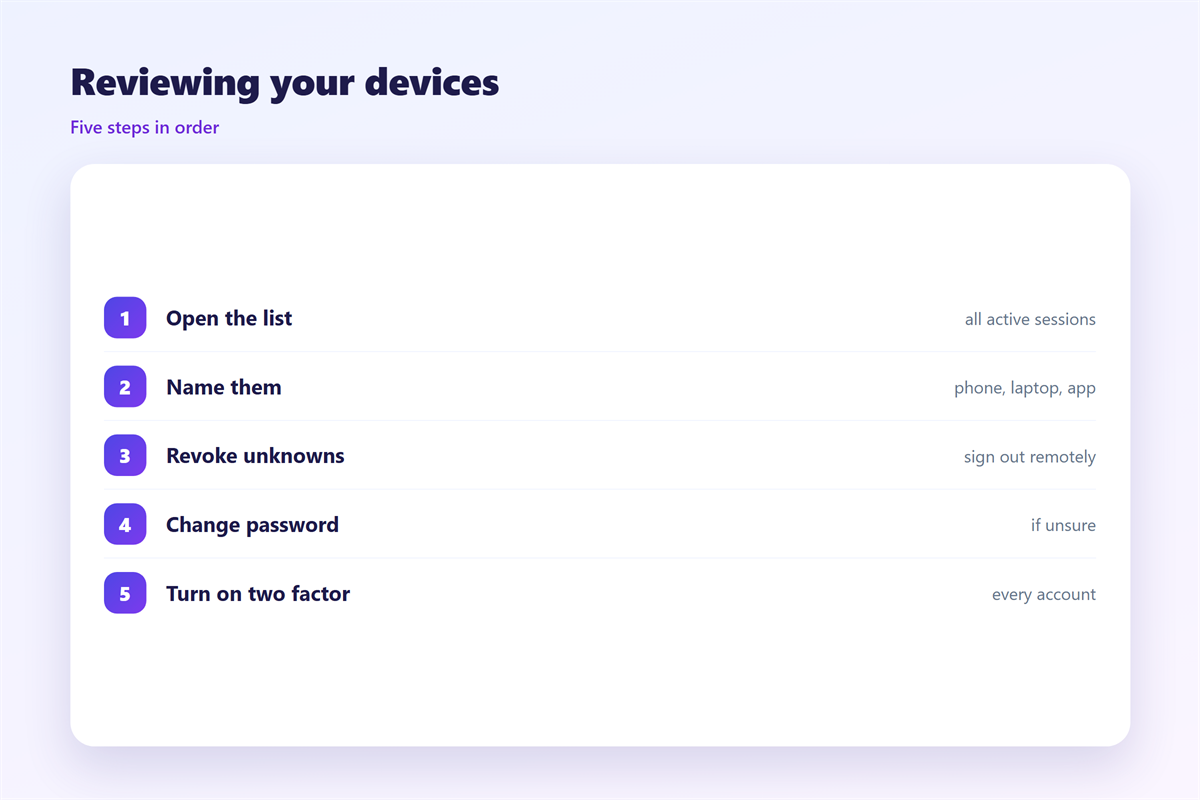
A quick 邮箱设备管理 pass looks like this.
- Open the device or security page.
- Match each entry to a device you own.
- Revoke anything you cannot explain.
- Change the password if one entry looks wrong.
- Turn on two step verification for the next login.
The pass takes a few minutes. It saves far more time than a locked account would.
Add a second layer before you finish. Our guide to 两步验证 covers the factors worth enabling.
When a device looks wrong
An unknown session is not always a break in. Sometimes it is a login you simply forgot.
Read the place and the time first. A login from another city is a stronger signal.
If it does not match your travel or your habits, act in order.
Change the password first. That ends most active sessions on its own.
Then revoke the rest from the device page. Then check your sent mail for messages you did not write.
Report anything that looks fake to your provider. Their abuse team can trace the login.
邮箱设备管理 is mostly about asking the right questions quickly. Panic is slower than a short checklist.
Choose the new password with care. Our guide to 邮箱密码 covers length and reuse.
The wider routine sits in 邮箱安全, which pairs well with this page.
Turning 邮箱设备管理 into a habit
A one time cleanup drifts back within months. New devices arrive and old ones linger.
Put a reminder in your calendar for the first day of the month. Treat it like testing a smoke alarm.
Do a fuller 邮箱设备管理 review every quarter. That longer pass can cover more than devices.
Check recovery addresses and forwarding rules while you are there. Set a clear name for each new login.
Names keep the list readable. “Windows PC” appears five times on some lists.
Remove apps you no longer use. Every unused app is one less token to track.
Keep the check short enough to finish. A long list gets skipped.
Small checks prevent large problems later. That rhythm is the whole of 邮箱设备管理.
FAQ
How often should I review 邮箱设备管理?
Once a month is enough for most people. A quarterly deep review catches the rest.
Does a new password end every session?
Often it ends most active sessions. Some services keep app tokens alive. Revoke those from the device page.
What does 邮箱设备管理 do about shared computers?
Never trust a shared computer to sign itself out. End the session yourself before you leave.
Can I see my devices on a free account?
Yes. Every major provider shows the list on the free tier. Look under account security.
References
- Google: Find devices that use your account.
- Apple: See devices signed in with your Apple ID.
- Microsoft: Sign in to your Microsoft account.
评论
还没有评论,来说两句吧。
评论功能已关闭。