 小影邮箱
小影邮箱网页邮箱怎么用?What It Does Well and What It Cannot
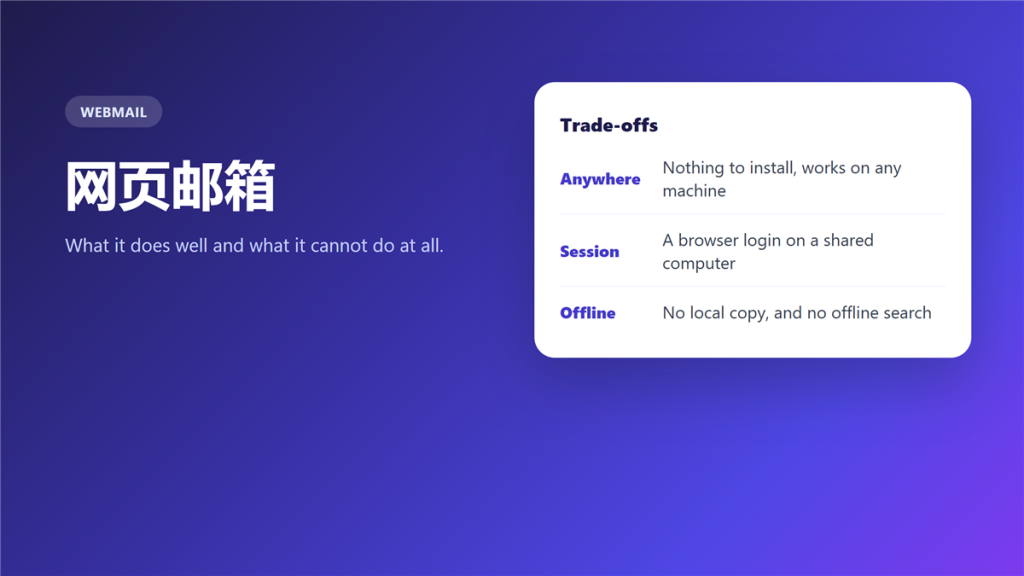
What 网页邮箱 actually is
网页邮箱 is a mailbox rendered by a server and displayed in a browser tab. There is nothing to install, and there is also nothing left behind when the tab closes.
A consultant I know worked from six different client machines in one month and never configured a mail client once. That is the whole argument for 网页邮箱, and the same month taught her why she still keeps a desktop client at home.
Key Takeaways
- 网页邮箱 needs no installation and leaves no local copy.
- Filters run on the server, so they work while you sleep.
- A browser session on a shared machine outlives your visit.
- Offline access is not available in any dependable form.
- Attachments count against server storage, not against disk.
- A desktop client still wins for very large archives.
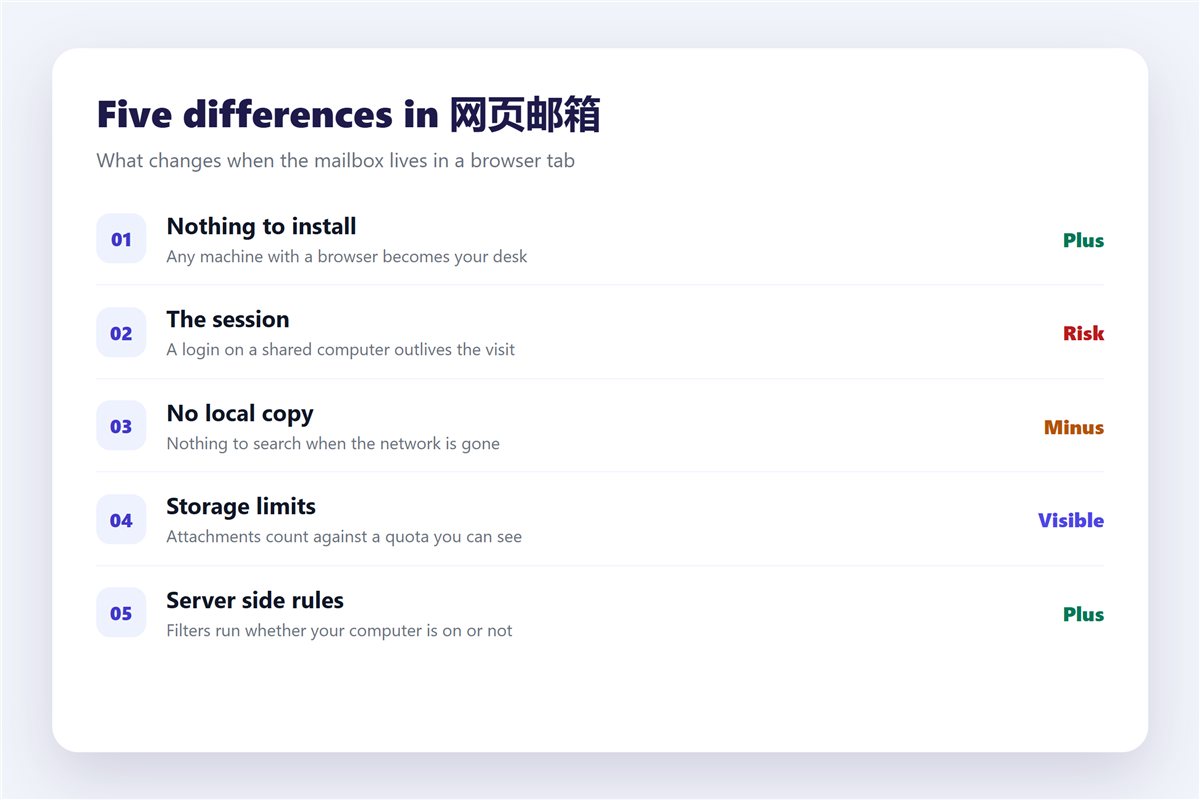
Five differences that matter in 网页邮箱
- Nothing to install, and nothing to configure.
- Storage limits that are visible and enforced by the provider.
- Server side rules that run without your computer being on.
- No local copy, and therefore no offline search.
- A session that persists until somebody signs out.
The fifth item is the one with real consequences. Because a browser keeps you signed in, a shared computer can leave the next person inside your mailbox, and signing out is easy to forget. What to do when that has already happened is covered in 邮箱登录异常.
Where 网页邮箱 is clearly better
Three situations favour the browser without much argument.
A borrowed computer, a locked down corporate laptop and a hotel business centre all rule out installing software. In addition, the provider keeps the security work current, which matters if you rarely patch a desktop application. The password rules still apply inside a browser exactly as anywhere else, and they are set out in 邮箱密码.
Where 网页邮箱 cannot follow
Two limits are absolute rather than merely inconvenient.
Offline work
With no local copy, a browser mailbox shows nothing at all when the network is gone. Notably, some providers cache a few recent messages, and none of them promise search across years of mail without a connection.
Very large archives
Searching a decade of mail in a browser is slower than local indexing, and the gap widens as the archive grows. Meanwhile, transport security is unaffected by the choice, and what it does and does not cover is explained in 邮件加密.
Storage behaves differently too, because everything lives on the server. Consequently a mailbox full of attachments stops receiving mail long before your computer feels any pressure, and the triage steps are in 邮箱容量.
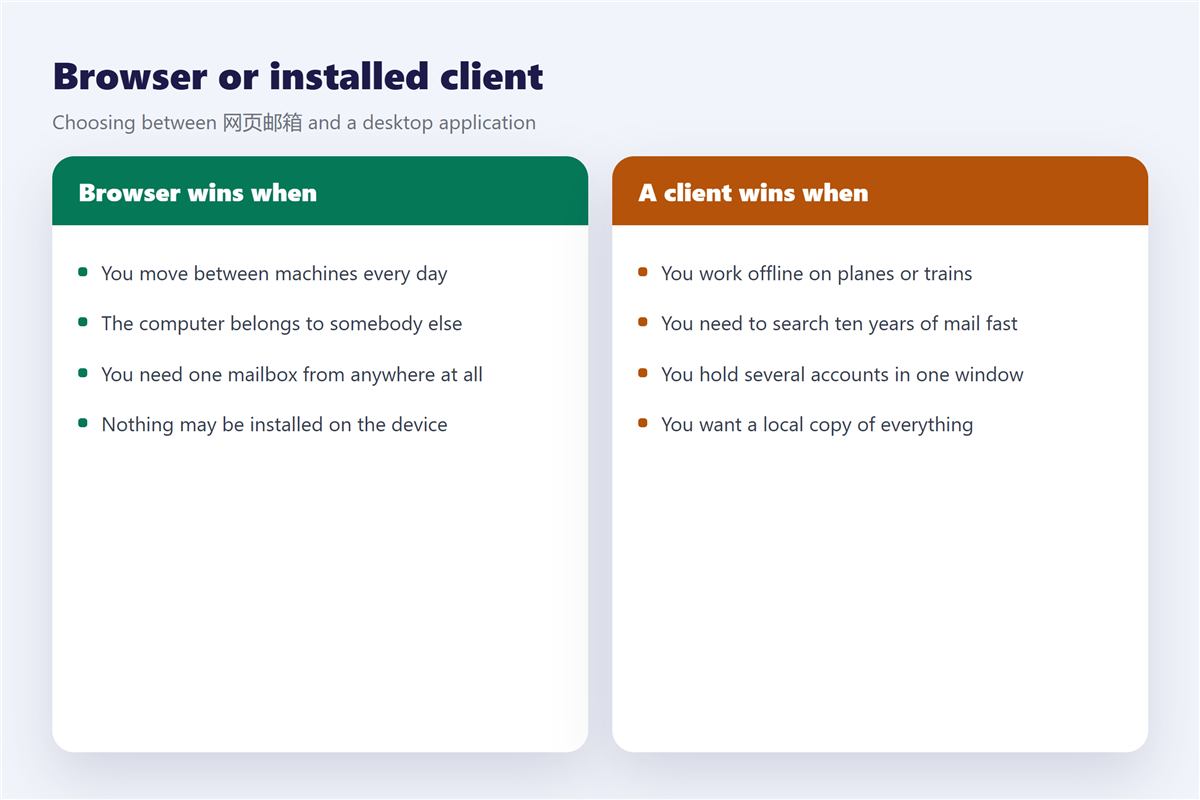
Choosing between 网页邮箱 and a client
The two are not rivals, and most people end up using both.
Use the browser for travel, borrowed machines and quick checks. Use a client for offline reading, long archives and several accounts in one window, and the settings for that are in 邮件客户端. Notably, the choice changes nothing about how mail is delivered, because both read the same mailbox on the same server.
Frequently asked questions
Is 网页邮箱 safe on a shared computer?
Only if you sign out and end the session. A private window reduces the risk without removing it.
Can 网页邮箱 work offline?
Not in any dependable way. Some providers cache a few recent messages and nothing more.
Does 网页邮箱 use less storage?
It uses the same server quota and no disk space at all. Attachments still count against the mailbox.
Which is better, 网页邮箱 or a client?
Neither. Use the browser away from home, and a client for archives and offline work.
评论
还没有评论,来说两句吧。以下为本文的引用通告: