 小影邮箱
小影邮箱邮件页眉怎么做?The Top of the Message
Key Takeaways
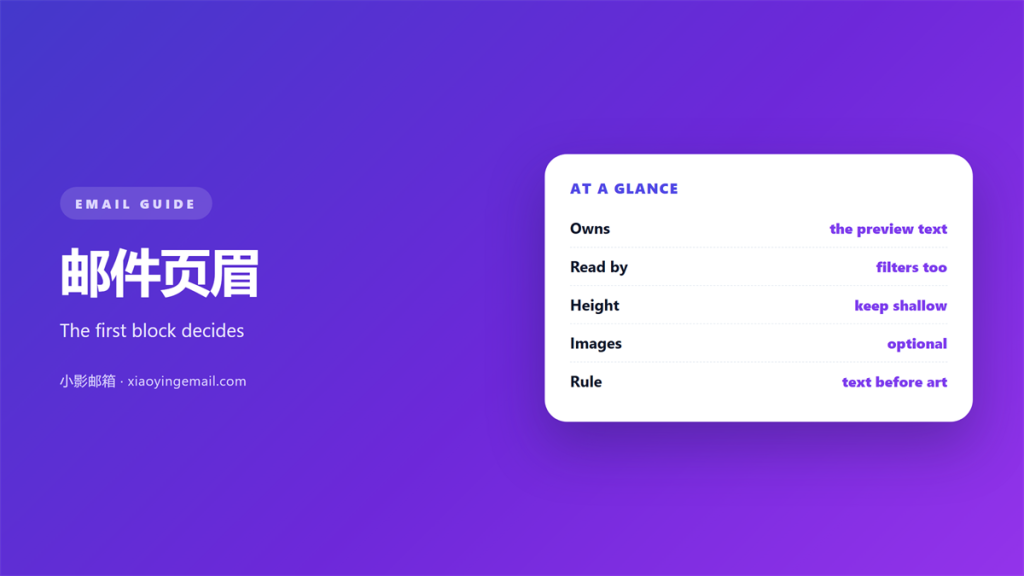
- 邮件页眉 is the block above the message.
- It decides what the preview line shows.
- A heavy header pushes the content down.
- Filters read the transport header, not the block.
- Keep the block short and predictable.
What 邮件页眉 actually are
邮件页眉 is the first block a reader meets. It sits above the greeting. It may hold a logo, a title and a date.
The name comes from print. A page header carries the sender and the section. Email borrowed the idea and moved it inside the message.
Two headers are easy to confuse. The transport headers live in the message source. The visual 邮件页眉 lives in the body and uses ordinary markup.
Most people mean the second one. It is the part you can see and style. The first kind hides behind a menu.
Why 邮件页眉 decide the preview
A preview pane shows the opening lines of a message. The header often lands there first. So the block shapes the first impression.
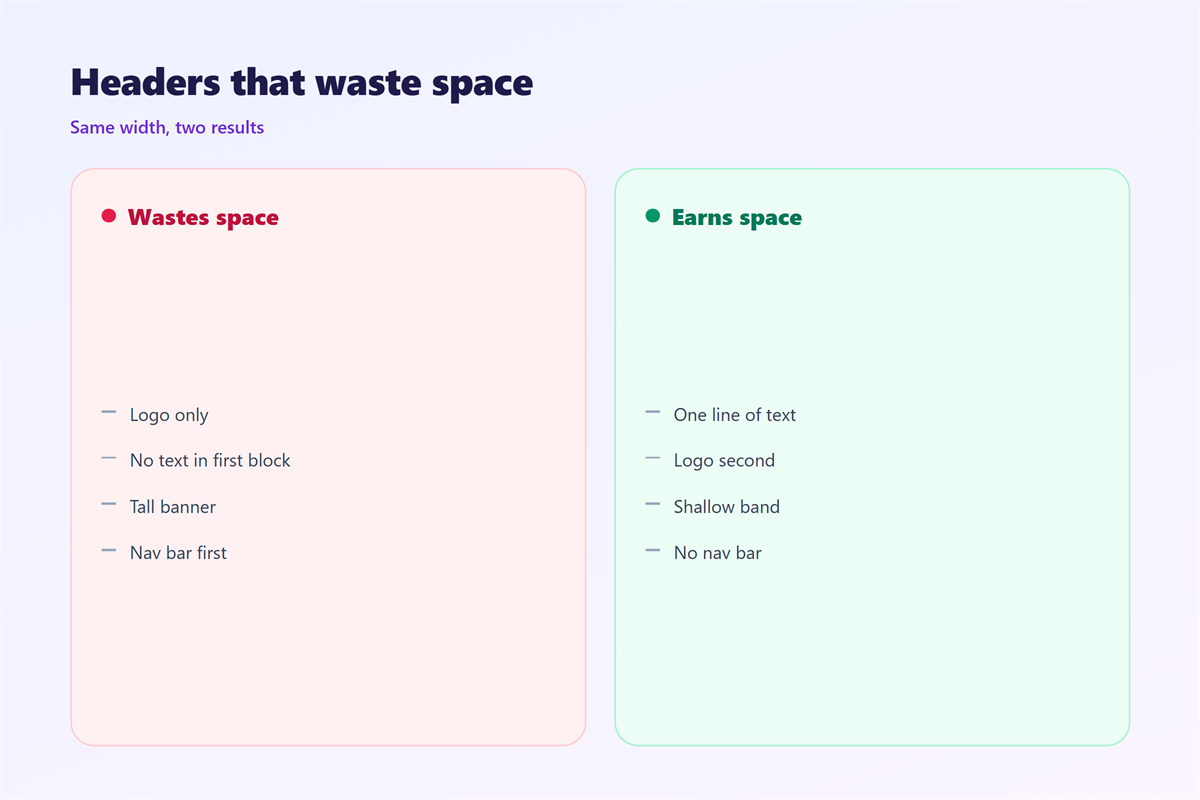
If the block is a logo, the preview may show an empty box. Images are blocked by default in many clients. The reader then sees nothing useful.
A word mark is safer than a picture. Text survives every client. A picture depends on settings you do not control.
This is why a short line of text beats a wide banner. It reads in the list, and it reads again inside the message.
Building a 邮件页眉 that earns its space
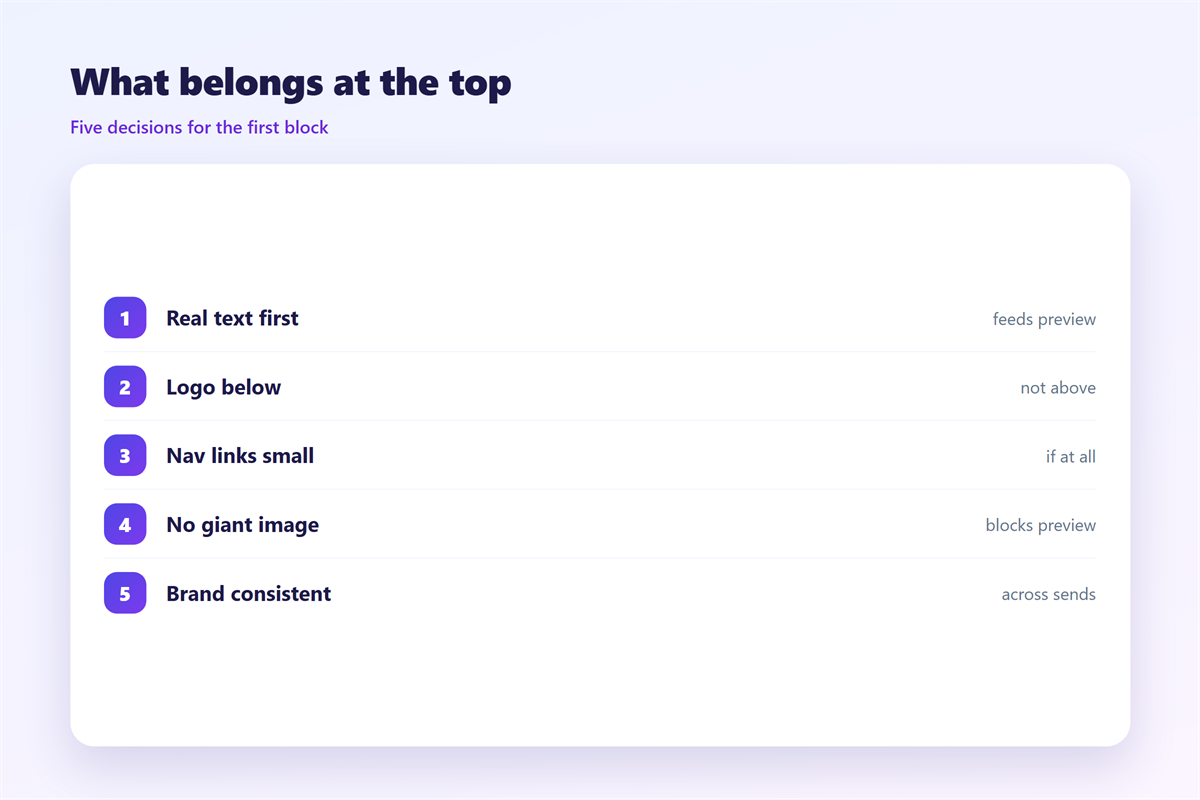
Start with the smallest useful block. A name, a context line and a date are enough.
Put one idea in the block. Two ideas compete, and the reader skips both.
Match the header to the body style. If the body is plain, the header should be plain too.
Keep the height fixed. A header that changes size between messages looks broken inside a thread.
Left-align the text. A centered block is harder to scan on a phone. Readers expect text to start at the same edge.
Choose one accent color. Two colors in a small block look busy. The body should carry the brand, not the top line.
When 邮件页眉 are stripped
Some clients reduce a message to plain text. The block can vanish. So never leave the only useful sentence there.
Reply and forward mark text as quoted. A header inside that quote turns grey. It may even collapse behind a folded line.
The fix is simple. Repeat the essential point in the body. The block stays a nice extra, not a crutch.
Test with the plain-text view on purpose. Most clients offer it in a menu.
A short header also helps search later. People search for a name or a project, not for a logo.
Where 邮件页眉 break down
邮件页眉 fail when they carry the whole message. A block is a signpost, not a paragraph.
They fail again on a small screen. A wide layout wraps and doubles in height. The content then starts below the fold.
They fail a third time in dark mode. A light logo on a light background disappears. Test both themes before you ship.
Watch the width on a tablet. A layout that fits a desktop may stretch on a wider screen. Set a maximum width instead.
Test with a long subject line as well. A long subject pushes the block down the list.
None of this is hard to avoid. It needs one honest look at a phone.
Keeping 邮件页眉 consistent
A header is a promise about the sender. It should look the same every time. Change it rarely, and change it fully.
Store the block as a saved item. A stored 邮件页眉 saves work and prevents slow drift.
Write the rule down. A short note stops a new teammate from inventing a second style.
Keep a plain-text version beside the styled one. Some readers will only ever see the text. That version deserves a real review as well.
Review the block once a year. A logo ages faster than you expect.
Reading the header in a thread
A thread hides the older blocks. Each reply adds its own top line. The newest header sits closest to the reader.
So a header must work on its own. A reader who opens one reply should still know the context. Include the project or the account in the line.
Trim the block in a long thread. Repetition adds noise after the fifth reply. Keep the name and drop the slogan.
The subject does part of this work too. A clear subject and a short block carry the message together.
Testing your 邮件页眉
Send the message to yourself first. Then read it on a phone. Then read it with images turned off.
Check three things. The first line still makes sense. The block is not too tall. The links inside it still work.
Test each 邮件页眉 with real content, not with a placeholder. The block also sits beside other parts of the message. The lines under our notes on 邮件页脚 mirror this block. The wording belongs with 邮件签名, and the markup choice is covered under 邮件格式. A reusable block is described in 邮件模板, where the same rule applies.
FAQ
Does 邮件页眉 change the subject line?
No. The subject is a transport header, not a body block. The visible 邮件页眉 only changes what the reader sees inside.
Should I use a logo in the header?
Only if it is small and it has alt text. A large logo pushes content down and may be blocked. A word mark is safer.
How tall should 邮件页眉 be?
Short enough to leave room for the first sentence. If the block fills the preview, it is too tall.
Can a filter read 邮件页眉?
Only the transport headers. A visual block is invisible to a server rule. Filters read the from line and the subject.
评论
还没有评论,来说两句吧。
评论功能已关闭。