 小影邮箱
小影邮箱邮件推送是什么?Push, Pull and What Arrives First
Key Takeaways
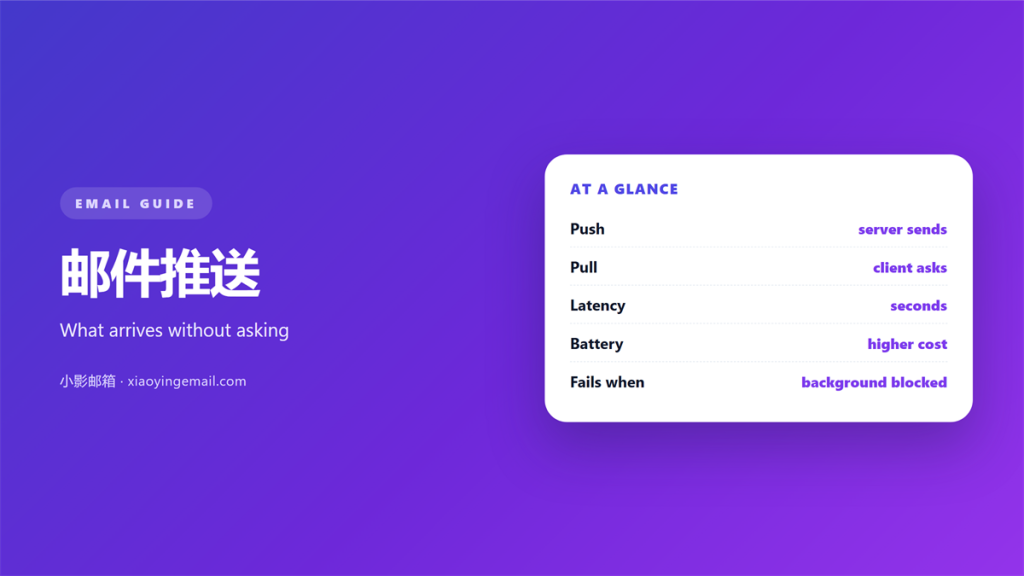
- 邮件推送 means the server announces new mail instead of your device asking for it again and again.
- Delivery and notification are separate: a message can be pushed and still arrive with no sound at all.
- Phones often fake push with a background fetch, so alerts can arrive in bursts.
- Every standing connection trades battery life for speed, and five of them trade a great deal.
- The quietest 邮件推送 setup is one tier for people and a scheduled fetch for everything else.
What 邮件推送 actually means
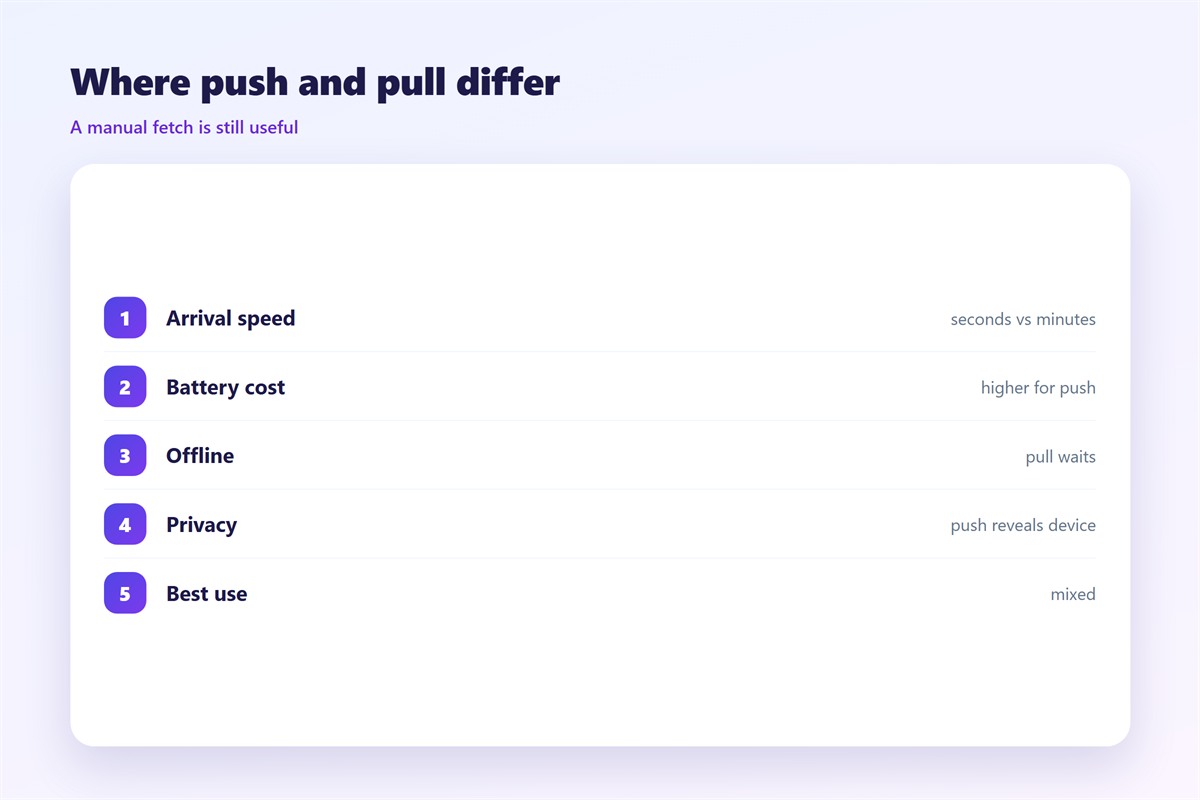
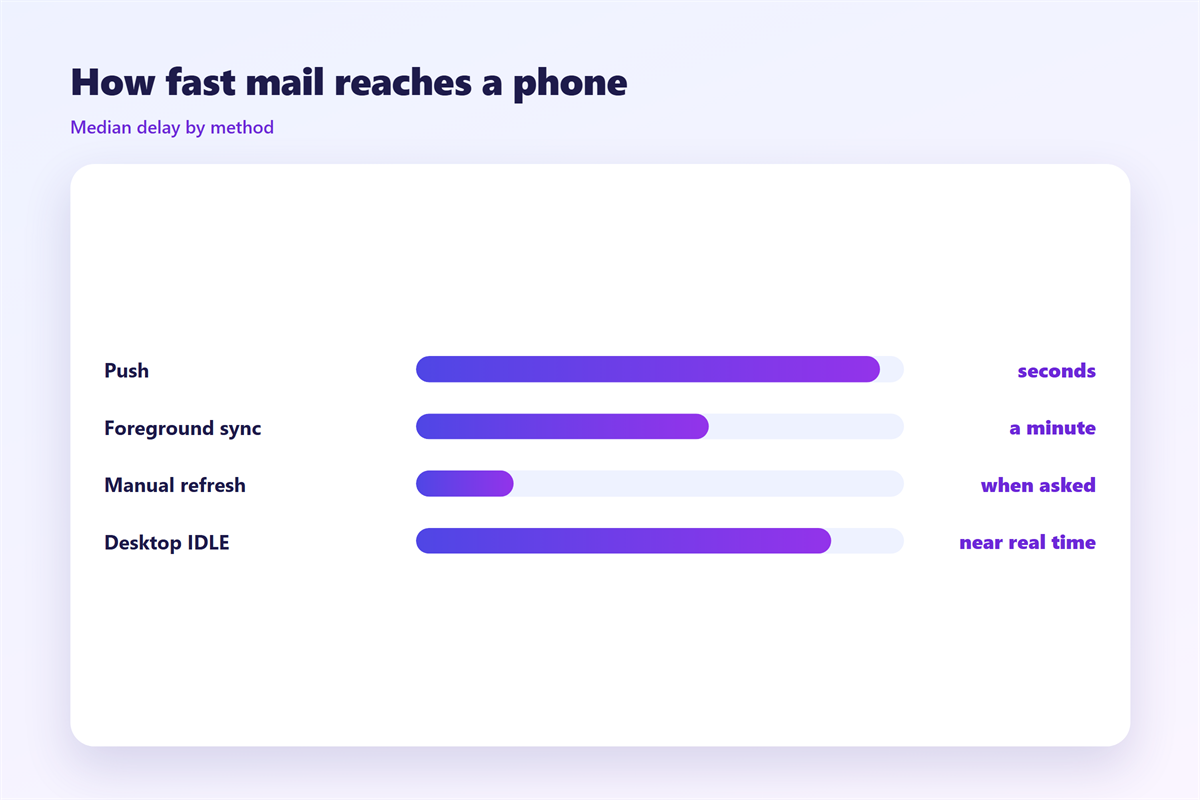
邮件推送 is the arrangement in which a mail server contacts your device the moment a message arrives, rather than the device asking the server whether anything new has appeared. The distinction sounds academic until you watch two phones on a desk: a pushed message appears within seconds, while a polled one waits for its next scheduled check.
The word covers two things that are easy to confuse. There is the transport, the standing link that carries the notification, and there is the notification itself, the badge or sound that follows. A device can receive push perfectly and still stay silent, and it can show an alert that arrived by a slow fetch. Keeping the two apart explains most of the odd behaviour people report.
On a desktop the mechanism is usually a persistent connection held open by the mail app. On a phone it is more often a shared system service, because one connection per app would flatten the battery within hours. That shared service is why 邮件推送 on mobile is fast, cheap to run, and slightly less predictable than the marketing suggests.
Why 邮件推送 and a manual fetch disagree
A fetch assumes the device is the one paying attention. It wakes on a timer, asks the server what has changed since the last check, and goes back to sleep. Nothing is wasted when the inbox is empty, which is most of the time. The price is latency: between checks, the device simply does not know that mail exists.
邮件推送 inverts the relationship. The server keeps a note of where you are and speaks up when there is something to say. Latency drops to seconds, but the link has to be maintained even when nothing is happening, and every message now triggers work on the device whether or not you are looking.
The practical difference appears when something breaks. A failed fetch heals itself on the next timer. A broken push link can stay down quietly for hours, which is why a phone that “stopped getting mail” is so often a push service that a battery-saving setting has quietly killed.
How 邮件推送 works on each platform
The names differ, but the shape is consistent enough to describe in a few lines.
Gmail
Gmail runs its own delivery channel and exposes the choice at more than one level. The account decides whether anything is delivered, the label decides which categories are allowed through, and the phone decides whether delivery makes a sound. Setting the middle layer correctly is where most of the benefit lives.
Apple Mail
Apple Mail offers true push for providers that support it and falls back to a fetch for everyone else. The compromise shows in the settings, where a push account and a “fetch every fifteen minutes” account sit side by side and behave differently in ways the labels never explain.
Outlook
Outlook pushes through the same system service as other apps, then adds focused-inbox rules on top. A message can therefore be pushed instantly and still arrive silently because it was filed as low priority. That is a feature, but it is also why people conclude that push is broken.
Testing a 邮件推送 setup
Test with a controlled week rather than a controlled minute. Pick five senders, decide which should interrupt you and which can wait, then send yourself a message from each and watch what happens. The gap between expectation and arrival is usually one forgotten override.
Then leave the 邮件推送 settings alone for a week and count the alerts that genuinely deserved attention. If nearly every alert earned its place, the tiers are too wide; if real mail slipped through silently, they are too narrow. Sounds and badges are covered in our notes on 邮件提醒, and the schedule side belongs with 邮件免打扰. If the inbox itself drifts out of step, the fixes in 邮件同步 apply, and the account settings behind all of this are walked through in 邮件客户端.
Choosing between 邮件推送 and a fetch
The choice is rarely global. A work account that fields urgent messages deserves 邮件推送, while a personal account that collects receipts and newsletters does not. Running one on push and the other on a fifteen-minute fetch gives you both the speed and the quiet.
If you are unsure which category an account belongs to, ask how often a message in it would change what you do within the next hour. Accounts that rarely clear that bar are better served by a fetch, and moving them off 邮件推送 is the single change that recovers the most battery and the most attention.
FAQ
Does 邮件推送 drain the battery?
Less than it once did, because phones share a single connection between apps. One always-on account is cheap; five of them, each holding its own link, is where the drain becomes visible.
Can I get 邮件推送 without any sound?
Yes. Delivery and alerting are separate switches, so you can keep instant delivery while silencing the sound and the badge. That is the quietest way to stay current.
Why did my 邮件推送 stop entirely?
The usual cause is not a mail setting but a background-activity restriction. Check that the app may refresh in the background before changing anything else.
Is 邮件推送 the same as synchronising?
No. Push moves the notification; synchronising moves the state, such as read flags and folder membership. A pushed message can still sit unread on a second device.
评论
还没有评论,来说两句吧。
评论功能已关闭。