 小影邮箱
小影邮箱邮件标签页怎么用?Sorting Mail Before You Read It
Key Takeaways
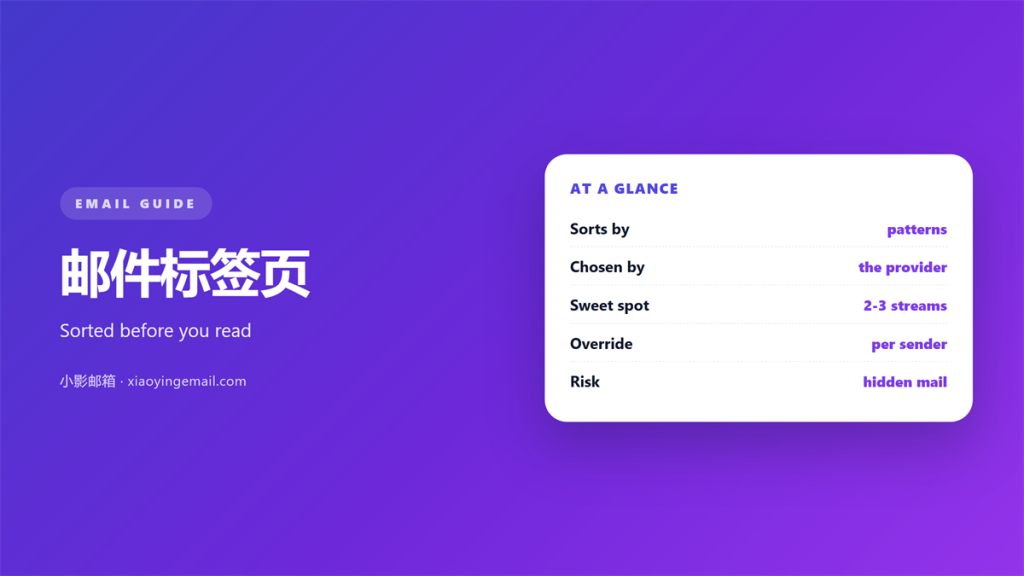
- 邮件标签页 sort mail before you read it.
- They work on patterns, not on importance.
- A 邮件标签页 is a guess you cannot fully control.
- Two or three tabs are useful. Six are not.
- Anything a tab hides still needs a home.
What 邮件标签页 actually do
邮件标签页 split one inbox into a few streams. Gmail calls them categories, and Outlook calls them focused and other. Apple Mail has no tabs at all, though it does have rules.
The idea is simple. A message arrives. A classifier guesses what kind of message it is. It then places the message in the matching stream.
Nobody chooses that classifier. It is built by the provider and tuned on billions of messages. That makes it good at common cases, and blind to your habits.
This is why two people with identical settings can see very different inboxes. Every 邮件标签页 is a guess, and the guesses follow what most people do.
Why 邮件标签页 get the sorting wrong
Classification uses signals, not intent. A newsletter and a receipt look alike to a machine. Both come from a bulk sender, and both use a template.
Three signals do most of the work. The sending domain is one. The presence of a list-unsubscribe header is another. The shape of the message is the third. A message with a header image, a footer and a plain-text alternative reads as bulk, whatever the sender intended.
A client message can also look like bulk mail. If it carries a logo, a tracking pixel and a footer, it may land in promotions. The reader then misses it and blames the sender.
There is a second failure mode. A 邮件标签页 that is almost right is worse than no tab at all. You learn to trust it, and then one important message lands behind it.
The cost stays invisible, because you cannot miss what you never saw.
A rule differs from a classifier in one useful way. A rule states its condition, so you can read it and predict what it will do. A classifier only reports a result. When a rule misbehaves, you fix it. When a classifier misbehaves, you can only work around it.
Building a set of 邮件标签页
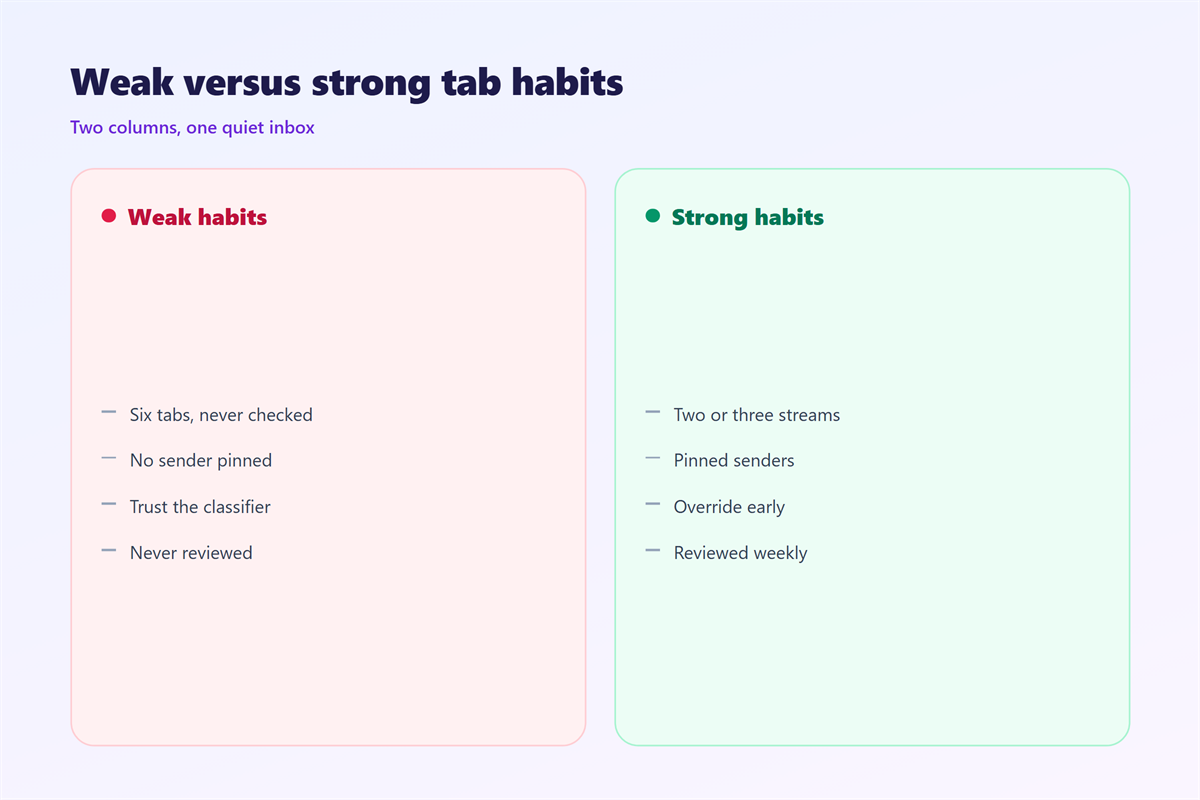
The useful setup is small. Two or three 邮件标签页 cover almost everything. Anything more becomes a folder tree you have to check.
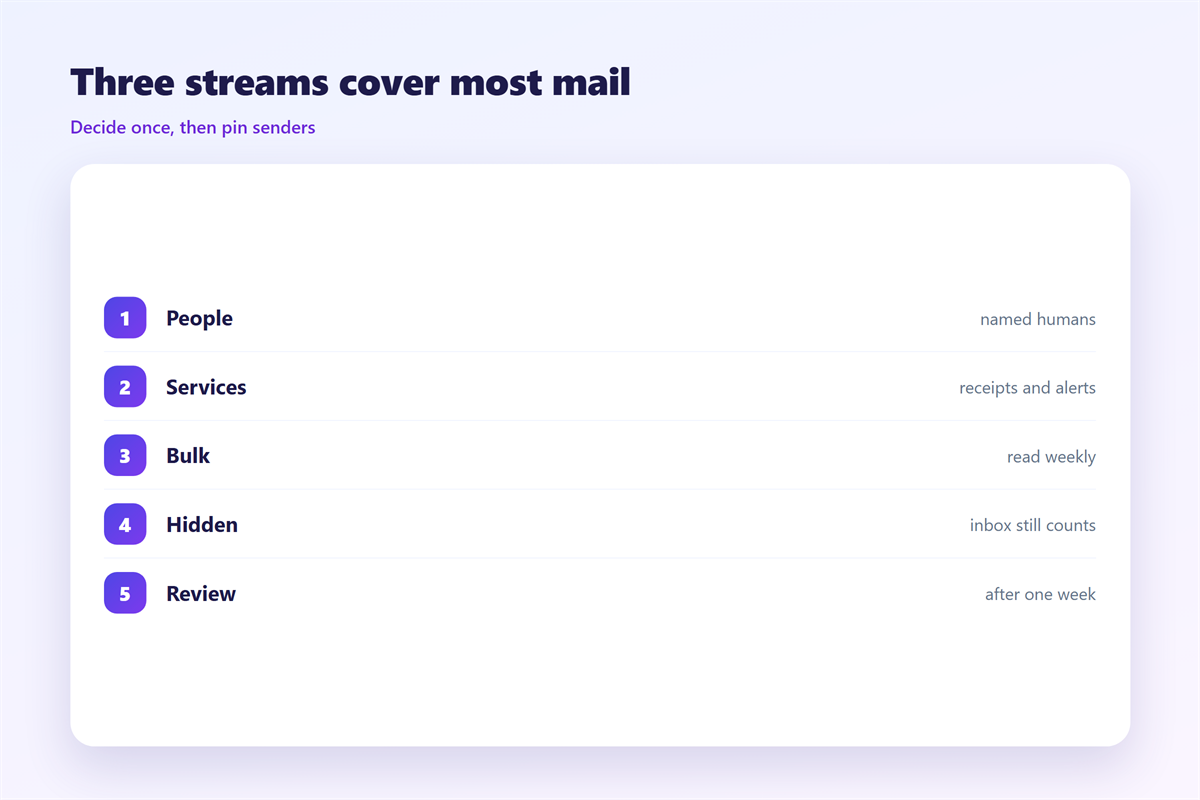
A practical split looks like this. One stream for people, one for services, and one for bulk mail you sometimes read.
There is also the question of attention. Every stream you add asks for a separate visit. Two visits a day is a habit. Seven is a chore, and chores get postponed. The inbox then grows in the places you visit least.
- People: named humans, replies, and anything awaiting you.
- Services: receipts, confirmations, security alerts and bills.
- Bulk: newsletters and offers you read on a schedule.
Most clients let you override the classifier. Move a sender to a chosen tab, and move it early. A steady 邮件标签页 setup stops drifting once the common senders are pinned.
Where 邮件标签页 break down
Tabs fail when they are treated as storage. Treat each 邮件标签页 as a view, not a place. A hidden tab is still the same inbox count.
They also fail on a second device. A tab you set on a phone may not follow you to the desktop, because the classifier runs per client.
And they fail on shared mailboxes. If four people read the same address, each one gets a slightly different guess.
Search is the other half of the story. A shallow structure only works when finding is fast. If a query returns the right message the first time, the structure can stay almost empty.
The exceptions matter more than the average. A stream that catches ninety percent of bulk mail is useful. A stream that catches ninety percent of personal mail is a problem, because the remaining ten percent is what you were waiting for.
None of this is a reason to avoid them. It is a reason to keep them shallow.
Testing your 邮件标签页
Give a new setup a week. Then check three things. Nothing urgent was hidden. Nothing bulk slipped into the people tab. Nothing needed more than two looks to find.
If a message was hidden, do not add another tab. Move the sender instead. Per-sender overrides are stable, and they survive classifier updates.
Test the 邮件标签页 with real senders rather than with a screenshot from a guide. Tabs also sit on top of other tools. The buckets in our notes on 邮件文件夹 are the durable version. The conditions described under 邮件规则 are how you make placement automatic. A wider method belongs with 邮箱整理, and the small act of flagging one message is covered in 邮件标记.
FAQ
Do 邮件标签页 hide mail?
They move it out of sight, not out of the inbox. The count still exists. Some clients hide the number, and that is the part that surprises people.
Should I use folders instead?
They solve different problems. A tab is automatic and shallow, while a folder is manual and can be deep. Many people are better served by one folder and two tabs.
Can 邮件标签页 replace rules?
Not fully. Tabs classify by type, and rules act on specific senders and words. The two work best together, with rules doing the precise work.
Why did a tab disappear?
Usually because the client updated the classifier, or because a setting synced from another device. Check the tab list before you rebuild anything.
References
- Google: Inbox categories in Gmail
- Microsoft: Focused Inbox for Outlook
- IETF RFC 5228: Sieve mail filtering language
延伸阅读
- 《邮件自动分类怎么设?Sorting Without Rules》
- 《邮件看板怎么用?Turn Mail Into Stages》
- 《邮件批处理怎么做?Work in Batches》
- 《邮件收藏怎么用?Keep It for Later》
- 《邮件分诊怎么做?Sort Before You Read》
- 《邮件排序怎么设?Put Mail in Order》
- 《邮件分类标签怎么设?Labels That Keep Order》
- 《邮件整理怎么做?Sorting Mail Without Stress》
- 《邮件索引怎么建?An Index You Can Trust》
- 《邮件分众怎么做?Splitting a List Well》
评论
还没有评论,来说两句吧。
评论功能已关闭。