 小影邮箱
小影邮箱邮件退订页怎么做?Losing Readers Gracefully
Key Takeaways
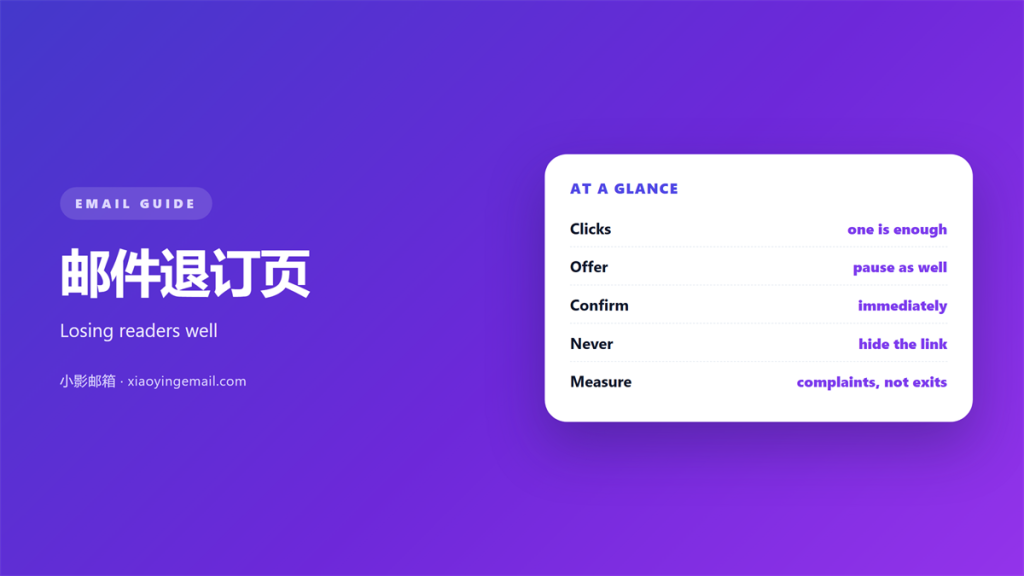
- 邮件退订页 decides how a reader leaves.
- One click should be enough to opt out.
- A slow page turns a reader into a complaint.
- Offer a lighter option next to the exit.
- Confirm the change in plain words.
What a 邮件退订页 must do
A 邮件退订页 has one legal duty. It must honor the request without delay.
Every extra step raises the chance of a spam complaint. A complaint costs more than a lost subscriber.
The rule is simple. Make leaving easy, and make it fast.
A 邮件退订页 also shapes reputation. Complaint rates follow how hard it is to leave.
A reader who leaves cleanly may return later. A reader who reports you rarely does.
So this small page carries real weight. It sits at the end of every campaign.
Think of it as a door, not a wall. The reader is leaving either way.
A clean door keeps the relationship friendly. A wall turns a goodbye into a complaint.
Why hard exits backfire
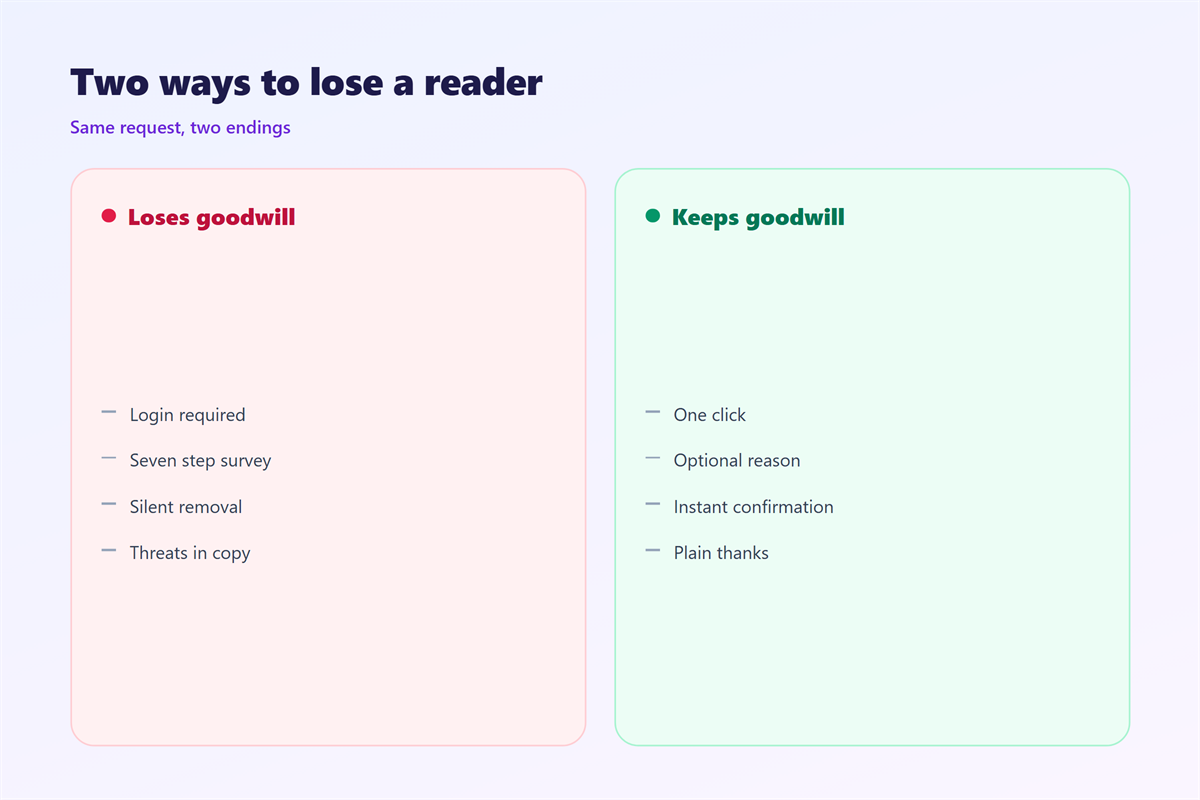
A hidden link does not stop a reader. It only changes the exit they choose.
Blocked, reported as spam, or filtered by hand. Each is worse than a clean unsubscribe.
A slow 邮件退订页 invites a complaint. The reader has already decided to leave.
Complaints then harm everyone on the list. A few angry clicks can slow every future send.
Filters learn from those signals. Your next message may never reach the inbox.
So a hard exit is a false saving. It protects a number and damages a channel.
The reader’s patience is short at this point. They have already stopped reading.
One click ends it politely. Three steps make the reader angry.
Building a fast 邮件退订页
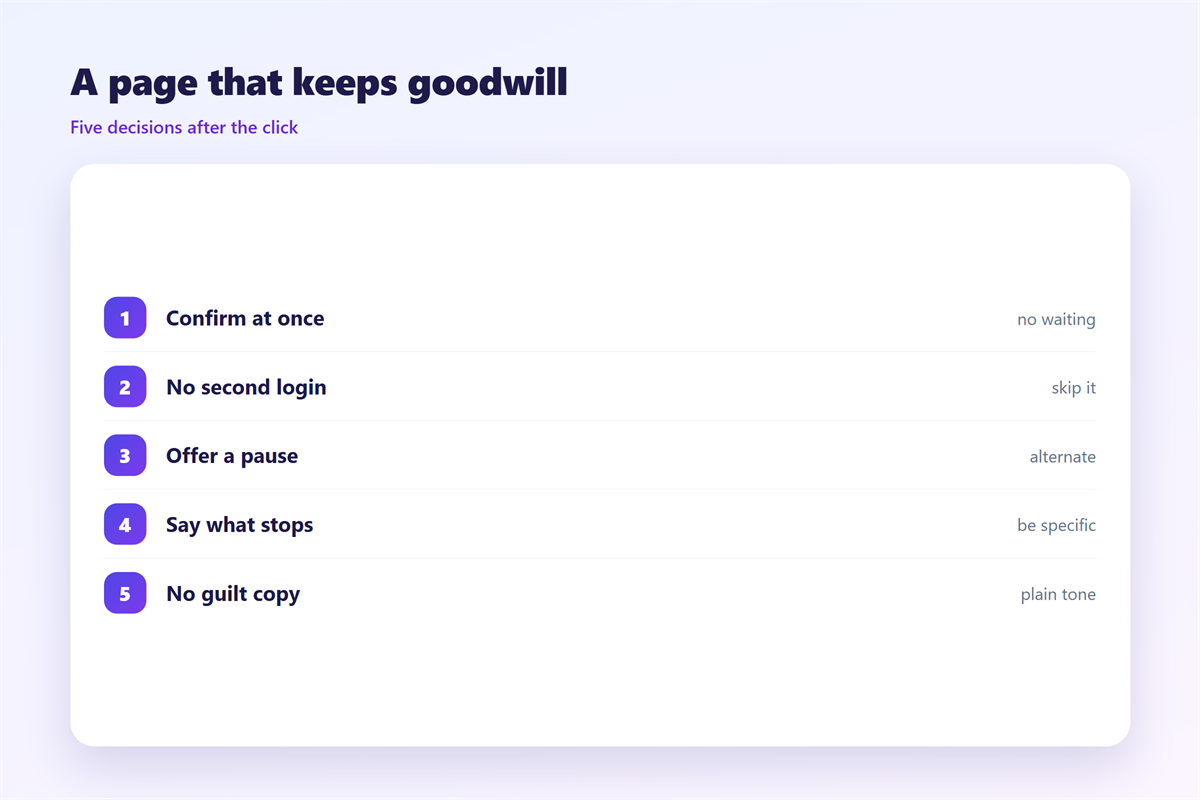
Ask for one click, not for a login. A password wall is a common and costly mistake.
Do not demand a reason. A short optional survey is fine.
Confirm the result on the same screen. Tell the reader what happens next.
Keep the wording honest. “You are off this list” is clear and complete.
Offer a lighter choice as well. A pause or a topic change keeps some readers.
In short, the 邮件退订页 is not just a legal page. It is a reputation tool.
Do not hide the link in an image. Many clients block images by default.
Use a plain text link as well. It works everywhere and costs nothing.
Keep the page fast on a weak connection. A slow page loses the reader again.
Timing and the 邮件退订页
Speed matters more than style. A request should apply within minutes.
Do not wait for the next campaign. A late unsubscribe often becomes a complaint.
A dated 邮件退订页 can break overnight. Templates change and links go stale.
Keep a record of each request. The log protects you if a reader disputes it.
Testing your 邮件退订页
Walk through it yourself each quarter. Use a real address and a real link.
Check the footer link in every template. One stale link creates silent harm.
Read the confirmation as a stranger would. Confusion at this step is expensive.
Treat the 邮件退订页 as a product. It deserves the same care as any other page.
Send a test after each change. Do not assume the release went well.
Keeping the record
Save the time and the source of each request. The detail matters during a dispute.
Keep the record for as long as the law requires. Rules differ by country.
Your 邮件退订页 log is your proof. Without it, a complaint is hard to answer.
Share the numbers with the team. Everyone should see the exit rate.
Back up the log with the rest of your data. A lost log is no log.
Make the record easy to search. You may need one name months later.
Automating the flow
Connect the page to the list directly. Manual updates create mistakes.
Test the path from click to removal. A broken link hides for weeks.
Alert the team when the flow breaks. Silence is the real risk.
Review the flow after each release. Small changes can break the chain.
Learning from exits
Read your complaint emails honestly. They often name a real problem.
Look for patterns in the timing. One bad campaign can explain a spike.
Fix the cause, not the counter. Hiding the exit rate changes nothing.
Thank the reader for the feedback. Some of them will come back.
Working with the law
Most regions require a working opt-out. Some require one-click support.
The exact rules vary, so check your market. A short review is usually enough.
A clear 邮件退订页 is part of the deal. It is the price of sending bulk mail.
Honor the request even when the process is slow. Good faith protects you later.
Related reading
邮件退订页 sits at the end of the reader’s journey. The permission model in our notes on 邮件订阅 starts that journey right. The advice under 邮件营销 puts permission before volume. The fixes listed under 垃圾邮件 reduce the pressure on every exit. The rules described under 邮件列表 cover the shared address case.
FAQ
How fast must a 邮件退订页 work?
Within minutes is best. Ten business days is the limit in some places.
Can I ask why they left?
Yes, if the question is optional. A forced reason just adds friction.
Should the page offer fewer emails?
Often, yes. A pause or a topic switch saves a reader who is merely tired.
What if the 邮件退订页 fails?
Offer a reply address as a backup. A working fallback prevents a complaint.
References
- FTC: CAN-SPAM Act compliance guide
- IETF RFC 8058: Signaling one-click unsubscribe
- Wikipedia: Email spam
评论
还没有评论,来说两句吧。
评论功能已关闭。