 小影邮箱
小影邮箱邮件未读标记是什么?Read States Across Devices
Key Takeaways
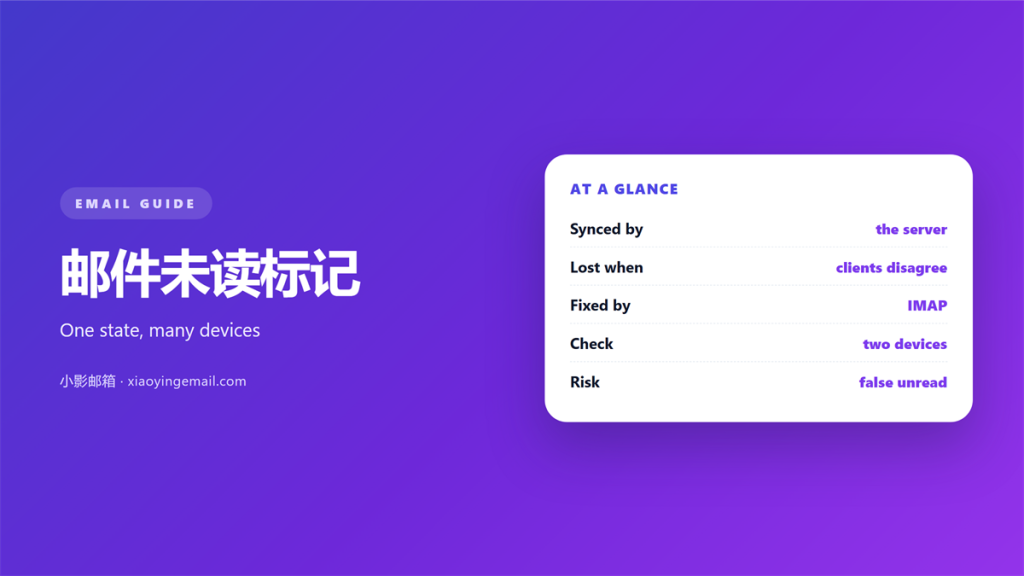
- A 邮件未读标记 records one thing: seen or unseen.
- Read states travel over IMAP and can lag between devices.
- Folders and flags stay separate from the unread count.
- A preview pane can mark a message read too early.
- Fix the sync order before you blame the app.
What a 邮件未读标记 really records
A 邮件未读标记 is a piece of state attached to every message. It answers one question: has this item been seen?
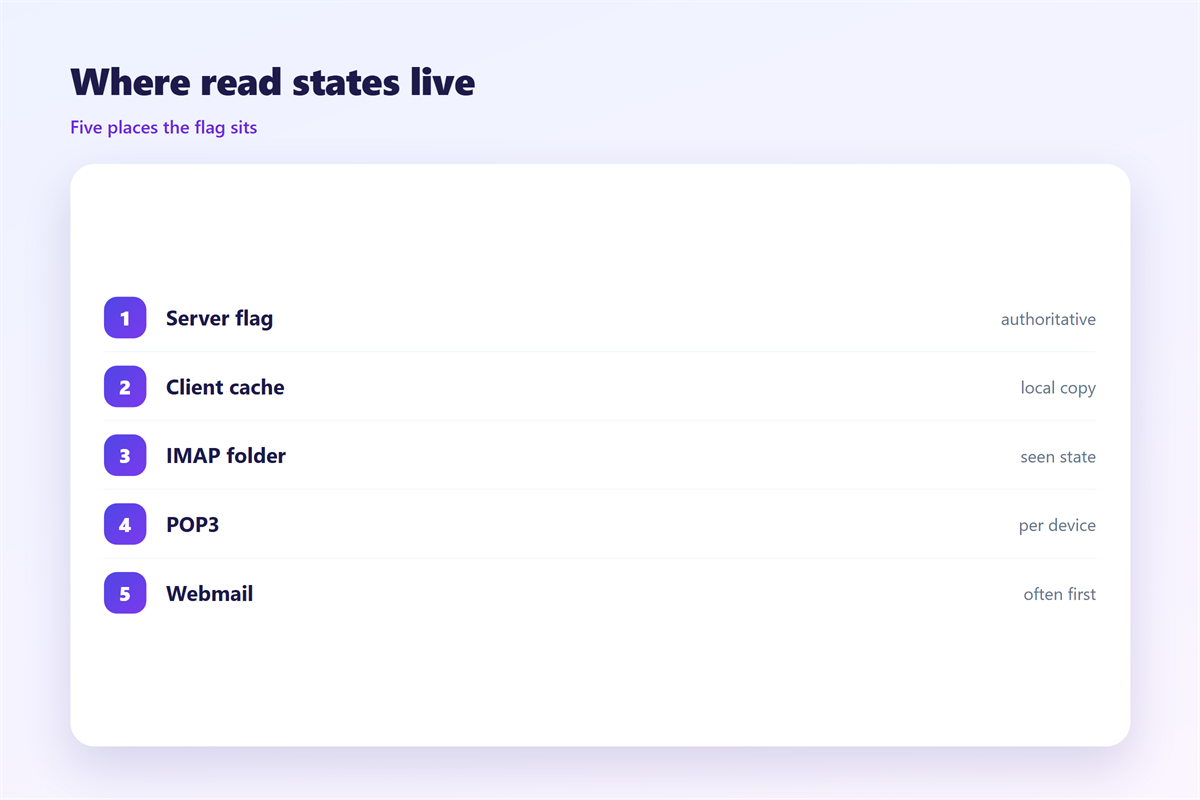
For most modern accounts that state lives on the server. Phone, laptop and webmail all ask the server for the same answer.
That shared source of truth is the whole point of the design. Without it, every app would guess.
The 邮件未读标记 is not a folder. A message can sit in the inbox and still count as read.
It is not a flag either. A star is deliberate, so it stays until you remove it.
A read state changes on its own the moment a message opens. That single difference creates most sync surprises.
Treat the 邮件未读标记 as data rather than decoration. Data has to travel between machines.
When that travel fails, one device shows a bold row and another shows a plain one. Same message, two pictures.
The message itself never changes. Only the small note about it does.
Two mailboxes can disagree for hours. A manual refresh usually settles the argument.
Why 邮件未读标记 stop matching across devices
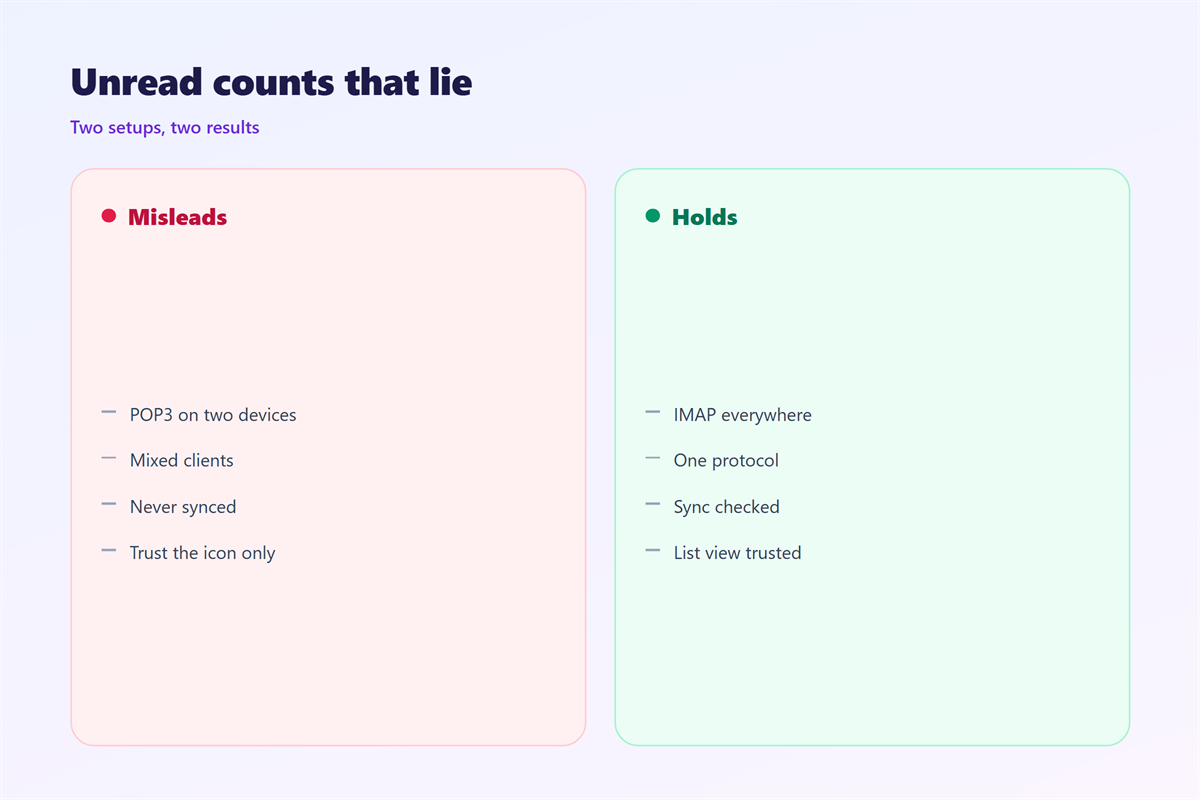
Read states sync over IMAP. They do not sync over POP, which only downloads a copy.
If one client uses POP, it never reports back. The server keeps its old state.
Mobile apps often cache the list. A cached row can look new until the next refresh.
Some apps refresh on a timer. Others refresh only when you open them.
Battery savers delay that refresh. The 邮件未读标记 then lags by minutes or even hours.
Threads add another layer. Opening a thread may mark every message inside it read.
Some clients mark on open. Others mark on click. Those settings produce different counts.
A slow connection makes the lag worse. The list refreshes before the state arrives.
None of this is random. Each symptom points to one setting you can change.
The order in which devices sync also matters. The first one to connect often wins.
If two devices connect at once, the server decides. Its rule may surprise you.
Fixing a stuck 邮件未读标记
Fixing a stuck 邮件未读标记 starts with small steps. Change one setting at a time.
First, confirm every device uses IMAP. Check that each app uses the right account type.
Note the account type before you change anything. It is easy to misread.
Second, force a refresh. Close the app fully, wait, and reopen it.
Third, compare the local list with webmail. Webmail shows the server version of the truth.
Fourth, remove the account and add it again if counts still drift.
Fifth, disable preview marking. Bold rows should then disappear only when you choose.
Write down what changed after each step. A short log turns guesswork into a fix.
If one device stays wrong, update it first. Old versions often ignore newer sync flags.
Keep the old settings written somewhere safe. A rollback is faster than a rebuild.
A single account with two clients is easy. Five devices need a short checklist.
Read states, folders and the count
Folders and read states are separate systems. Moving a message does not change its 邮件未读标记.
An unread count is just a filter. It asks how many rows lack the seen state.
That filter can hide trouble. A message filed away still counts until it is opened.
Flags work the other way. A star survives a read-state change and waits for you.
Keep the two ideas apart and the numbers start to make sense again.
A web client rebuilds the view on every load. That is why it feels slower but truer.
Some clients rebuild the count from a local index. A damaged index shows odd totals.
Rebuilding that index is often called repairing the mailbox. It rarely loses mail.
Index rebuilds can take a while on large mailboxes. Let the client finish.
Interrupting a rebuild often leaves the count worse than before.
After a rebuild, give the 邮件未读标记 time to settle before you judge it.
Testing a 邮件未读标记 on your own devices
A quick test beats a long guess. Send one message to yourself from another account.
Use a plain message with no attachment. The test should measure the state, not the file.
Open it on a single device first. Note how long the others take to follow.
Repeat with the preview pane on, then off. The 邮件未读标记 changes at different moments.
If nothing changes at all, the account is probably using POP.
Keep a short note of which device leads. That is the one setting the state.
Our guide to 邮件同步 covers the wider picture. Device setup sits in 邮件客户端. Related habits live under 邮件标记, and grouped mail is explained in 邮件会话.
A 邮件未读标记 you can predict is worth more than a perfect one you cannot.
FAQ
Does a 邮件未读标记 live on the server?
Usually yes. IMAP accounts store the 邮件未读标记 on the server, so every device reads it.
Why is one message bold on my phone only?
The app holds a stale cache. Pull to refresh, or reopen the app to fetch the state.
Can I stop mail being marked read on open?
Yes. Turn off preview marking and read-on-open in the client settings.
Does POP keep read states?
No. POP downloads copies and sends nothing back. States never sync that way.
评论
还没有评论,来说两句吧。
评论功能已关闭。