 小影邮箱
小影邮箱邮件反垃圾怎么做?Keep Junk Out of the Inbox
Key Takeaways
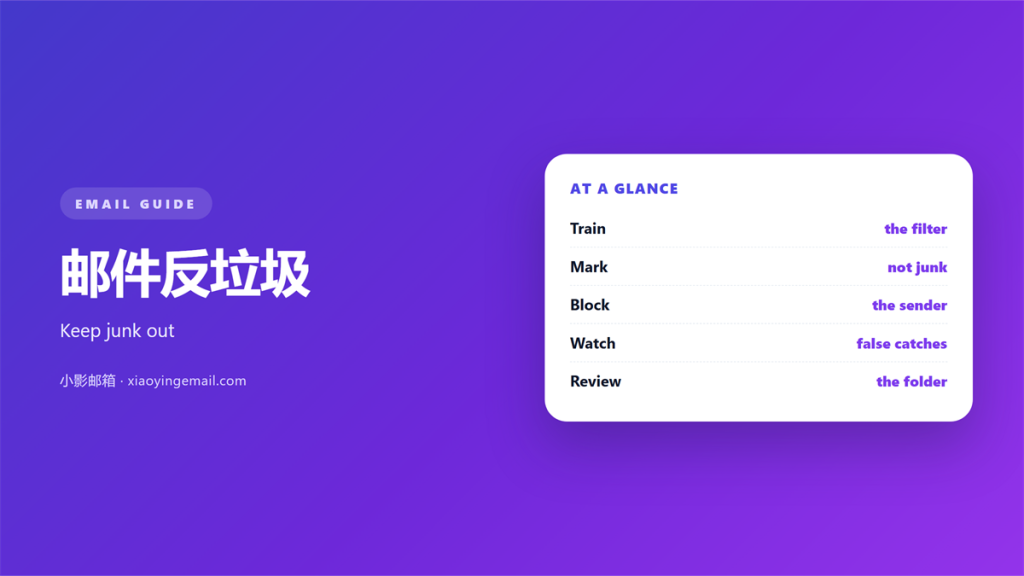
- 邮件反垃圾 blends sender checks, content rules and user reports.
- No filter catches every unwanted message.
- A false positive can hide mail you needed.
- Tuning beats turning the filter up to maximum.
- Review the quarantine folder on a regular basis.
What 邮件反垃圾 means
邮件反垃圾 is the work of keeping unwanted mail out of the inbox. It mixes several checks on each message. A gateway looks at the sender, the links and the wording. It then gives the message a score, and the score drives a simple verdict.
A low score means delivery. A high score means rejection or quarantine. A middle score means a warning.
No single rule decides the outcome. The final score comes from many small signals.
Filters also learn from what users do. When enough readers mark a message, the system takes note.
So 邮件反垃圾 is a moving target. The rules change as senders change their tricks.
The best 邮件反垃圾 systems combine two kinds of check. One is a static list of known bad signs. The other learns from the messages that arrive each day.
Why 邮件反垃圾 matters
Junk mail costs time and attention. A crowded inbox hides the messages that really matter.
Some junk also carries danger. A fake invoice or a bad link can start a real breach.
A good 邮件反垃圾 setup lowers both costs. It keeps the noise down and the risk low.
It also protects your own reputation. A clean inbound filter means fewer mistakes reach your team.
A steady 邮件反垃圾 habit also saves money. Fewer hours lost to junk is a quiet win each week.
Quiet inboxes are also safer inboxes. Fewer tempting links mean fewer chances to click one by mistake. A calmer inbox also lifts morale.
What 邮件反垃圾 cannot catch
Filters miss well written scams. A message from a real contact who was hacked looks normal.
Filters also make mistakes. A newsletter you asked for can land in the junk folder.
No score can read intent. A polite request and a clever fraud can look the same.
So you still need a human eye on the quarantine now and then.
How 邮件反垃圾 works
The gateway starts with the sender. It checks the domain, the address and the authentication records.
Then it reads the content. Words, links and files all feed the score.
Finally it learns from behaviour. Reports from users shape the next decision.
Reputation plays a large part here. A sender with a poor record needs fewer bad signals to be blocked.
Header checks catch forged senders most of the time. A spoofed domain usually fails the authentication test.
Reading the filter score
Most systems let you see why a message was flagged. Read that note before you argue with the result.
A single weak rule can explain a false positive. One small change may fix a whole class of mail.
Setting up 邮件反垃圾
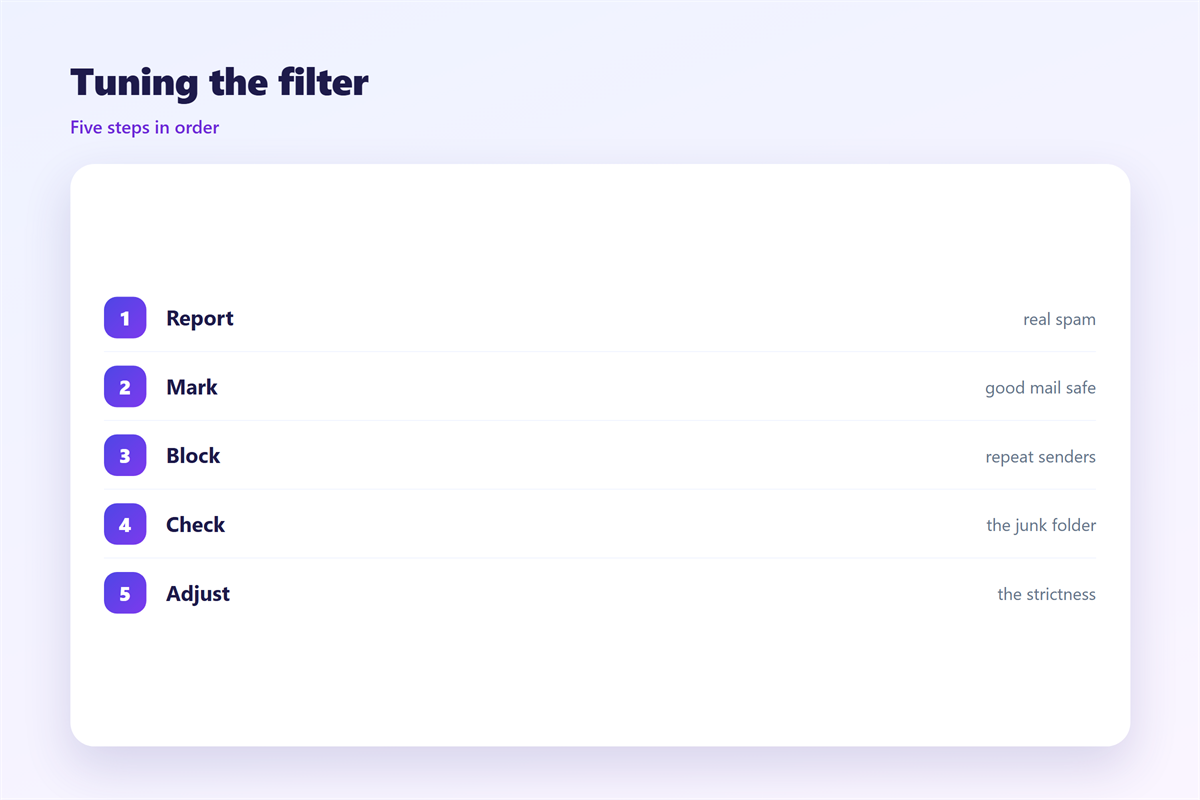
Start with authentication. Publish records that prove which servers may send for your domain.
Then set the strictness to a sensible level. A maximum setting blocks too much real mail.
Turn on quarantine rather than silent delete. A held message can be rescued later.
Let users release their own false positives. That small freedom saves many support tickets.
Keep an allow list short and reviewed. A long list of exceptions slowly defeats the filter.
Test with real mail from common senders. A test account hides the odd cases.
Set a grace period for new senders. A first message from a stranger may need a second look. Review that grace list often.
Common mistakes
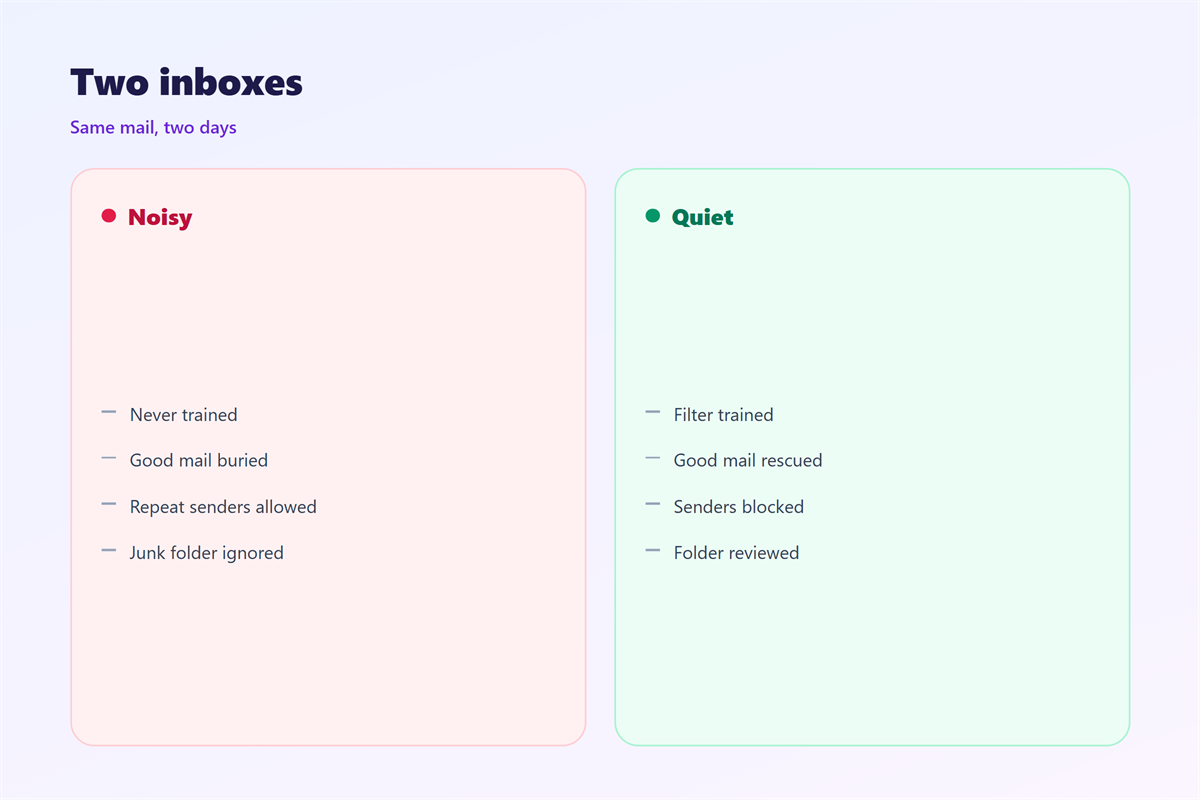
The first mistake is setting every rule to block. Harsh rules bury good mail in the junk folder.
The second is never checking the quarantine. Held mail grows into a silent backlog.
The third is a forgotten allow list. Old exceptions keep stale senders alive.
Another mistake is trusting one signal alone. A single spoofed header rarely tells the whole story.
Finally, do not ignore user reports. They are the cheapest training data a 邮件反垃圾 system gets.
And do not let one loud complaint rewrite every rule. One angry note is not a trend.
Keeping 邮件反垃圾 sharp
Review the quarantine folder on a fixed schedule. Weekly suits most small teams.
Sampling is enough. You do not need to read every held message.
Log the changes you make and the reason. A short note explains a rule months later.
Watch the false positive rate. A slow rise means a rule has drifted too far.
Treat 邮件反垃圾 as upkeep, not a one time install.
A filter is only as good as its last update. Check it after every big change.
Ask one colleague to spot check the filter each month. A second pair of eyes catches a drifting rule. A small tweak now beats a big clean up later.
For the wider picture, read 垃圾邮件 and 邮件网关. The signs of a 邮件黑名单 matter too, and held mail waits in 邮件隔离.
FAQ
Is 邮件反垃圾 the same as a junk folder?
No. The filter decides the score. The junk folder is where the questionable mail lands.
Why do good emails land in junk?
Often it is a sender reputation issue or a strict rule. Check the score note to find the cause.
Should I mark mail as spam?
Yes, when it is truly unwanted. Your report trains the filter for everyone on the account.
How often should I review the filters?
Once a week is enough for most teams. Bigger lists may need a daily glance.
References
- Mailchimp: How to avoid spam filters
- Google: Report spam, phishing and suspicious emails
- IETF RFC 7489: Domain-based Message Authentication (DMARC)
评论
还没有评论,来说两句吧。
评论功能已关闭。