 小影邮箱
小影邮箱邮件免打扰怎么设?Quiet Hours That Really Hold
Key Takeaways
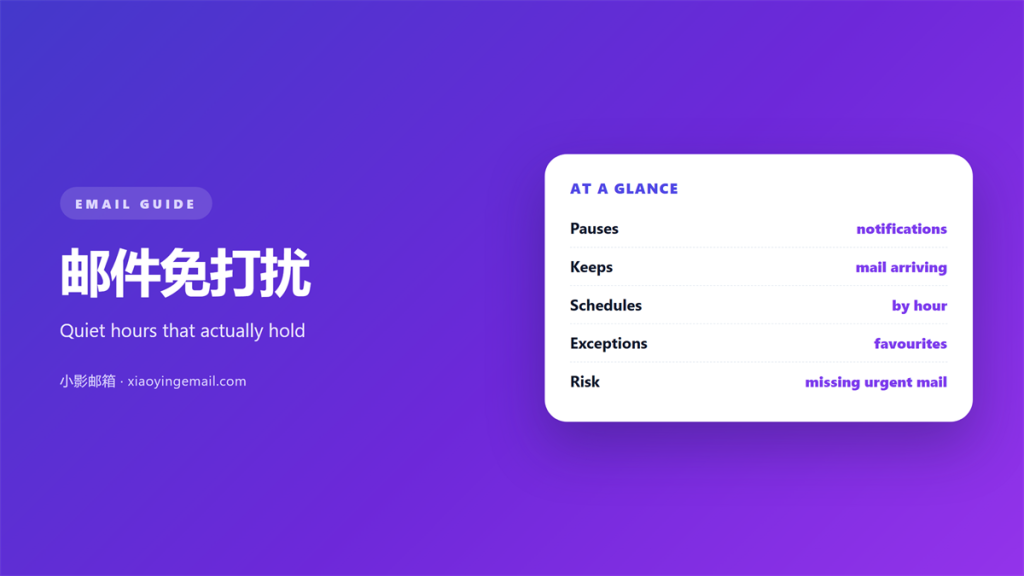
- 邮件免打扰 silences the alert, not the message, and the mail still arrives on time.
- Quiet hours behave differently in every client, so one setting rarely covers all your devices.
- A strict window can hide a real emergency unless you let a trusted few break through.
- Set the window once at the system level, then align each app that carries its own switch.
- Review the 邮件免打扰 schedule every season, because routines change and old windows linger.
What 邮件免打扰 actually does
邮件免打扰 is a schedule that keeps alerts quiet during hours you choose. The message is not deleted, and the sender is never told. Only the notification is held back, and it usually surfaces when the window closes.
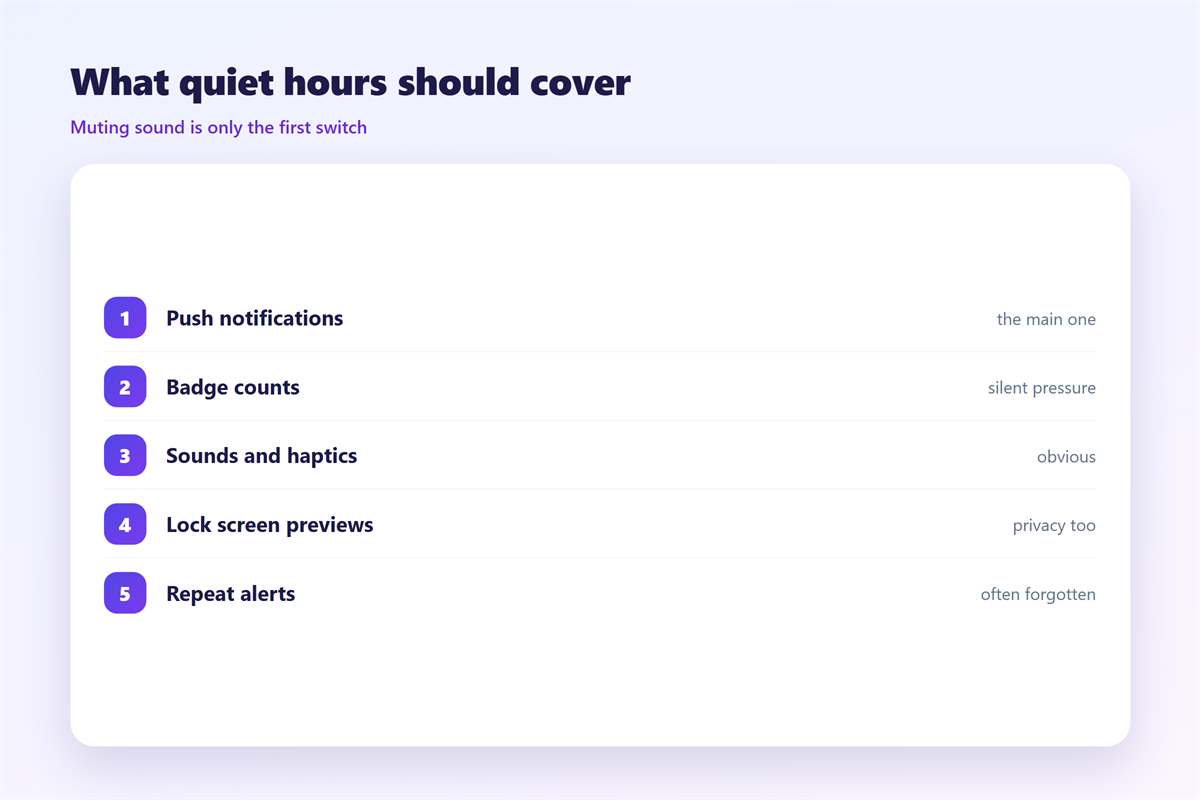
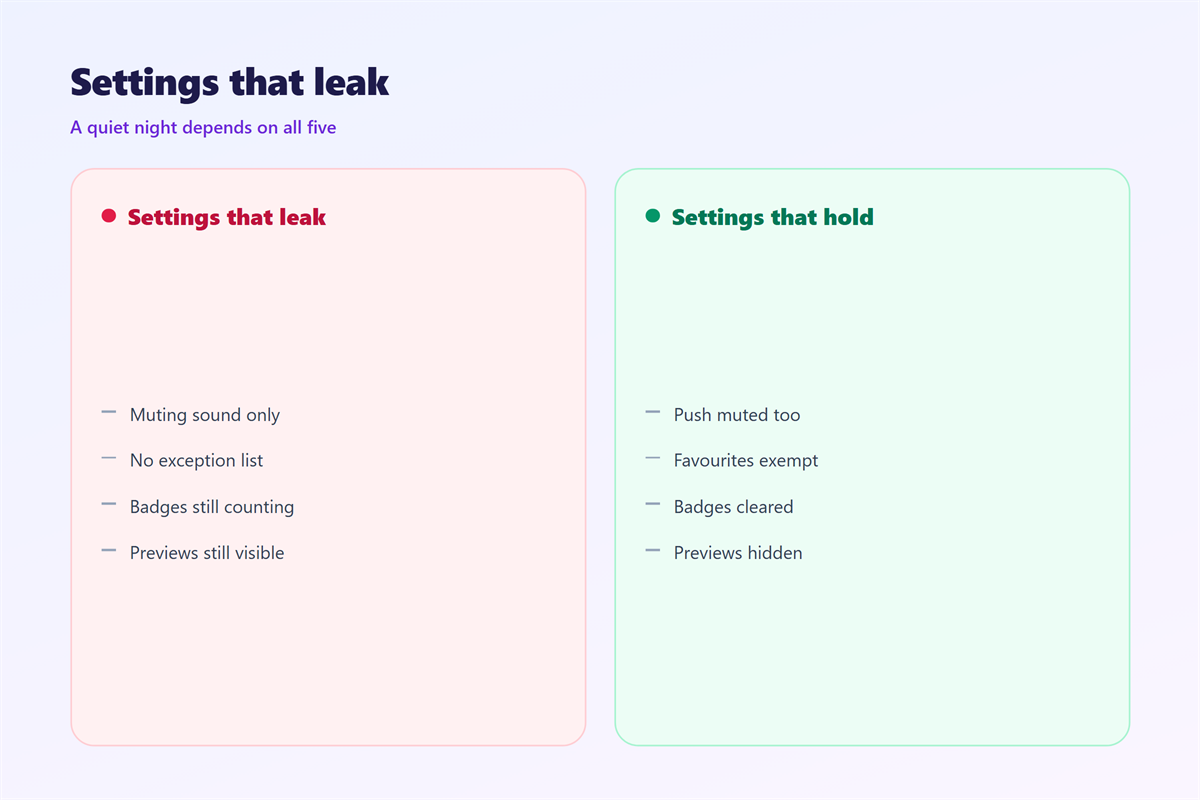
That distinction matters more than it sounds. I set a window from ten at night to seven in the morning and expected total silence. What I got was silence from the phone and a soft chime from the laptop, because the two apps kept separate rules. Consequently, the 邮件免打扰 I thought I had configured covered only half of my devices.
In other words, the setting is per device, not per person, and a plan that ignores this will leak somewhere you did not check.
How quiet hours behave across clients
Every app implements the idea a little differently, which is why a single switch rarely does the whole job. Fortunately, the differences follow a pattern you can plan around before you rely on 邮件免打扰. A switch that lives in one app is only as strong as the app you forgot.
Phone operating systems
A system-wide focus mode usually overrides individual apps, so it is the strongest tool you have. Notably, calls from favourites may still break through unless you switch that exception off, once, and verify it.
Desktop and web clients
Desktop apps often keep their own notification settings. Therefore, a quiet window set on the phone will not stop a browser tab from chiming at midnight, and your 邮件免打扰 plan will leak at exactly the wrong hour.
Why 邮件免打扰 protects attention
A message that arrives at midnight and waits until morning costs nothing. A message that wakes you costs the next day. The 邮件免打扰 window is really a decision about when you are willing to be interrupted.
Moreover, constant alerts train you to check without reason, which fragments the hours that need deep work. Furthermore, the cost is hidden, because no single notification feels expensive, and the damage only shows up in the aggregate. Additionally, a clear window gives senders a predictable rhythm, so genuinely urgent mail finds you at a defined time rather than a random one.
Five rules for setting 邮件免打扰
Treat the window as a boundary you design, not a switch you flip once. This is the routine I follow.
- Set the 邮件免打扰 window at the system level first, then adjust each app.
- Allow a short list of real people to break through, and nobody else.
- Keep the window stable on weekends and on weekdays.
- Tell colleagues the hours so the silence is expected, not rude.
- Review the schedule each season and delete windows you no longer need.
| Setting | What it silences | What still gets through |
|---|---|---|
| System focus mode | Most app alerts | Allowed contacts |
| App notification rule | That app’s alerts | Other apps |
| Server-side filter | Delivery of some mail | Everything else |
The table shows why the levels should agree. A system rule and an app rule that disagree produce a gap where 邮件免打扰 quietly stops working.
Where 邮件免打扰 fails
Three failures show up again and again. The first is a window that only covers the phone, so the desktop keeps chiming. The second is an exception list that grew over time until it covers half the address book.
The third is subtler. When a filter on the server also delays delivery, the setting stops being about alerts and starts being about 邮件免打扰 of the message itself. As a result, an urgent note waits until morning while you believe you are only muting a sound.
On balance, the fix is to separate the two ideas. Mute the alert, but let the message arrive, so the window never becomes a hiding place. That single mix-up is the one people notice only after a missed deadline.
How to test 邮件免打扰 before you trust it
The only reliable test is to trigger a notification yourself. Send a probe, wait, and read the 邮件免打扰 behaviour the way a stranger would. It takes minutes and removes most of the guesswork.
Send a probe
Ask a colleague to email you during the window, or schedule a message to arrive then. Note which devices stayed silent and which did not.
Check the exceptions
List everyone allowed to break through and confirm each one. A stale exception is the most common reason a quiet window suddenly rings.
Once the window holds, the related settings are worth aligning. Our guide to 邮件提醒 covers badges and sounds, and 自动回复 explains what to tell people while you are away. If urgency labels matter to your team, 邮件优先级 shows how those fields are read, and 邮件订阅 covers the senders worth removing entirely.
FAQ
Does 邮件免打扰 stop delivery?
No. 邮件免打扰 holds the alert, and the message itself still arrives and waits for you.
Will I miss something urgent?
Only if your exception list is empty. Add the few people who genuinely need to reach you at any hour.
Why does one device still ring?
It has its own notification rule. Align the app with the system setting, then test again.
Should I tell people about the window?
Yes. A known schedule reads as discipline, while unexplained silence reads as absence. A short note in your signature is enough to set the expectation.
评论
还没有评论,来说两句吧。
评论功能已关闭。