 小影邮箱
小影邮箱邮件加粗怎么用?Bold Text That Guides
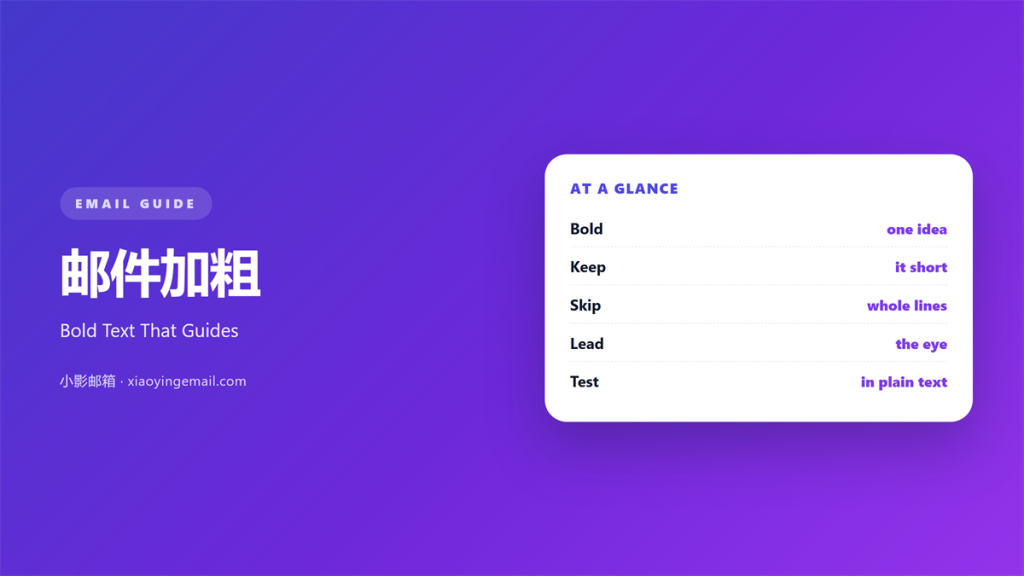
Key Takeaways
- 邮件加粗 pulls the eye to one line and one idea.
- Use it once or twice in a normal message.
- Never bold a whole sentence or a whole paragraph.
- Bold is not a substitute for a clear structure.
- Test how it looks in plain text mode.
What 邮件加粗 means
邮件加粗 is the habit of making a few words stand out.
The tool is simple. You select a phrase and press the bold key.
The effect is strong. Bold text jumps off the page.
That strength is also the danger. A heavy hand makes a message noisy.
So the skill is not turning bold on. It is deciding when to leave it off.
Think of 邮件加粗 as a spotlight. One actor stands in it at a time.
That single image keeps the habit in check.
If two actors share the spotlight, the scene blurs.
Why 邮件加粗 matters
Most readers scan before they read.
Their eyes follow the dark spots on the page.
Without a dark spot, a long note looks like a grey wall.
A little 邮件加粗 gives the eye a place to land.
It also signals what matters. The reader learns the point fast.
That saves time for both of you.
A guided eye is a happy eye.
The reader finishes the note and knows what to do next.
What bold cannot do
Bold cannot fix a message with no clear point.
It cannot make a weak offer strong.
And it cannot replace a decent subject line.
So fix the structure first, then add a touch of emphasis.
Structure does the heavy lifting. Emphasis only highlights it.
When 邮件加粗 helps
Bold earns its place in a few clear cases.
Use it for a deadline that the reader must not miss.
Use it for the single action you want them to take.
Use it for a number that carries weight, such as a total.
And stop there. Three cases are plenty.
Bold in a list
A short list reads better with a bold lead word.
Bold the label and leave the detail plain.
That pattern is easy to scan and easy to write.
Bold in a subject line
Most clients ignore bold in a subject.
So do not depend on it there.
Keep the subject plain and let the words do the work.
When 邮件加粗 hurts
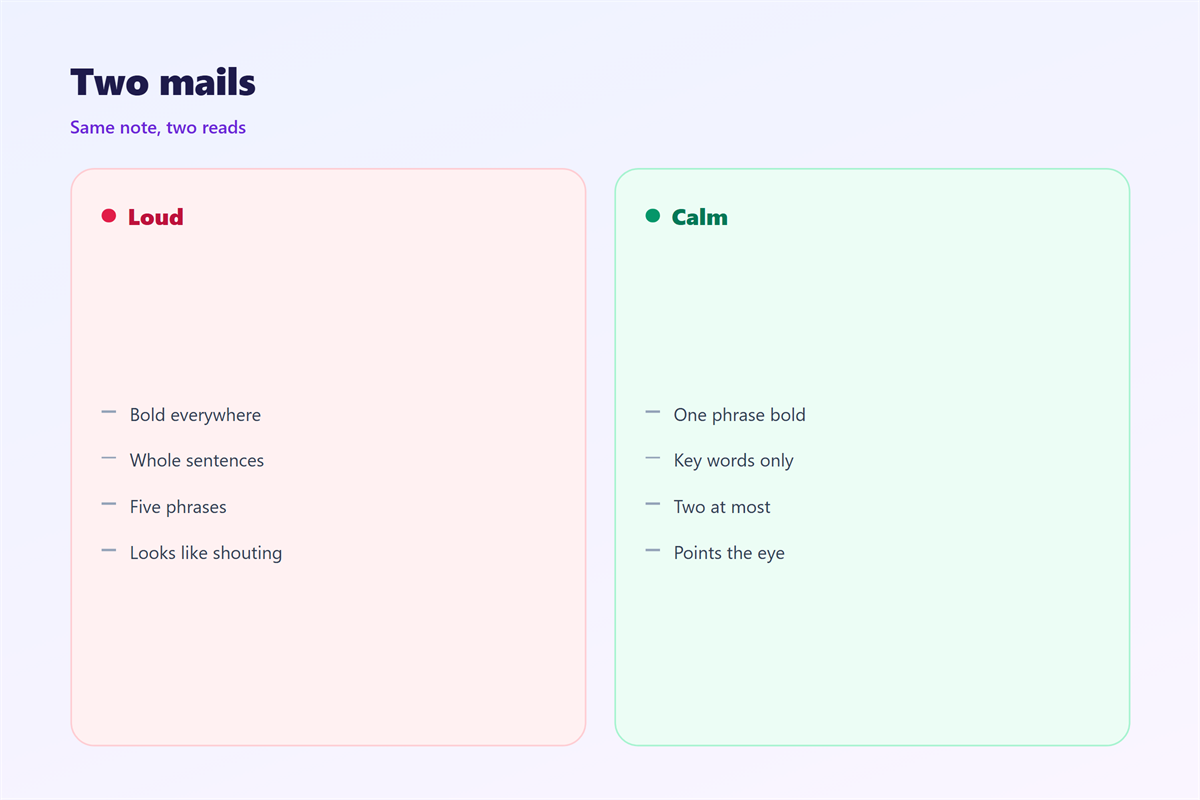
A page full of bold reads like shouting.
When everything stands out, nothing does.
Bold can also look pushy in a calm message.
It can turn a friendly note into a demand.
So count your bold phrases before you send.
A simple count takes ten seconds.
The two-phrase rule
Two bold phrases is a good working limit.
Three is risky. Five is a mess.
If you need more than two, the message needs an edit.
邮件加粗 or other emphasis
Bold is only one way to stress a word.
You can also use a colour, a size, or a short list.
Each tool carries a different weight on the page.
Colour is loud. Size is louder. A list is quiet and safe.
Pick the lightest tool that does the job.
Often that tool is a plain sentence, not 邮件加粗.
How to use 邮件加粗 well
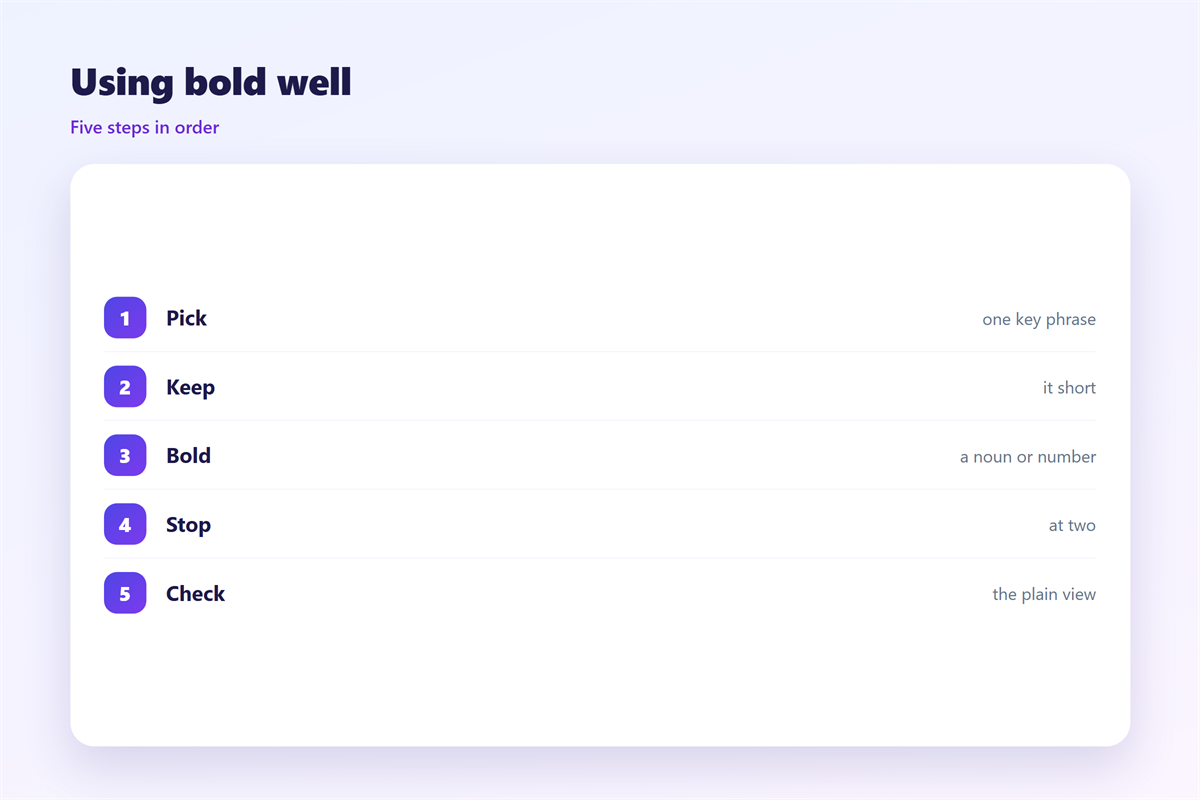
Bold works best on a few words, not a full line.
Short phrases read faster than long ones.
Keep the bold part under five words if you can.
Bold a noun or a number, not a whole clause.
Then read the message again. If it feels loud, remove one.
Good 邮件加粗 is invisible in the best sense.
The reader just knows where to look.
Next, check the whole page at a glance.
Mark each bold phrase with your thumb on the screen.
If your thumb is busy, the page is too loud.
邮件加粗 and accessibility
Some readers cannot see bold at all.
A screen reader may not announce the change.
So never let bold carry meaning on its own.
Write the sentence so it still works when the bold is gone.
For a key line, add words as well as weight.
That small habit keeps the message safe for everyone.
Test with a screen reader if you can.
邮件加粗 across clients
Bold behaves differently from one app to the next.
Some clients render it as expected.
Others strip the tags and send plain text.
In plain text, bold disappears completely.
So plan for the plain version. It may be the only one some readers see.
A message that reads well without bold is the safest kind.
Write the plain version first. Then add weight only where it helps.
Keeping 邮件加粗 consistent
Consistency turns a small rule into a habit.
Pick a house style and hold it across the team.
The wider layout behind good emphasis is covered in 邮件排版.
The choice between rich text and plain text appears in 邮件格式.
The typeface behind the weight is explained in 邮件字体.
The rules that keep mail readable for all appear in 邮件可访问性.
Agree on how many bold phrases a note may use.
Then keep the same rule for every message you send.
A team that agrees on 邮件加粗 writes cleaner mail.
FAQ
How much 邮件加粗 is too much?
More than two bold phrases in a short note is usually too much.
Should I bold a whole sentence?
No. Bold a few key words instead.
Does bold work in every mail app?
No. Some clients strip it, so the plain version must still read well.
Can bold replace a clear subject line?
No. The subject line still has to earn the open.
References
- W3C WAI: Content structure and emphasis
- Grammarly: Email formatting basics
- The Chicago Manual of Style: Emphasis
评论
还没有评论,来说两句吧。
评论功能已关闭。