 小影邮箱
小影邮箱邮件合并怎么用?One Template, Many Inboxes
Key Takeaways
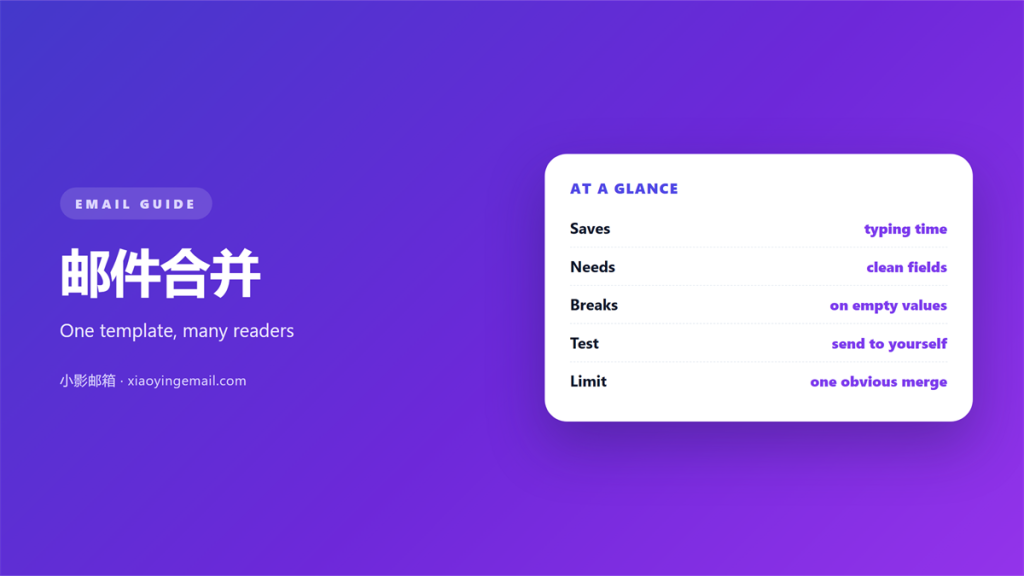
- 邮件合并 sends one template to many people.
- Each copy fills in fields like a name.
- Wrong source data ruins the whole batch.
- Test with yourself before the real send.
- A merge is not a licence to spam.
What 邮件合并 actually saves
邮件合并 joins two things. One is a message template, and the other is a list of people.
The software copies the template once per row in the list.
Each copy replaces placeholders with real values from that row.
Done well, it turns an afternoon into a minute.
Done badly, it sends the wrong name to the wrong person.
This guide covers both outcomes and how to avoid the second.
邮件合并 is a tool, not a strategy. It still needs a reason to exist.
A tidy 邮件合并 list is the first real step.
The best merge still reads like a personal note.
A careless 邮件合并 shows its seams at once.
Readers notice a canned greeting faster than a boring subject.
The reward for care is a reply, not just an open.
A merge is only as good as the list behind it.
Names spelled correctly matter more than clever wording.
The reader should never feel like one of a thousand.
One good merge can replace a week of manual notes.
The pieces of a 邮件合并 job
A merge needs three parts. A template, a data source, and a mail engine.
The template holds the fixed text and the placeholders.
The data source holds one row per recipient. A spreadsheet is common.
The engine pairs the two and produces one message per row.
If any part is weak, the result shows it quickly.
Most merges happen through a word processor or a mail tool.
That is exactly what 邮件合并 means in daily office work.
邮件合并 replaces only what you mark, so mark carefully.
A reusable skeleton is described in 邮件模板.
Keep the source file in one place. Copies drift apart over time.
Each part can stay simple. Complexity is not a sign of quality.
A plain template with good text beats a busy one.
The data source should have one clear column per field.
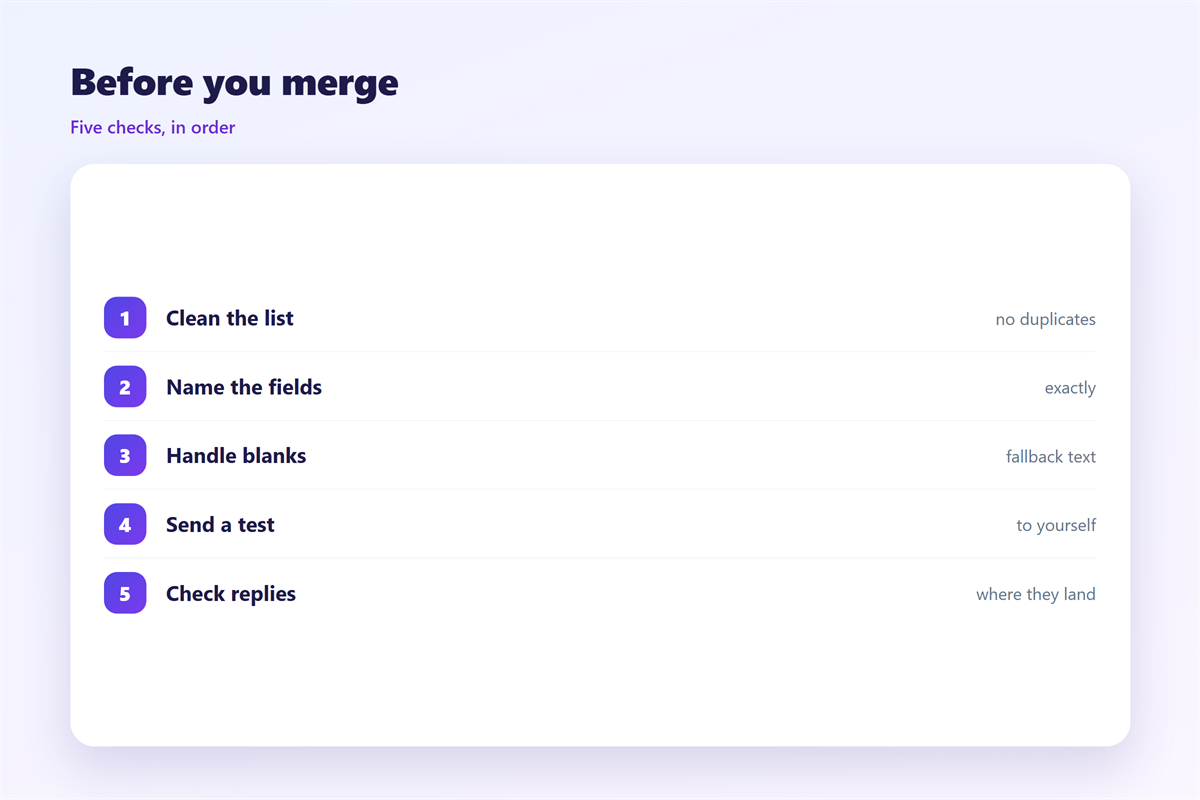
Remove blank rows before you begin.
Duplicates in the list create duplicate messages.
Keep a copy of the source for your own records.
Where personal fields break
The field is the fragile part. A single bad value spoils one message.
Missing names leave gaps. Wrong columns put a surname in a greeting.
Extra spaces and stray commas look careless in a first line.
Case matters too. A shouted name reads like a mistake.
Keep the fields personal, as explained under 邮件个性化.
Less is safer here. Two well filled fields beat ten half filled ones.
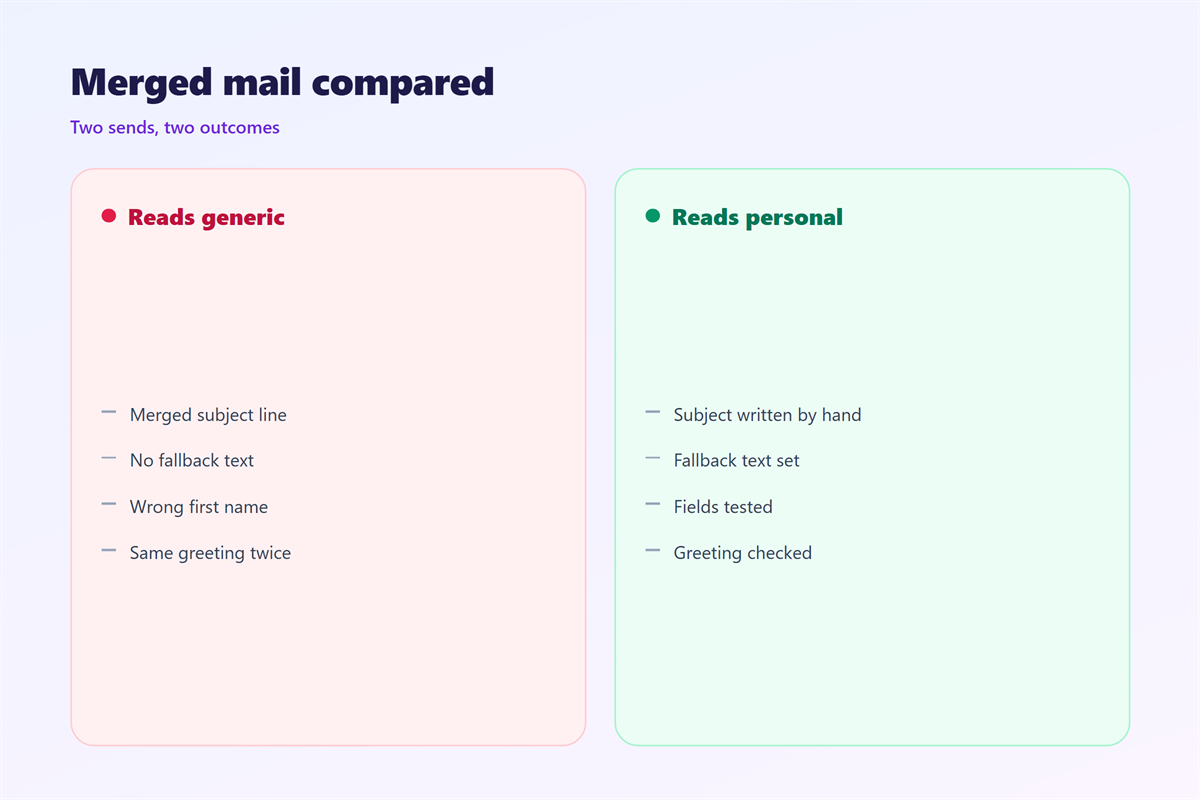
Always preview several rows, not just the first.
Good 邮件合并 protects the reader before it protects the sender.
Clean the list before the merge, not after.
Test names with accents and long surnames.
A fallback value helps when a field is empty.
A safe fallback reads naturally and hides the gap.
Check that the greeting fits formal and casual contacts alike.
One awkward line can undo an otherwise fine message.
Never guess a missing value. Leave it blank and let the fallback work.
Testing a 邮件合并 before it sends
Never run a full merge on the first try.
Send the batch to your own address first. Read it on a phone.
Check the greeting, the date, and every link.
Then check the reply address. Replies must land somewhere real.
A good 邮件合并 test takes five minutes and saves a resend.
邮件合并 without a test is a gamble with your own name.
Sending to a large group safely is covered under 邮件群发.
If the list is large, split it into smaller runs.
Send the first run, wait, then send the rest.
Send to two or three people before the main group.
Ask one of them to reply, so you can check the return path.
Open the message on a small screen as well.
Check that no placeholder text survived into the final copy.
A leftover field is the clearest sign of a rushed merge.
Note the time you send, then watch the first replies.
After the 邮件合并: replies and lists
The send is not the end. Replies arrive quickly after a merge.
Decide who answers them before you send.
Group addresses and reply rules belong to 邮件列表.
Track what happened. An unsubscribed address should leave the list.
Good 邮件合并 respects the same rules as any other mail.
A merge that ignores consent damages the sender’s name.
邮件合并 works when it serves the reader, not only the sender.
Keep a record of each run for the next time.
Measure replies, not just opens.
A quiet list may mean the message missed the mark.
Adjust the next merge based on what you learned.
Good lists get better with every careful send.
Small lists often reply better than large ones.
FAQ
Is 邮件合并 the same as spam?
No. Spam is defined by consent, not by volume. A merge to willing readers is fine.
How many fields should I merge?
As few as possible. A name and one other detail are usually enough. More fields means more chances to fail.
Can 邮件合并 pull from a spreadsheet?
Yes, almost always. The sheet must have clean headers in the first row. Remove empty rows first.
Should a merge use a reply address I own?
Yes. Point replies to a mailbox someone reads every day. An unread reply box wastes the effort.
References
- IETF RFC 5322: Internet Message Format.
- Google: Send or unsend Gmail messages.
- Microsoft: Create and send email in Outlook.
评论
还没有评论,来说两句吧。
评论功能已关闭。