 小影邮箱
小影邮箱邮件横幅怎么做?The Wide Strip
Key Takeaways
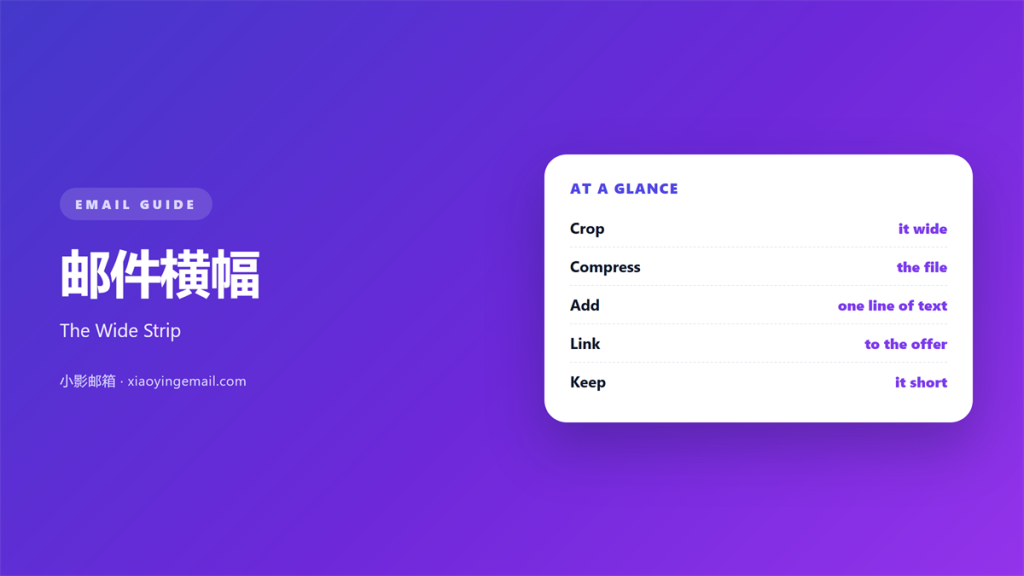
- 邮件横幅 is a wide strip across the top of an email.
- It sets the theme before the reader studies any words.
- A heavy image can slow the whole message down.
- Keep the file light and the text over it short.
- Always check how it looks on a small phone.
What 邮件横幅 means
邮件横幅 is a wide image or colour strip across the top.
It sits above the body and greets the reader first.
It is not the same as a logo or a menu bar.
The strip usually carries a photo, a slogan or a season.
Its job is to set the mood in a single glance.
The rest of the message then explains the detail.
Many readers decide in two seconds whether to keep reading.
A clear 邮件横幅 helps that quick first decision.
It also frames the sender before any sentence is read.
On a busy day the strip may be all they notice.
So it should never look like an afterthought.
Why a 邮件横幅 helps
A subject line wins the open. The banner wins the scroll.
One wide strip can carry brand and topic at once.
It also breaks a wall of plain text into parts.
A good 邮件横幅 tells the eye where the message starts.
That small signal makes the whole note feel calmer.
It works for a newsletter, a receipt or a short notice.
It can also carry a tiny logo on the right side.
The strip is one of the few places an image always helps.
The first thing seen
On many clients the banner loads before the greeting.
So it often frames the first impression of the sender.
A dull strip makes even good writing feel tired.
A lively one makes a short note feel complete.
Designing a 邮件横幅
Start with the width your layout already uses.
Most templates are about six hundred pixels wide.
Design the 邮件横幅 at that width and no larger.
Leave a little margin so the strip never touches the edge.
Size and shape
A shallow strip looks tidy on wide and narrow screens.
Very tall banners push the message below the first screen.
Keep the height modest so the body stays visible.
Square and tall art often works better beside text.
Text on the strip
Use few words in a large, plain font.
Never bake important words into the image alone.
Put the same words nearby as real text too.
Dark text on light art reads best for most people.
Keeping a 邮件横幅 light
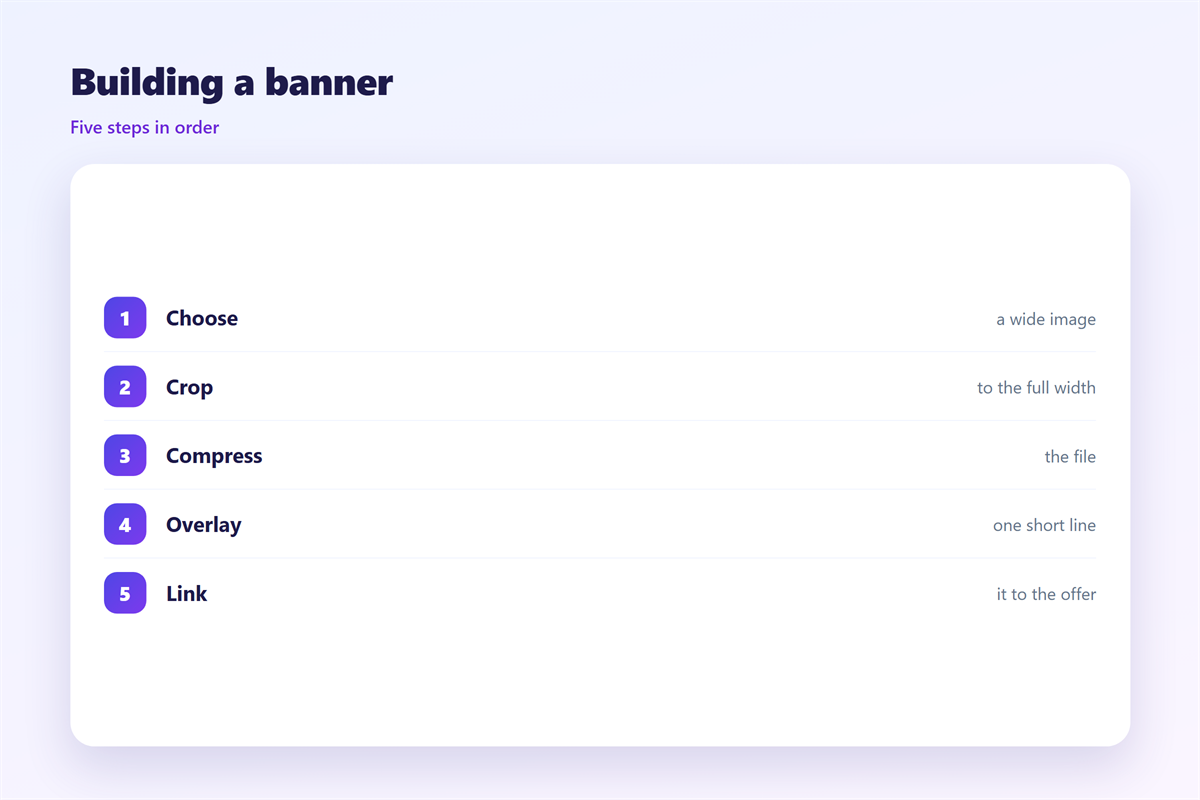
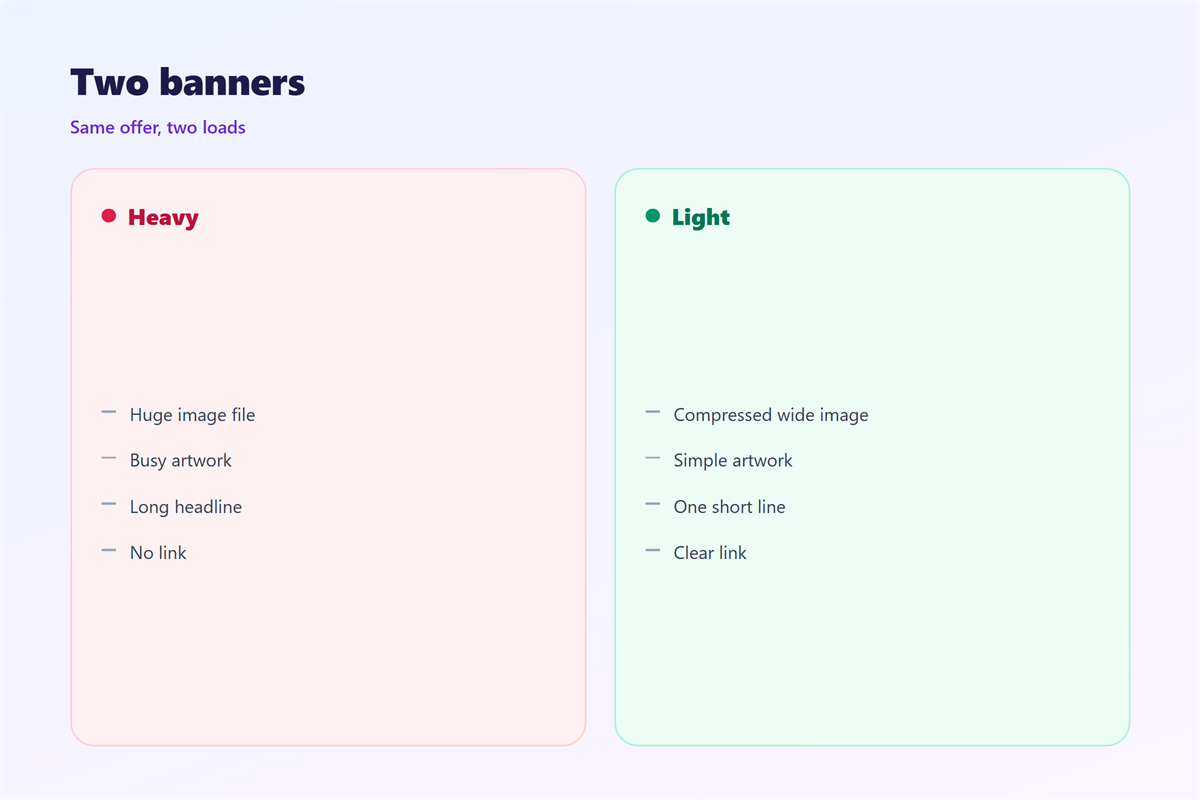
A large file is the main reason a mail feels slow.
Compress the image and save it for the web.
Aim for well under two hundred kilobytes for the whole 邮件横幅.
Resize before export rather than squeezing it later.
File size
Use one format for photos and another for flat colour.
Strip hidden data and extra colour that you do not need.
A smaller file also loads faster on a weak connection.
Readers on mobile data will thank you for the lighter image.
Alt text
Give the image a short description for people who block pictures.
The 邮件横幅 should still make sense with the image missing.
Write the alt text as plainly as a caption.
Testing a 邮件横幅
Send the mail to yourself on more than one device.
Check a desktop client, a phone and a web inbox.
Look at the darkest and lightest screens you own.
On a phone
A wide image may crop at the sides.
Keep the key detail in the centre of the 邮件横幅.
Test one narrow screen before you trust the design.
With images off
Some readers turn images off by default.
See whether the message still reads well without the strip.
If not, add a short line of text above it.
Then the note still works for every kind of reader.
Common mistakes with a 邮件横幅
The first mistake is a banner that is far too tall.
The second is tiny text that vanishes on a phone.
The third is a file so heavy the mail arrives late.
A fourth is a strip that says nothing about the topic.
Each one is easy to fix before you send.
Read the draft as a stranger would and check the strip first.
Matching the 邮件横幅 to the page
A banner often promises what a click will show.
Keep the look and the words consistent with that page.
If the 邮件横幅 shows a red offer, the page should too.
Small mismatches make readers doubt the link.
A steady match builds trust over many sends.
Check the pair together before every campaign.
Reusing a 邮件横幅
Save the strips that worked well.
Swap the photo and the words for a new campaign.
Keep one plain version for serious or formal notes.
A small library of banners saves hours over a year.
Name each file so future you can find it fast.
Keeping the pieces nearby
The strip sits inside the top block, as covered in 邮件页眉.
The rules for any image apply here too, shown in 邮件图片.
The action below the strip belongs to the 邮件按钮.
The click should land where the 邮件落地页 promised.
Then the message and the page feel like one piece.
FAQ
Is a 邮件横幅 worth it for short mail?
Often yes. One small strip can set the tone fast.
How wide should it be?
Match your layout. About six hundred pixels covers most templates.
Should the text be in the image?
No. Keep real words outside the picture as well.
What file size is safe?
Keep the whole banner under about two hundred kilobytes.
References
- Litmus: Email design and rendering guides
- IETF RFC 5322: Internet Message Format
- Atlassian: Productivity and writing habits
评论
还没有评论,来说两句吧。
评论功能已关闭。