 小影邮箱
小影邮箱邮件缩进怎么排?Align Lines With Care

Key Takeaways
- 邮件缩进 groups related lines inside a message.
- Use it for quotes, lists, and nested steps.
- Keep the indent small and even.
- Mixed indents make a clean note look broken.
- A light indent guides the eye without shouting.
What 邮件缩进 means
邮件缩进 is the empty space you push in front of a line.
It sets that line apart from the text around it.
The word covers two habits that often mix.
One is a visual indent made with spaces or a ruler.
The other is a structural indent built into quoted replies.
A reader treats both of them the same way.
The eye spots the small shift at once.
That shift says this line belongs to a group.
So 邮件缩进 is spacing with a clear job.
It groups ideas and it sets their order.
A small gap can join two lines into a single idea.
A wider gap can separate two unrelated blocks.
The size of the gap carries its own quiet message.
Match the size of the gap to the size of the shift.
Keep the shift small and the page stays calm.
Why 邮件缩进 matters
Plain text runs together and hides its shape.
A block of even lines looks like a wall.
邮件缩进 breaks that wall into readable parts.
It separates your words from a quoted answer.
It shows that a list belongs under one idea.
It also signals a simple kind of nesting.
Readers scan before they read, so shape helps them.
A clear shape also lowers the chance of a misread.
When two voices share a page, order keeps them apart.
The cost of a missing indent
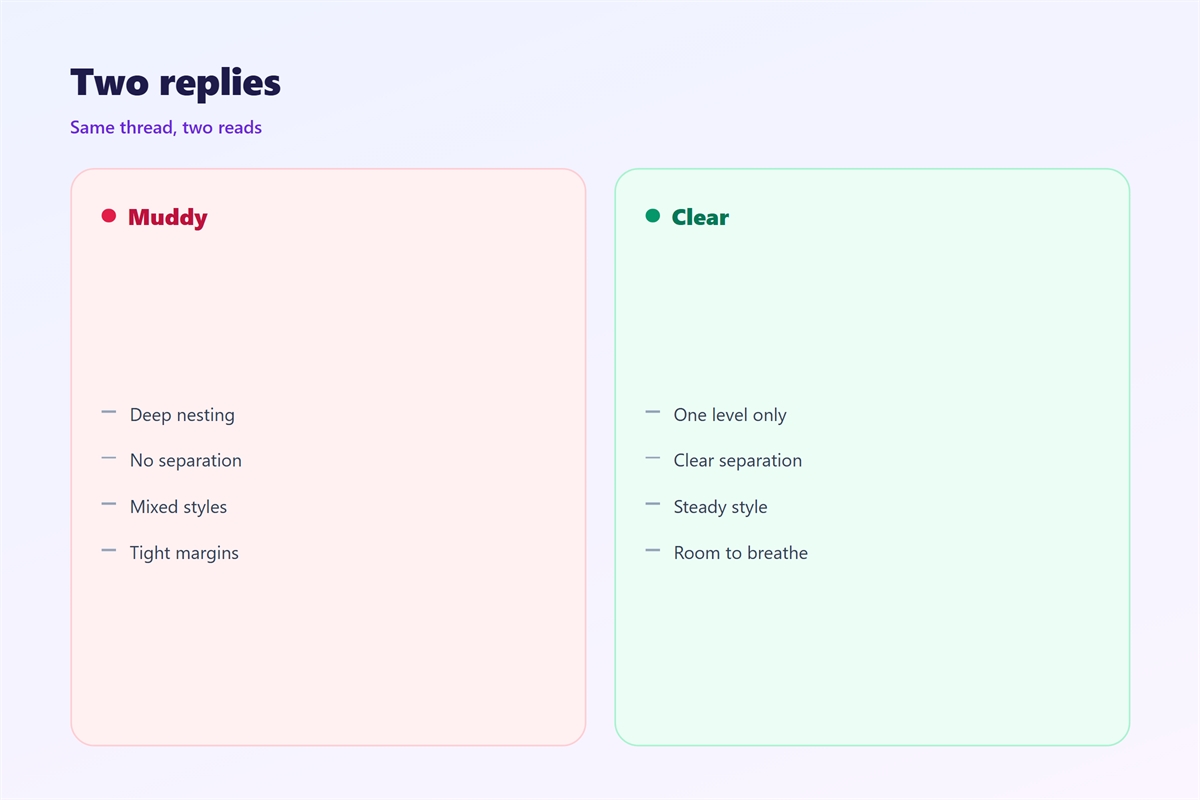
Without a clear indent, a reply turns muddy.
A reader cannot tell your text from the older note.
That confusion costs time and can cause a mistake.
One plain indent prevents most of that.
A steady shape also looks more professional to a client.
It tells the reader that care went into the message.
How to add 邮件缩进
Most mail clients give you a few simple tools.
You can press the Tab key to move a line.
You can drag the ruler to set a block.
You can also quote a line and let the client mark it.
Pick one method and stay with it.
Indent with the ruler
The ruler controls a whole paragraph at once.
Drag the small marker to push the text right.
Keep the step small, near one or two spaces.
A wide jump reads like a new page.
Indent with the Tab key
The Tab key moves a single line in many clients.
Some clients turn Tab into a jump between fields.
If that happens to you, use the ruler instead.
A keyboard shortcut can move several lines at once.
Select the lines first, then press the keys.
Hold the same keys and the whole block shifts.
Test the key once before you rely on it.
Quoted replies and 邮件缩进
A reply often carries the older message below.
Clients mark those older lines with a bar or an arrow.
That mark is a quiet form of 邮件缩进.
It keeps your new words on top and easy to find.
Do not nest more than two levels deep.
Deep nesting turns a thread into a staircase.
Trim the quote first
Cut the quoted text to the part you answer.
Keep one line for context and drop the rest.
Then your own indent stays easy to follow.
A short quote respects the reader’s time.
It also keeps the thread from growing too long.
Lists and 邮件缩进
A list can hang or stand slightly in.
A hanging indent keeps the first word at the left.
A block indent moves the whole list right.
Both styles work when the columns line up.
Pick one style for every list you send.
Even spacing matters more than a fancy look.
Mixed spacing makes a neat list look careless.
A longer list may need a second level.
Keep each sub-point close to its parent line.
Common 邮件缩进 mistakes
Spaces typed by hand often break on other screens.
A row of spaces may collapse into one gap.
So a hand-made 邮件缩进 can vanish for the reader.
Another mistake is mixing tabs and spaces.
The result looks ragged and takes time to fix.
A third mistake is indenting for its own sake.
An indent should mark a real shift in meaning.
A decorative indent just adds noise.
Watch for a stray space at the start of a line.
It can push one word out of line with the rest.
Check each indent against a clear purpose.
邮件缩进 on small screens
Many readers open mail on a narrow phone screen.
On those screens a wide indent eats the whole width.
Text wraps in odd places and the lines look broken.
So keep the step small and the lines short.
A gentle indent survives a small display.
Keep paragraphs short so a long indent stays rare.
Short lines also wrap with fewer awkward breaks.
Test a long note on a phone before you send.
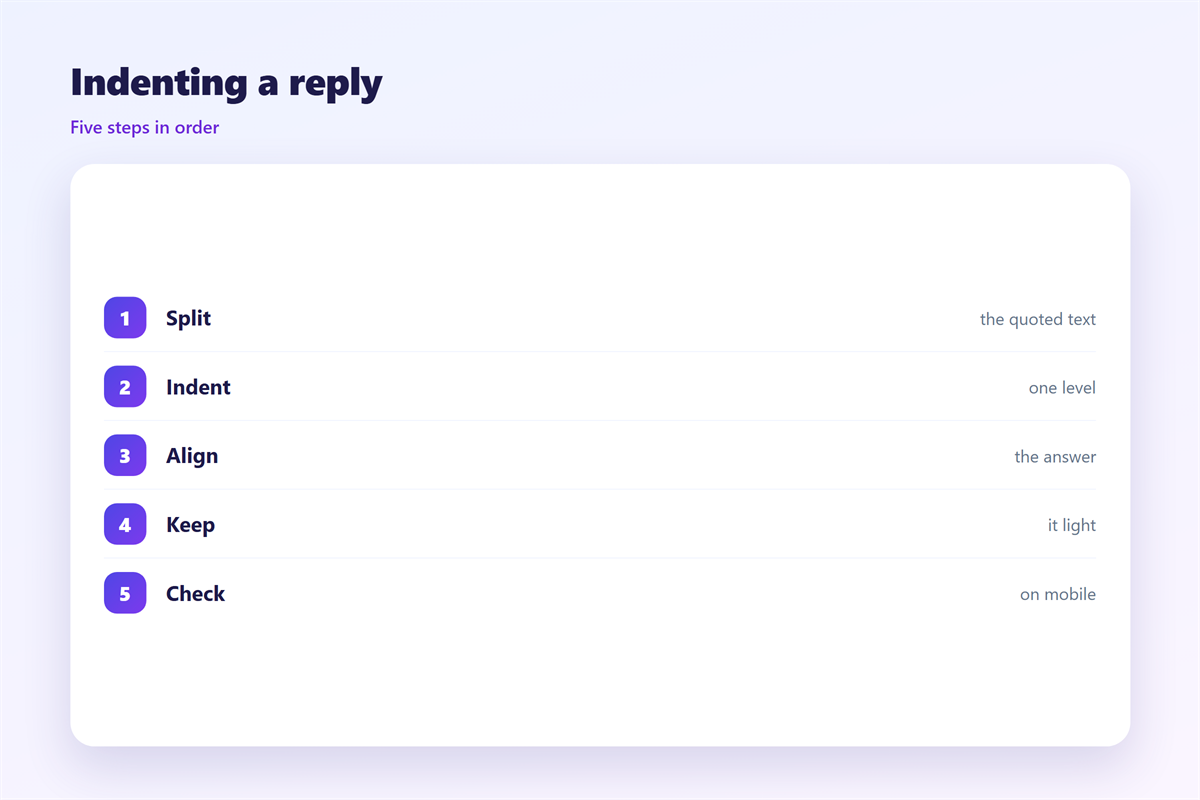
Keeping 邮件缩进 consistent
Consistency turns a small choice into a clear style.
Choose one indent size and one text tool.
The logic behind the whole block is covered in 邮件排版.
The parts of a message are explained in 邮件正文.
The choice between plain text and markup is weighed in 邮件格式.
The gaps that give a note air are discussed in 邮件留白.
Apply the same rule to every message you write.
Write the rule down so new teammates can follow it.
A shared note saves endless questions later.
Review the rule twice a year and keep it simple.
A steady 邮件缩进 helps a whole team read faster.
FAQ
Is 邮件缩进 the same as a tab stop?
No. A tab stop is only one way to make an indent.
How wide should an indent be?
Keep it small, near one or two spaces at most.
Can an indent hurt my message?
Yes. A deep or uneven indent can look messy.
Should I indent a very short reply?
Usually not. A short reply needs no extra shape.
评论
还没有评论,来说两句吧。
评论功能已关闭。