 小影邮箱
小影邮箱邮件自动化怎么做?Rules That Work While You Sleep
Key Takeaways
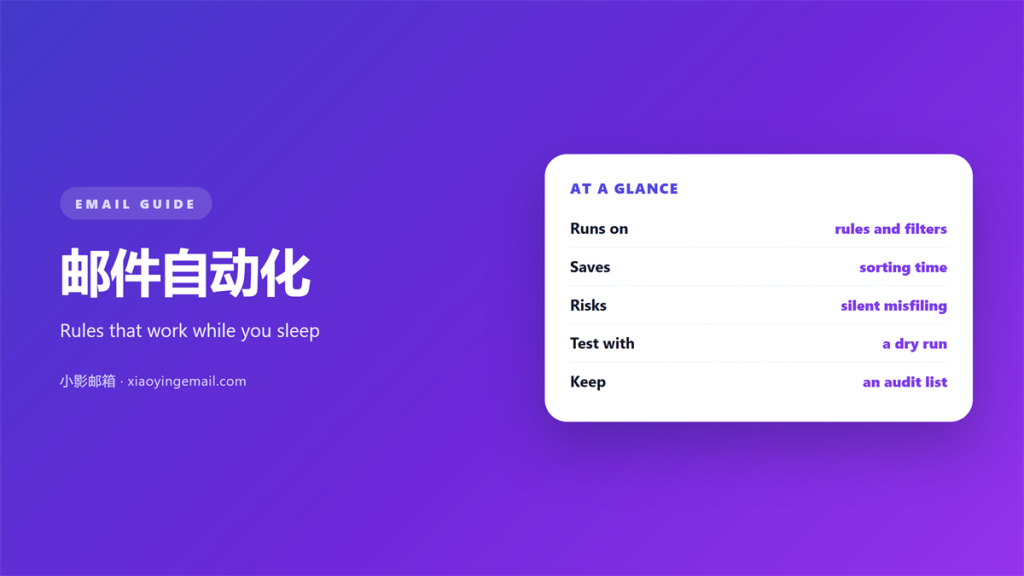
- 邮件自动化 moves sorting, replying and forwarding out of your hands.
- Good rules run quietly; bad rules hide their mistakes for months.
- Start with sorting, then add replies and templates once the first step is stable.
- Every automated forward is a small copy of your inbox in another mailbox.
- Review the whole set twice a year, because rules outlive their reasons.
What 邮件自动化 actually covers
邮件自动化 covers any rule that acts on a message while you are not watching. Filing, labelling, replying, forwarding and deleting all qualify. Moreover, the actions can chain, so one arrival can trigger several steps in order.
I resisted it for years, because I liked seeing every message arrive. Then a long work trip showed me the cost. Two weeks of mail piled up, and the sorting I had skipped took a full evening to undo. Since then I let the 邮件自动化 take the first pass and read only what it did not file away.
Therefore, the real subject here is attention, not speed. Each message the system files is one you never have to sort by hand.
How 邮件自动化 runs
Most clients apply rules in the order they appear in the list, and they either stop at the first match or keep going, depending on one setting. Notably, that single toggle changes the outcome far more than people expect. The same 邮件自动化 behaves differently across providers, so a rule that works in one client can surprise you in another. Our guide to 邮件规则 explains why the order matters more than the count.
Rules that sort and file
Sorting is the safest place to begin, because a mistake only moves a message to the wrong folder. For instance, a rule can send every invoice to a Finance label and skip the inbox entirely. Keep the first version narrow, then widen it after a week of watching.
Auto-replies and templates
Replying and sending are riskier, because a wrong message leaves the mailbox for good. A canned 自动回复 is friendly when it is short and specific, and irritating when it answers a question nobody asked. Consequently, I keep automatic replies to a single line about when a human will respond.
Why 邮件自动化 matters
Two effects show up once rules are running. The first is consistency, because the same message is handled the same way every time, which is hard to achieve by hand on a busy Friday. The second is time, often twenty or thirty minutes a day.
There is a second benefit as well. Because the 邮件自动化 filters noise, the inbox becomes a short list of things that truly need you. Furthermore, the trail of activity makes it easier to catch a rule that fires too often and quietly hides real mail.
A six-item checklist before enabling 邮件自动化
I run this list before I turn on any new rule, and it has caught most of my own mistakes.
- State the goal in one sentence before writing the rule.
- Test the condition against mail you have already received.
- Choose clearly between stop-processing and continue.
- Preview the destination folder for a full week.
- Add an exception for known important senders.
- Write down what the rule should never match.
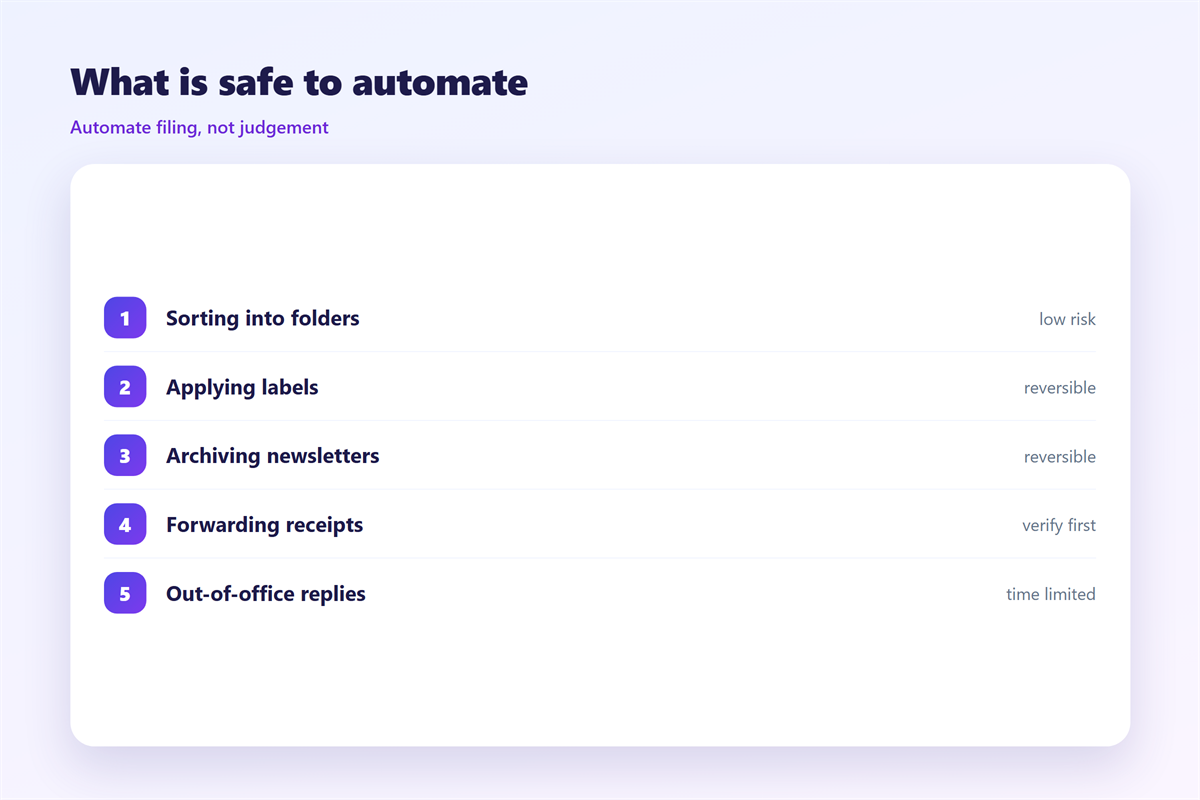
The list is short, yet it prevents most surprises. Templates deserve the same care, which is why our notes on 邮件模板 focus on reuse without sounding mechanical. A rule that fires correctly is invisible, while a rule that misfires is memorable for the wrong reason.
Where 邮件自动化 goes wrong
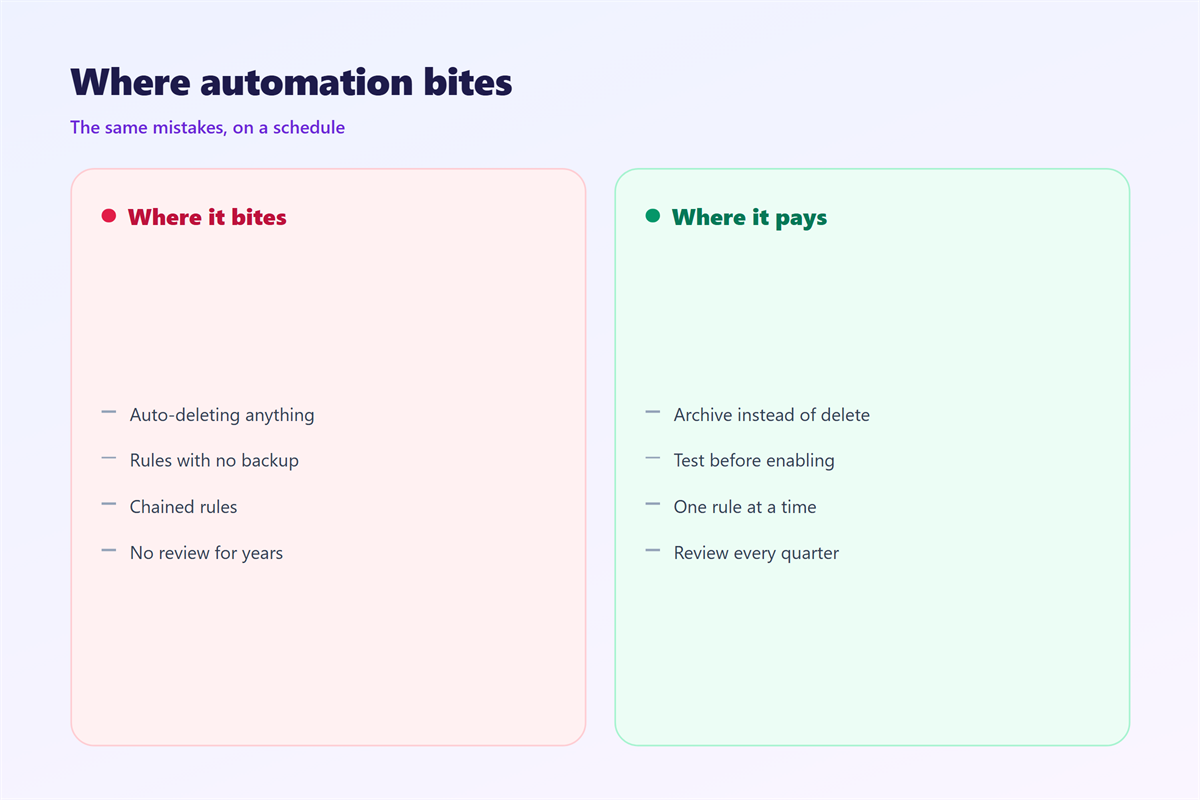
The classic failure is a hidden decision. A 邮件自动化 rule that deletes or archives without a visible label removes mail from sight, and you notice only when a reply never arrives.
Loops come next. Two rules that forward the same message between accounts can multiply it, and an auto-reply that answers another auto-reply can bounce for days. Meanwhile, a stale rule keeps acting on a project that ended last year.
Audit every forward
Forwarding is the riskiest action of the set, because each rule sends a copy outside the mailbox. Therefore, I audit the 邮件转发 list every quarter. Each rule is a small standing permission, and it has to be justified again each time.
How to test 邮件自动化 safely
Testing 邮件自动化 is simple if you prepare the input. Send yourself a message that matches the condition, then watch where it lands and how long it takes. Additionally, check the rule on a second account, because providers implement conditions differently.
| Rule type | Risk level | How to test |
|---|---|---|
| Label or file | Low | Send one matching message |
| Mark as read | Medium | Watch the unread count |
| Auto-reply | Medium | Reply from a second account |
| Forward or delete | High | Verify the copy arrives |
Keep a rollback path
Before a change, export the rule list or note the settings by hand. Then disable a rule rather than delete it when something looks wrong, because a disabled rule is easy to restore. As a result, an experiment stays cheap.
FAQ
Does 邮件自动化 work across devices?
Server-side rules follow the account, while client-side rules stay on one machine. For consistency, prefer rules that live on the server.
How many rules are too many?
The count matters less than overlap. Once two rules match the same message, the order decides the outcome, so simplify before you add more.
Can automation hurt deliverability?
Only indirectly. A mistaken 邮件自动化 that forwards spam or loops messages can raise complaints, which is why forwarding deserves a regular audit.
Should I automate replies to clients?
Keep them factual and brief. A generic message is fine as an acknowledgement, and it should always promise a human follow-up.
References
- IETF RFC 3834: Automatic Responses to Electronic Mail
- Google: Create rules to filter your emails
- Wikipedia: Email filtering
评论
还没有评论,来说两句吧。
评论功能已关闭。